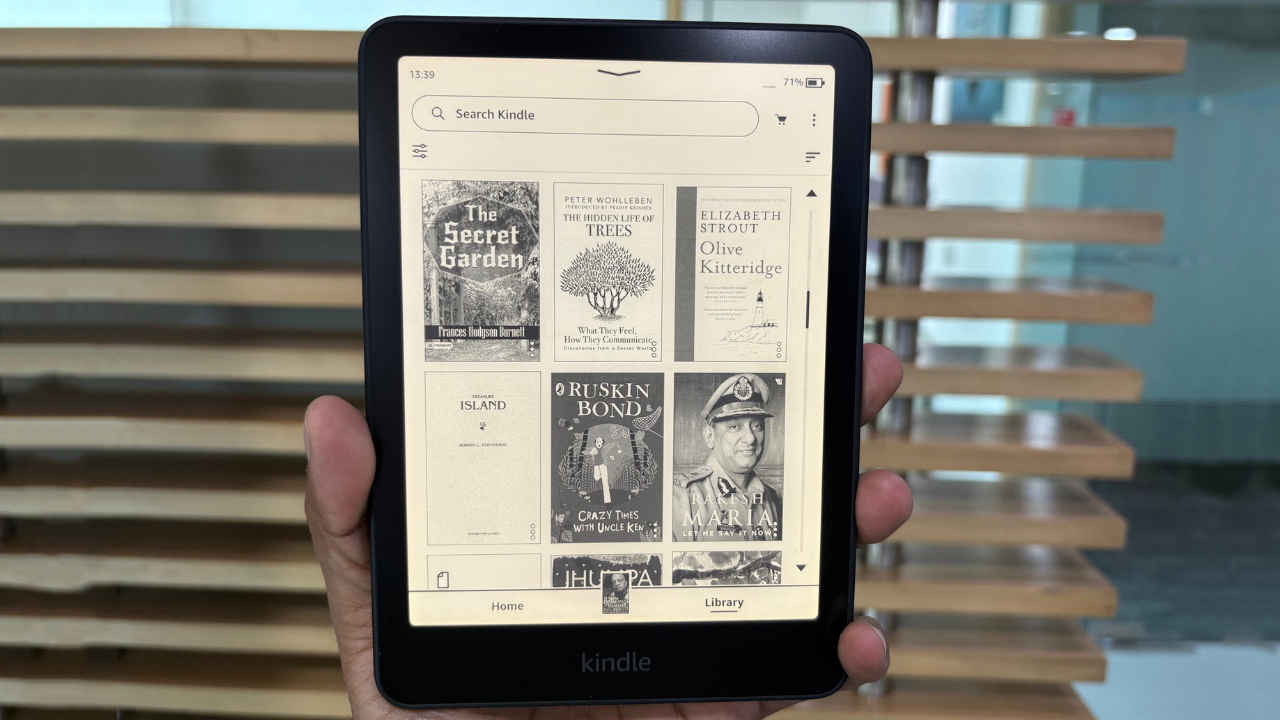
Amazon Kindle devices have been conspicuously missing from the company’s India website for some time, but that changes with the launch of the Kindle Paperwhite 12th Gen. This new iteration brings subtle yet meaningful upgrades, including a larger display, to the popular Paperwhite series.
 Survey
Based on Amazon’s previous update cycles, this is likely to remain the go-to Paperwhite option well into 2026 (if not longer). We’ve been testing the Kindle Paperwhite 12th Gen for the past week, and in this detailed review, we’ll share our complete experience and tell you whether it makes sense to get the Paperwhite 2025 or not.


Kindle Paperwhite 2025 (12th Gen) Review: Specs
- Display Size – 7-inch
- Resolution – 300 ppi
- Storage – 16GB
- Weight – 211g
- Size – 127.5 x 176.7 x 7.8 mm
- Front Light – 12 White LEDs; 13 Amber LEDs
- Water resistance – IPX8 (can withstand immersion in up to 2 meters of fresh water for up to 60 minutes and 0.25 meters for 3 minutes in seawater)
- Rated battery life – up to 12 weeks, depending on usage.
- Charging port – USB Type-C
- Connectivity – Wi-Fi
- Warranty and Service – 1-year limited warranty
- Price – Rs. 16,999 (Buy Now)
Kindle Paperwhite 2025 (12th Gen) Video Review
Display
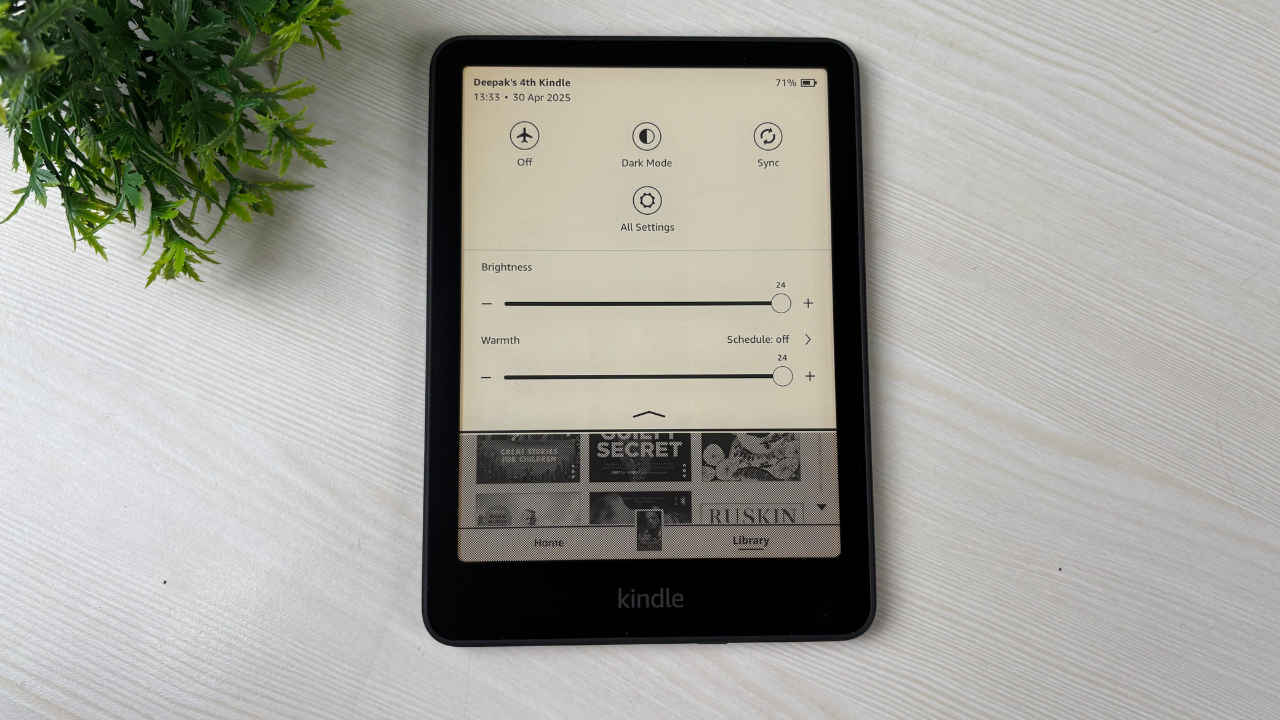
The display is now slightly larger. While the 11th-generation Kindle made the jump from a 6-inch to a 6.8-inch screen, the new Kindle Paperwhite 2025 takes a modest step forward with a 7-inch display. Amazon retains the sharp 300 PPI resolution, which remains the highest available across Kindle e-readers.
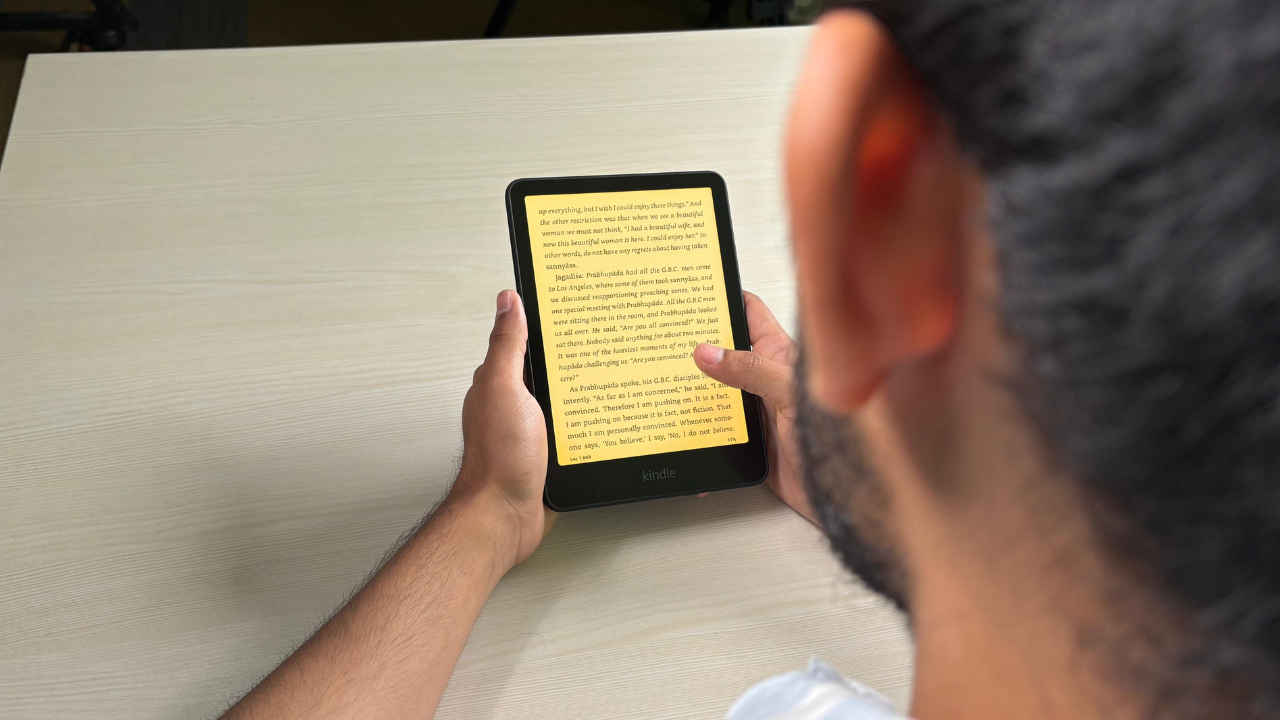
For a device designed purely for reading, a 7-inch screen feels just right. It offers enough screen real estate to display a generous number of words per page, yet remains compact enough for comfortable one-handed use.
Compared to the 7-inch display on my Kindle Oasis 10th Gen, the new Paperwhite screen is slightly taller and narrower, which helps it fit more words per page. The LED lighting also shows noticeable improvement when compared side by side. The light is more evenly diffused, and the white point is more pleasant, making the display easier on the eyes, especially during nighttime reading.
For those who prefer warmer tones during extended reading sessions, the new Paperwhite includes an adjustable warm light feature. A dedicated 0 to 24 slider lets you control the amber LEDs to achieve a gentle, paper-like yellow tone that’s ideal for long hours of use.
As with all e-ink displays, there is no backlight here. Instead, LEDs are positioned at the edges in front of the screen, not behind it. This design keeps the display readable even at the lowest brightness settings, depending on ambient light conditions. Outdoor visibility is excellent even at minimum brightness. The LED lighting is basically to help with nighttime and indoor use, and thus the maximum brightness need not be excessive.
Kindle Paperwhite 12th Gen Yellow Band Problem
Some users have raised concerns about a yellow band issue at the bottom of the display on the new Kindle Paperwhite 12th Gen. So, is this a problem with units sold in India as well? On our unit, we did notice a faint yellow line at the bottom of the screen, which appears to be a screen uniformity or mild light bleeding issue. It wasn’t particularly distracting and was mostly noticeable in low-light conditions or at night. Personally, I usually keep the Warmth slider set to 8, which makes the yellowish glow even less noticeable during reading.
Design and Ergonomics
The Kindle Paperwhite’s design hasn’t changed much over the years. It still features a predominantly plastic build with an inviting matte-finish back that adds a nice grip. We’d recommend investing in a good case for protection against smudges and scratches. Keeping your Kindle in mint condition should help you stay excited about picking up and diving into new books. It adds to the overall reading comfort too. Amazon has also launched a few custom fabric case cover options that you can consider.
For someone coming from the Kindle Oasis 10th Gen, the most welcome upgrade was the inclusion of a USB Type-C port. What a relief! The power button has also been moved closer to the centre, and while I initially worried about accidental presses during one-handed use, that hasn’t been an issue in practice.
Although the comparison is perhaps unfair, I did find myself missing the physical page-turn buttons from the Oasis. Tapping the screen works just fine, but those tactile buttons offered a different kind of reading rhythm that I’d grown fond of.
All Paperwhite models since the 10th Gen come with IPX8 water resistance, and that continues here. This means you can risk reading it next to a pool or perhaps even accidentally dropping it in.
Performance, Software, and Battery
Performance is another key upgrade on the new Kindle Paperwhite. Amazon claims page turns are now 25% faster compared to the previous generation and that improvement is definitely noticeable in day-to-day use. Storage has also been doubled from 8GB to 16GB, with around 11.5GB available to users.
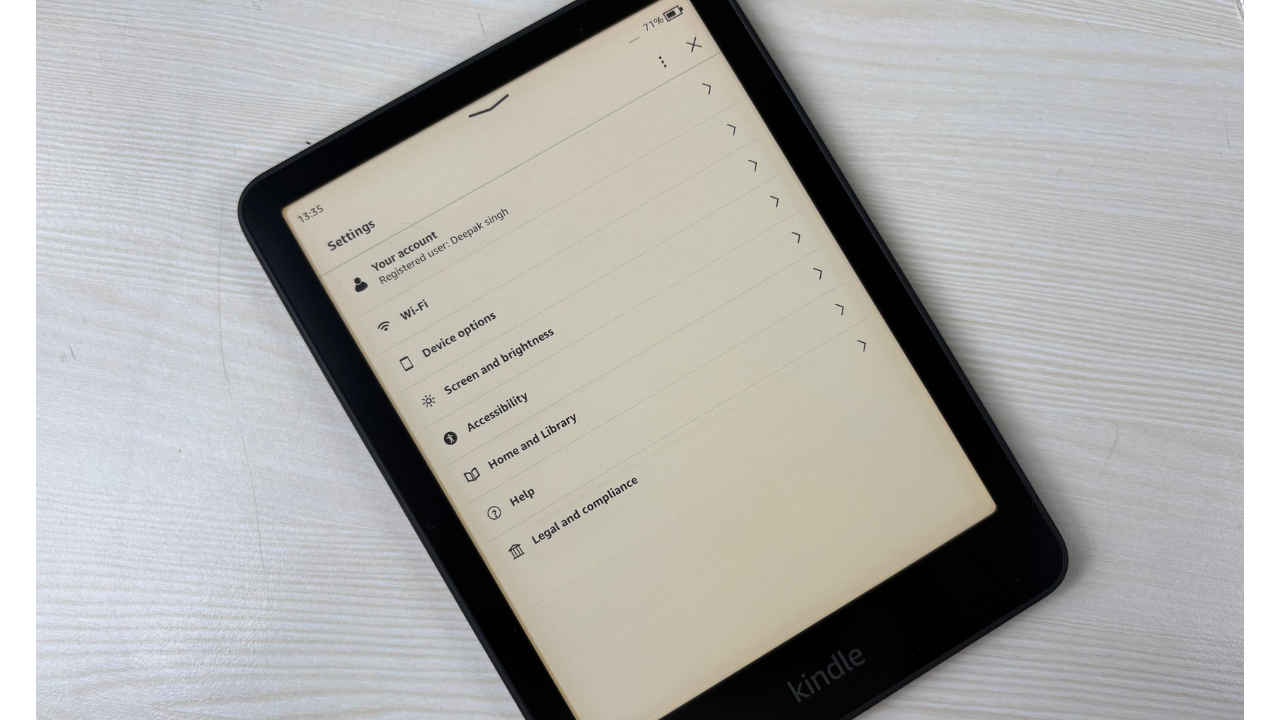
If you’ve never used an e-ink display before, it’s worth noting that these screens aren’t nearly as responsive as modern smartphone displays. That’s intentional since e-ink prioritises battery efficiency and eye comfort over speed.
The Kindle software remains largely consistent across devices. It offers an intuitive interface and is backed by Amazon’s extensive Kindle eBook store, which continues to be a major draw. Prime Reading and Kindle Unlimited subscriptions further add value by giving users access to a rotating selection of books.
Sideloading content from other sources is possible, though not as seamless as on Kobo readers. You can use Send-to-Kindle apps, email, or Chrome extensions to quickly add PDFs and other supported formats to your library.
That said, the software can be pushy with recommendations and does feel limited at times. A proper web browser, for instance, would have been a welcome addition. Also, since you can no longer use Amazon Pay balance to buy Kindle books, purchasing books directly on Kindle is no longer a seamless experience, and we had to use our smartphone for the same.
As expected, battery life is not a problem on this Kindle. With about an hour of daily reading, the battery dropped from 100% to around 50% over the course of a week on the Kindle Paperwhite 2025 (12th Gen). Fast charging is not supported, but that is not as big a problem as you won’t be charging this Paperwhite very frequently. A new Power Saver mode is enabled by default, putting the device into a low-power sleep state to help stretch battery life.
Should you buy it?
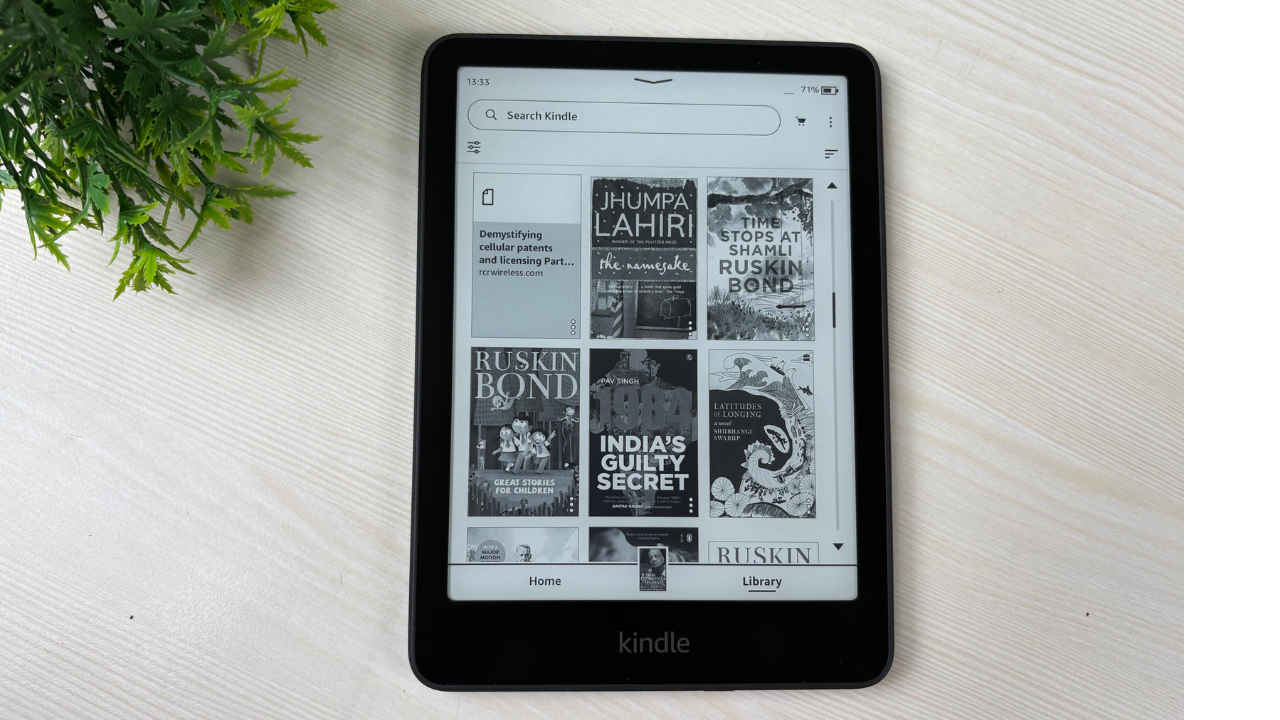
The Kindle Paperwhite 12th Gen brings incremental upgrades but remains a solid, no-fuss ebook reader for people who take reading seriously. It doesn’t try to do too much, and that’s part of its appeal.
The reading experience is noticeably more comfortable than the best of OLED display phones or tablets, especially for long sessions, and the 7-inch screen strikes a good balance between portability and usability. The last-gen flagship Kindle Oasis that we had for comparison offers a more comfortable form factor but not a better display.
That said, this is still a niche product. If you’re not already invested in the Kindle ecosystem, the value proposition may not be immediately obvious. In India, where this is currently the only Kindle officially available, your choices are limited. Competing options like the Kobo Clara Colour offer different strengths, like a colour screen, but also come with trade-offs, especially if you rely on the Kindle Store.
The new Kindle Paperwhite is not a game-changer, but if you’re looking for a reliable companion for distraction-free, immersive reading, it delivers exactly that without trying to be anything more.
 Follow Us
Deepak Singh
Deepak is Editor at Digit. He is passionate about technology and has been keeping an eye on emerging technology trends for nearly a decade. When he is not working, he likes to read and to spend quality time with his family. View Full Profile


