

Pixel battery draining overnight? Google confirms issue, fix coming soon
 Follow Us
Google confirms Pixel battery drain issue after March update; fix is being prepared.
Problem linked to devices not entering Deep Doze mode properly, causing overnight battery loss.
Temporary tips include using Wi-Fi, enabling Battery Saver, and limiting background apps to reduce drain.
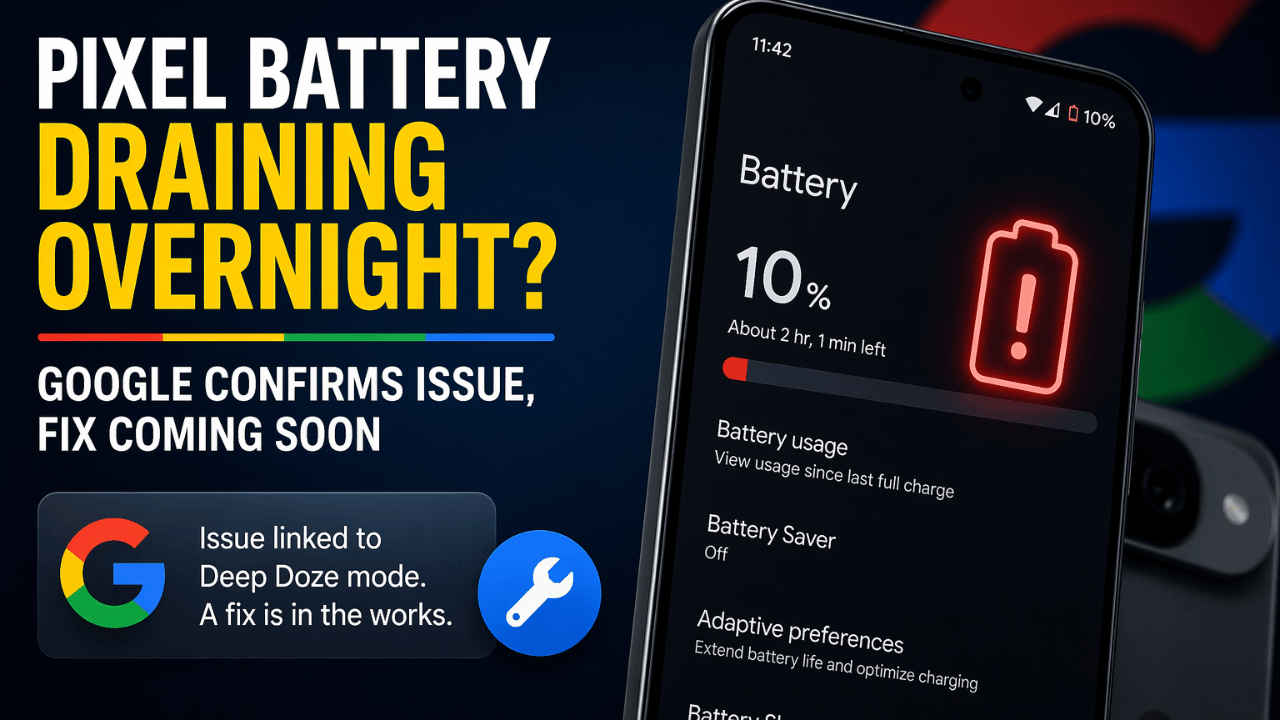

If you are a Google Pixel device user and facing battery drain issues, then you are not alone. Many users on social media platforms have reported unusual power drains after a recent software update. As per the user feedback and surveys, a large number of Pixel owners have noticed faster battery depletion, specifically after the March update. On the other hand, Google has acknowledged the issue, stating that it is linked to problems with the device’s ability to enter a low-power “Deep Doze” state, and has said that a fix is in the works.
 Survey
The issue seems to be affecting many models in the Pixel lineup, including the newer devices such as the Pixel 10 Pro XL. Many users have reported inconsistent battery behaviour, with performance varying widely even under similar usage conditions. In some cases, devices deliver extended screen-on time, while in others, battery levels drop within just a few hours.
Also read: New online gaming rules: Govt proposes dedicated authority to monitor the space
Testing and user observations also suggest that factors such as network usage may be contributing to the problem. Some reports also indicate higher power consumption on mobile data compared to Wi-Fi. Interestingly, even after improvements in hardware over the years, including bigger batteries and more refined processors, this problem continues to persist.

The latest complaints come to long-standing criticism of Pixel devices, where battery life has often been described as inconsistent rather than outright poor. On the other hand, competitors like Samsung, Apple, Vivo and others are way ahead in terms of power efficiency.
Also read: AC not cooling like before? Here are the most common reasons and quick fixes
Google has also confirmed the issue and is working on a fix; users will be hoping for a more stable experience in the upcoming updates. Till then, you can follow these steps.
Switch to Wi-Fi when possible: Using Wi-Fi instead of mobile data can help reduce battery drain.
Turn on Battery Saver mode: Head to Settings > Battery > Battery Saver and enable it to extend usage time.
Limit background activity: Open Settings > Apps, choose apps that consume more power, and restrict their background usage.
Disable Always-On Display: Go to Settings > Display > Lock screen and turn off the option that keeps time and info visible constantly.


