
 E-Magazine
Apple iOS 26 beta 8 update is now available: How to download and other details
Apple has rolled out iOS 26 beta 8 for iPhones.
Before installing the update, it’s important to back up data on your device.
The latest beta version has first arrived for developers, and a public beta release is expected soon.
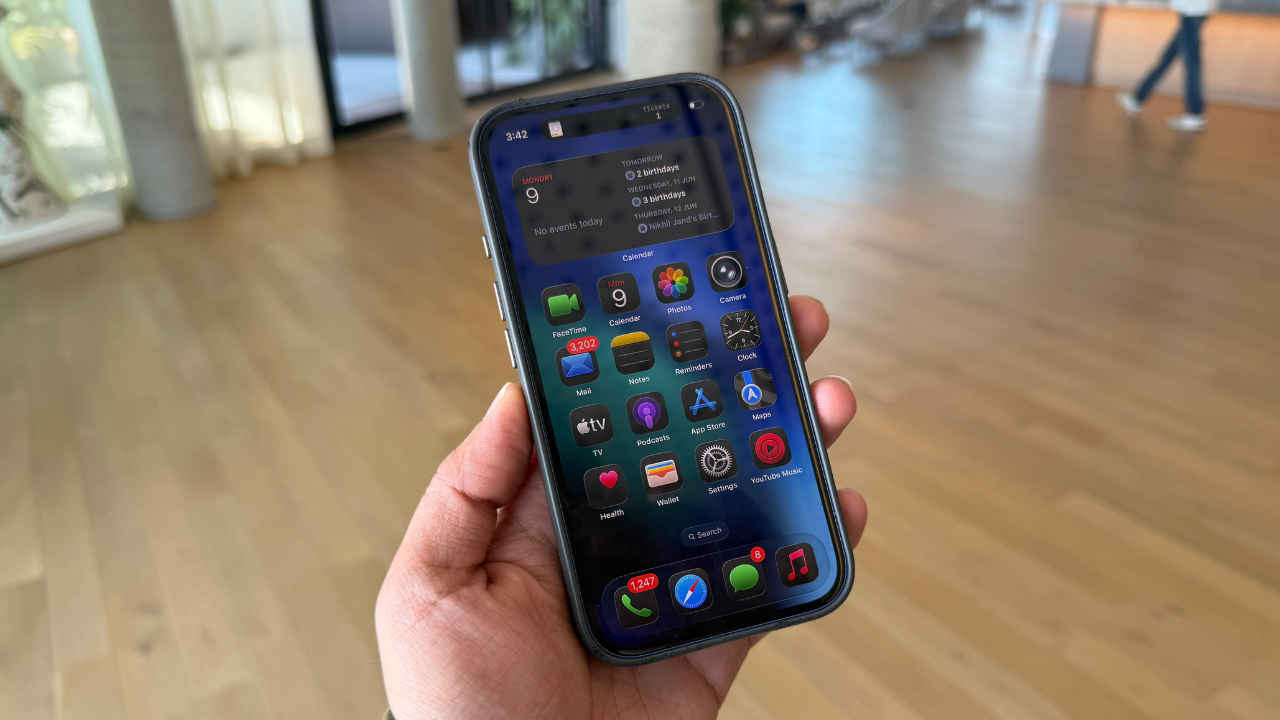
Apple has rolled out iOS 26 beta 8 for iPhone and iPadOS 26 beta 8 for iPad. This latest beta version has first arrived for developers, and a public beta release is expected soon. Alongside these updates, Apple also released macOS Tahoe 26 beta 8 and beta 8 for the rest of the OS 26 suite. Historically, the 8th beta often marks the final testing phase before Apple releases a release candidate version, so it’s possible that iOS 26 and other OS 26 updates are getting close to their official launch this fall.
iOS 26 brings a fresh new look with the “Liquid Glass” interface, which has a translucent appearance. The update also revamps the lock screen, allows custom backgrounds in the Messages app and adds group chat polling in Messages. Other improvements include enhancements to the Phone app, CarPlay, and Apple Intelligence. Also, there are new ringtone options, along with several other updates.
If you want to try iOS 26 beta 8, you can install the update, though it’s generally not recommended for most people since beta versions may have bugs. Before updating, it’s important to back up data on your device.
To download and install iOS 26 beta 8:
- Open the Settings app on your iPhone.
- Go to General > Software Update.
- Tap Download & Install for the latest beta version.
Your device will restart to complete the installation.
Meanwhile, Apple is likely gearing up to launch its iPhone 17 series next month. This lineup is expected to include four smartphone models: the iPhone 17, iPhone 17 Air, iPhone 17 Pro, and the iPhone 17 Pro Max.

Ayushi Jain Ayushi works as Chief Copy Editor at Digit, covering everything from breaking tech news to in-depth smartphone reviews. Prior to Digit, she was part of the editorial team at IANS.
View full profile