
Samsung One UI 8 update starts rolling out: Supported devices, features and how to download
 Follow Us
Samsung has officially started rolling out the One UI 8 update to its flagship Galaxy S25 series.
The update will expand to several Galaxy smartphones and tablets later this year.
Do note that not every feature of One UI 8 will be available on all devices or in every country.
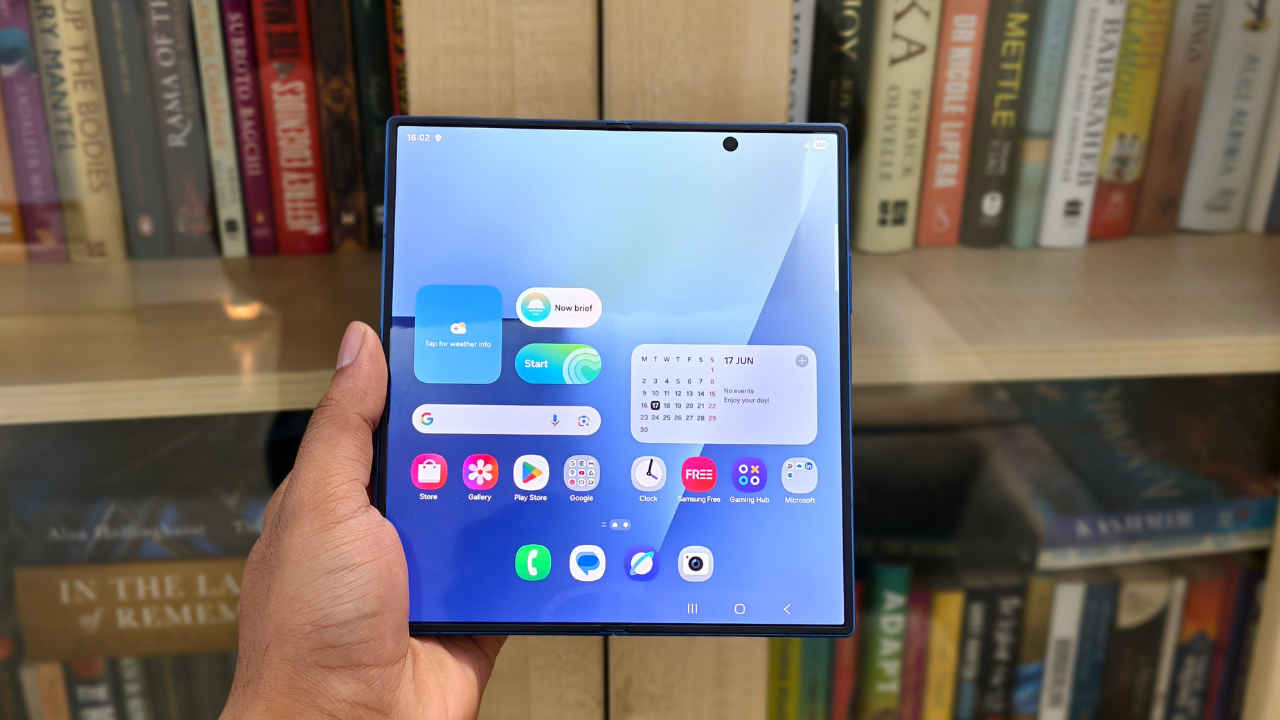

Samsung has officially started rolling out the One UI 8 update to its flagship Galaxy S25 series. If you own one of the S25 lineup devices, you may soon see an OTA (over-the-air) notification asking you to update. However, the rollout is happening in stages, so the update might take some time to appear depending on your model and region.
 Survey
Along with the Galaxy S25, Samsung has also confirmed a list of other devices that will receive the update in the coming months. But do note that not every feature of One UI 8 will be available on all devices or in every country.
Samsung One UI 8 update: Supported devices
The update will expand to several Galaxy smartphones and tablets later this year, including:
- Galaxy S series: Galaxy S24, S23, and S22 series
- Galaxy Z series: Z Fold 6, Z Flip 6, Z Fold 5, Z Flip 5, Z Fold 4, Z Flip 4
- Fan Edition models: Galaxy S24 FE, S23 FE, S21 FE
- Galaxy Tabs: Tab S10, Tab S9, and Tab S8 series (including FE and Lite models)
- Galaxy A series: A56 5G, A36 5G, A26 5G, A17 5G, A07, A55 5G, A35 5G, A25 5G, A16, A15 5G, A54 5G, A34 5G, A73 5G, A53 5G, A33 5G
Also read: Samsung Galaxy S25 FE India price announced: Offers, availability and specs
Samsung One UI 8 update: Key features
Samsung is positioning One UI 8 as a smarter, more personalised interface. Some of the key features include:
- Now Bar: A bar that shows real-time app activity, such as music or video playback.
- Now Brief: A personalised feed that provides daily updates like traffic alerts, reminders, Samsung Moments, and even suggestions for music or videos.
- Google integrations: Tools like Gemini Live and Circle to Search are built into the software for a more seamless experience.
Also read: Amazon Great Indian Festival sale 2025: Samsung Galaxy S25 to be available with Rs 12,000 discount
How to download Samsung One UI 8 update
Once the update is available for your device, you’ll get an automatic notification. If you want to check manually, follow the steps below:
- Open Settings on your device.
- Tap on Software Update.
- Select Download and Install


