

Perplexity Personal Computer goes live: Here is how this AI can control your Mac
 Follow Us
AI agents can handle complex workflows like managing to-do lists and organising files automatically
Supports voice commands and remote task execution via mobile for a hands-free experience
Offers secure sandboxing with activity logs and the ability to track or undo actions
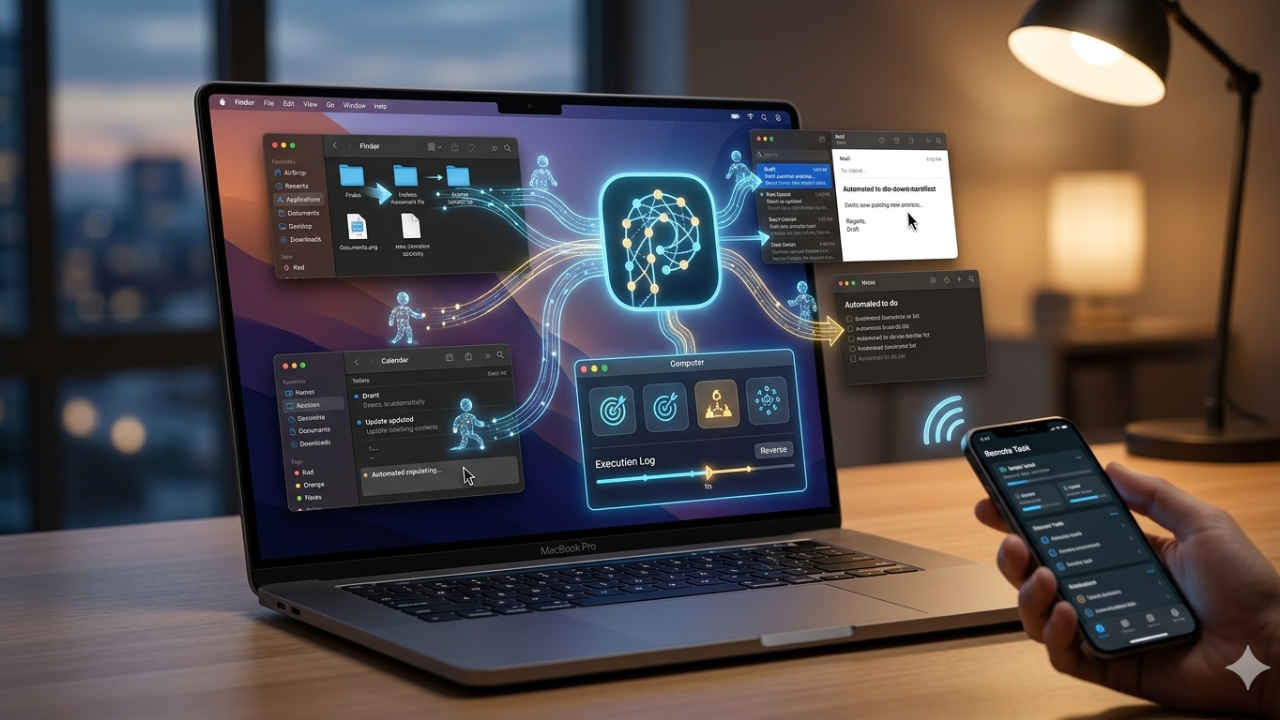

Perplexity has announced a new software experience called Personal Computer for Mac users. The new platform builds on the earlier multi model systems and brings a host of AI agents capable of interacting with files, apps and online services to execute complex tasks. The tool is made to go beyond traditional chatbots by enabling users to assign goals, such as managing to-do lists or organising files, with the system autonomously handling execution across multiple applications.
 Survey
The company said that the system can coordinate between different apps including messaging and note taking tools while also leveraging the web when required. It also supports voice commands and remote task management via mobile devices to create a more seamless and handsfree experience.
Also read: Google may launch Gucci smart glasses, Pixel laptop and new Pixel Glow feature with Pixel 11 series
The company has also confirmed that all the actions performed by the system take place in a controlled environment with logs available for users to track activity and reverse changes if needed. So far, the feature is available for premium subscribers and will roll out in the coming week.
How to use Personal Computer
To start, users should install or update the Perplexity app for macOS and sign in with a supported subscription tier. You can get the feature via the Computer section. The users can then connect external services such as email, cloud storage and collaboration tools to achieve greater integration. Once set up, tasks can be started using text or voice prompts, or even remotely via a smartphone.
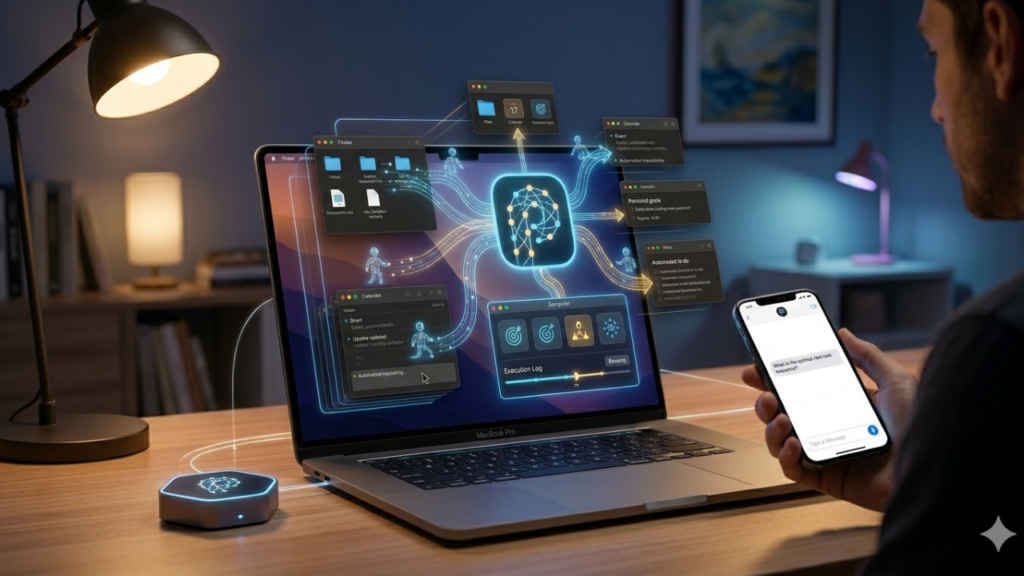
The system divides users requests into smaller steps, delegating them to specialised agents and executes them across apps and files. You can see the progress real-time by reviewing activity logs and undo actions if needed.


