
Gandhi Jayanti 2026 WhatsApp status video: Download short videos for Instagram, Facebook, X and more
 Follow Us
Download free Gandhi Jayanti WhatsApp status videos to share on October 2.
Learn how to save and upload Gandhi Jayanti videos on WhatsApp.
Use AI tools to create personalised Gandhi Jayanti status videos.
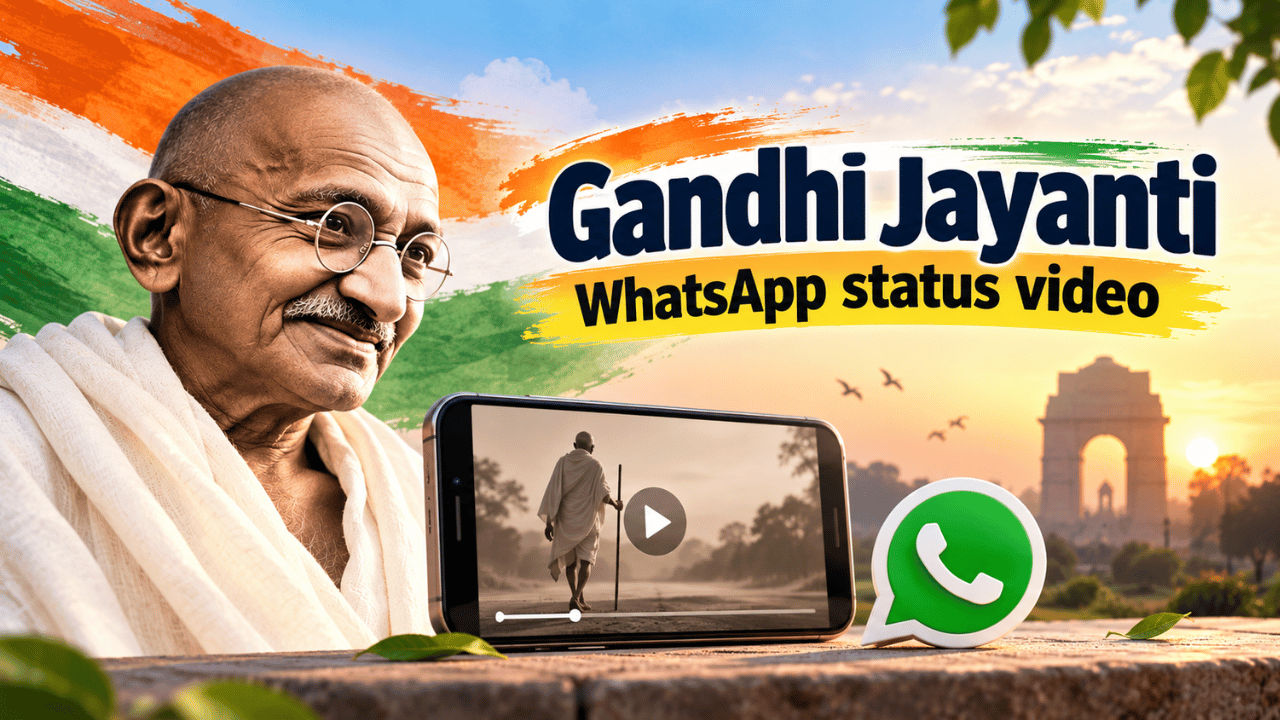

Gandhi Jayanti is celebrated on October 2 every year. The day marks the birth anniversary of Mahatma Gandhi, who is also known as the Father of the Nation. Gandhi is known for this contribution in India’s freedom movement, and many people offer their prayers and tributes to mark the event. Some people also like to upload his messages or videos to share his memories. If you’re looking for some videos that you can use on your social media to share the spirit with your friends and family, then you can check out the collection below.
 Survey
Download free Happy Gandhi Jayanti WhatsApp status video
Here are some free Happy Gandhi Jayanti WhatsApp status videos that you can download and share with friends and family on October 2. You can also use these short clips on Instagram and Facebook to send Gandhi Jayanti wishes.
Also read: Oppo F35 series India launch next week: Check expected price and specs
How to download Gandhi Jayanti WhatsApp status video
Have any of the Gandhi Jayanti WhatsApp status videos we shared above caught your attention, and are you planning to download them? To do so, you need to press and hold the video on your smartphone. Select the Download or Save Video option from the menu that appears. On a PC, right-click on the video and select Save Video or Download, depending on the browser you are using.
One thing to note is that the videos we shared above have been taken from open-source platforms like Canva, Pexels and more.
Moreover, as the AI age is taking over, you can also use Gemini, Google Flow or other AI tools to create a video that you can later use as your Gandhi Jayanti WhatsApp status video. You can simply prompt the AI tool to describe what you want Gandhi to do. Not only that, but you can also upload your image along with Mahatma Gandhi and ask the AI tool to make you shake hands or sit together in one of his movements.
How to upload Gandhi Jayanti WhatsApp status
If you want to upload the Gandhi Jayanti video you just downloaded as your WhatsApp status, then all you need to do is head to WhatsApp on your device. Now go to the Updates section and select Add Status. You can now choose the video you want to upload as status. Finally, tap the share button.
You can also add caption, emoji or text on the video if you want to personalise the post. Moreover, you can also change the status privacy settings to choose who can view the status you have uploaded.


