
Apple releases iOS 26.5.1 to address charging bug affecting iPhone Air and iPhone 17 models
 Follow Us
Apple has released iOS 26.5.1 to fix a charging issue affecting some iPhone 17 and iPhone Air users.
The update focuses on bug fixes and improving device stability.
Users can install the update through the Software Update section in Settings.
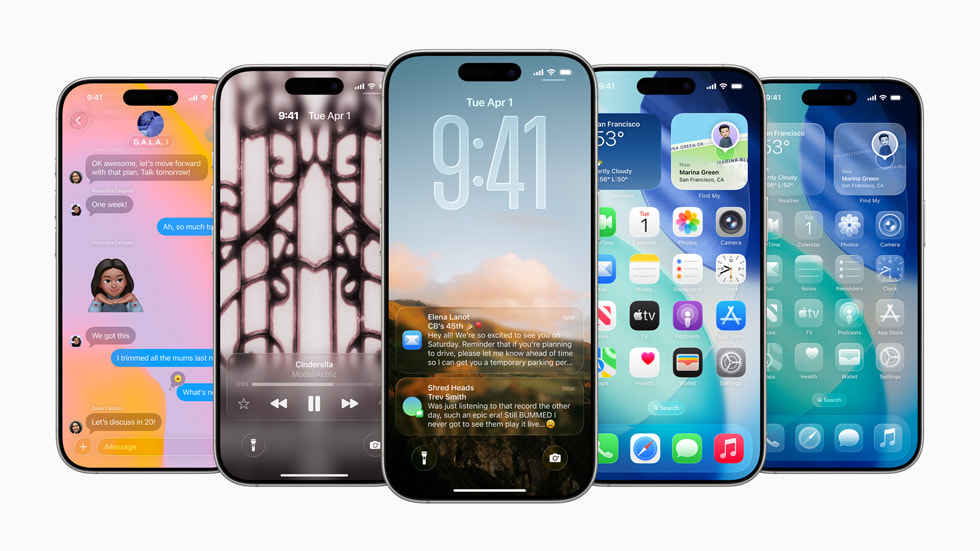

Apple has recently rolled out the iOS 26.5.1 just weeks after the Cupertino giant released the iOS 26.5 update. Unlike the last update that introduced fresh features for your device, the current update is focused on fixing a specific issue affecting a small group of users. After the users updated to iOS 26.5, many iPhone 17 and iPhone Air users reported that they have been facing a problem that prevents devices from charging through a wired connection when the battery level becomes extremely low. Taking the users’ complaints into account, the company has now released an update to help fix the issue. Here’s everything you need to know about the latest iOS 26.5.1 update.
 Survey
What’s in the iOS 26.5.1 update
According to Apple’s release notes, iOS 26.5.1 fixes an issue that may stop wired charging from working on certain devices when the battery is nearly drained. The problem affects a small number of users with the iPhone 17, iPhone 17 Pro, iPhone 17 Pro Max and iPhone Air.
The update is focused entirely on bug fixes and system improvements rather than new features. Apple has not listed any additional changes, making this a maintenance release designed to improve the overall stability of supported devices.
Also read: Popular GTA V cheat service suffers massive data breach, exposing sensitive user data
How to update your iPhone
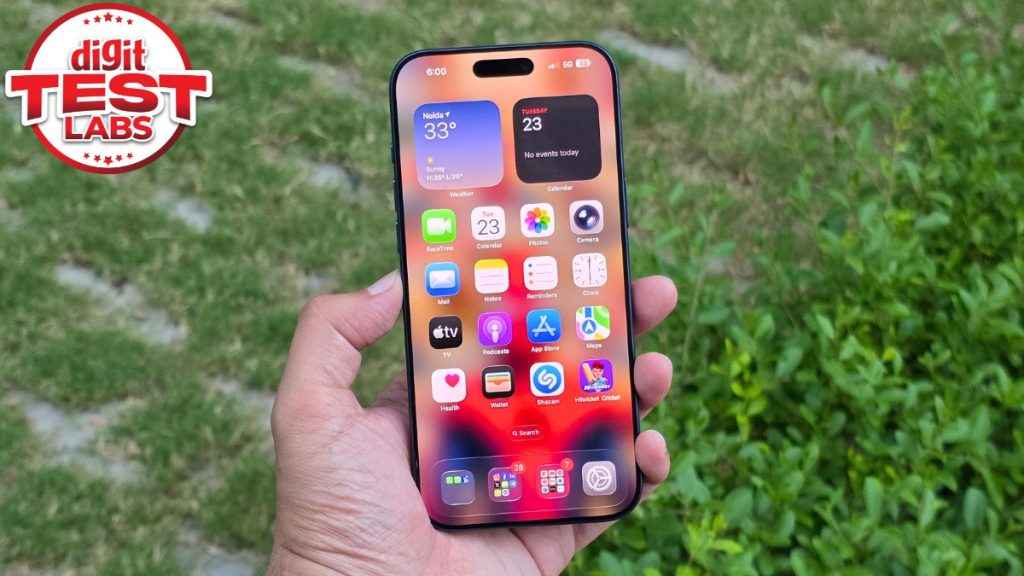
You can update your device to the latest build much like you do a normal software update. All you need to do is head to the Settings app > General > Software Update. Once the update appears, choose Download and Install to begin the process.
The size of the download will depend on the software version that’s currently installed on your device. On an iPhone 17 Pro Max running iOS 26.5, the update size is reported to be 17.44GB. Users updating from older versions may see a larger download and longer installation time.
Also read: Microsoft Build 2026: New AI models, Copilot super app and what more to expect
List of supported devices
iOS 26.5.1 is available for all iPhone models that support iOS 26. Here’s a complete list of the devices:
- iPhone 17 series: iPhone 17, 17 Pro, 17 Pro Max, 17e
- iPhone Air
- iPhone 16 series: iPhone 16, 16 Plus, 16 Pro, 16 Pro Max, 16e
- iPhone 15 series: iPhone 15, 15 Plus, 15 Pro, 15 Pro Max
- iPhone 14 series: iPhone 14, 14 Plus, 14 Pro, 14 Pro Max
- iPhone 13 series: iPhone 13, 13 mini, 13 Pro, 13 Pro Max
- iPhone 12 series: iPhone 12, 12 mini, 12 Pro, 12 Pro Max
- iPhone 11 series: iPhone 11, 11 Pro, 11 Pro Max
- iPhone SE models: iPhone SE (2nd generation, 2020), iPhone SE (3rd generation, 2022)


