
You can now get Red Dead Redemption 2 for free: Here is how
 Follow Us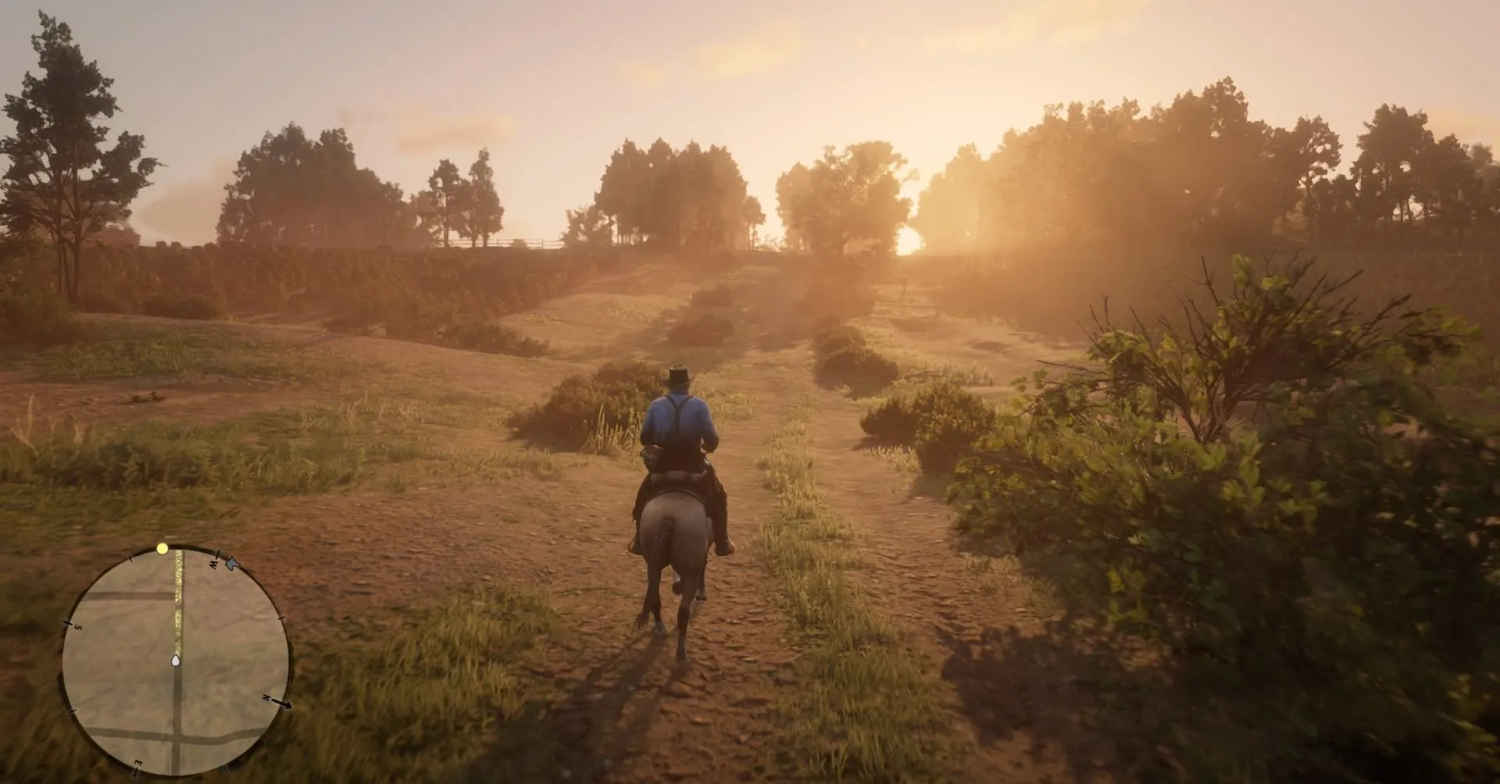

Red Dead Redemption 2 remains one of the most popular story games today even after over 7 years of launch. The open-world adventure has fans across the world who can’t stop talking about it on social media platforms like Reddit and Discord. Perhaps this is the reason that the game is still priced for around Rs 5,000 on Steam every now and then. Now if you’ve been missing out on all the fun, here is some good news. You can get the game for free on the PS5, and on a 75 percent discount on PC. How? Read on.
 Survey
Also read: Buying Forza Horizon 6? Wait you can play it for free
Get Red Dead Redemption 2 for free
The game is a part of PS Plus May catalogue and is available to download for free. So if you have a PS Plus subscription, all you need to do is head over to the PS store, search for the game, and hit download.
But, incase you don’t have a PS5 or a PS4 and are looking to download the game via Steam, you can still get a 75 percent discount. Until May 25, RDR 2 is available to download for Rs 1,249 on Steam. So if you plan on buying the game and have been thinking about it for a while, now is the best time.
How to make Red Dead Redemption 2 appear sharper
If you do buy the game on PC, you can make it appear sharper. Yes, you read that right. An HD texture pack for the game was introduced back in February by a modder and it can help you get sharper visuals without tweaking dozens of separate mods.
Released by modder DominatorGt, the pack focuses on improving visual clarity across the whole game. Unlike older mods that upgraded only weapons, buildings, or characters, this pack replaces textures across nearly every part of the world. Rocks, terrain, clothing, objects, and environmental details all receive higher resolution assets, making the game look cleaner and more defined.
The full download is split into three compressed files, adding up to around 53GB in size. This makes it one of the largest visual mods available for the game, but it also means players do not need to mix and match different texture packs. Once installed correctly, the mod promises a consistent visual upgrade throughout the map.
Also read: Googlebooks vs Chromebooks: How are two different and which should be your next laptop


