
Use these 3 sensitivity settings in BGMI to boost your gameplay experience
 Follow Us
Something of utmost importance for having a control on the game is its sensitivity or tweaking
You can customise the setting using a few simple steps
Having proper knowledge of the settings is required to have a hold on the controls.
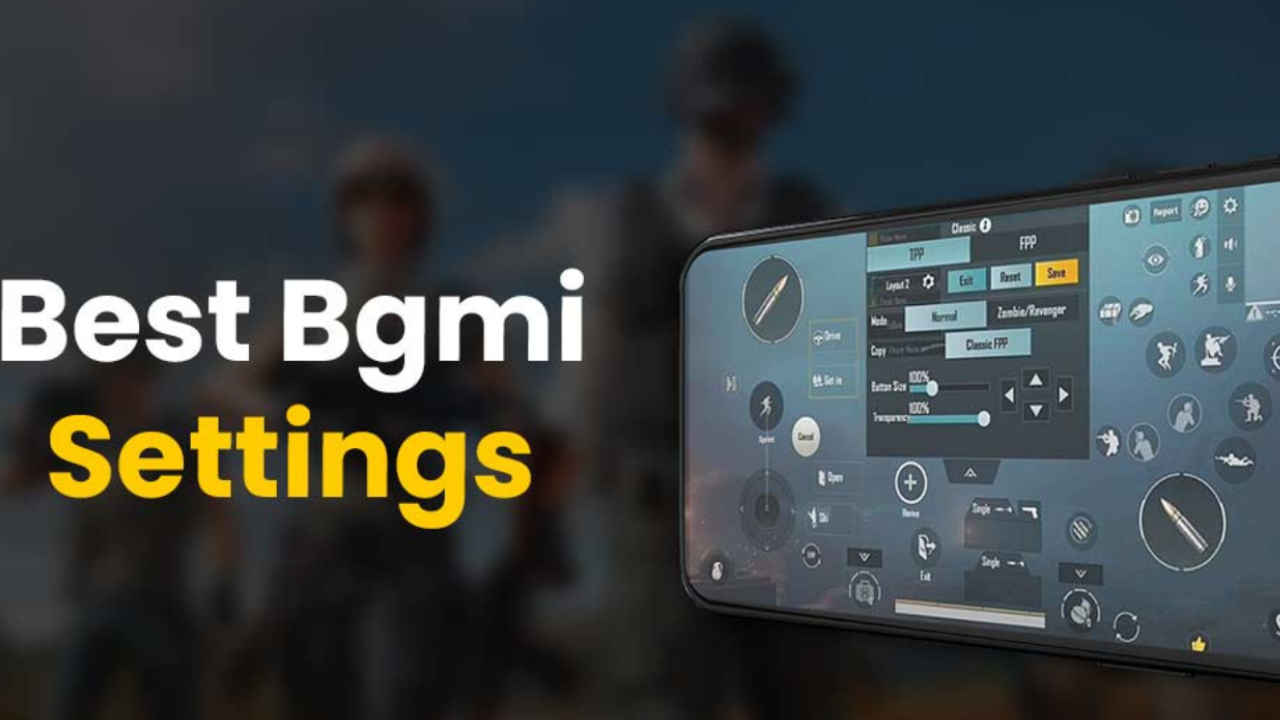

Krafton's BGMI is back to India with rewards, events, launch parties after a long absence. According to reports the viewership might have dropped for the game but the hype hasn't changed much.
 Survey
It's been a while that everyone has played BGMI. Hence, the control we all had on the game earlier might not remain the same. So, something of utmost importance for having a control on the game is its sensitivity or tweaking. Presently, a lot of sensitivity settings are available for BGMI. So having proper knowledge of the settings is required to have a hold on the controls.
So, let's have a look at what are the sensitivity settings that BGMI has to offer and how the changes can be made.
Also read: 5 gaming phones under 20000 for playing BGMI
BGMI sensitivity settings
Before delving deep into the sensitivity settings first let's see how the changes can be made.
At the right bottom of the screen, tap on the 'More Options' arrow. Then tap on the Settings The settings list will appear. There you will have to select Sensitivity. From the presets bar the top of the screen, tap on customisation option . Following these steps you can easily customise the BGMI sensitivity settings.
Camera sensitivity settings
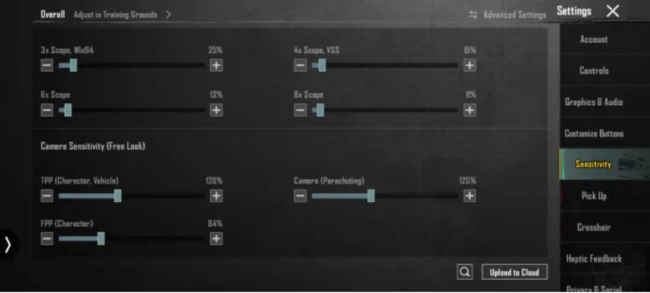
TPP No Scope: 115% – 120%
FPP No Scope: 100% – 112%
Red Dot, Holographic, Aim Assist: 50% – 60%
2X Scope: 33% – 38%
3X Scope, Win94: 25% – 30%
4X Scope, VSS: 15% – 19%
6X Scope: 10% – 15%
Free Lock camera Sensitivity settings
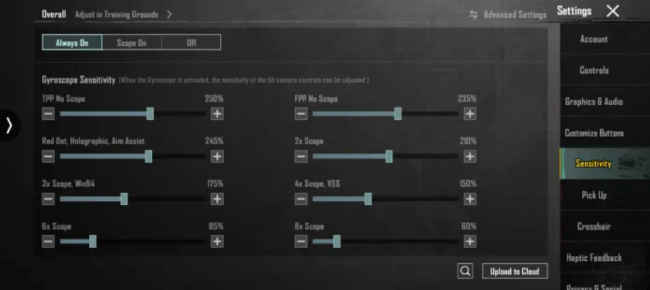
TPP (Character, Vehicle): 118% – 125%
FPP (Character): 80% – 85%
Camera (Parachuting): 120% – 124%
Gyroscope sensitivity:
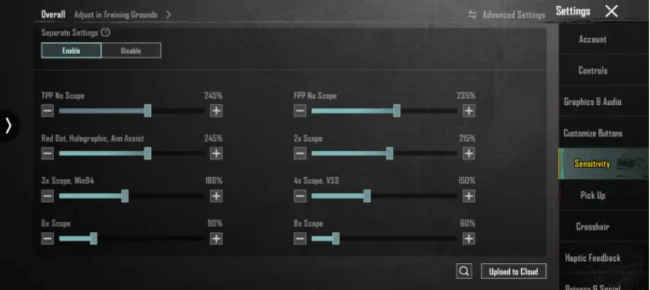
TPP No Scope: 245% – 255%
FPP No Scope: 230% – 240%
Red Dot, Holographic, Aim Assist: 245% – 250%
2X Scope: 210% – 215%
3X Scope, Win94: 175% – 180%
4X Scope, VSS: 150% – 155%
6X Scope: 85% – 90%
8X Scope: 60% – 65%
ADS Gyroscope Sensitivity
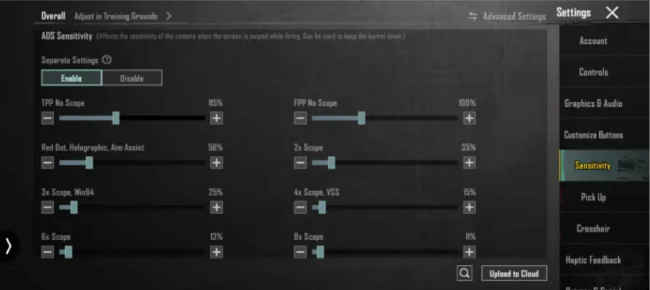
Red Dot, Holographic, Aim Assist: 245% – 250%
2X Scope: 210% – 215%
3X Scope, Win94: 175% – 180%
4X Scope, VSS: 150% – 155%
6X Scope: 85% – 90%
8X Scope: 60% – 65%
Also Read: This BGMI Esports Tournament Promises ₹25 Lakh Prize Money: Can You Wi


