
How to use ChatGPT with Apple CarPlay
 Follow Us
ChatGPT works on CarPlay with voice for easy use while driving.
Setup needs iOS update, app install, and CarPlay connection.
Good for quick help, but has some limits.
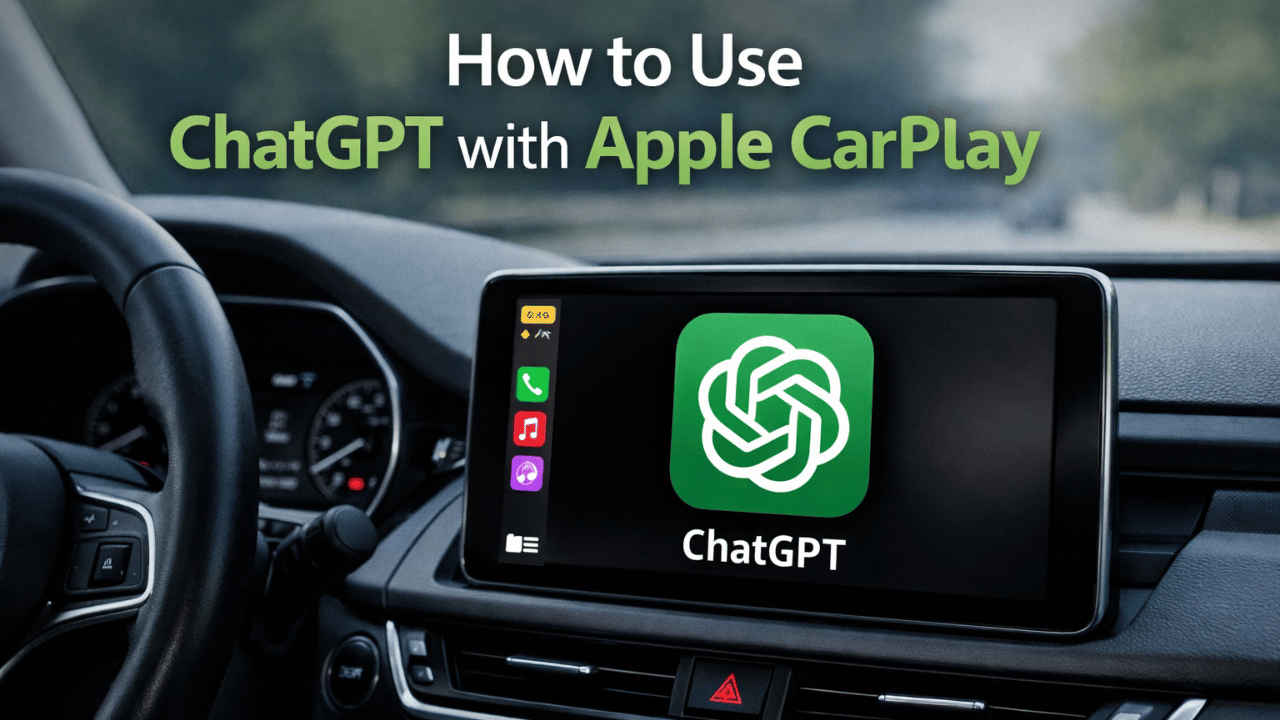

Apple has made a significant move in improving in-car technology with the launch of iOS 26.4, which will provide third-party AI voice assistants within CarPlay. This will help drivers have better conversations while on the go. Instead of relying only on built-in systems from car manufacturers, users can now use apps like ChatGPT for more helpful responses. The focus is clearly on voice interaction to keep things safe and simple while driving. If you already use ChatGPT on your phone, the CarPlay version will feel familiar. This guide walks you through how to use ChatGPT with Apple CarPlay.
 Survey
Prerequisites
Here’s everything you need to know before you learn how to use ChatGPT with Apple CarPlay:
- Your iPhone must run iOS 26.4 or later.
- Install the ChatGPT app on your device.
- The vehicle must have Apple CarPlay.
- CarPlay must be connected either via a wire or wirelessly.
How to use ChatGPT in your car
Here are simple steps for using ChatGPT in your car:
1. Tap the ChatGPT icon on your CarPlay screen.
2. Press the ask button.
3. Ask your questions as you would on your phone.
Note: You can ask for directions, settle debates, and access information.
4. ChatGPT will then reply with voice answers.
Note: You can’t read long replies or type questions, which helps minimise distractions.
What you can do in ChatGPT with Apple CarPlay
Here are some of the things that work while using ChatGPT with your Apple CarPlay:
- Voice-based conversations
- Asking general questions
- Getting quick explanations
- Continuing past conversations through history
Limitations of ChatGPT with Apple CarPlay
Here are some of the limitations of the ChatGPT app on Apple CarPlay:
- No wake word support yet.
- You must open the app manually.
- Cannot control car settings.
- Cannot interact with your phone like Siri.
Tips to smooth your experience
Here are some tips that can smoothen your ChatGPT experience when used with Apple CarPlay:
- Open the app before you start driving when possible.
- Keep questions short and clear.
- Use it for quick help instead of long discussions.
- Stay focused on the road at all times.
- Using voice tools responsibly ensures both safety and convenience.


