
How to find cheapest flights using ChatGPT
 Follow Us
Skyscanner in ChatGPT helps you find and compare flights in one place.
Simply type what you need, and it shows cheap options with latest prices.
You can quickly change your search and pick the best deal easily.
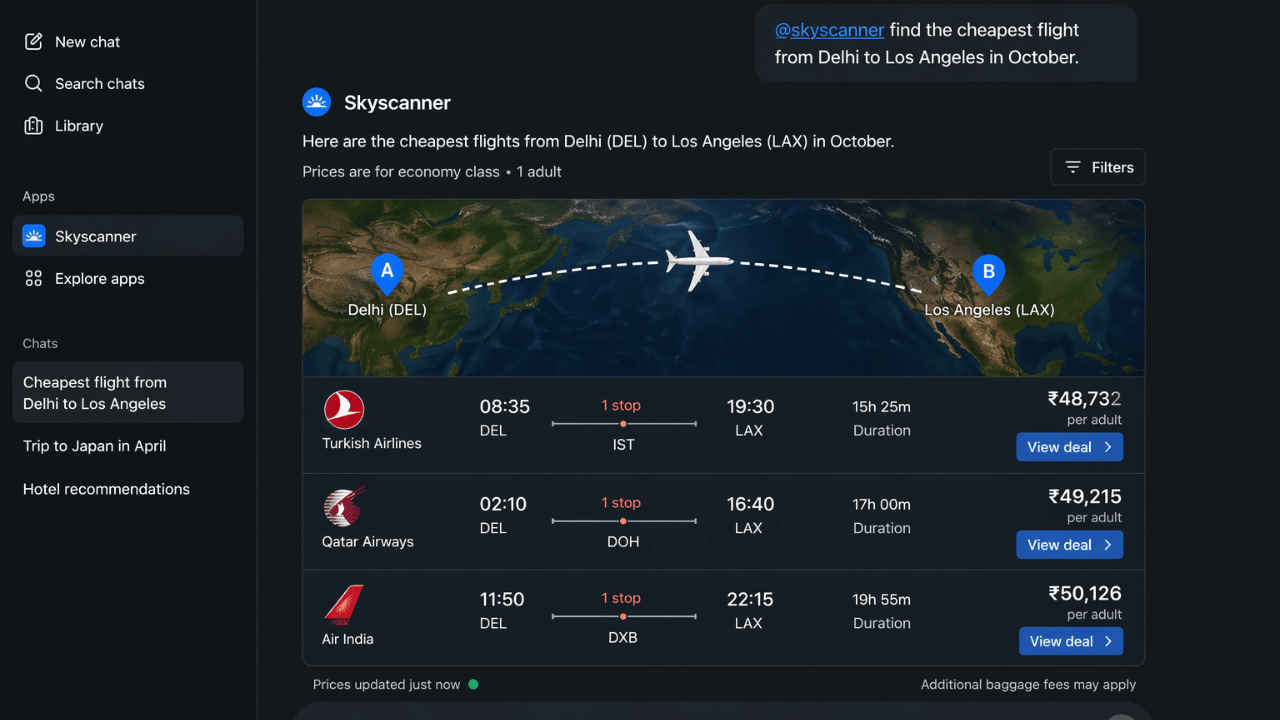

Skyscanner has joined hands with ChatGPT to make finding and booking flights much easier. Whether you’re planning a trip ahead of time or need a last-minute ticket, the process is now quick and simple. The tool is built right inside the ChatGPT app, and with it, you can now search for flights, compare prices, and check travel times all inside the AI tool. Furthermore, the information inside the app is live so you always see the latest prices and options. In this article, I’ll walk you through the simple steps on how to use this tool to find the cheapest flights, step by step.
 Survey
How to find the cheapest flights using ChatGPT
You can find the cheapest flights using ChatGPT by following the steps below:
1. Launch ChatGPT and sign into the application/website.
2. Click on the Menu button located at the top-left corner of the application and choose Apps.
Note: In case you cannot see the menu, click on More.
3. Open the Skyscanner app and integrate it with ChatGPT.
Also read: Nothing introduces Essential Voice: Check what it is, how it works and eligible devices
4. Start a new conversation and enter a prompt asking for cheap flights. You can type something like ‘@skyscanner find the cheapest flight from Delhi to Los Angeles in October.’
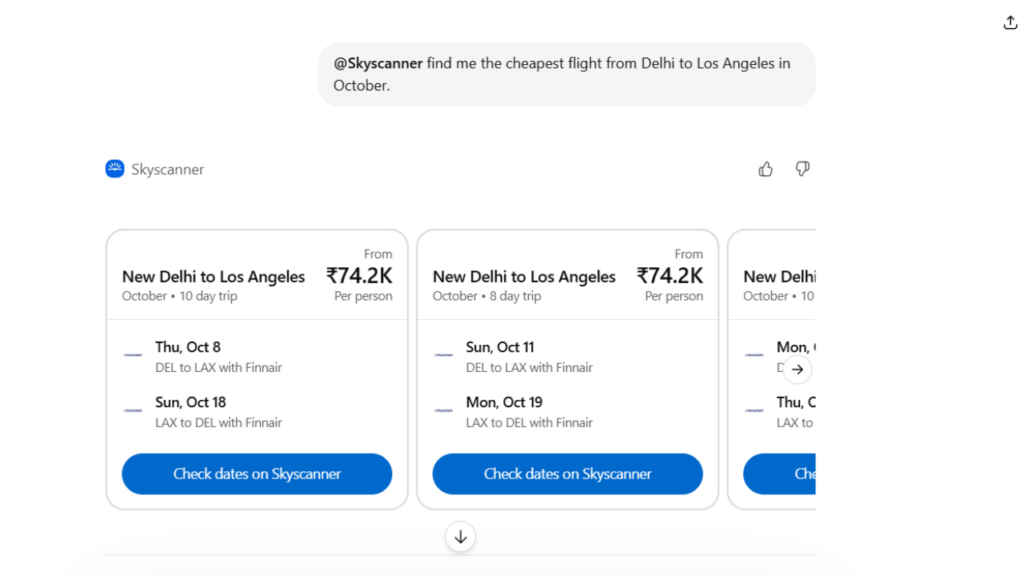
The AI tool will now show you the best results through the chat interface. Moreover, the app always sends back the live data so you’ll always receive the updated information no matter how many times you ask for it.
Also read: Vivo X300 Ultra India launch in two weeks: From camera to expected price, all we know
Benefits of using Skyscanner inside ChatGPT
Here are some of the benefits of using Skyscanner inside ChatGPT:
- You can see multiple flight options in one place. Moreover, it also includes the prices, airline details, and travel time of the journey.
- If you want to change your search, you just type it out and do not have to start from scratch.
- You can compare different options quickly and pick what works best for you.
- Prices are kept up to date because it pulls data from many airlines.
- You can also search for hotels and car rentals along with your flights, all in the same chat.


