
How to disable automatic phone number linking across Gmail accounts
 Follow Us
Google may automatically verify phone numbers linked to Gmail accounts on Android.
Users can disable automatic phone number verification through Google settings.
Turning off the feature does not remove phone numbers already linked to Gmail accounts.
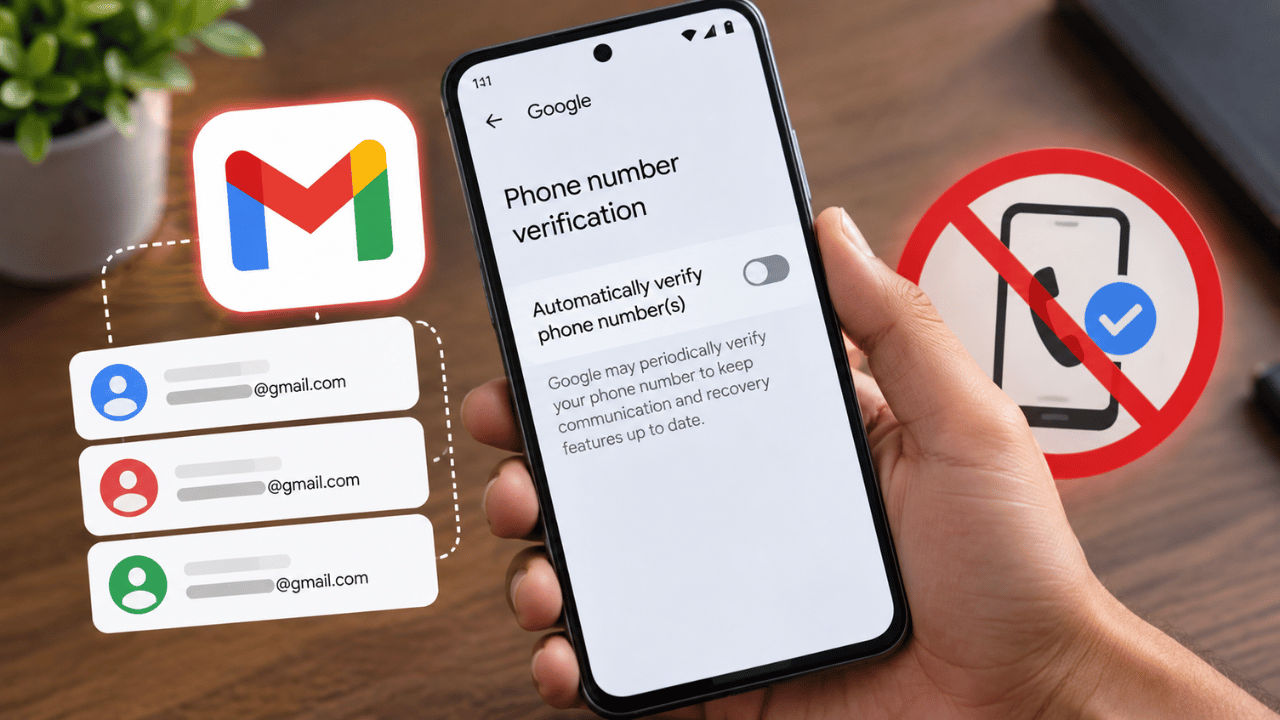

Google is reportedly linking users’ phone numbers to Gmail accounts signed in on their devices automatically. This was recently noticed by a Reddit user who received an unexpected confirmation email from Google with the address ‘noreply-phone-verification@google.com’ stating that their phone number has been verified while they did not even initiate it. While we at Digit have not received any such mail, we found that the auto-verify phone number setting has been enabled quietly for us. Google’s support documentation says that the feature periodically re-verifies your device’s phone number to keep communication and recovery features up to date. Follow along with the article to learn how you can disable the automatically verify phone number feature for your Gmail accounts.
 Survey
Things to know
Here are some things you need to know before I teach you how to disable phone number linking across multiple Gmail accounts:
- It eliminates the risk of hacking all your accounts at once.
- Disabling the function does not mean that your number will be automatically removed from the accounts in which it has already been validated.
- The place where this function resides may vary according to the type of smartphone you have.
How to remove your phone number linking across multiple Gmail accounts
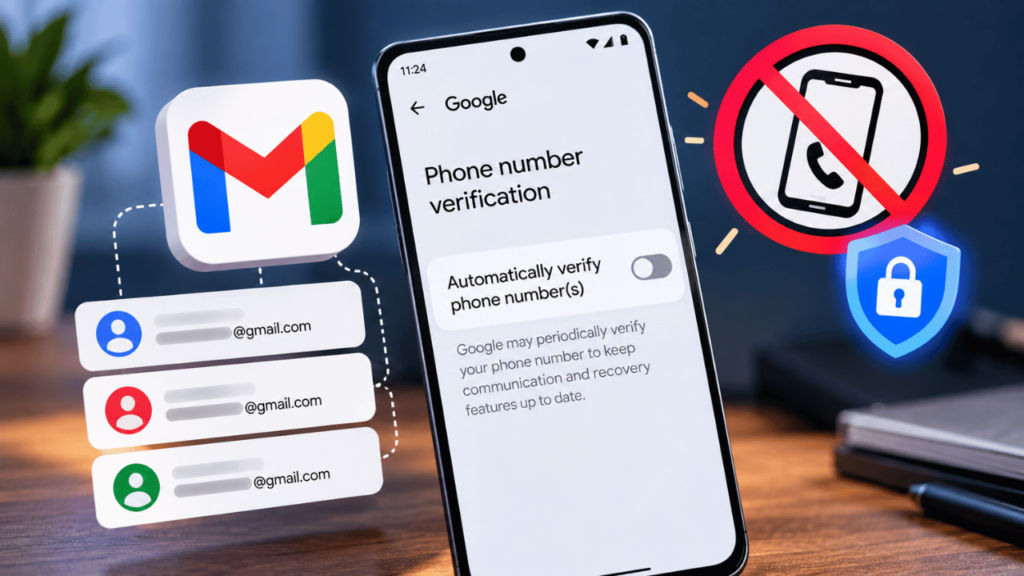
If you want to disable the automatic verification, then all you need to do is:
1. Head to the Settings app on your Android device.
2. Look for Google or Google services and open it.
3. Now choose All Services.
4. Under the Privacy and security section tap Phone number verification.
5. Toggle off the button next to Automatically verify phone number(s).
6. You may need to enter your device password to authorise the disabling.
Also read: Google Diwali Sale 2026: Big discounts on Pixel 11, Pixel 11 Pro Fold and more, check deals here
Benefits
There are several benefits to unlinking your phone number from multiple Gmail accounts. Firstly, separating your phone number from some of your Google accounts gives you more control over your personal data. While you may want to link your personal number with your personal Gmail account for security reasons, it’s a common practice to keep it separate from temporary accounts, accounts at work and other secondary accounts.
Secondly, delinking also adds another layer of security to your accounts. Let’s say all your accounts are linked to one phone number, then it’s easier for the hackers to get access to all your accounts at once, especially if someone with ill intentions gets hold of your mobile device.


