
How to create the viral chibi style image for Instagram using ChatGPT
 Follow Us
Create viral chibi-style Instagram images using ChatGPT in just a few easy steps.
The trend mixes real photos with cute mini cartoon versions, doodles, and sparkles.
Users can customise the prompt, edit the image, and share it directly on social media.
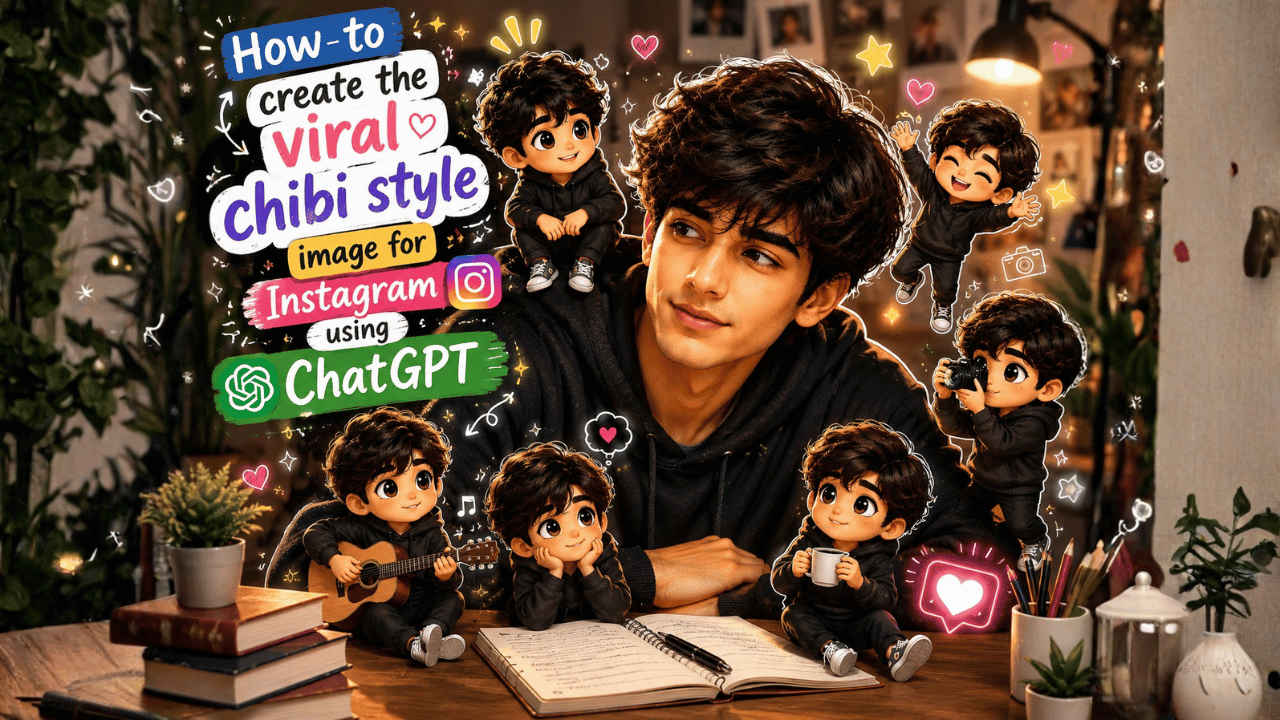

Instagram never runs out of entertaining content, and right now the platform is flooded with chibi style images. People are transforming their selfies and portraits into tiny animated versions of themselves, surrounded by hearts, sparkles, flowers, and playful doodles. The result is almost overwhelmingly cute and surprisingly hard to scroll past. This trend picked up again after ChatGPT rolled out its latest image generation feature, Images 2.0. If you want to turn your own photo into a chibi style post, the good news is that it is easier than it looks. This guide walks you through the whole process, step by step.
 Survey
How to generate chibi style image
Follow the easy steps below to convert your normal image into the Instagram viral chibi-style image:
1. First of all, open the ChatGPT application or website and log in using your credentials.
2. Secondly, upload the image which you want to make into a viral chibi style.
Also read: Too many Safari tabs? Apple may solve it with this new iOS 27 feature
3. Then type the prompt to transform your image into a viral Instagram image. Otherwise, you may also copy and paste the following prompt provided by us.
4. Lastly, you only need to click on the submit button.
ChatGPT will transform your image into the chibi-style viral Instagram image within a few minutes. However, if you are not satisfied with the image, you can further provide a prompt for editing the image. Once you’re satisfied, download the image and share it on social media along with the song of your choice.
Chibi style image prompt
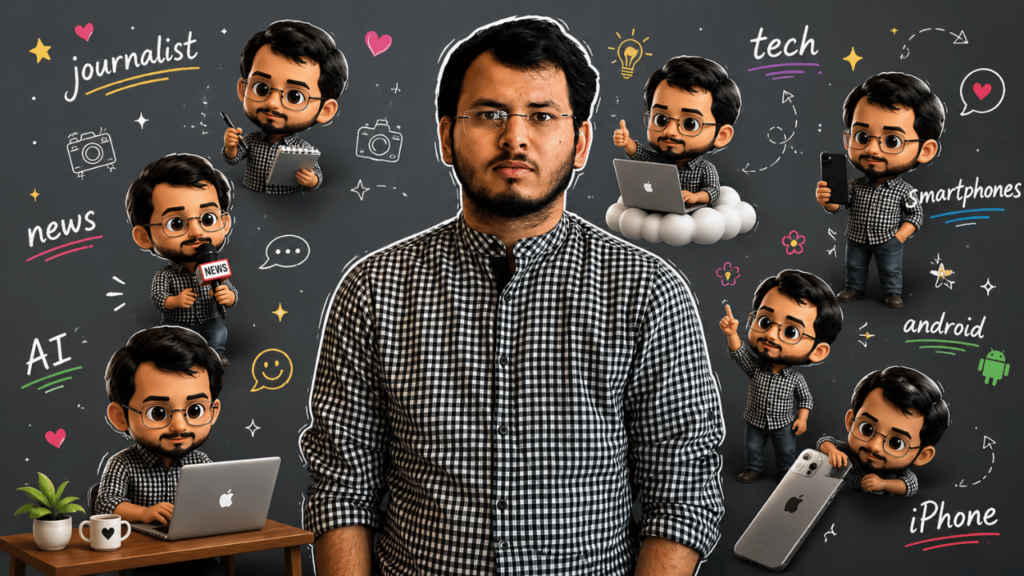
This is the full-fledged prompt which you can use to transform your normal image into a viral Instagram chibi image. You may edit the prompt according to your own wish. For using the prompt, just copy and paste it in the ChatGPT text box.
Also read: Samsung Galaxy Z Fold 8 leaks: From launch date to price and specs, here is what we know
Surrounding the realistic main subject are multiple cute, 3D-style chibi miniatures of the same person, with identical facial features, hairstyle, body proportions, and outfit. The chibi figures are naturally distributed around the subject, interacting playfully with her or nearby elements in a charming, non-intrusive way. Overlay the image with vibrant, hand-drawn doodle effects: soft white outlines around the subject, playful sparkles, doodle hearts, tiny flowers, smiley icons, and floating white handwritten phrases like ‘journalist’, ‘news’, ‘tech’, ‘smartphones’, ‘AI’, ‘Android’ and ‘iPhone’. The style seamlessly blends hyperrealistic photography with colourful, soft cartoon illustrations. Keep the original face, body shape, and proportions of the main subject unchanged.


