Digit.in
  • News
  • Reviews
  • Top 10s
    • Best Phones Under 10000
    • Best Phones Under 20000
    • Best Phones Under 30000
  • Features
  • How To
  • AI
  • Digit Binge
  • Mobile Recharge Plans
  • Web Stories
  • DIGIT ZERO1 AWARDS
  • Digit Shop
  • English
  • Hindi
  • Tamil
  • Kannada
  • Telugu
  • Malayalam
  • Bangla
  • Marathi
Login / Register is disabled Login
  • Mobiles
    • Latest
      • Apple iPhone 18
      • Poco X8 Pro Max
      • OnePlus Nord CE 6
      • Vivo X300 FE
    • Popular
      • Apple iPhone 17 Pro
      • OnePlus 15 5G
      • iQOO 15
      • Oppo Find X9 Pro
    • News
      • Motorola Signature gets a big price cut during Amazon Great Summer sale
      • Apple iPhone 18 India price may be lesser than you think
      • Amazon Great Summer Sale 2026: Nothing Phone 3 price drops to under Rs 45,000, should you buy it
      • Google Pixel 11 Pro and Pixel 11 leaks: From price to specs and launch details, here is what we know
    • Reviews
      • OnePlus Nord CE 6 review: The safest all-rounder in the segment
      • Vivo X300 Ultra review: Raising the bar for what a flagship should be in 2026
      • Vivo X300 FE Review: Fan of this edition but…
      • Realme 16 5G review: A budget phone wearing a midrange price tag
  • Laptops
    • Latest
      • Asus Vivobook Go 15 (2026)
      • Dell XPS 14 Laptop (2026)
      • Lenovo 14 (Intel Core i7 12th Gen 1255U/16 GB/ 512 GB SSD)
      • Apple MacBook Neo 2026
    • Popular
      • Asus ROG Strix G15 G513RM-HF328WS Gaming Laptop (Ryzen 7 6800H/ 16GB/ 1TB SSD/ Win11 Home/ 6GB Graph)
      • HP Victus 15-fa1319TX Gaming Laptop (13th Gen Core i5/ 16GB/ 512GB SSD/ Win11 Home/ 6GB RTX 4050)
      • Zebronics ZEB-NBC 5S Laptop (12th Gen Core i7 / 16GB/ 512GB SSD/ Win11 Home)
      • HP EliteBook 8 G1a (C10Y4PT)
    • Best
      • Best MacBook alternatives from ASUS
      • Best MacBook alternatives from MSI
      • The Best AI (Artificial Intelligence) Laptops for Programmers in 2025
      • Best MacBook alternatives from HP
    • News
      • MacBook Neo now available for under Rs 57000: Here is how the deal works
      • HP launches OmniPad 12, new Omnibook and Elitebook laptops in India: All you need to know
      • Microsoft Surface Pro 12 may come with Intel Panther Lake chips: What to expect
      • Asus launches the Expertbook Ultra laptop in India: All details
    • Reviews
      • Dell 14 Plus 2-in-1 review: Strong performance in a folding convertible
      • Razer Blade 18 review: The best of both worlds at a premium price
      • Apple MacBook Neo review: A gift for Apple fans
      • Dell Pro 14 Premium PA14250 Review
  • Top 10s
  • Phone Finder
  • Apps
  • Mobiles
  • SKOAR!
  • Magazine
  • DIGIT ZERO1 AWARDS
  • Amazon Center
  • Web Stories
  • Digit Shop
Home » How To » Apps » Instagram account disabled? Here’s how you can recover it

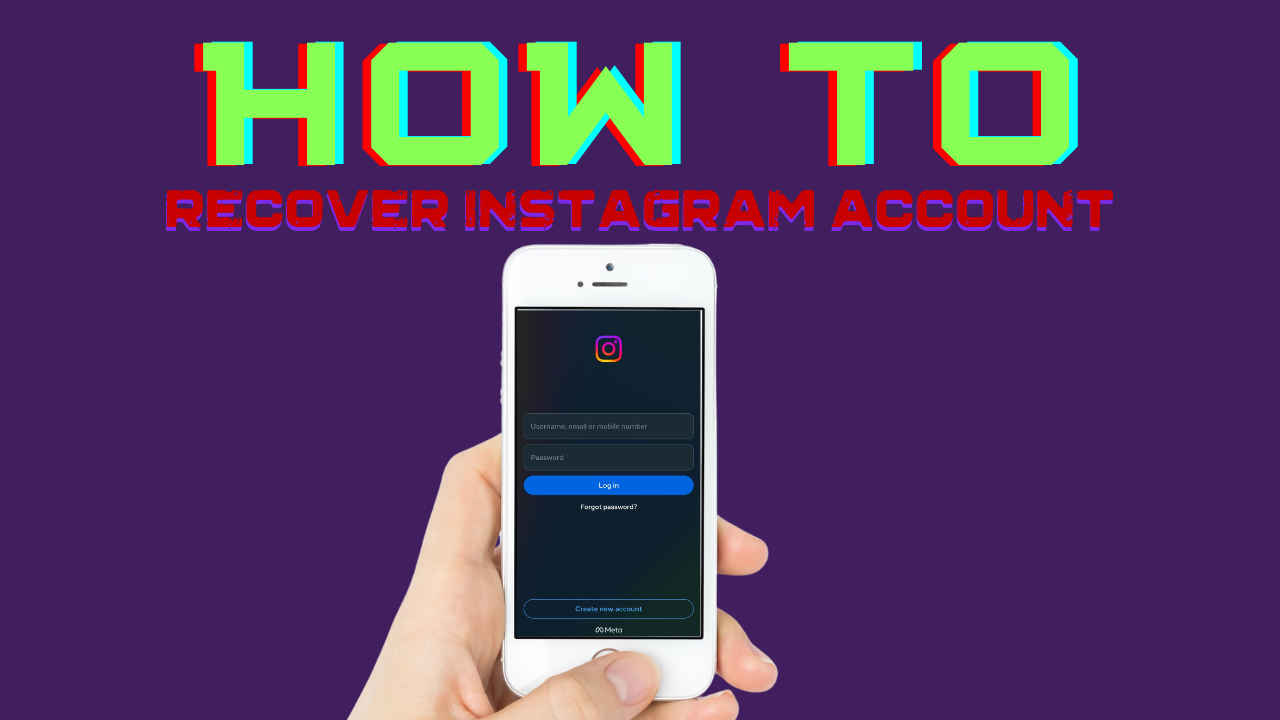
Instagram account disabled? Here’s how you can recover it

By Mustafa Khan | Updated on 28-Feb-2024
Add DIGIT as a preferred source
Follow Us on Google News Follow Us
HIGHLIGHTS

For violating community guidelines or even terms of use, your account could get disabled.

Also note that after 30 days of your account getting disabled, it can be deleted.

If you want a break from Instagram, then disable it so that you can access it back.
Instagram account disabled? Here’s how you can recover it
Mustafa Khan Mustafa Khan
28-Feb-2024

Instagram has become one of the most used applications in our time. More than just being a picture-sharing platform, this social media site has a plethora of options and has become a part of our lives. From networking to business, everything is thriving on Instagram. But at times, we might want a break and might disable our account or because of any reason, the account could get deleted or you could lose access.

This could feel like a nightmare and you might not know what to do in a situation like this. Don’t worry, I know that you might get panicked, but chill out, you are at the right place. I am going to share how you can easily recover your Instagram account under various situations. And well, you can thank me later.

Digit.in Survey
✅ Thank you for completing the survey!

When will your Instagram account get disabled?

First things first, let’s understand why your Instagram account was disabled. For violating community guidelines or even terms of use, your account could get disabled. Sometimes without a warning.

Some of these reasons could be that you were involved in some illegal activity on the platform, engaged in hate speech, shared images involving nudity or graphic violence, or even if you used unauthorised third-party apps to access Instagram. Now, in such a situation Instagram could disable your account.

Also note that after 30 days of your account getting disabled, it can be deleted. On top of that, your account can only be recovered in case you think it was disabled by mistake.

Also read: Meta now lets you delete your Threads profile without losing Instagram account: Here’s how

Phone screen displaying Instagram logo

How to recover your Instagram account if you deactivate it?

If you have deactivated your Instagram account, then it is pretty easy to recover it. You can do it in three simple steps:

Step 1: Open the Instagram App
Step 2: Enter your account’s login credentials on the login screen.
Step 3: Simply click on ‘Login’ and it is done. You have your account back.

How to recover your account if it has been disabled?

See, if your account hasn’t been disabled and you have just forgotten your password then just simply click on the ‘Forgot Password’ option and you will be guided through it. But if your account has been disabled, then there are various routes that you can take.

The first one will be sending an appeal request to Instagram with all your details and asking them to recover your account. But this route could take up to 30 days.

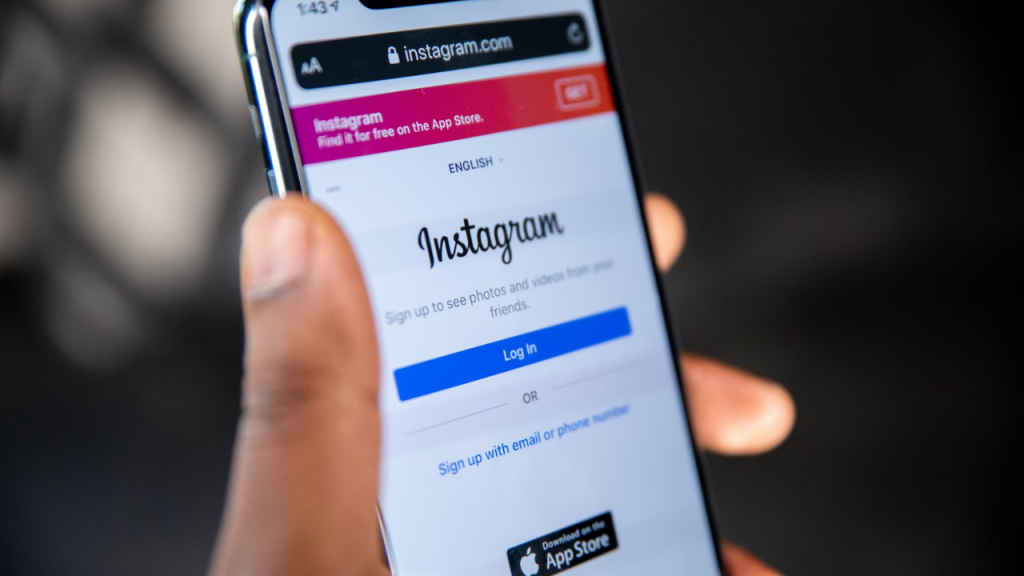
Phone screen displaying Instagram login page

Here is how you can make sure that your appeal is considered within tim

  1. Log in to the Instagram App, and click on “Learn More”. Follow all the steps that pop on your screen.
  1. If this doesn’t work. Go to this form: https://help.instagram.com/contact/606967319425038 

And fill in all your details. It will require your full name, email address, mobile number, and Instagram ID, along with an explanation.

  1. You can fill out this form too if your account represents a business: https://help.instagram.com/contact/1652567838289083 
  1. Next, send an email to the support team on Instagram once you have sent the forms. Send it to this id- support@instagram.com. Explain your case properly. 

Also read: You can add 5 links to your Instagram profile bio: Here’s how

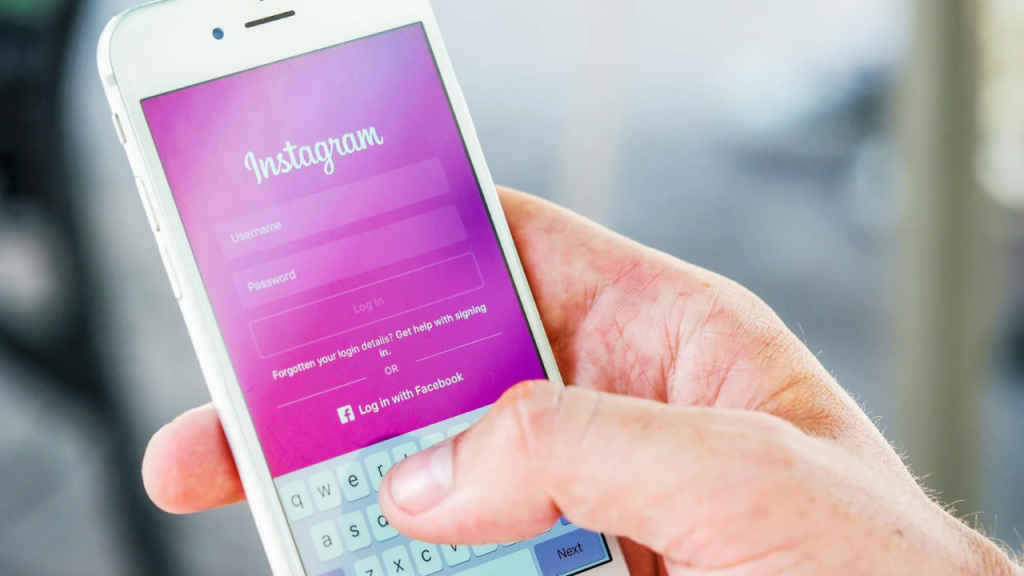
Phone screen displaying Instagram login page-1

Can I recover my Instagram account if it was deleted?

Unfortunately, if your account gets disabled and post the 30-day window it is deleted, then there is no way to get it back.

I would suggest that if you want a break from Instagram, then disable it so that you can access it back. And make sure to check the notification emails from Instagram which inform you that your account will permanently get deleted. 

Here’s how you can delete or deactivate your Instagram account.

Mustafa Khan

Mustafa Khan

Mustafa is a young tech journalist who tells it like it is, cutting through buzzwords to deliver straightforward smartphone reviews. He’s the office go-to for insider tips and quick demos, and his video content doesn’t waste anyone’s time. When he’s off the clock, he geeks out over cars, photography, and hunting down the best spot for Indian food. View Full Profile

Latest Article
One UI 9 may soon be available for the Galaxy S26 series One UI 9 may soon be available for the Galaxy S26 series
Realme 16T to launch next week: Check out specs and expected pricing here Realme 16T to launch next week: Check out specs and expected pricing here
Google Ads are not safe anymore? Hackers can access your device if you ignore this Google Ads are not safe anymore? Hackers can access your device if you ignore this
AI will help fight cybercrimes in Indian banking sector, here is how AI will help fight cybercrimes in Indian banking sector, here is how
Michael OTT release timeline, platform, storyline, cast and more Michael OTT release timeline, platform, storyline, cast and more
Most Searched Mobile Phones
  • Best Phones Under 10000
  • Best Phones Under 20000
  • Best Phones Under 30000
  • Upcoming Phones in 2026
  • Latest Mobile Phones
Latest Phones
  • Vivo X300 Ultra
  • Vivo X300 FE
  • motorola edge 70 fusion
  • Samsung Galaxy S26 Ultra
  • Iqoo 15R
Mobile Recharge Plans
  • Airtel Recharge Plans
  • BSNL Recharge Plans
  • Reliance JIO Recharge Plans
  • VI Recharge Plans
Most Searched Laptops
  • Best Laptops Under 30000
  • Best Laptops Under 40000
  • Best Laptops Under 50000
Trending Movies
  • Ramayana: Part One
  • Bhooth Bangla
  • Love Insurance Kompany
  • Maatrubhumi: May War Rest In Peace
Movies & Web Series
  • Best Movies
  • Latest Movies
  • Upcoming Movies
  • Best TV Shows & Web Series
  • Latest TV Shows & Web Series
  • Upcoming TV Shows & Web Series
Trending Web Series
  • Thukra Ke Mera Pyaar Season 2
  • Undekhi - The Final Battle
  • Chiraiya
  • Glory
OTT Providers
  • Netflix
  • ZEE5
  • JioHotstar
  • SonyLiv
  • icon
  • icon
  • icon
  • icon
SUBSCRIBE Subscribe for the industry's biggest tech news
Enter your email to get notified about our new solutions
By submitting your email, you agree to our
Terms and Privacy Notice.
CONNECT WITH US
  • icon Times Center, FC-6, 1st Floor, Sector 16A, Film City, Noida - 201301
  • icon (+91-120-6776999)
    (1800 121 0005)
  • icon Suggestion: editor@digit.in
    Business: business@digit.in
    Website: sales@digit.in
© 2026 Digit.in, All rights reserved
  • icon
  • icon
  • icon
  • icon
icon
  • About Us
  • Contact Us
  • Advertise with us
  • Regulatory
  • Terms & Conditions
  • Privacy Policy
  • Disclaimer
© 2026 Digit.in, All rights reserved
Digit.in
Logo
Digit.in
Logo