
How to use Ask Maps to order food, find hotels and get live transit updates
 Follow Us
Ask Maps can now help with food orders, hotels and live transit in one chat.
New AI features offer more personalised suggestions and easier trip planning.
Here's how to use the latest Ask Maps tools in Google Maps.
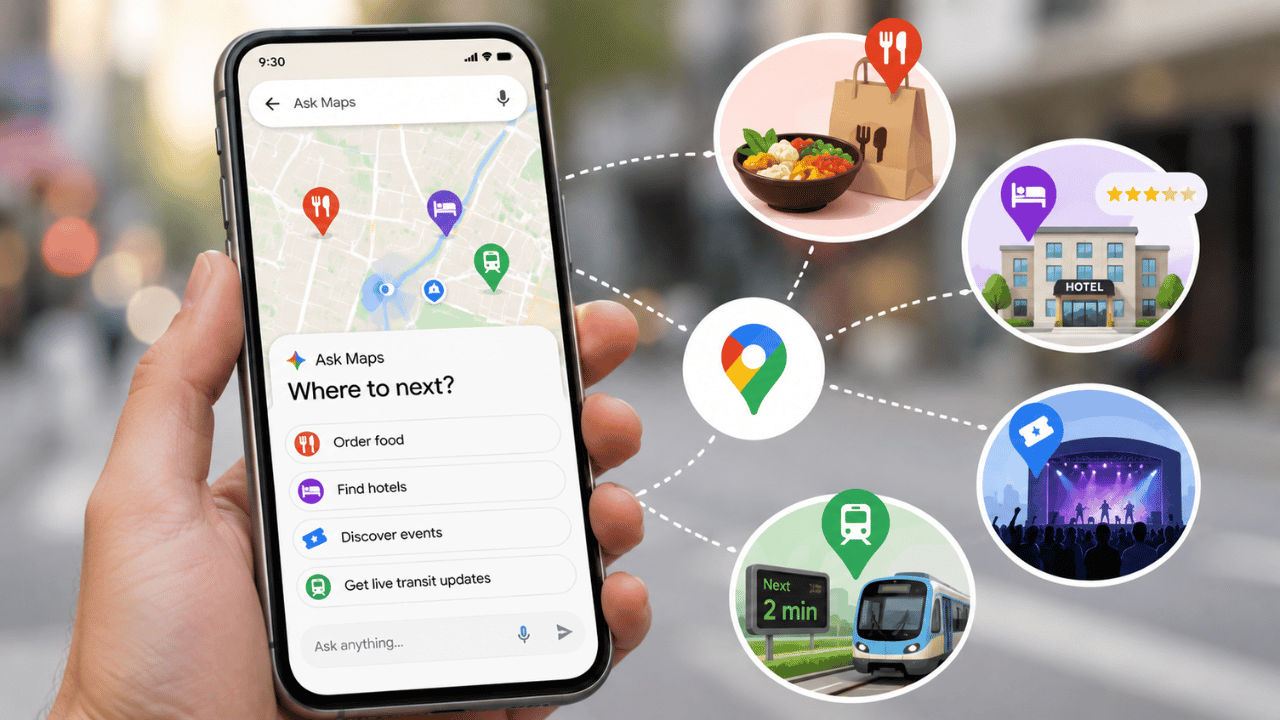

Google has recently added several new features to its Ask Maps feature in the Google Map. Now you can order food, search for hotels, discover nearby events and check live public transport updates without jumping between different apps. This will let you focus solely on the road and will eliminate distractions. Not only that, but Ask Maps can now also provide more personalised suggestions by using information from Gmail if you choose to connect it. In addition, it can remember past conversations and make it easier to share updates about places. Here is everything you need to know about the latest Ask Maps features and how you can use them.
 Survey
Things to know
Before I walk you through the process of how to use the Ask Maps new features, here are some things that you need to keep in mind:
- Food ordering, hotel discovery, event suggestions and conversational contributions are currently rolling out in the United States.
- Live transit updates, conversation history and personalised responses are rolling out in regions where Ask Maps is available.
- Connecting Gmail is optional and is turned off by default.
- Ask Maps remembers previous conversations only if history settings are enabled.
- Google reviews user-submitted edits before they appear on Maps.
How to use Ask Maps to order food
If you’re looking to order food using Ask Map, then you can simply open Google Maps > launch Ask Maps > type or say your food request, including specifics like cuisine, spice level or dietary preferences > indicate where you wish to pick up your order > choose one of the proposed restaurants > review the cart and complete your order.
Also read: You can make AI videos for free using Gemini Omni in India until August 12, here is how
How to find hotels and nearby events
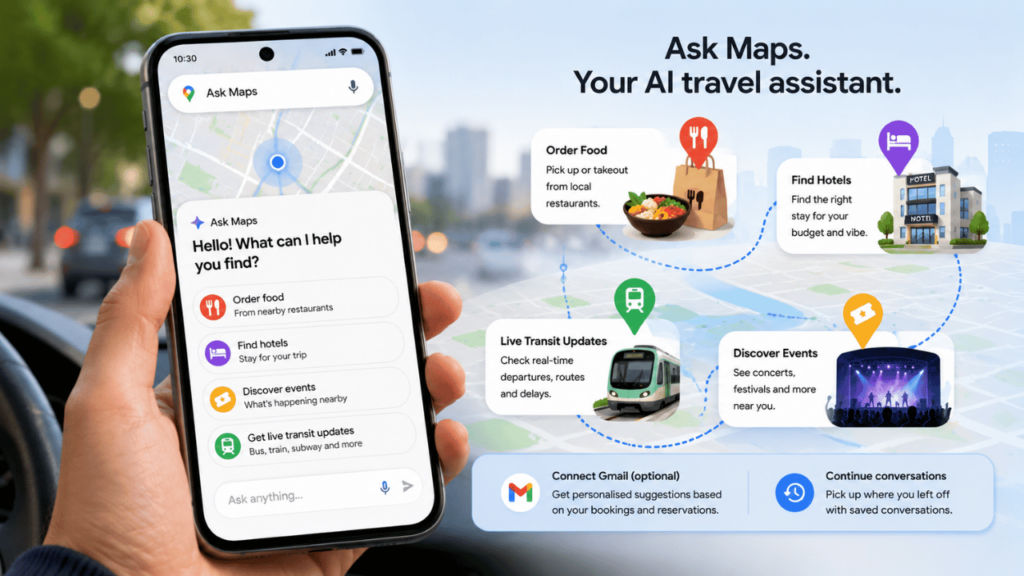
Are you going on an unexpected trip and didn’t have enough time to look for hotels? You need not worry any more, as Ask Map can help you find hotels and nearby events. Launch Google Maps > initiate Ask Maps > request a hotel based on your budget, location or vibe you like or ask about concerts or comedy or what’s going on in the area > choose your preferred hotel or concert and book it.
How to get live transit updates
One of the new features included in Ask Maps is that you can now get live transit updates in Google Maps itself. To do so, open Google Maps > initiate Ask Maps > ask about your bus, train, subway or ferry route > view live departure times in one place > check delays that update in real time.
Also read: AI can now design viruses that do not exist in nature: Here is why scientists are excited
Other useful Ask Maps features
Connect Gmail to receive suggestions based on hotel bookings or flight reservations. You can also continue earlier trip planning with saved conversations.
Upload shopfront photos to suggest updated business hours and share local tips such as parking information to help other Google Maps users.


