
How to create & edit your Bitmoji avatar on Snapchat: Step-by-step guide
 Follow Us
You can create your Bitmoji avatar on Snapchat for a more personalised experience.
Your Bitmoji represents you all around Snapchat.
In this guide, we'll tell you how you can easily create and edit your Bitmoji avatar.

In the vibrant world of social media, Snapchat stands out as one of the most popular instant messaging platforms among Gen Zs and millennials. If you want to add a splash of personal touch to your Snapchat experience, you’ve come to the right place.
 Survey
You can create your Bitmoji avatar on Snapchat for a more personalised experience. Bitmoji avatar is the digital version of yourself that adds a touch of fun to your snaps and chats. Your Bitmoji represents you all around Snapchat.
In this step-by-step guide, we’ll tell you how you can easily create and edit your Bitmoji avatar on Snapchat. Whether you’re a long-time Snapchat user or just getting started, this guide is designed for everyone.
Also read: How to save & share your Snapchat QR code to easily connect with friends: Quick guide
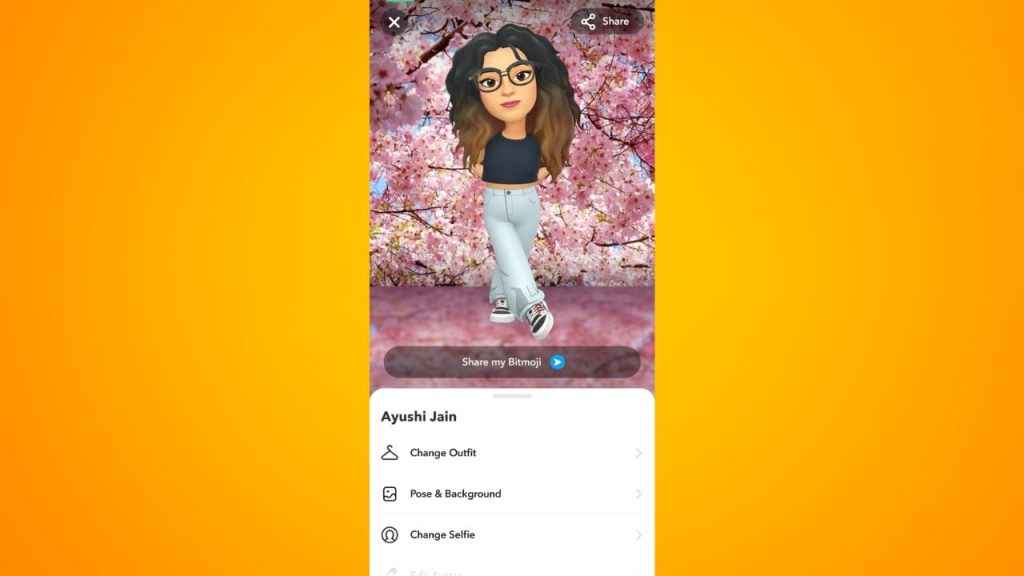
How to create your Bitmoji avatar on Snapchat
Step 1: Open the Snapchat app on your Android device or iPhone.
Step 2: Tap the profile icon present at the top left corner to go to your profile.
Step 3: Tap the Create My Avatar option.
Step 4: Now, select your gender by tapping the girl or boy image at the bottom.
Step 5: Keep your face in the centre of the circle, and Snapchat will create three Bitmoji according to your face.
Step 6: Tap Continue.
Step 7: Now, if you are satisfied with your Bitmoji, tap the Select Outfit option to select the outfit and accessories for your avatar. If not, tap the Edit Avatar and make the necessary changes, then tap Save.
Also read: How to set up two-factor authentication on Snapchat for added security: Step-by-step guide
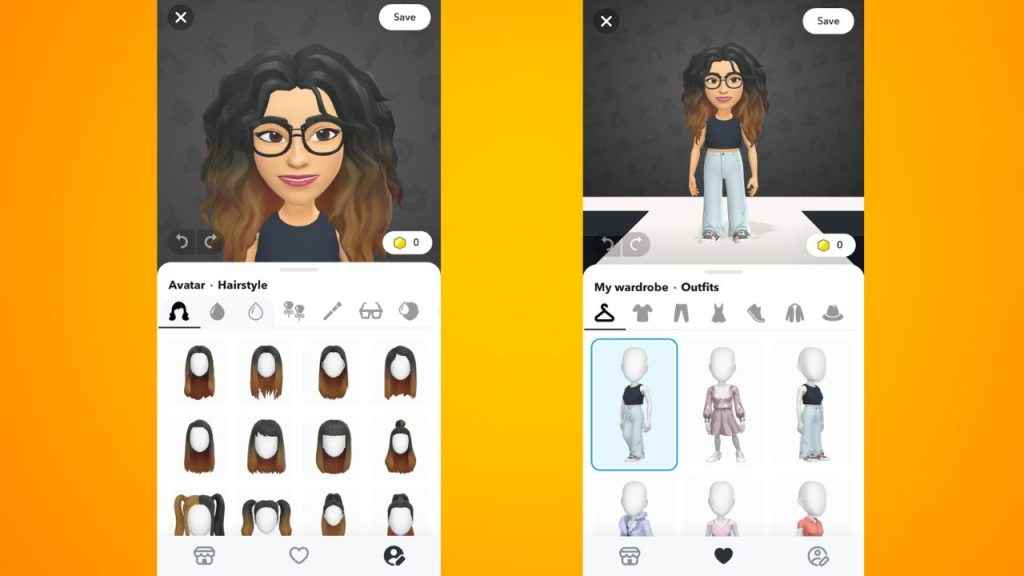
How to edit your Bitmoji avatar on Snapchat
Step 1: Open the Snapchat app on your Android device or iPhone.
Step 2: Tap your Bitmoji present at the top left corner to go to your profile.
Step 3: Tap your Bitmoji avatar present at the top to open your customisation menu
Step 4: Scroll down and tap the Edit Avatar option.
Step 5: Make the changes that you want and then tap Save.


