
What is HDR, and how does it impact the picture quality of your TV?
 Follow Us
Not all HDR is equal and this is why formats and brightness both matter.
Dolby Vision uses dynamic metadata for frame-by-frame tone mapping.
Peak brightness of 1,000+ nits delivers a truly premium HDR experience.
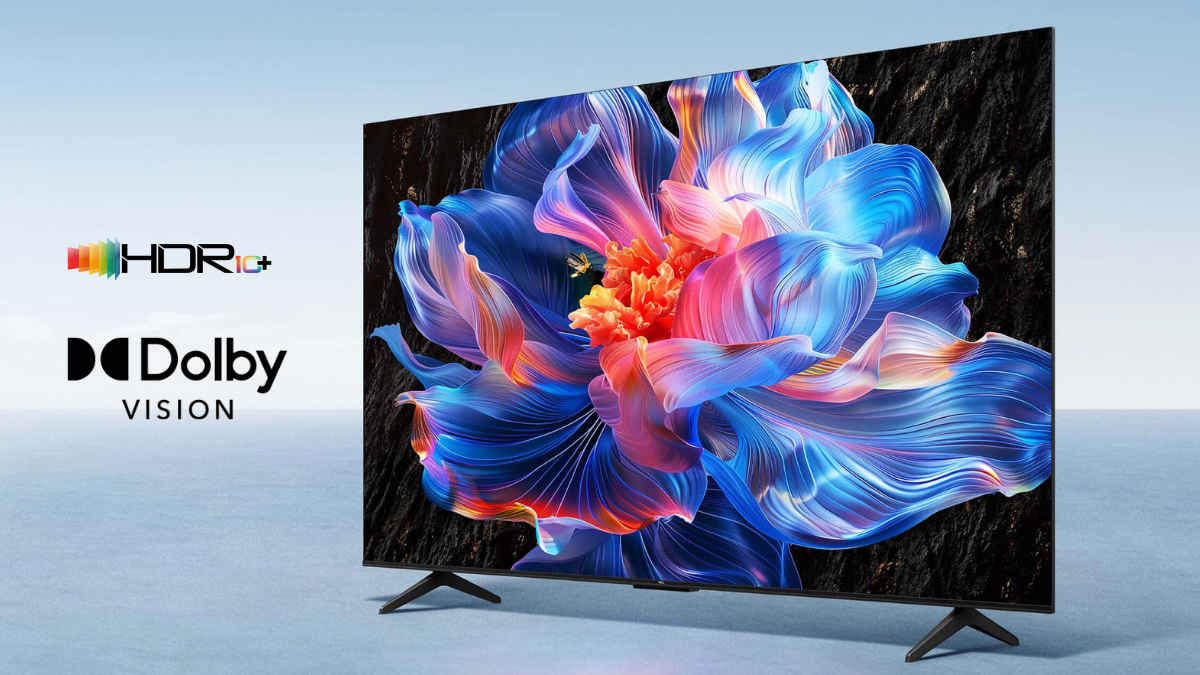

If you’ve ever wanted to buy a TV and started comparing display specs, the term ‘HDR’ has definitely been mentioned more than once. Things like HDR, HDR10, and Dolby Vision are among the most commonly used terms for marketing picture quality. And believe it or not, the reason why one panel looks better than another is almost always because of HDR, or rather, how well a display actually implements it.
 Survey
HDR stands for High Dynamic Range. In simple terms, it expands the gap between the darkest blacks and the brightest whites a display can show. But not all HDR is created equal, and that’s where things get interesting. Let’s take a look at how HDR works, why some HDR displays look better than others, and what you should actually be looking for before you spend your money.
Also Read: Mini LED vs OLED vs QLED vs Micro LED: TV display technologies explained
The main formats of HDR
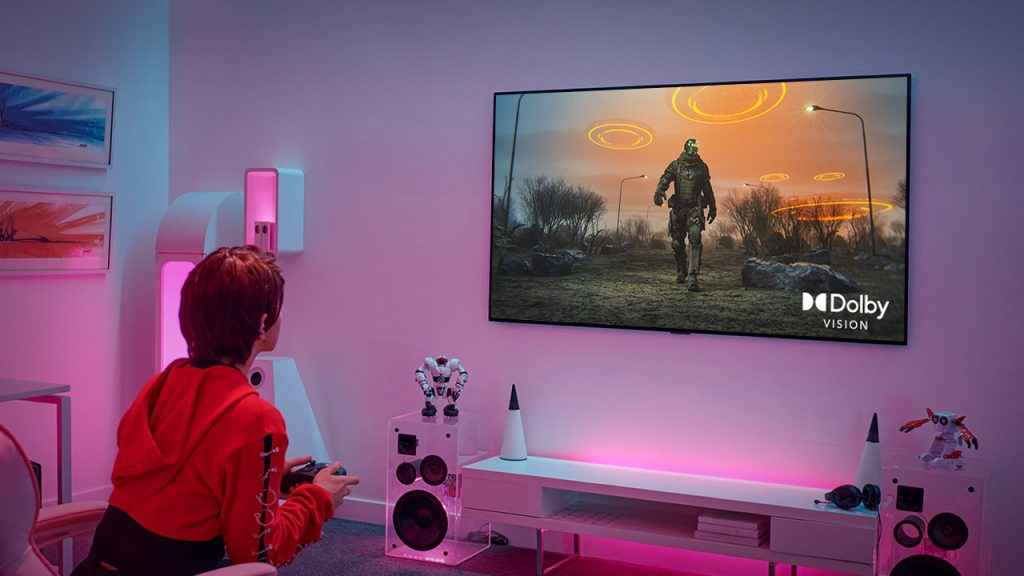
HDR10 is the baseline, and almost every HDR display supports it. It uses static metadata, meaning the brightness and contrast parameters are set once for the entire film or show and don’t change from scene to scene. It works well enough for most content, but you do start to feel its limitations in scenes, which is where the other premium formats come in.
Dolby Vision sits at the premium end. It uses dynamic metadata that calibrates tone mapping on a frame-by-frame basis. Essentially, a Dolby Vision display receives real-time instructions from the content itself about how each scene should look. Head-to-head against HDR10, Dolby Vision almost always wins, but TV makers have to pay Dolby for licensing, which is why you tend to find it in mid-range and premium products rather than budget ones.
Meanwhile, HDR10+ is Samsung and Amazon’s open-source answer to Dolby Vision. It also uses dynamic metadata, so it’s a step up from basic HDR10. The catch is content availability, where Dolby Vision has a significantly larger library, being the industry standard. Most movies and shows that come in HDR are available in Dolby Vision first, while HDR10+ remains more limited in comparison.
Wide colour gamut and bit depth
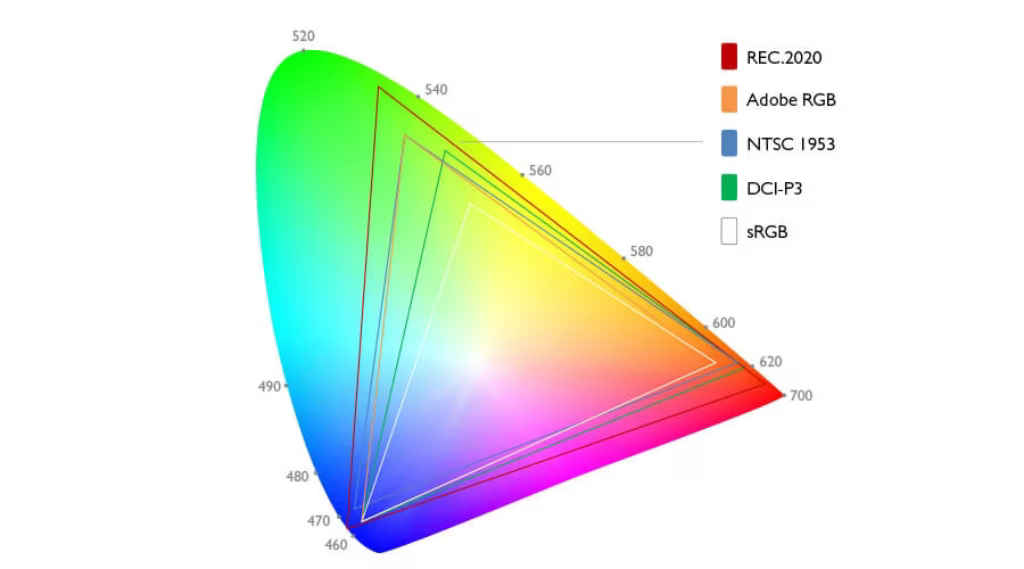
When talking about HDR, you’d notice that peak brightness and HDR formats are those things that get most of the attention. However, there are two other specifications that quietly determine how good an HDR image actually looks, and these include wide colour gamut and bit depth.
First up, wide colour gamut refers to how many colours a display can reproduce. The standard for regular content is the sRGB colour space, which covers the Rec. 709 gamut used by HD video. HDR content, however, is mastered for a much wider space like DCI-P3, which covers roughly 26% more colours than Rec. 709.
On the other hand, bit depth determines basically the whole 8-bit vs 10-bit debate. Standard displays use 8-bit colour, giving around 16.7 million colours. While HDR displays typically target 10-bit colour, which gives about 1.07 billion colours.
How does peak brightness come into the picture
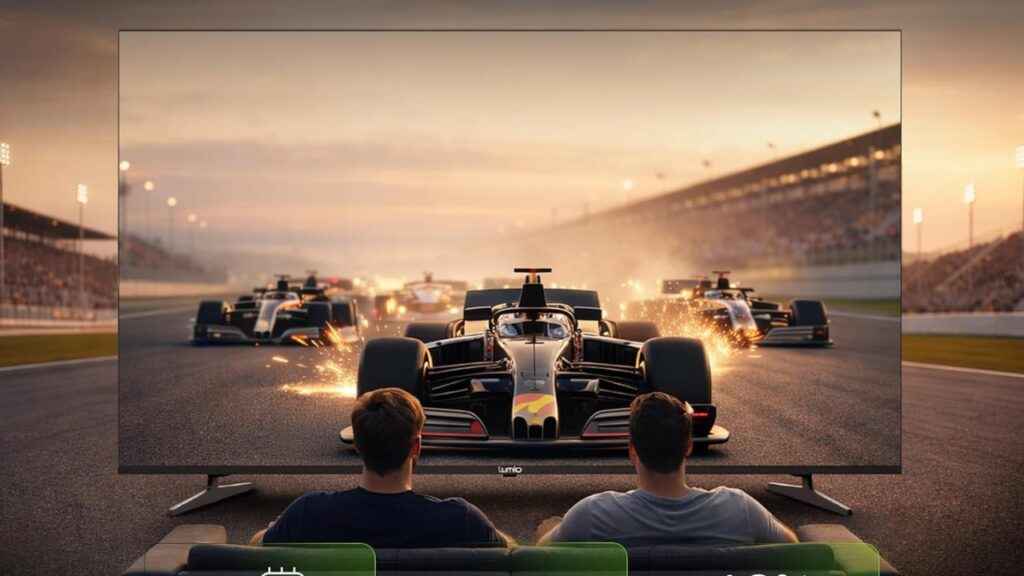
While all that format information is important, what many buyers miss is that a TV’s brightness and the HDR badging almost go hand in hand together. Peak brightness matters, as a 1,500-nit HDR10 TV will deliver a more dramatic HDR experience in terms of impact than a 400-nit Dolby Vision TV because there’s simply more light on offer.
But here are where things get even more interesting, as even in peak brightness there are things that affect the experience. For example, dynamic metadata formats like Dolby Vision and HDR10+ use tone mapping to redistribute brightness intelligently across a scene. This actually benefits lower-brightness TVs more than you might expect. A 400-nit TV running Dolby Vision has an advantage over a 400-nit TV running plain HDR10.
For a genuinely good HDR experience, though, it is recommended to look for at least 600 to 800 nits as a starting point and 1,000+ nits for a premium result. The HDR format badge on top of that will determine how well the panel uses that brightness.
How your display technology affects HDR
Not all panels handle HDR equally, and even at the same peak brightness, the display technology underneath matters a lot more.
For example, an OLED display dims individual pixels completely to produce true black. There is no backlight to leak light into dark areas, which means the contrast ratio is effectively infinite. The only limitations of having OLED panels are that they typically have lower peak brightness than most mini-LED TVs, and there’s also the risk of burn-in over time.
On the other hand, Mini-LED backlights divide the backlight into hundreds or thousands of independently controlled zones. The result is much higher peak brightness than most OLEDs. The catch is that it could cause a blooming or halo effect, because the dimming zones aren’t small enough to fully isolate it.
Both the technologies are ideal for HDR conditions, and they both have their own set of pros and cons; however, it’s best to choose the one that fits your budget. For most people, Mini LEDs are a great option when compared to the OLED panels just because of the difference in pricing.
Does the content even support HDR?
None of these technical details matters if you’re watching SDR content on an HDR display. Most apps like Netflix, Prime Video, and Apple TV+ have strong Dolby Vision libraries in India. The availability of HDR on other popular platforms like JioHotstar is more limited. So before you upgrade your TV specifically for HDR, it’s worth checking whether your most-watched apps actually stream in it.
What to look for before you buy
- Peak brightness: 600–800 nits minimum for a decent HDR experience; 1,000+ nits for the real thing
- HDR format: Dolby Vision is the most content-rich format; HDR10+ is a good second
- Local dimming: Full-array local dimming (FALD) on mini-LED or OLED for true per-pixel control
- Colour gamut: Look for wide DCI-P3 coverage (90%+ is good); Rec. 2020 support is a bonus
- Bit-depth: 10-bit panel processing at minimum
- Content compatibility: Check whether your streaming apps support HDR before buying for that reason alone
Wrapping up
Rather than just chasing the HDR badge, what really matters is strong peak brightness, full-array local dimming, and genuine wide colour gamut coverage. A TV that does those things well will outperform a spec sheet rival almost every time, regardless of which type of HDR it comes with. And as always, do make sure the content you watch actually delivers HDR before that becomes the deciding factor in your purchase.
For more such informative guides, keep reading Digit.in
Also Read: Lumio may have solved one of the biggest smart TV problems with Project Neo


