
Why now is the right time to upgrade to an MSI RTX 50 AI laptop
 Follow Us
AI, gaming and creator workloads now demand stronger GPU acceleration.
RTX 50 laptops bring Blackwell, DLSS 4.5, fifth-gen Tensor Cores and more AI TOPS.
MSI’s RTX 50 lineup starts at far more accessible prices than previous launches.
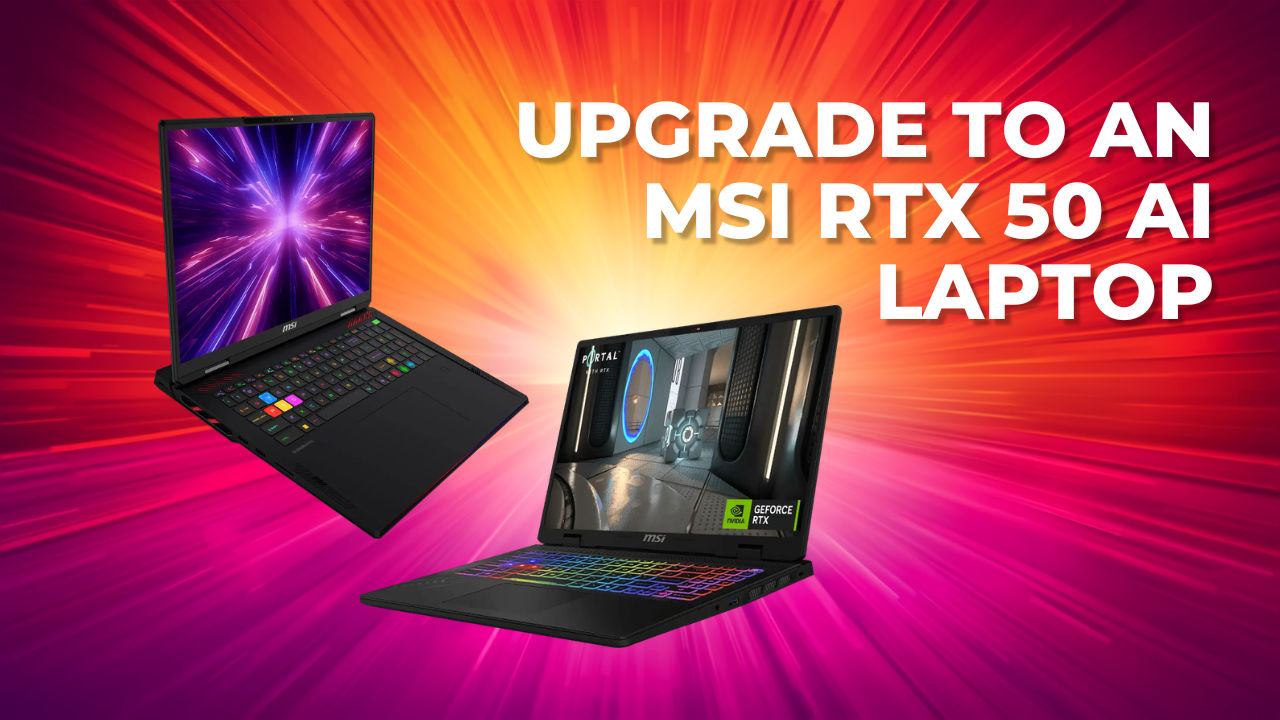

If you’re still using an 3-5 year older laptop, now is the right time to upgrade. Modern workloads have evolved beyond gaming and today’s laptops are expected to handle AI-assisted productivity, content creation, local AI applications, streaming and software development. MSI’s RTX 50 series AI laptop lineup combines NVIDIA Blackwell GPUs with the latest Intel Core Ultra processors to deliver significantly stronger AI acceleration, gaming performance and creator capabilities across every price segment.
 Survey
Who should upgrade?
If the current laptop is an 3-5-year old machine being used for gaming, studies or everyday productivity, the MSI Katana 15 HX is the most practical upgrade. It brings users into the RTX 50 generation with modern AI acceleration, better gaming support and a more current platform without pushing them into flagship pricing.
Engineering students and software developers should look at the MSI Crosshair 16 HX AI. It offers the right balance for coding, AI-assisted development, simulations, project work and mainstream gaming, making it a stronger fit for users who need both GPU acceleration and day-to-day versatility.
Content creators and streamers should consider the MSI Vector 16 HX AI. Its stronger GPU focus makes it better suited to AI-assisted editing, rendering, upscaling, streaming tools and heavier creative workloads where sustained performance matters more than basic portability.
AI developers, researchers and professional creators should move to the MSI Raider 18 MAX HX. This is the performance-first recommendation for local LLMs, generative AI workflows, 3D work, large projects and long GPU-heavy sessions where cooling, graphics power and headroom are the priority.
Why upgrade now?
Upgrading now makes sense because RTX 50 laptops bring gaming, AI and productivity together on one platform. Also, AI-powered applications are increasingly dependent on GPU acceleration, and local tools such as LM Studio and ComfyUI benefit from newer Tensor Cores for generative AI content creation as well as agentic AI workflows. Modern creator software is also leaning harder on AI for editing, rendering and upscaling, making the GPU more important than ever.
Here’s what an RTX 50 laptop brings to the table
Essentially, RTX 50 laptops bring a very different kind of upgrade compared to machines bought three to five years ago. The obvious jump is in gaming performance, with newer NVIDIA Blackwell GPUs, DLSS 4, improved ray tracing and better efficiency helping modern titles run faster and smoother. But the bigger shift is that the GPU is now central to AI, creator and productivity workloads as well.
Compared to older laptops, RTX 50 machines offer newer Tensor Cores, higher AI TOPS and better support for local AI tools, generative AI workflows, AI-assisted editing, image generation, upscaling and coding assistants. Applications such as LM Studio, ComfyUI, video editors and 3D tools increasingly lean on GPU acceleration, so the laptop feels more capable outside gaming too.
The platform around the GPU has also improved. Buyers get newer CPUs, faster memory, quicker SSDs, better displays, improved cooling, newer wireless connectivity and stronger battery behaviour in productivity workloads. For users dealing with ageing batteries, limited VRAM, older encoders or Windows 11 readiness concerns, the upgrade is also about moving to a laptop built for gaming, AI and modern work together.
Which MSI RTX 50 AI laptop should you upgrade to?
Once the upgrade decision is clear, the next step is choosing the MSI laptop that fits the workload. AI developers, engineering students, gamers, creators and business users do not need the same kind of machine. Some workloads need maximum GPU performance, some need a balanced development and gaming laptop, while others benefit more from portability, battery life and everyday AI productivity.
| Model | Best for | What makes it great? |
| MSI Raider 18 MAX HX A2WJ | AI developers, researchers, professional creators | Maximum AI performance with Intel Core Ultra 9 285HX and RTX 5090 for local AI development and demanding creative workflows. |
| MSI Crosshair 16 HX AI D2XW | Engineering students, software developers | Optimised for AI-assisted coding, agentic AI workflows and engineering applications with RTX 5060/5070 graphics. |
| MSI Katana 15 HX B14WFK | Students, mainstream gamers, productivity users to run AI-based apps | An accessible laptop that combines productivity, GPU-driven AI acceleration and immersive play. |
| The Prestige 13 AI+ A3MG | Business users, professionals, mobile workers | A lightweight AI laptop designed for cloud AI workflows, AI-assisted productivity and long battery life. |
The MSI Raider 18 MAX HX is the top-end choice for users who need the most capable AI laptop in the lineup. With Intel Core Ultra 9 285HX and RTX 5090 graphics, it is built for local AI development, large creative projects, 3D workflows, high-end gaming and long GPU-heavy sessions. It is the right upgrade for users who care more about performance headroom than portability.
The MSI Crosshair 16 HX AI is the more balanced recommendation for engineering students and software developers. Its RTX 5060 and RTX 5070 graphics options make it a strong fit for AI-assisted coding, agentic AI workflows, simulations, engineering applications, content creation and gaming. It is a practical upgrade for users who want serious GPU acceleration without stepping into flagship territory.
The MSI Katana 15 HX is the accessible route into GPU-driven AI and AI gaming. It is suited to students, mainstream gamers and productivity users who want to run AI-based apps, play modern games and use creator tools without overbuying. For users moving from an older laptop, this is the most sensible entry point into the RTX 50 generation.
The MSI Prestige 13 AI+ is the right fit for business users, professionals and mobile workers who want AI features in a thin-and-light laptop. It is designed around cloud AI workflows, AI-assisted productivity, meetings, research, writing and long battery life rather than heavy local GPU workloads. For users who need an everyday AI laptop that travels well, this is the more practical choice.
To know more about MSI RTX 50 laptops, head over to – https://msi.gm/S6A93E4F
FAQs
Should I upgrade to an RTX 50 series laptop?
Yes, especially if the current laptop is three to five years old or still running an 3-5-year old GPU. RTX 50 laptops bring newer NVIDIA Blackwell graphics, better AI acceleration, DLSS 4 support, improved ray tracing and stronger creator performance. The upgrade goes beyond just gaming at higher frame rates. RTX 50 GPUs also help with local AI tools, AI-assisted editing, image generation, coding assistants, streaming and productivity workflows that increasingly rely on GPU acceleration.
Which MSI RTX 50 laptop is best for engineering students?
The MSI Crosshair 16 HX AI is the strongest fit for engineering students because it balances AI performance, coding capability and gaming. It is meant for users who need one laptop for programming, project work, simulations, AI-assisted learning, content creation and entertainment. With RTX 5060 and RTX 5070-level graphics options, it gives students enough GPU headroom for AI tools and engineering applications without moving into flagship laptop pricing.
Which MSI laptop is best for AI development?
The MSI Raider 18 MAX HX is the best choice for serious AI development. It is built for users working with local AI models, LLMs, AI research, generative AI tools, 3D workflows and other GPU-intensive workloads. With Intel Core Ultra 9 285HX and RTX 5090 graphics, it offers the performance headroom needed for demanding local AI development, long compute-heavy sessions and professional creator workflows.
Is RTX 50 only for gaming?
No. Gaming is only one part of the RTX 50 story. RTX 50 GPUs also accelerate AI-assisted productivity, video editing, image generation, upscaling, streaming, 3D rendering and software development. Tools such as LM Studio, ComfyUI, creator apps and AI coding assistants can benefit from newer Tensor Cores and stronger GPU acceleration. So an RTX 50 laptop is useful for gamers, creators, students, developers and professionals.
Which MSI RTX 50 laptop offers the best value?
The MSI Katana 15 HX is the ideal entry point for users who want the benefits of the RTX 50 series without moving into premium pricing. It is a sensible choice for students, mainstream gamers and productivity users who want GPU-driven AI acceleration, modern gaming performance and support for AI-based apps. For anyone upgrading from an older laptops, the MSI Katana 15 HX makes the RTX 50 generation more accessible.


