
Best AI Laptops in 2026: How to Choose the Right MSI Laptop for Local LLMs, AI Creation, Coding, and Agentic AI
 Follow Us
AI laptop performance depends on the right mix of CPU, GPU, NPU, memory and cooling.
MSI’s 2026 lineup spans flagship AI development, gaming and creator-ready machines.
Different AI users need different laptops, from local LLM testing to AI-assisted productivity.
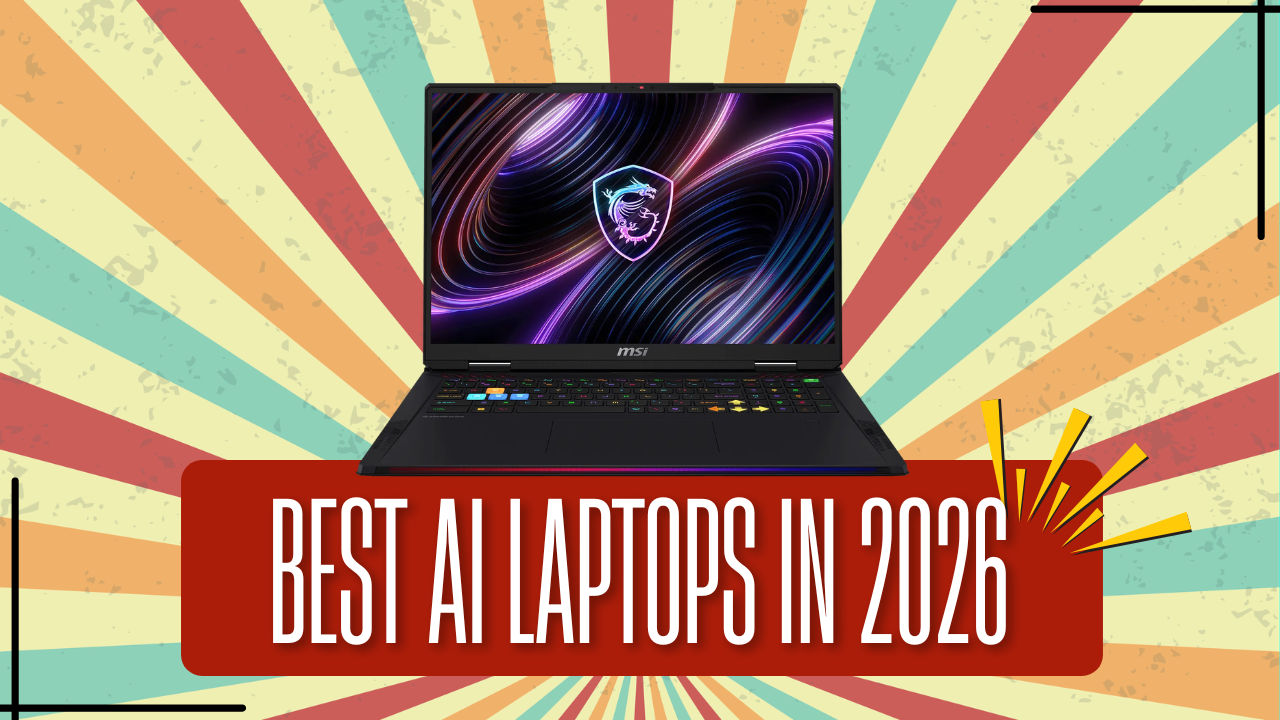

AI is no longer a single feature that sits inside one app. It now cuts across writing, coding, video editing, image generation, search, summarisation, data analysis, voice tools and even gaming. That also means buying an AI laptop in 2026 needs a more practical approach. The best laptop is not always the one with the biggest specification sheet. It is the one that fits the kind of AI work being done. For someone who only uses AI tools for meetings, documents and productivity, a thin laptop with a strong NPU and long battery life can make more sense than a bulky gaming machine. For a developer experimenting with local LLMs, generative AI models, computer vision or AI-assisted 3D workflows, GPU performance, VRAM, thermals and upgradeability become far more important. MSI’s extensive 2026 laptop portfolio covers both ends of the AI spectrum, from lightweight Prestige machines to high-performance Raider, Stealth, Crosshair and Cyborg systems.
 Survey
Which is the right MSI AI laptop for you?
Choosing an AI laptop becomes much easier when the decision starts with the workload rather than the specification sheet. A user experimenting with local LLMs needs a very different machine from someone who mainly wants AI-assisted productivity, light content creation and mainstream gaming. MSI’s RTX 50 AI laptop range covers these different needs without forcing every buyer into the same performance tier.
| What do you want to do? | Recommended MSI Laptop |
| Local LLMs and AI development | Raider 18 MAX HX |
| AI coding and software development > best suited for engineering students (with 5060 & 5070 level) | Crosshair 16 |
| The best choice for those who want to buy an everyday AI PC & mainstream gaming | Katana Series |
| AI productivity > portability with high productivity | Prestige series |
The short version is simple: choose Raider when AI performance and GPU headroom matter most, Crosshair when the laptop needs to balance engineering workloads, AI coding and gaming, Katana when the priority is a practical everyday AI PC with mainstream gaming chops, and Prestige when portability, and productivity features matter more than raw GPU power. This keeps the buying decision focused on the kind of AI work the laptop will actually be used for.
Which MSI AI laptop should you buy?
The easiest way to choose an AI laptop is to begin with what the laptop will actually be used for. AI coding, student projects, local LLM development and productivity all lean on different parts of the hardware. Some users need GPU power, some need a balanced machine for coding and gaming, and some need a thin-and-light AI PC that can keep up through a long workday.
Best MSI laptop for AI coding
For AI coding and software development, the MSI Crosshair 16 HX AI D2XWGKG-066IN is the strongest fit. It sits in the right middle ground for developers who want a laptop that can handle coding environments, AI-assisted programming tools, local testing, mainstream model experimentation and gaming without stepping into full flagship pricing.
This is where the hardware balance matters. AI coding still depends heavily on the CPU for compiling code, running development environments, multitasking across browser tabs and managing project files. However, the GPU becomes important when the workflow includes model testing, AI-assisted development tools, image workflows, simulations or GPU-accelerated frameworks. The Crosshair 16 HX AI gives buyers that balance, with RTX 50-class graphics performance and a chassis designed for stronger sustained workloads than a conventional thin-and-light laptop.
For users upgrading from older gaming laptops, it also brings a more modern AI-ready platform. It makes sense for developers, engineering students, streamers and creators who want one laptop that can code, game, create and experiment with AI tools.
Best MSI laptop for students using AI
For students using AI for coursework, coding basics, research, presentations, content creation and gaming, the MSI Katana Series is the most practical recommendation. The Katana 15 HX B14WFK-102IN, Katana 15 HX B14WFK-641IN and Katana 15 HX B14WEK-264IN are better suited to buyers who want a capable all-rounder rather than a top-end performance machine.
This category is important because most students do not need a laptop only for AI. They need one machine that can manage college work, browser-heavy research, coding assignments, creative projects, online classes, entertainment and gaming. The Katana Series fits that use case well because it gives users access to MSI’s RTX 50 AI laptop platform without pushing them into premium gaming laptop territory.
The GPU helps with AI-assisted creative tools, mainstream gaming and lighter experimentation, while the CPU handles everyday responsiveness, multitasking, coding basics and productivity apps. For students moving from older GTX or RTX 20 series laptops, the Katana models offer a more current route into AI-enabled workloads while keeping the buying decision relatively sensible.
Best MSI laptop for local LLM development
For local LLM development, heavier AI experimentation, rendering, 3D workflows and GPU-heavy creator workloads, the MSI Raider Series is the clear pick. The Raider 18 Max HX A2WJ-1068IN is the model to consider when maximum AI performance and sustained GPU power matter most. The Raider 18 HX A14VIG-253IN follows the same logic for users who want a powerful large-screen performance laptop for demanding creator, gaming and development workloads.
Local LLMs are far more demanding than cloud-based AI tools. Once the user starts experimenting with local models, AI image generation, GPU-accelerated workflows, video tools or development environments that keep the CPU and GPU under load for long periods, cooling and sustained power become just as important as the processor name. This is where the Raider Series makes sense.
These laptops are not built around minimalism. They are meant for users who value performance headroom, large-screen immersion and long-duration stability. The CPU helps with multitasking, development tools and system responsiveness, while the GPU and available graphics memory are the real drivers for local AI workloads. For buyers who want the strongest MSI option for AI development and creator-class performance, Raider is the category to start with.
Best MSI laptop for using AI productivity tools
For Gen AI productivity, business use and portability, the MSI Prestige Series is the right fit. The Prestige 13 AI+ A3MG-048IN is aimed at professionals, students and frequent travellers who want a lightweight AI PC for writing, research, meetings, presentations and office work. The Prestige 13 AI+ Ukiyoe Edition A2VMG-208IN offers the same productivity-first approach with a more distinctive design.
This is the category where the NPU matters more than raw GPU power. The NPU, or neural processing unit, is designed to run efficient AI tasks such as background blur, live captions, noise reduction, transcription, image enhancement, local assistant functions and future Windows AI features. For everyday AI productivity, this can be more useful than carrying a heavier gaming laptop.
The Prestige Series is not the choice for users who want to run heavy local LLMs or GPU-intensive creator workflows. Its strength lies in mobility, battery life, efficient AI features and a premium everyday work experience. For users whose AI usage revolves around meetings, writing, research, productivity apps and AI features, the Prestige 13 AI+ models are the more sensible choice.
The right MSI AI laptop depends on the workload
The simplest way to choose is to match the laptop to the workload. If the priority is local LLM development, GPU-heavy AI tools, rendering and high-end gaming, the Raider 18 Max HX or Raider 18 HX is the right direction. If the focus is AI coding, software development, gaming and creator work at a balanced level, the Crosshair 16 HX AI is the better fit. If the buyer wants an accessible RTX 50 AI laptop for student life, mainstream gaming, coursework and lighter creator workloads, the Katana 15 HX models make the most sense. If the priority is portability, battery life, meetings, writing, and research, the Prestige 13 AI+ models are the right choice.
In 2026, an AI laptop is defined by how well the CPU, GPU, NPU, memory, cooling, display and design come together for the user’s actual workflow. MSI’s lineup gives buyers a clear way to match the machine to the job, whether that job is AI coding, local model experimentation, studying, business productivity, content creation or simply getting more done with AI every day. To know more, head over to – https://msi.gm/S7E39CA1
FAQs
Which MSI laptop is best for AI coding and software development?
The MSI Crosshair 16 is the best balanced pick for AI coding and software development. Its RTX 5060 and RTX 5070-level GPU options make it suitable for coding tools, AI-assisted development, light local model work and gaming.
Which MSI laptop should engineering students choose for AI-assisted learning and coding?
Engineering students should look at the MSI Crosshair 16. It offers enough performance for coding, AI learning, simulations, project work, content creation and gaming without moving into flagship pricing.
Which MSI laptop will be best for AI coding and software development in 2026?
For most users, the MSI Crosshair 16 is the practical choice. For heavier local LLMs, GPU-heavy AI development and creator workloads, the Raider 18 MAX HX is the better high-performance option.
How much GPU memory should you look for AI image generation and creative workflows?
Buyers should look for at least 8GB of GPU memory for AI image generation and creative workflows. Heavier projects, video AI tools and larger local workloads benefit from higher-tier RTX 50 laptops with more GPU headroom.
Can students run local LLMs on MSI laptops for learning and experimentation?
Yes. Students can run smaller local LLMs and AI tools on MSI RTX 50 laptops. The Crosshair 16 is a good starting point, while the Raider 18 MAX HX is better for heavier local AI experimentation.
What specifications should buyers prioritise when choosing an MSI AI laptop?
Prioritise the GPU for local AI, image generation, gaming and creator tools. Prioritise the NPU for Copilot+ productivity and efficient everyday AI features. Also check RAM, SSD storage, cooling and display quality.


