
Use NotebookLM beyond studying: 5 cool ways to get more for free
 Follow Us
NotebookLM can help users organise notes, PDFs, and tutorials in one place.
The tool makes learning easier by summarising information and explaining topics in simple words.
NotebookLM can also help with research, comparisons, and interview preparation using uploaded files and links.

Most people hear about NotebookLM and instantly think of students, exams, and lecture notes. I thought the same at first. It looked like another AI tool built only for classrooms and revision sessions. But after spending time with it, I realised it can do far more than help people study. The real strength of NotebookLM is how it works with your own files, links, PDFs, notes, and research instead of pulling random answers from the internet. That changes everything. I started using it for learning skills, comparing tools, preparing for interviews, and even organising information I normally lose track of. If you have ever felt overwhelmed by too much information online, NotebookLM can quietly become one of the most useful free tools in your daily workflow.
 Survey
1. Learn new skills faster with NotebookLM
One of my favourite ways to use NotebookLM is for learning something completely new without feeling lost halfway through the process. The internet already has thousands of tutorials for almost every topic. The problem is not the lack of information. The real issue is figuring out what is useful and what is just noise.
When we start learning anything new, the most common issue we face is that we open a number of tabs to find the resources that can help us, but at the end we forget where we saved things.
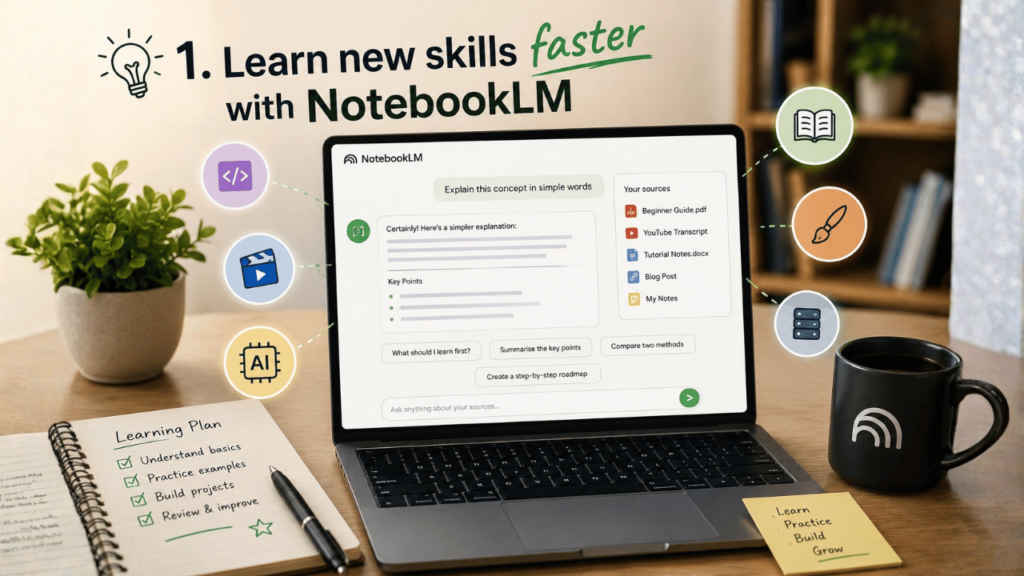
However, NotebookLM can solve this issue for you, as you can upload YouTube transcripts, PDFs, blog posts, online guides, research papers, or even your own notes to the AI tool, and once everything is inside it, then the tool starts acting like a smart learning companion.
For example, if you want to learn video editing, coding, AI tools, or self-hosting, then you can simply upload beginner tutorials and documentation into NotebookLM and then ask the tools simple questions like the following:
- Explain this in easier words.
- What should I learn first?
- Summarise the important concepts.
- Compare the following two methods: Topic A and Topic B.
- Create a step-by-step roadmap.
In addition, the other thing that I like very much about NotebookLM is that the answers given are based on the information that I have uploaded and not just any random answer from the internet.
For people who find themselves having difficulty with complex terms, this will definitely be helpful. You no longer have to waste hours looking for definitions since all you need to do is ask NotebookLM.
Also read: GTA Vice City in 2026: It has more personality than most modern games
2. Use NotebookLM as your personal knowledge base
Most of us save information everywhere. Some notes stay inside Google Docs. Some remain buried in screenshots. Important PDFs disappear into download folders. Bookmarks get forgotten after a week.
I used to waste a lot of time trying to remember where I saved something.
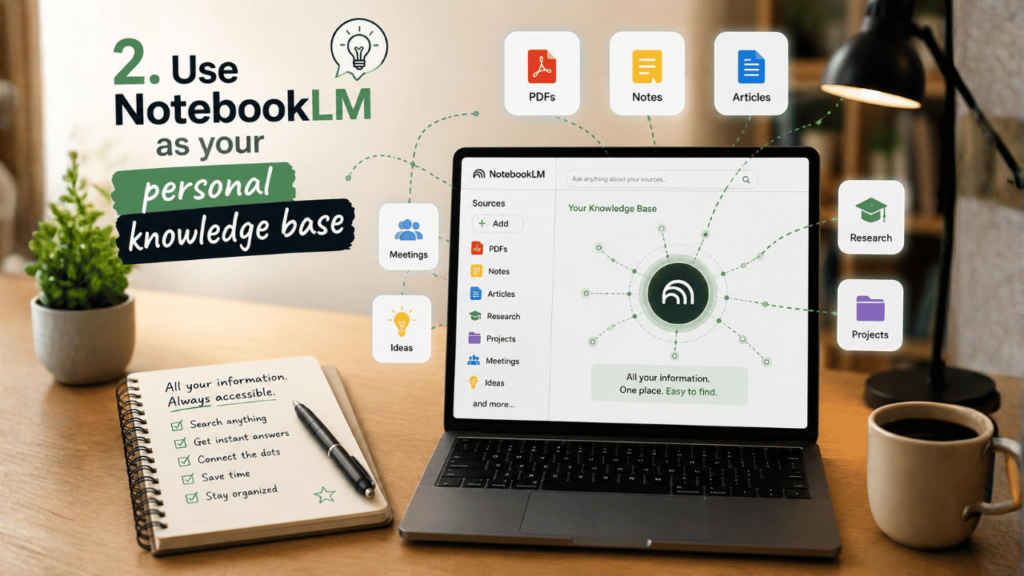
NotebookLM can solve that problem by turning all your scattered information into a searchable personal knowledge base. Think of it like a second brain that actually remembers things for you.
You can upload:
- PDFs
- Research notes
- Meeting documents
- Articles
- Project ideas
- Study material
- Work references
- Planning documents
Once everything is inside a notebook, you can ask questions naturally instead of manually searching through folders.
For instance, you can ask:
- Which document mentioned this idea?
- Summarise all my notes about this project.
- Find the common points between these articles.
- What were the key takeaways from my uploaded PDFs?
The experience feels less like using storage and more like having a conversation with your own information.
This is especially useful for creators, freelancers, students, journalists, researchers, and even small business owners. It can be of great help for anyone who deals with tonnes of data every day.
In contrast to conventional software, where one has to organise everything by himself/herself, NotebookLM organises all things automatically, thus saving time and effort.
3. Make better decisions using AI-powered research
I am someone who overthinks almost every important decision. Whether it is choosing software, buying gadgets, selecting tools for work, or comparing services, I usually end up opening too many tabs and getting even more confused.
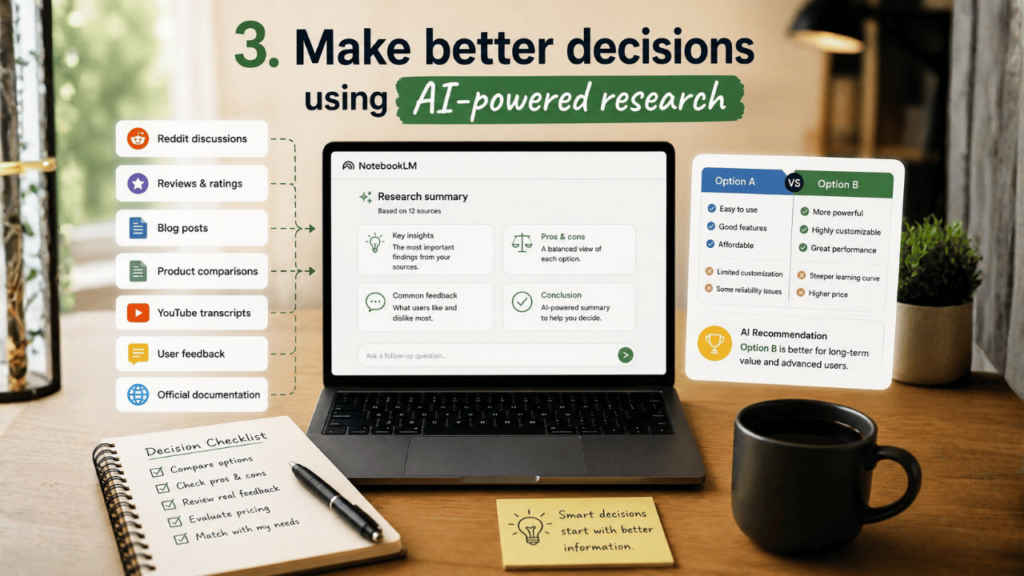
NotebookLM makes this process far easier. Whenever I need to compare options, I gather all the relevant information first. This can include:
- Reddit discussions
- Reviews
- Blog posts
- Product comparisons
- Official documentation
- YouTube transcripts
- User feedback
Then I upload everything into NotebookLM and ask it to organise the information for me. For example:
- List the pros and cons.
- Which option is better for beginners?
- Compare pricing and features.
- Which tool matches my workflow?
- Summarise common complaints from users.
If you regularly compare apps, gadgets, subscriptions, courses, or productivity tools, then NotebookLM can be really useful. Moreover, the good part is that the answers provided are only from the sources you uploaded. While you still make the final decision, the AI tool helps by cutting down the overload of information. It turns the scattered notes and research into something simple and easy to understand.
Also read: NVIDIA GeForce NOW vs Xbox Cloud Gaming: Features compared, who wins?
4. Prepare for job interviews with NotebookLM
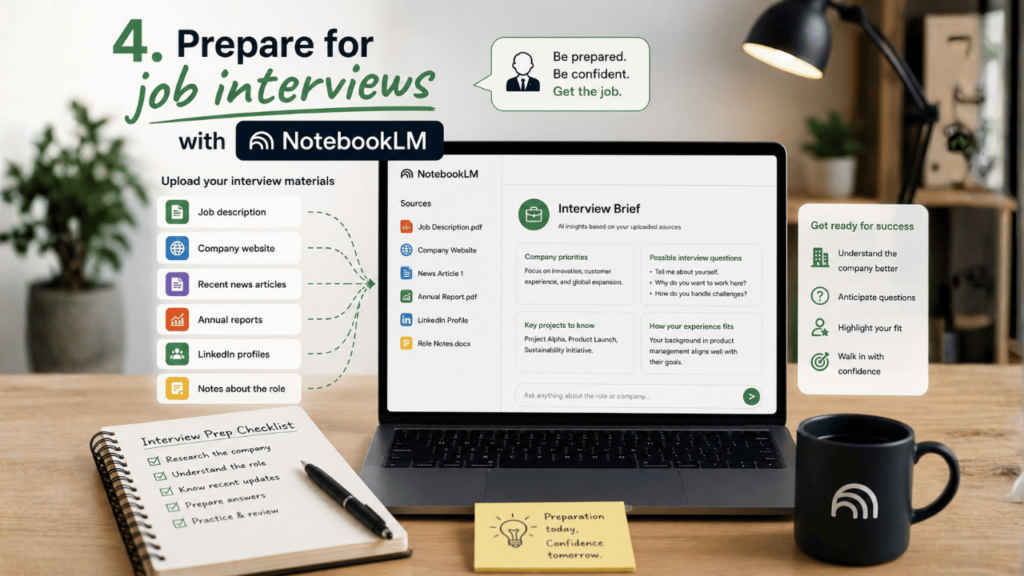
Job interviews can be intimidating irrespective of how experienced you may be. One thing that really makes a difference is preparation. The more you understand about the company, the more confidence you have during the interview.
NotebookLM can quietly become a powerful interview preparation tool. Before an interview, I can upload:
- The job description
- Company website pages
- Recent news articles
- Blog posts
- Annual reports
- Product information
- LinkedIn profiles
- Notes about the role
Once everything is uploaded, NotebookLM can help break down the company in a much easier way. I can ask:
- What are this company’s priorities?
- What questions might they ask?
- Summarise the company culture.
- What recent projects should I know about?
- How does my experience fit this role?
In other words, instead of taking several hours to browse various sources and read lengthy pieces of content, one will be able to get all essential points compiled on one screen within a couple of seconds.
This will definitely be extremely beneficial in case a person is preparing for job applications at particular companies which tend to offer many sources of information online. Instead of trying to figure out what to focus on, a user can categorise their findings into such sections as company history, job requirements, interview experience, and latest news.
Another great advantage of NotebookLM is the audio overview option, making preparation seem easier. In addition to reading notes, a person will be able to listen to AI-written summaries, podcast-style.
This can definitely be a confidence boost for any intern, remote worker, corporate worker, and freelancer candidate.
5. Organise tutorials, PDFs, and notes in one place
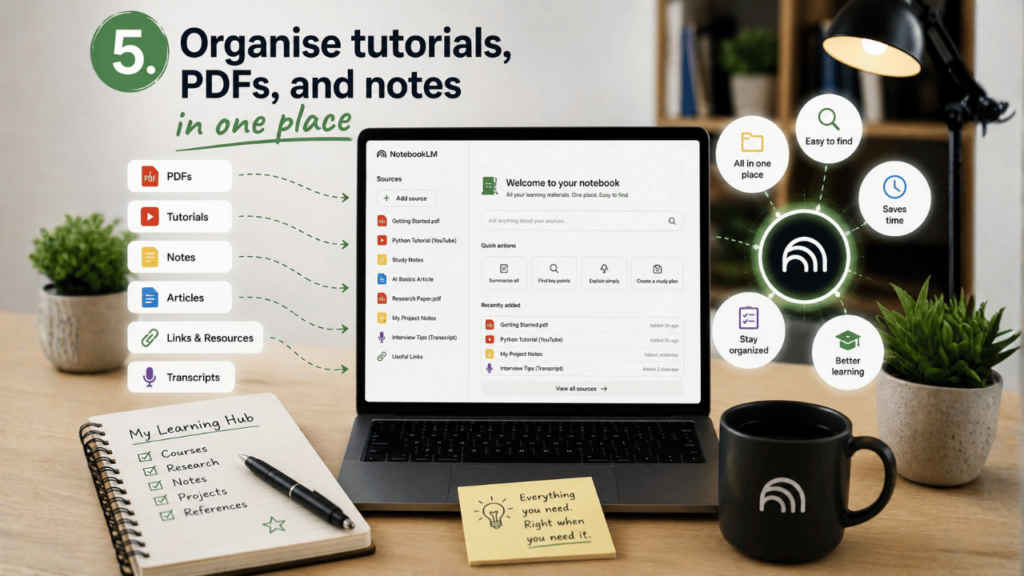
One of the simplest but most underrated uses of NotebookLM is organisation, as most people collect learning material faster than they actually use it. And as a result of that, everything becomes difficult to manage as the tutorials stay half-watched, PDFs pile up and the important notes get forgotten.
NotebookLM helps bring all of that together into one clean space, so you need not worry about things messing up. I personally like using separate notebooks for different goals. For example:
I’ve created a separate notebook for career learning, personal projects, productivity research, interview preparation and long-term ideas.
Inside each notebook, I store the tutorials, notes, references, and PDFs, clubbing them under a single name of the subject instead of spreading them across multiple apps or platforms.
What makes this better than normal storage is the AI layer on top of it. The tool does not just save information. It helps you interact with it.
Furthermore, you can also instantly summarise long documents, find important points, connect related ideas, and ask questions naturally. That makes it easier to actually use the information you saved instead of forgetting about it.
For users who constantly download guides, bookmark articles, and save tutorials for later, NotebookLM can finally make all that content feel organised and useful.


