

OLED vs IPS gaming monitors: Which panel do you need for your games
 Follow Us

For a long time, there hasn’t been any doubt about choosing between gaming monitors: just buy the fastest IPS panel that fits your budget. Then comes the OLED technology with its inky black colors, quick pixel reaction times and premium cost, making it harder to make up your mind. The advantages of OLED monitors are the better picture quality and the disadvantages are concerns about burn-in, text readability and bright images. IPS panels are more affordable, bright and tested for many years, but they can be less appealing when you turn off lights in the room. Which one fits your needs? Let’s compare.
 Survey
Also read: iPad mini 2026 vs iPad mini 2024: What has changed and should you upgrade?
Contrast: Where OLED pulls away
The largest difference between the two is how each achieves black coloration. IPS displays emit a white backlight through the entire display and use liquid crystals to block it. Blockage is never complete and therefore the black color achieved appears as dark gray with average contrast ratio of 1000:1. The black IPS technology manages to improve on this by about twice, but it still has limitations.
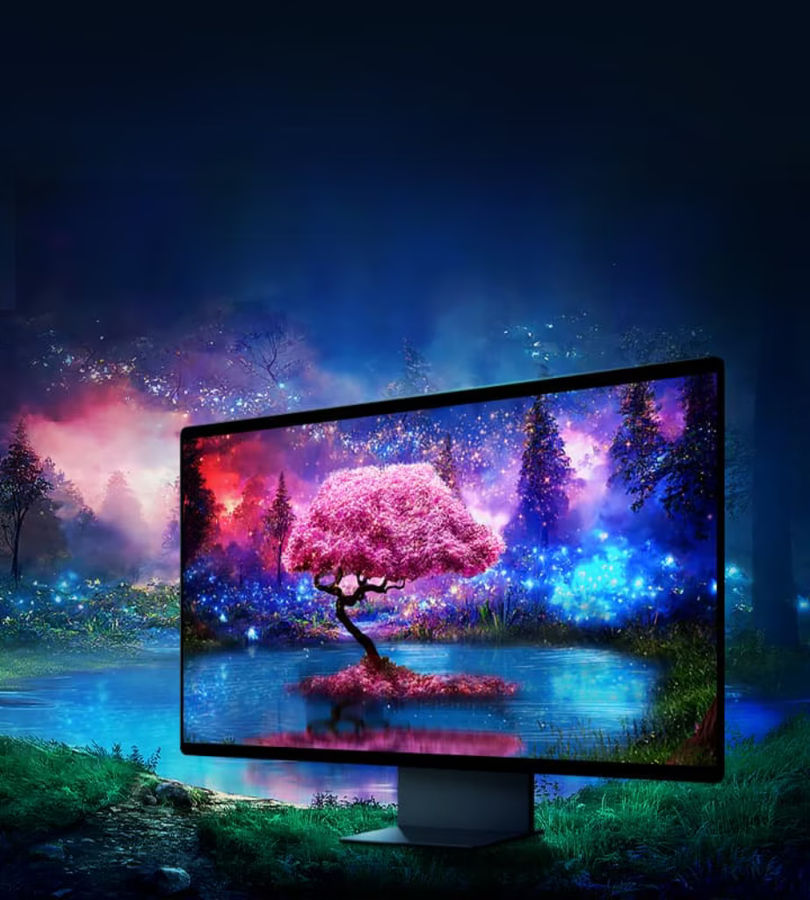
An OLED pixel produces light on its own and therefore a black pixel means there is no light at all. While playing a horror game, the black corridor illuminated by one single flickering light will appear as it should be on OLED screens. However, on IPS the corridor will have a gray haze.
HDR: Real on OLED, rare on IPS
Most of the IPS displays come with DisplayHDR 400 certification, but this is more of marketing since there is no local dimming involved, and the display will not be able to keep the highlights and shadows simultaneously bright, resulting in poor performance close to SDR.
OLED uses individual control for each of the pixels; thus, a flare or sunset may appear bright on the screen while the other pixels remain dark. However, due to automatic brightness limitation (ABL) technology, the whole screen gets dimmed when there are many bright pixels, such as a snow-covered landscape. OLED works well with small highlights but poorly with overall brightness of the screen. Mini LED IPS displays are brighter, but local dimming causes blooming.
Motion: Why pixel speed is only half the story
Also read: OpenAI claims AI solved decades old science and math problems: What we know
Response time refers to the speed at which a pixel changes color. OLED panels change in just a fraction of a millisecond, but the response times of IPS panels are higher, and their images tend to suffer from smear and/or overshoot if overdriven excessively. However, clarity is also affected by the refresh rate, as both kinds of panels render each frame on the screen and blur to some extent during movement. With the nearly instantaneous pixel reaction, a 240Hz OLED panel will look more crisp than a 240Hz IPS panel.
In fast-paced shooters and racing games, this will make it easier to pick out the targets. For more slow-paced storytelling and strategic games, the difference is quite small.
Is IPS really washed out
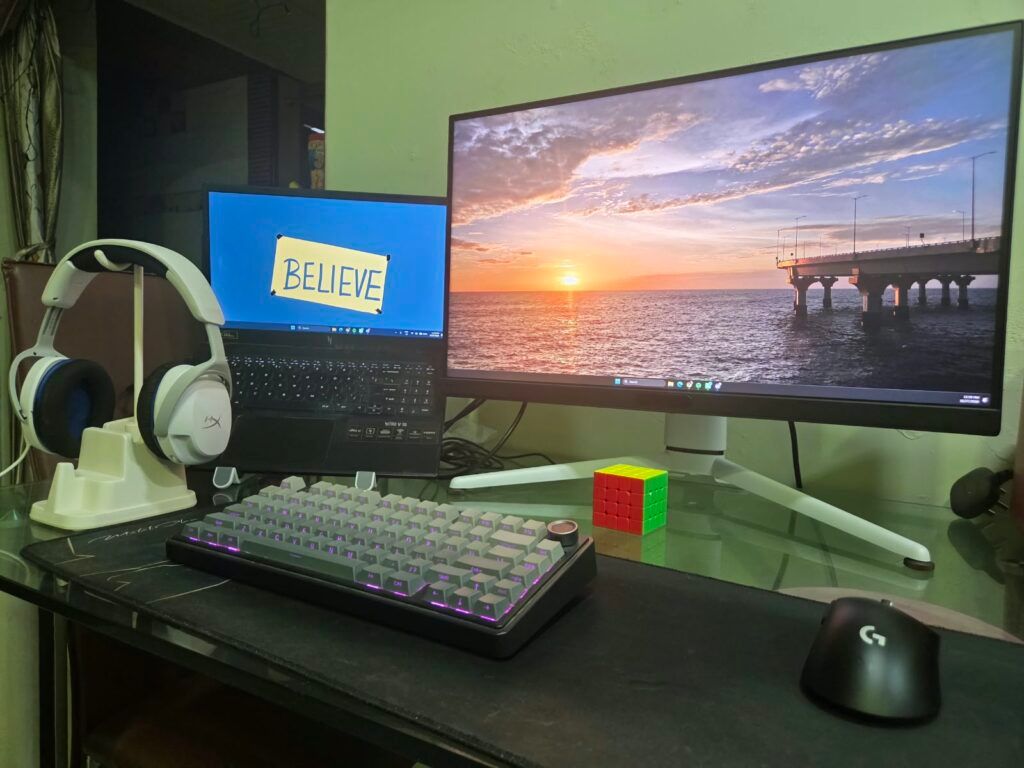
Not always. This reputation arises in dark rooms due to grey blacks and corner glow. With bright room lighting, most of the issues tend to disappear, and IPS panels work well with colors that appear vibrant and accurate. However, OLED too has an issue with room lighting as glossy panels reflect light from the window and the lamp.
Burn in: How real is the risk
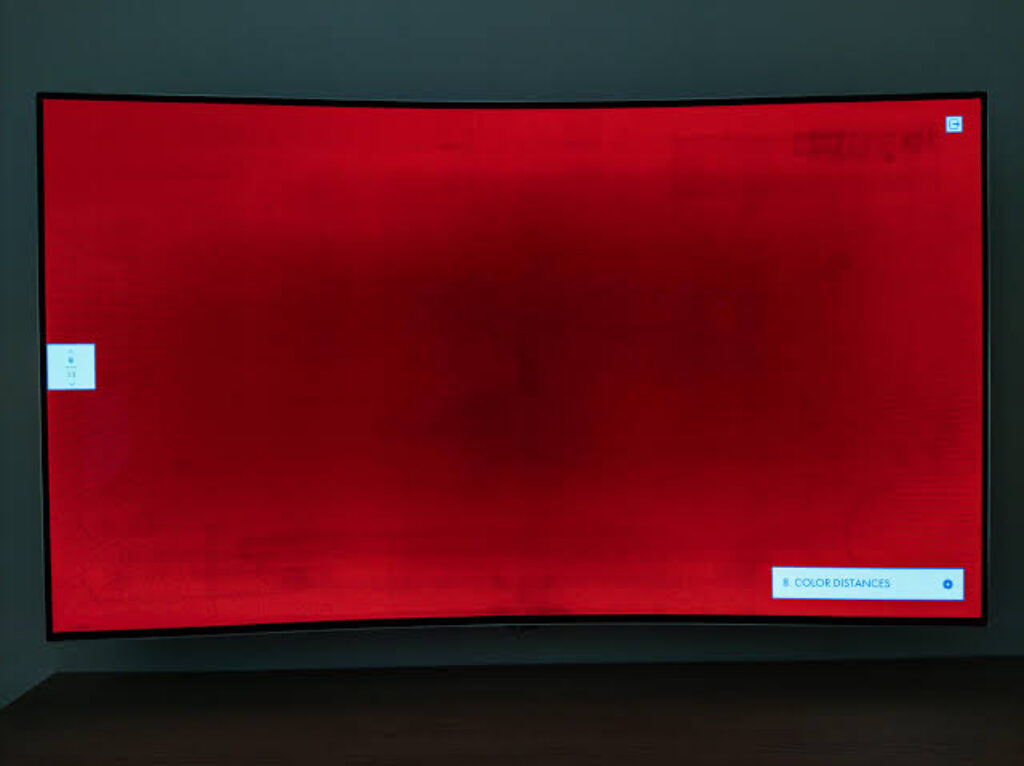
Burn-in is indeed an OLED property that cannot be dismissed. Organic materials used in each pixel gradually deteriorate over time of use, and since certain bright materials occupy one position for a few thousand hours (taskbar, game heads-up display), such pixels degrade faster, and there is a possibility to see a ghost image.
In reality, combined gaming and entertainment use does not pose any risks of burning in for many years, since different content causes an even deterioration of the panel. The probability of burn-in increases when static windows are left open the whole day. There are several ways to prevent such issues in the form of pixel shifting, refreshing process, logo dimming and detecting static content, and some manufacturers provide a burn-in warranty, typically 3 years.
Productivity and text clarity
Since OLED panels have other types of pixel configuration compared to IPS, they may develop some color fringes on small texts. This issue has been resolved by the new generation of OLED panels and is even less visible on 4K displays, but IPS still remains the best for sharp texts.
Colour accuracy for creators
QD-OLED and other current generation OLED panels have extremely wide gamut ranges and are gorgeous for HDR work. In case of critical color grading and printing photography, however, IPS remains superior: even brightness throughout the panel, good factory calibration, hardware calibration, and large Adobe RGB gamut range. If you earn money on color work, get an IPS creator monitor. If not, OLED with sRGB mode is a good choice.
Price versus performance in India
OLED monitors used for gaming are currently expensive relative to the IPS displays of similar size and refresh rates, especially in India because of the higher cost of imports and the less availability of OLED monitors. With the same budget, one may get a monitor with higher screen size or resolution.
Which panel do you need
If you need the display for use in dim lighting conditions, for playing single-player games atmospherically, for fast shooting games and for viewing HDR, then choose OLED. For working long hours, using the display in brighter surroundings, color accuracy and value, choose IPS. For individuals seeking high-quality HDR without burn-in issues, go for mini LED.
Also read: GPT-6.1 Terra explained: What OpenAI’s newest computer use model can do


