
WWDC 2026 logo hints at big Siri changes and better iPhone customisations in iOS 27
 Follow Us
iOS 27 may introduce a new Siri interface in the Dynamic Island.
When users activate Siri, the Dynamic Island could display a 'Search or Ask' prompt.
Apple is also reportedly testing a small but useful change that could make personalising the iPhone’s home screen easier.
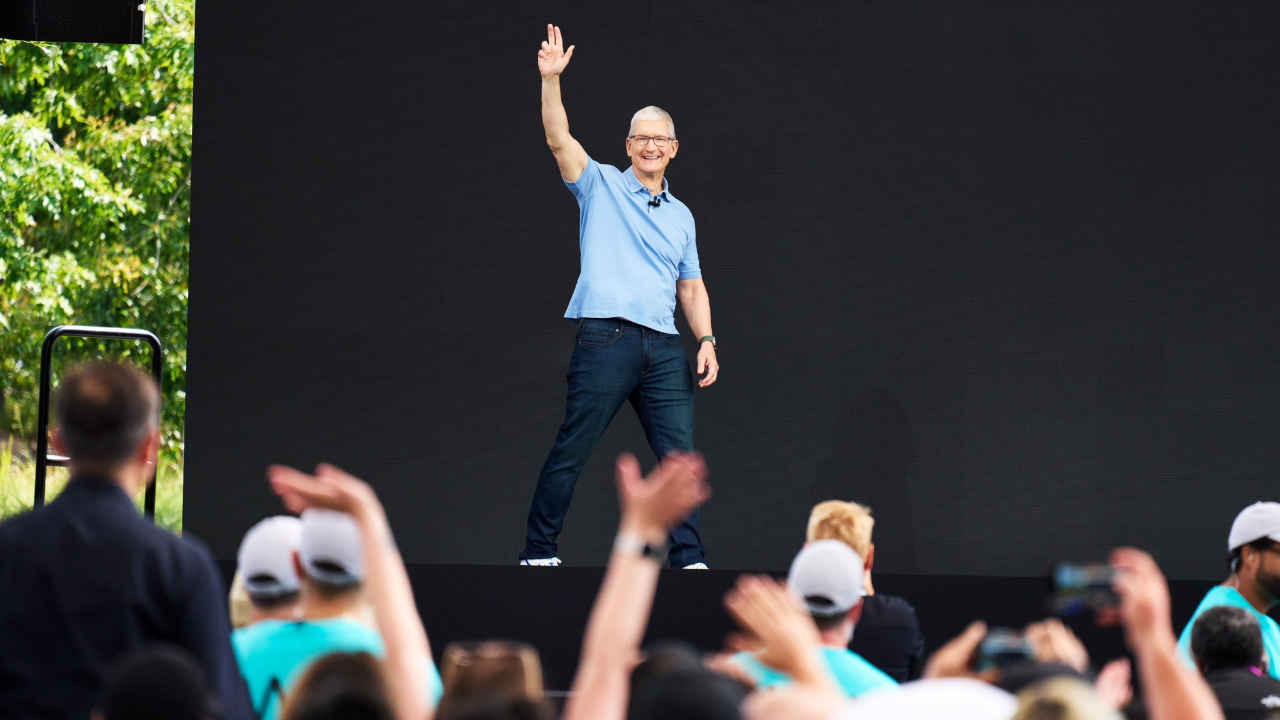

Apple has already confirmed that it will host its annual Worldwide Developers Conference (WWDC 2026) in June. WWDC is one of the company’s biggest events of the year, where it usually unveils the next generation of software updates that power its devices, including iOS, iPadOS, macOS, and watchOS. Ahead of the event, a report by Bloomberg’s Mark Gurman suggests that Apple may have already teased a big change coming to iOS 27. Gurman claims that the WWDC 2026 logo could be hinting at a redesigned version of Siri. The report also suggests that Apple is working on new features that could make home screen customisation easier for iPhone users.
 Survey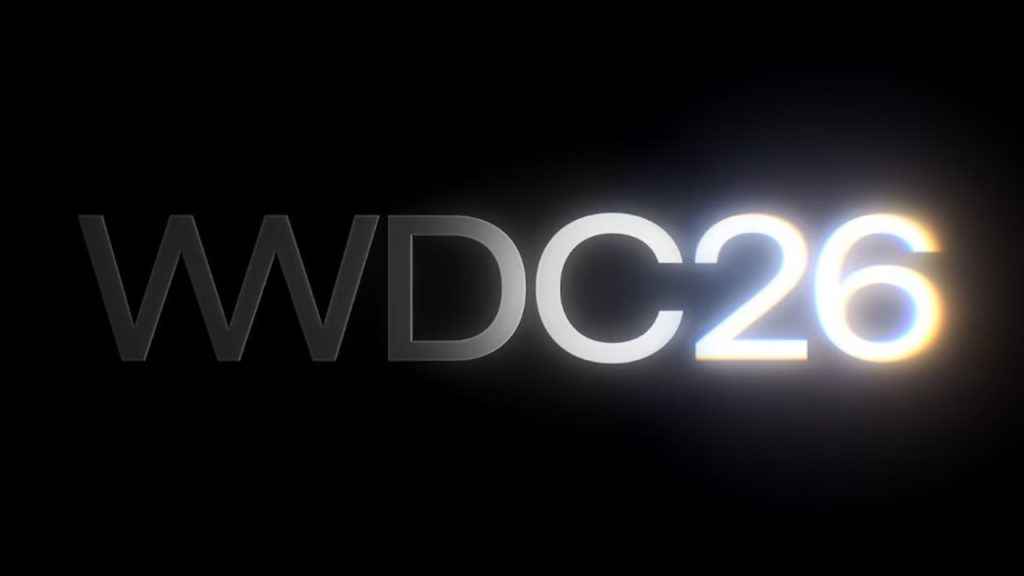
Siri overhaul
According to Gurman, iOS 27 may introduce a new Siri interface in the Dynamic Island. When users activate Siri, the Dynamic Island could display a ‘Search or Ask’ prompt, along with a glowing cursor similar to the highlighted ’26’ seen in the WWDC 2026 poster.
There will also likely be a subtle glow around the edges of the Dynamic Island when Siri is activated. A similar glowing effect is expected to appear in the search bar of a dedicated Siri app, which will reportedly come preinstalled with iOS 27.
Also read: Anthropic releases Claude Design to help create visuals: Here is how it works
Customisation update
Apart from Siri, Apple is also reportedly testing a small but useful change that could make personalising the iPhone’s home screen easier.
Currently, when users long-press on the home screen, they see an Edit option in the corner. This menu allows them to add widgets, adjust the layout, edit wallpapers or manage home screen pages. With iOS 27, Apple may add two new buttons to this menu: Undo and Redo. Although this may sound like a minor feature, it could be very helpful for people who frequently rearrange their home screens.
Also read: Apple iPhone 18 Pro Max tipped: Specs, price and all the key details leaked so far


