
 E-Magazine
WhatsApp now allowing select users to send view-once text messages in conversations, here is how
WhatsApp is rolling out view-once text messages to select Android beta users on version 2.26.45.6.
Recipients reportedly cannot copy, save, forward, share or screenshot these messages.
Senders can check when a message is opened if read receipts are enabled, after which it disappears from both chats.
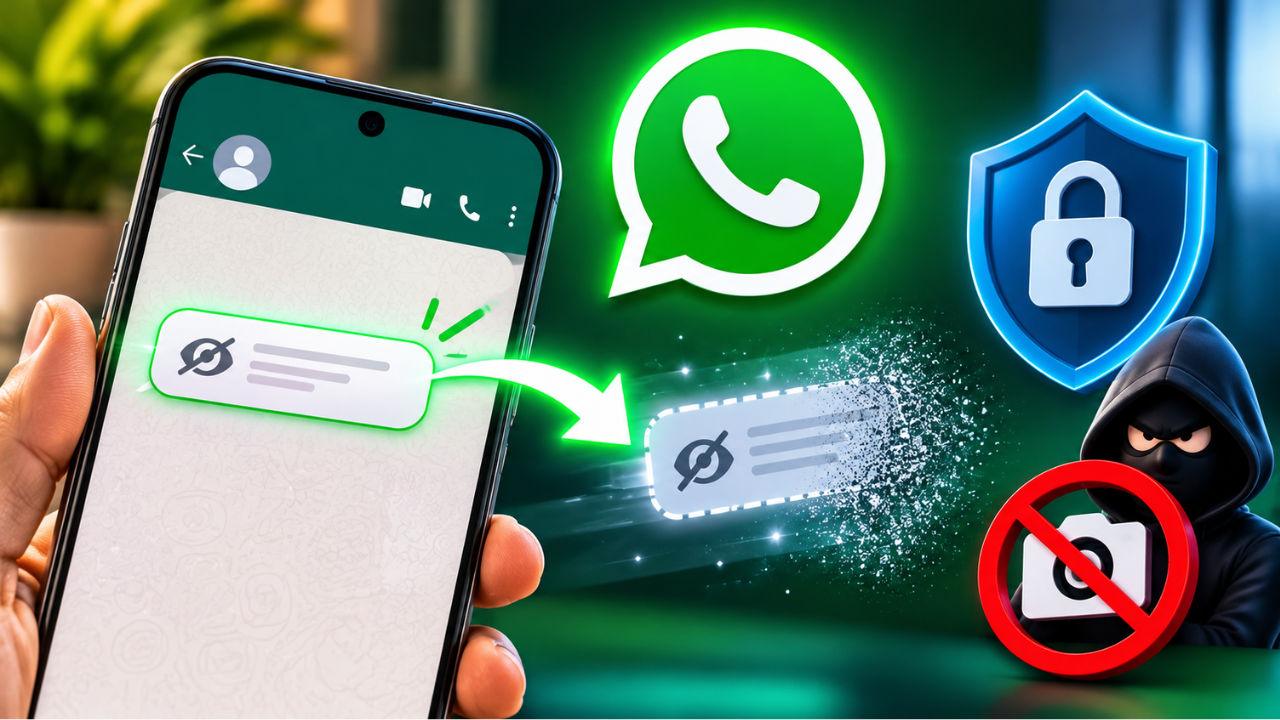
Do you use WhatsApp for sending sensitive information such as passwords, OTPs, banking details and more via text messages? WhatsApp might be testing a handy functionality that could help ensure these become view-once for the recipient. In a recent move, the company is now rolling out view-once text messages for Android beta users. WABetaInfo reported that these messages, similar to view-once media, disappear after a user opens them in the chat. This change can help users control the availability of sensitive information in chats and restrict instant viewing when opening chats.
According to the report, the feature is rolling out to the Android beta version "2.26.45.6", and more users are expected to get the functionality in the upcoming weeks. The change will add text messages to the list of compatible view-once media, such as photos, videos and voice notes. If you are an eligible beta tester, here is how you can send view-once text messages.
How to send view-once text messages in WhatsApp?
Step 1: Open the chat window of the recipient and type a text message
Step 2: Check to see if the “Press and hold to send as view once’ option is available
Step 3: Now press and hold the send button (the green aeroplane icon)
Step 4: If you are eligible to use the feature, two options may pop up: “Schedule message” and “View once”
Step 5: Choose “View once” and press “OK” if the view-once description sheet appears and send the message
WhatsApp is rolling out view-once text messages on Android! WhatsApp is finally bringing the view-once option to text messages on Android. https://t.co/worH35u6yq https://t.co/oQ8lb4T5Un
— WABetaInfo (@WABetaInfo) November 12, 2026
The screengrab notes that the recipient cannot copy, save, share, forward or take a screenshot of the view-once text message. The tap-and-hold function is also not available for these messages. The report noted that users cannot schedule view-once text messages. Further, these messages are not visible in the chat window and are opened in a separate interface. After this separate interface is closed, the message becomes inaccessible.
The message is marked as “Opened”, similar to other media-based view-once messages, and the sender can check when the message was opened if read receipts are enabled. After being viewed by the recipient, this message vanishes from both ends. For security, WhatsApp reportedly also blocks in-app screen recording when a view-once message is being viewed. To try out the feature, beta testers can update to the latest version from the Google Play Store and check the availability of the feature for their WhatsApp account.

Vikas Yadav
Vikas Yadav Vikas, a Copy Editor at Digit, writes to express his interest in technology. He covers consumer-centric tech news while hunting the day's most "VFM" smartphone deal. Plus, this curious geek enjoys digging into the last-mile intricacies of latest gadgets. Before Digit, he reported for Jagran English. Off work, you'll find him emotionally attached to historical sites or lost in tales of India's past. Simply put, tech is his 9-to-5, the rest is history.
View full profile