
This Apple iOS 27 bug can temporarily freeze your iPhone after a series of swipes: How to fix it
 Follow Us
The glitch can make Home Screen swipes, app controls and touch inputs stop responding properly.
The issue does not permanently damage the iPhone and can be triggered only within a narrow timing window.
A force restart using the Volume Up, Volume Down and Side buttons can restore the iPhone to normal.
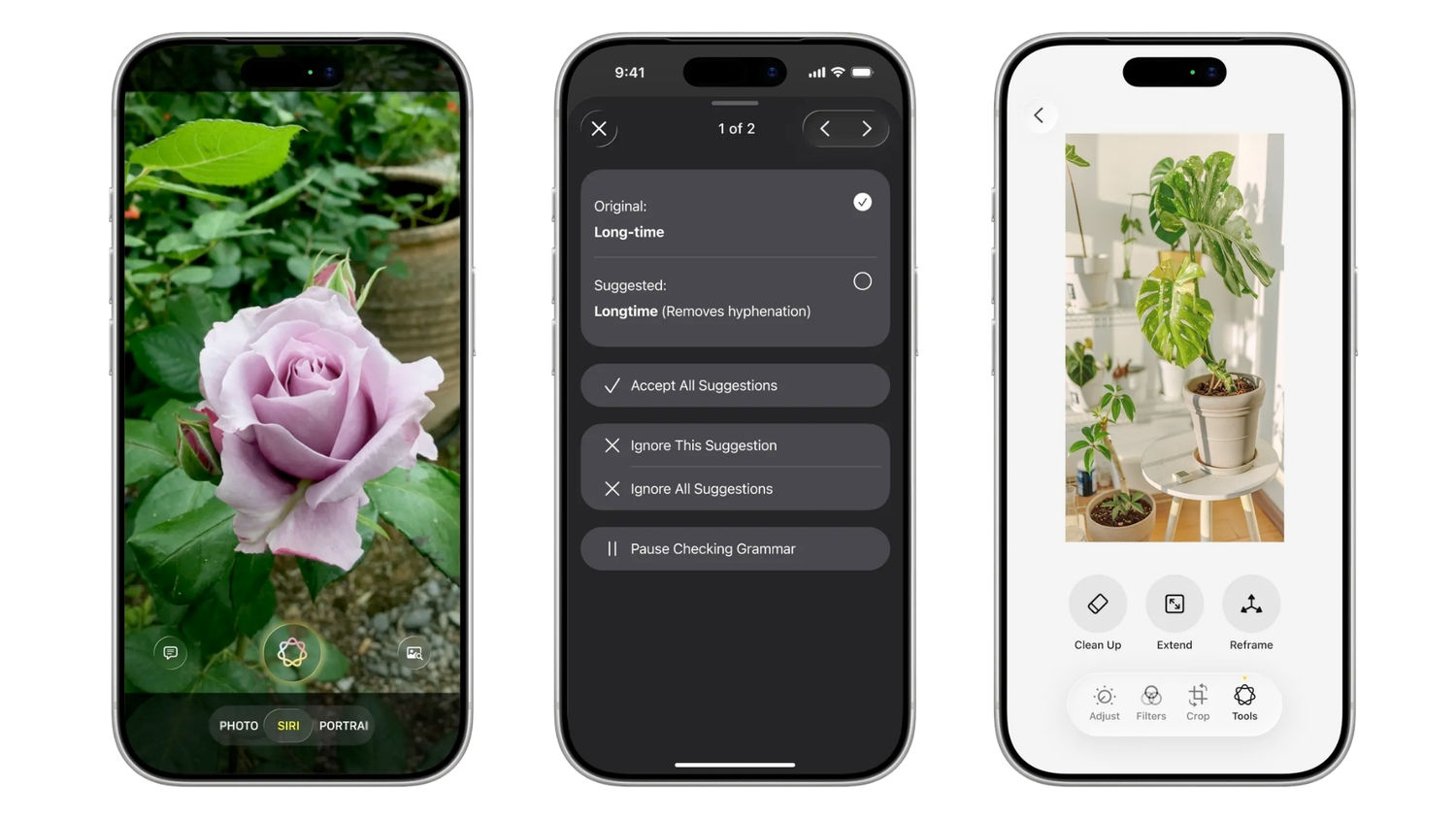

Apple has officially released iOS 27 for the iPhone users globally with a variety of new features including new Siri AI, redesigned elements and much more. But, you must note that installing this update can temporarily make your device unresponsive. Many users on social media reported iPhone screen issue after they swipe between Notification Centre and Control Centre. Here is all about the bug we know and how to fix it.
 Survey
How this iOS 27 bug freezes your iPhone
The glitch triggers from the Home Screen by first swiping down from the top left corner to open Notification Centre. Almost immediately afterwards, users need to swipe down from the top right corner to bring up the Control Centre before the first animation has finished.
After closing the Control Centre, an affected iPhone may become difficult to use. The Camera and Torch buttons can appear stuck at the top of the display, while swiping between Home Screen pages may stop working. Touch inputs inside apps can also fail to register correctly.
Also read: Satya Nadella says AI companies should stop and fix problems instead of ignoring them
Even the regular power-off screen may get unresponsive, leaving users unable to shut down the phone via the normal interface. The issue appears to depend on hitting a narrow timing window, so it may not happen every time.
How to fix the iOS 27 freeze
If your iPhone is also facing a similar problem, the simplest way to fix it is to perform a force restart. On modern iPhone models, quickly press and release the Volume Up button, followed by the Volume Down button. Then press and hold the Side button until the Apple logo appears.
It will restart and return to normal operation. If the reports are believed to be true, the issue has also been reproduced on iOS 27.2 developer beta, suggesting that a fix may still be required in a future software update.


