OpenAI has launched Atlas, an AI-powered web browser.
Atlas is built with ChatGPT at its core.
One of the standout features of Atlas is Agent Mode.
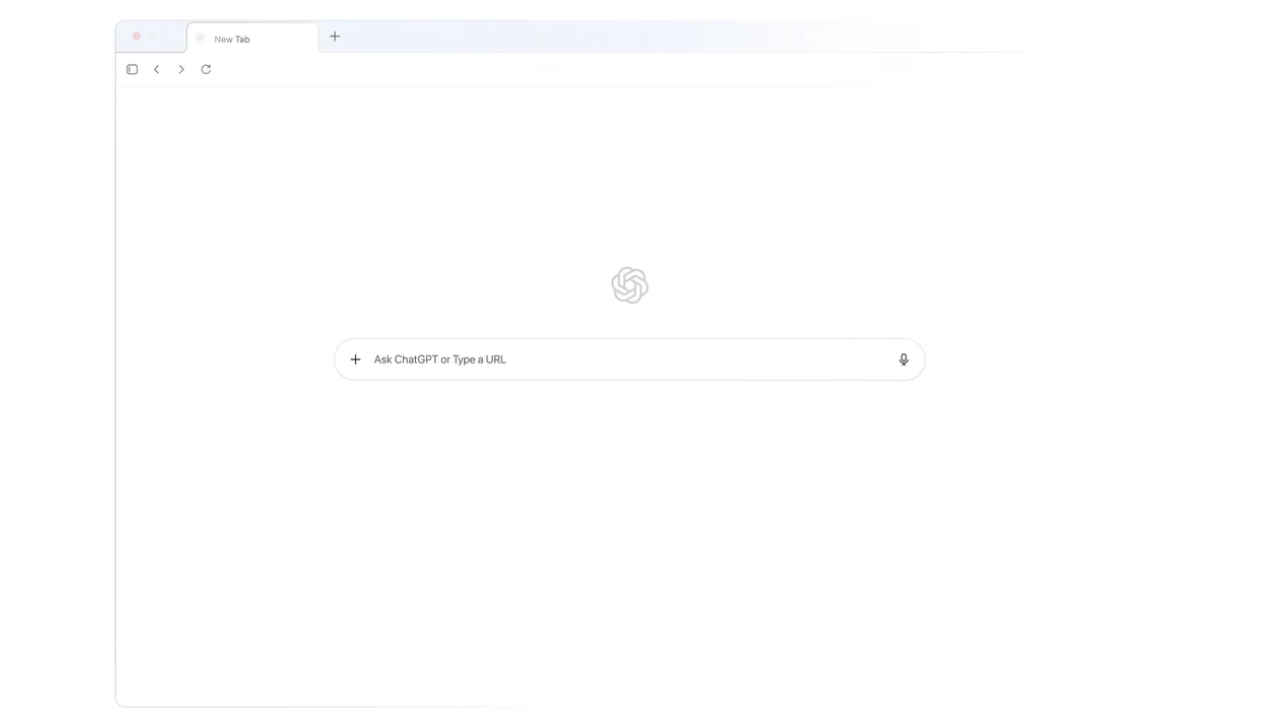
The web browsing experience is changing fast, and AI is at the center of it. With players like Perplexity’s Comet and Gemini in Google Chrome, navigating the internet is no longer just about opening tabs and searching, it’s becoming smarter and more interactive. Now, OpenAI has joined the race with its new browser: ChatGPT Atlas.
 Survey
Available starting today for macOS (with Windows and mobile coming soon), Atlas isn’t just a typical browser with ChatGPT added on top. Instead, it promises to get work done by embedding an AI assistant directly into every part of your browsing experience.


Here are the five standout features of the Atlas web browser.
1. ChatGPT in every tab
Each tab in Atlas can become a conversation with ChatGPT. Whether you type a question, paste a link, or start a research task, the AI is ready to help. “A browser built with ChatGPT takes us closer to a true super-assistant that understands your world and helps you achieve your goals,” OpenAI said in a blogpost.
2. Context-aware assistant
Atlas can understand your current page, open tabs, and even your login status (if you allow it). This context lets ChatGPT give more accurate, personal responses, whether you’re shopping, researching, or writing.
Also read: OpenAI launches ChatGPT backed Atlas browser to rival Google Chrome: Features, how to use and more
3. In-line writing help
If you often use ChatGPT to write emails or documents, Atlas makes it easier. The browser can help you draft, edit, or refine text directly on websites, Google Docs, and other online platforms, no need to copy and paste anything.
4. Agent mode (preview)
Available in preview for ChatGPT Plus, Pro, and Business users, Agent Mode takes AI beyond chatting. It can plan events, research topics, summarise documents, or even manage tasks across multiple tabs on your behalf.
5. Built-in memory
Atlas can remember pages you’ve visited, tasks you’ve started, and ideas you’ve explored. “Browser memories in Atlas are completely optional, and you’re always in control: you can view or archive them at any time in settings, and deleting browsing history deletes any associated browser memories,” OpenAI explained.
 Follow Us
Ayushi Jain
Tech news writer by day, BGMI player by night. Combining my passion for tech and gaming to bring you the latest in both worlds. View Full Profile


