
Google launches Gemini Personal Intelligence in India: What is it and how to use it
 Follow Us
Google has officially launched its Gemini Personal Intelligence feature in India.
According to Google, it has two main strengths: reasoning across different sources and retrieving specific details from connected apps to answer your question.
Once available, the feature works across the web, Android and iOS and with all of the models in the Gemini model picker.
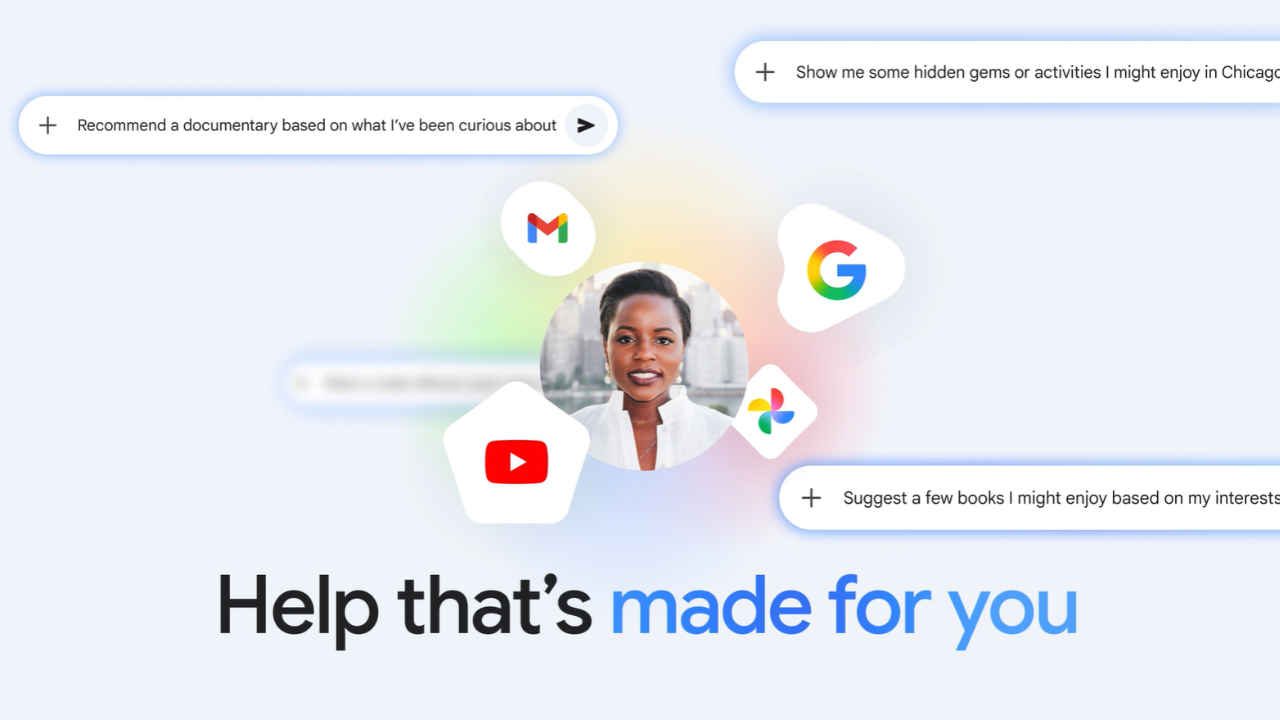

Google has officially launched its Gemini Personal Intelligence feature in India. The feature was first introduced in the US earlier this year and is designed to make the AI assistant more useful. With Personal Intelligence, Gemini can connect to apps across your Google account to better understand your context. Once enabled, it can pull information from services like Gmail, Google Photos, YouTube and Search to answer questions more accurately and help with everyday tasks.
 Survey
Google says the feature is built with privacy in mind. The connections are turned off by default, and users can choose exactly which apps they want Gemini to access. The company also says the AI does not directly train on data from Gmail or Photos.
Also read: OpenAI introduces GPT 5.4 Cyber, an AI model built for cybersecurity defence: All details
What Gemini Personal Intelligence is and how it works
Personal Intelligence works by connecting information from multiple Google apps so Gemini can understand your activities and preferences. According to Google, it has two main strengths: reasoning across different sources and retrieving specific details from connected apps to answer your question.
For example, if you ask Gemini, ‘What are my travel plans for Jaipur?’, the AI can check your booking confirmations in Gmail and organise them into a timeline. It can even retrieve details like screenshots or saved photos related to your trip from Google Photos. Also, if you recently watched a video on YouTube about local food trends, it could suggest a restaurant based on that.
Gemini will also try to show where information came from so users can verify it. If an answer seems wrong, you can correct it, for example by saying, ‘Remember, I prefer window seats.’
Also read: OpenAI acquires Hiro Finance: What the AI startup offers
How to use Gemini Personal Intelligence feature
Google says Personal Intelligence is rolling out to eligible personal Google accounts in India for Google AI Plus, Pro and Ultra subscribers. The company also plans to expand it to free users in the coming weeks. Once available, the feature works across the web, Android and iOS and with all of the models in the Gemini model picker.
How to use Gemini Personal Intelligence feature
- Step 1: Open Gemini and go to Settings.
- Step 2: Tap Personal Intelligence
- Step 3: Select Connected Apps.
- Step 4: Choose the apps you want to link, such as Gmail or Photos.


