
WhatsApp introduces new parental controls for teen accounts: Here is what parents can control
 Follow Us
Parents can manage who can view the teen’s profile picture, add them to groups and adjust other privacy settings.
Parents can receive alerts about the account's group activity and control Channels and Status visibility.
Even in parent-controlled accounts, messages and calls will remain private and encrypted.
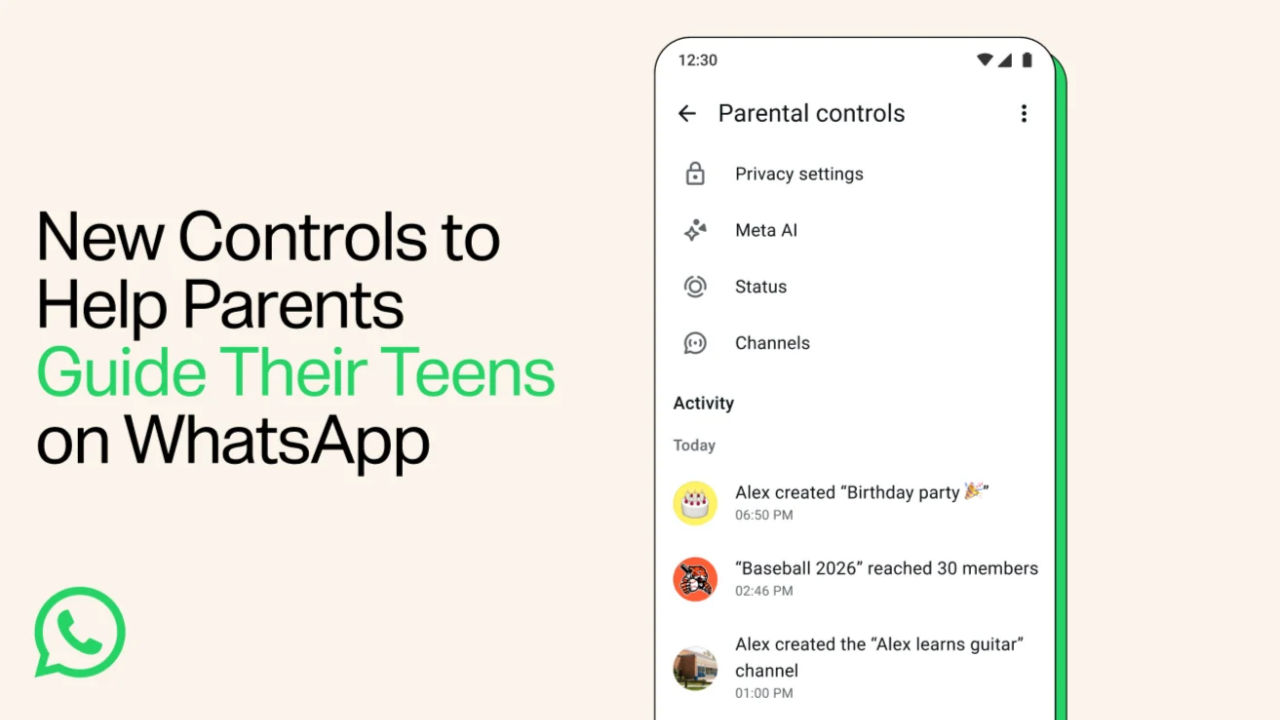

Meta-owned instant messaging service WhatsApp has announced new parental controls for teenage accounts. This can be seen as an attempt by the company to introduce additional safeguards for teens and optimise the WhatsApp experience based on their parents’ choices.
 Survey
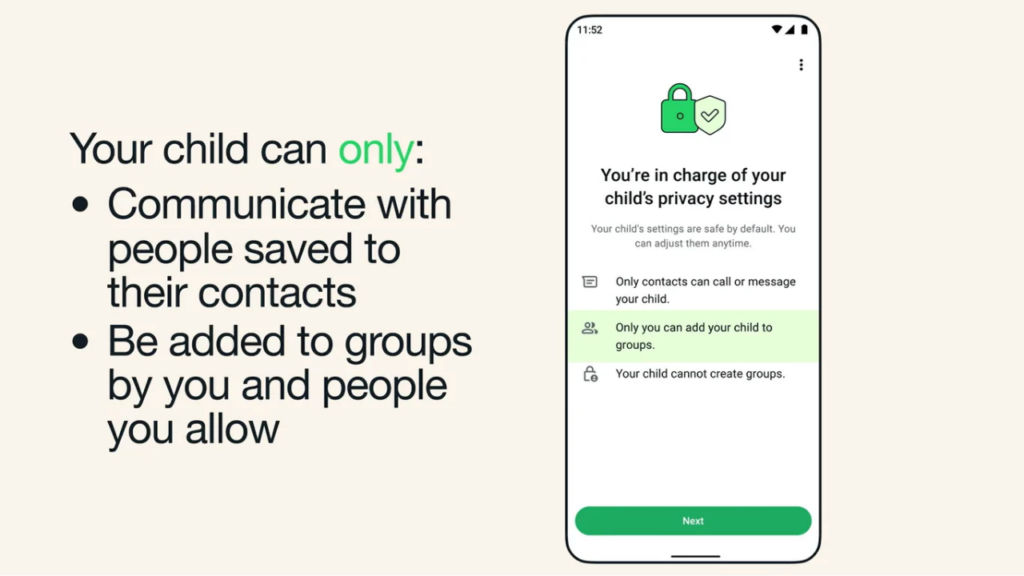
According to a WhatsApp blog post, parents will have the option to control privacy settings for their child’s account, such as controlling who can view their profile picture and add them as members in a group. If the account holder wishes to change these settings, they must authenticate via a PIN set by their parents.
To keep parents updated with whom the child is connecting on WhatsApp, they will be notified of the account’s group entry and exit activity or if a group where a child is a member “grows meaningfully” in size. Beyond this, the guardian can control the account’s Channels activity, Status visibility and its audience.
As for controls on Meta AI, parents can opt one out of the two options: 13+ (default) or ‘Limited Content’ setting. WhatsApp will add more updates to parental controls based on user feedback. These controls and alerts are an optional feature. The settings can be adjusted or turned off at any time.
Moreover, WhatsApp noted that even with the controls turned on, messages and calls activity of the managed account will remain private and encrypted. WhatsApp’s Help Center noted that parent controls will roll out gradually and may not be available in all regions.
In the default preset, only saved contacts can chat with parent-managed accounts. WhatsApp says parent-managed accounts cannot use Chat and App Lock, linked devices, location sharing, view-once and disappearing messages. Further, ads are not displayed in parent-managed accounts.
Also Read: Flipkart Big Billion Days Sale 2026: Oppo Find X9s and Find X9 Ultra to get huge discounts
To set up a parent-managed account, users can choose “More options” after the “Agree and continue” option while setting up WhatsApp. Then select “Create parent-managed account” and follow the on-screen prompts and fill in the necessary details. Parents must scan the QR code on the child’s device, follow the instructions and create a PIN.


