
How to use AirDrop data transfer feature on your Samsung Galaxy S26 Ultra: Step-by-step guide
 Follow Us
Samsung Galaxy S26 series now supports native AirDrop for Apple devices.
One UI 8.5 update enables seamless cross-platform file sharing without third-party tools.
Feature currently exclusive to South Korea with plans for global expansion.
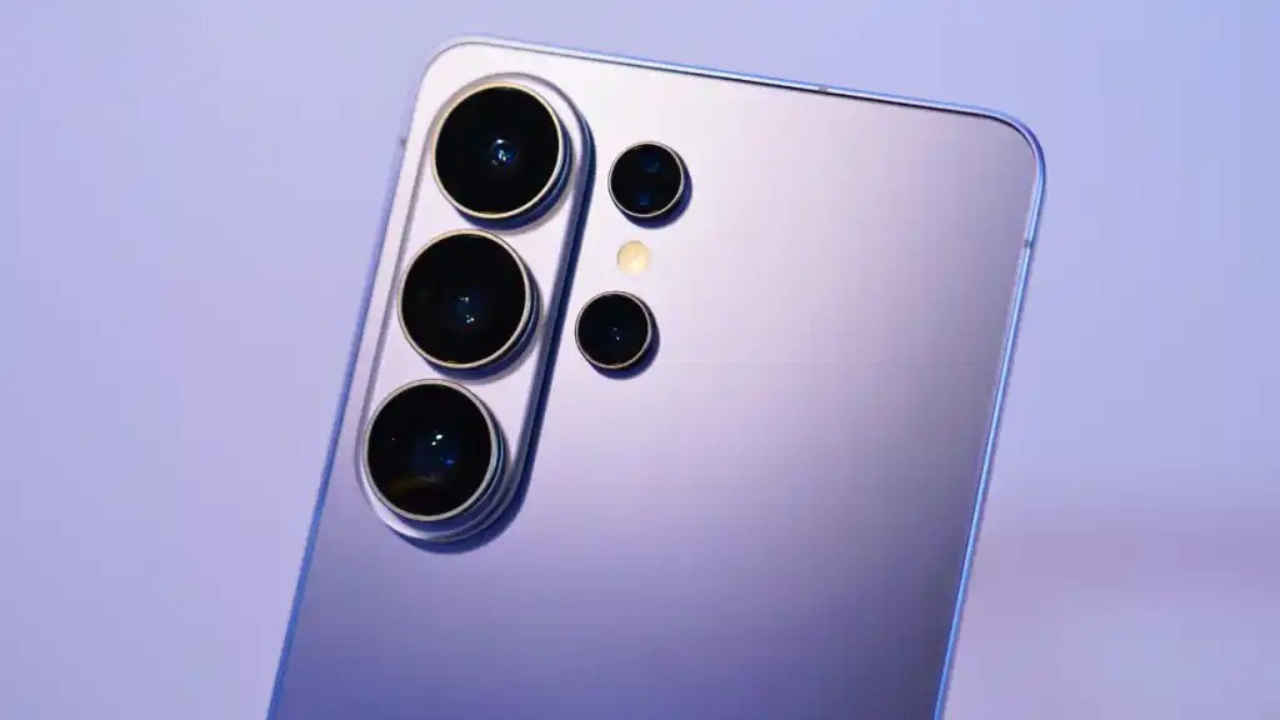

With the introduction of the Samsung Galaxy S26 series and the One UI 8.5 update, Samsung has introduced a variety of new features. These new updates have put a lot of focus on the connectivity-related upgrades, as the company has a bunch of features that enhance the ecosystem connectivity. Most recently, though, Samsung has introduced support for using Quick Share with Apple’s AirDrop. This allows users to share files between their Samsung phones and Apple devices without the need for any third-party tools or services. Let’s quickly take a deep dive into how you can use the feature on your Galaxy S26 Ultra and other supported Samsung devices.
 Survey
Also Read: Samsung Galaxy S26 series gets AirDrop support: Here is how it works
How to use AirDrop data transfer on Samsung: Step-by-step guide
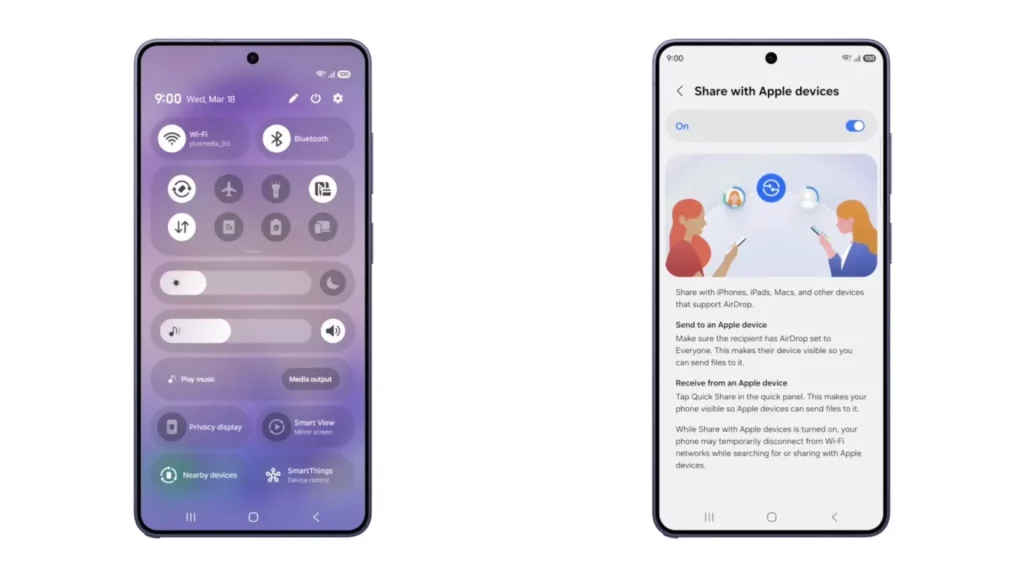
File transfer between Android devices and Apple devices isn’t new, as previously Google introduced support for the same on their Pixel 10 devices. Though the feature doesn’t work in the same way, users would have to enable support for it manually first.
Follow the steps mentioned below to enable the feature:
- First up, go to the settings menu on your Samsung Galaxy S26 series device.
- In there, visit the ‘Connected Device’ page, which should be at the top of the menu.
- Once inside, you’ll see the option for ‘Quick Share’; tap that button.
- Scroll down below, and there should be a new feature called ‘Share with Apple device’.
- Go to the page, and just tap the enable button.
- Once done, you will now be able to use the AirDrop data transfer feature on your Samsung Galaxy S26 series device.
Now every time you want to transfer a file to a nearby Apple device, you can simply click on a file and use the Samsung Quick Share. In there, you’ll be able to see all your Apple devices that have AirDrop running. Both sharing and receiving data are supported via this feature.
AirDrop data transfer on Samsung: Eligible devices
As per the official Samsung blog post, the update has started rolling out on the latest S26 series. This includes the Galaxy S26 Ultra, the Galaxy S26+, and the base Galaxy S26. The feature is currently available in South Korea only, but it will expand to other regions too. These include Europe, Hong Kong, Japan, Latin America, North America, Southeast Asia, and Taiwan.
Samsung also announced that support for older Galaxy devices will be released later. Though they haven’t announced any release timeline for the updates so far. Safe to say, users of previous models have to wait a while before they can share files with their friends on iPhone.
Also Read: Want to apply for new PAN card online? Check out these new rules first


