
How to use Gemini’s Ask Maps feature on Google Maps: Step-by-step guide
 Follow Us
Google Maps has added Ask Maps, an AI feature that lets users ask simple questions about nearby places.
Users can type queries like where can I charge my phone and get suggestions on the map.
The feature is rolling out on Android and iOS in India and the US.
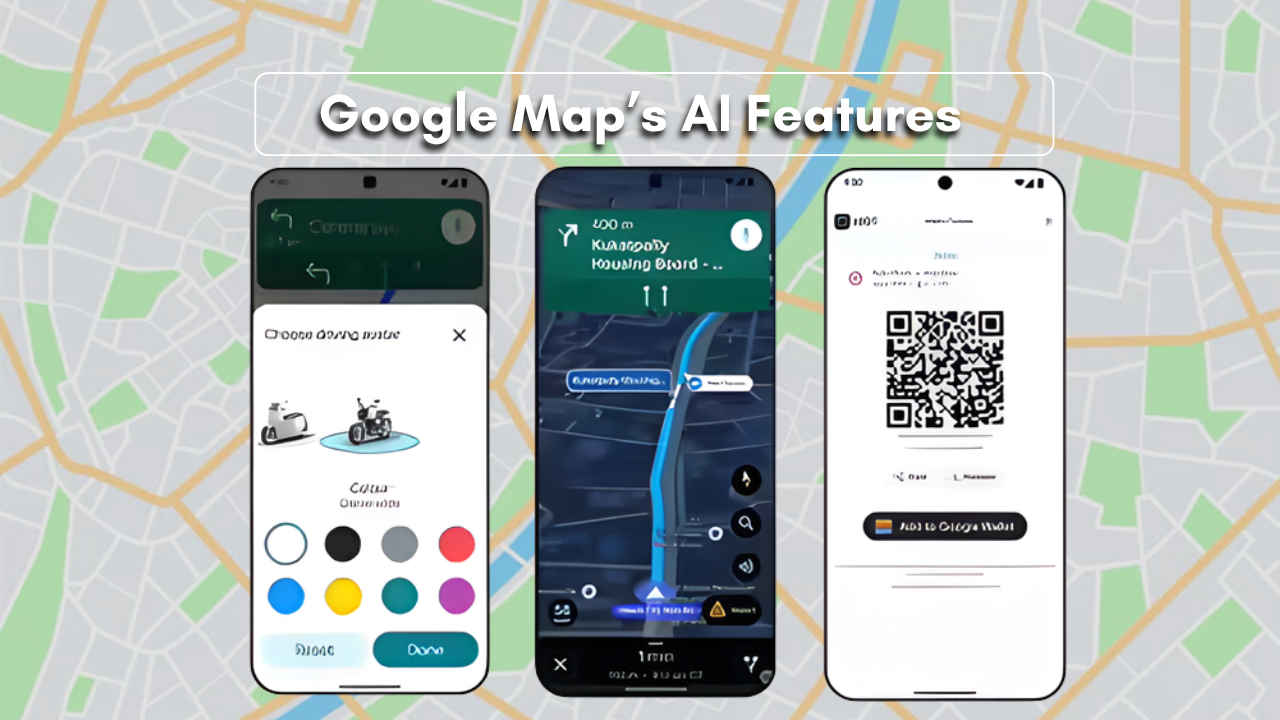

Google Maps has recently received some AI features that can help users explore places and drive around more efficiently. The biggest feature that has been added to Google Maps is Ask Maps. This feature allows users to simply ask questions about places. Instead of searching for places multiple times or reading multiple reviews, users can simply type in a question, and Google Maps will be able to tell them where to go to fulfil their needs. For example, users can simply type in ‘Where can I charge my phone? ‘ or ‘where is a tennis court open at night? ‘ Ask Maps uses Google’s AI to answer these questions and display places on the map that users can visit. Here’s how you can use the Ask Maps feature on your Google Map.
 Survey
Things to know before using Ask Maps
Before we deep dive and learn how to use the Ask the Maps feature here are few things you should know:
- Ask Maps is powered by Google’s Gemini AI models.
- The feature will only work if the user is logged in.
- Results may be personalised based on your previous searches and saved places.
- The feature is being rolled out gradually on mobile devices.
Also read: Oppo Find X9 Ultra may launch soon: Check expected specs, price and more
Where the new Google Maps features are available
Ask Maps has started rolling out in the United States and India on Android and iOS devices. Google says desktop support will arrive later. Immersive Navigation is currently launching in the United States first and will expand to more regions in the coming months. It will also work with Android Auto, CarPlay, and cars that have Google built in.
How to use Ask Maps in Google Maps (step-by-step guide)
Follow the easy steps below to use the Ask the Maps feature on Goolgle Maps:
1. Ensure that you have updated your Google Maps app.
2. Open Google Maps on your phone.
3. Tap on Ask Maps when it appears on your screen.
4. Ask your question in simple words. For example, ‘Where can I charge my phone nearby?’
5. See the suggestions on the screen.
6. Choose a place. Choose to get directions, save or share it with friends.
Also read: PS Plus Game catalogue for March 2026: Check out all the games
How Ask Maps personalises your results
Ask Maps can look at places you searched for earlier or locations you saved in Maps. This helps the app show recommendations that match your interests, such as restaurants or attractions you may like.


