
6 best free AI video editing tools that are worth trying
 Follow Us
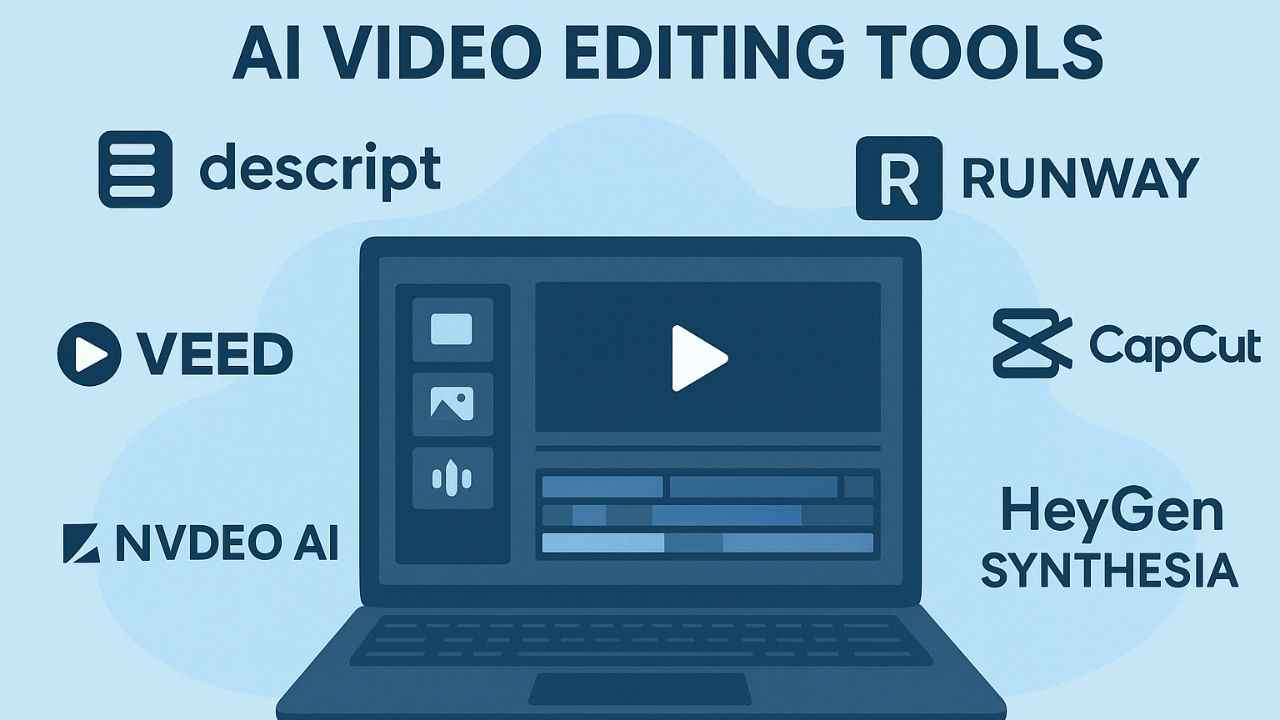
Six best free AI video editors cater to different needs: Descript, Runway, CapCut, Veed, InVideo AI, HeyGen & Synthesia.
Tools cover podcasters, filmmakers, marketers, and businesses with features like auto-captions, AI avatars, and generative video.
Free versions come with limits (watermarks, capped exports) but offer an easy way to explore AI-powered workflows.

Artificial Intelligence (AI) is quietly running the show for video creators in 2025. What once required large production teams and endless hours of editing can now be accomplished by one person sitting at a laptop and using the right software. Whether it’s adding subtitles automatically, cleaning up messy audio, or even generating entire video sequences from text, AI has changed the way people approach video editing. Solo creators can now compete with established studios, and small teams can produce professional-looking content without having to spend hours trimming, syncing, captioning, and exporting clips.
 Survey
We have curated a list of the six best AI video editors available today. Each one has its own features, depending on whether you’re a filmmaker, podcaster, social media creator, or business professional. For podcasters and educators, Descript is a must-try. For filmmakers and artists, Runway opens new creative doors. Social media creators can’t go wrong with CapCut, while teams handling webinars or blogs should look at VEED or Pictory. If your focus is quick-turnaround marketing content, InVideo AI is the fastest option. And for professional-looking corporate or training videos, HeyGen and Synthesia bring AI-driven presenters into the mix.
Given that these AI video editors are entirely free, they usually come with limitations. These will leave watermarks on video, capped exports, or restricted usage minutes. Still, these free versions are a great way to experiment with AI workflows and determine which tool best fits your needs before committing to a subscription.
6 best AI video editing tools
Descript
Descript is designed for anyone whose work begins with words like podcasters, educators, and interview-based creators. Instead of dragging clips on a timeline, you simply edit the transcript, and the video edits itself accordingly. Descript also removes filler words automatically, offers dubbing, enhances audio to studio quality, and even supports quick green-screen replacements. For those who deal with hours of spoken content, this text-first approach is a lifesaver.
Runway
Runway is more like a creative playground for filmmakers and artists. Its generative AI tools can extend video scenes, erase unwanted objects, or completely restyle footage into something surreal and cinematic. In short, it gives you Hollywood-level effects without a Hollywood-level budget. Yes, the free plan adds watermarks and limits your generation time, but the technology here is some of the most advanced you can try today. If you’re curious about how far AI can go in visual storytelling, Runway is the place to start.
CapCut
CapCut, on the other hand, has quickly become the go-to editor for TikTokers, Instagram Reels creators, and anyone working in short-form video. Built with a mobile-first mindset, it lets you shoot, edit, and publish directly from your phone. Its AI-powered features include script-to-video tools, auto-captions, stabilisation, and quick format switching between vertical and horizontal. CapCut even offers background removal and AI-generated scripts, making it the perfect all-in-one editor for creators who need speed and efficiency. While the free plan may leave watermarks on some exports, its convenience more than makes up for it.
Veed
For creators who work with long-form content like webinars, podcasts, or blogs, platforms like Veed and Pictory are ideal. These tools specialise in repurposing large pieces of content into smaller, shareable clips. You can upload a one-hour webinar, and the software will automatically generate short, engaging segments ready for social platforms. Along with auto-subtitles, translations, dubbing, and brand kits, these editors are a blessing for small teams who need to create consistent, professional content without spending days on manual editing.
Also read: Samsung Galaxy S24 Ultra 5G price drops by Rs 41,000 on Flipkart during Big Billion Days sale
InVideo AI
If you’re focused purely on speed and social media, InVideo AI is a standout. This platform takes a text prompt and turns it into a complete video, from writing the script, finding visuals, to adding subtitles, and even creating multilingual voiceovers. It’s the ultimate “set it and forget it” option for busy marketers, educators, or influencers who need polished videos quickly. The free plan does limit how many exports you can make and watermarks your videos, but if you want to see what true AI automation looks like, it’s a great place to start.
HeyGen and Synthesia
HeyGen and Synthesia focus on AI avatars. These tools are perfect if you need a human touch in your content but don’t want to appear on camera yourself. They let you choose from a range of realistic presenters who can read your script with natural lip-syncing and voice modulation. This makes them particularly useful for businesses, training videos, or marketing explainers. Free trials are very limited, often just a minute or two of watermarked video, but they’re a good way to test how AI presenters might fit into your workflow.


