

Top 5 AI photo editing apps that are worth trying
 Follow Us
AI tools like Canva and Google Photos simplify editing with features like Magic Eraser, Generative Fill, and one-click enhancements.
From casual users to pro photographers, options like Imagen and Pixlr offer scalable tools that adapt to your editing style or needs.
These platforms help content creators craft scroll-stopping, polished visuals quickly.

If you’re a content creator, marketer, or someone who cares about presenting polished visuals online, visuals aren’t just “nice to have” anymore. With attention spans getting shorter and users continuing to scroll, a great image can make all the difference. However, it is not that easy. Not everyone has the time or patience to learn complex editing software like Photoshop from scratch. That’s where AI-powered image editing tools come in, making high-quality visuals accessible to everyone.
 Survey
Here, we have curated a list of the five best AI photo editing tools, each offering something unique. Whether you’re looking for simplicity, professional-grade results, or something in between, these AI editors will fit your needs. The best part is that you don’t need to spend hours learning these tools.
So, whether you’re perfecting a LinkedIn profile photo, designing a carousel for Instagram, or editing product shots for your website, AI tools can help make your visuals compelling and professional. Check out these top 5 AI photo editing tools that are worth trying.
Adobe Photoshop
One of the best-known names in editing, Adobe Photoshop, has fully embraced AI. With the introduction of its Firefly AI model, Photoshop now enables users to perform tasks such as removing unwanted objects with a single click using the Remove Tool or expanding an image’s background with the incredibly useful Generative Fill. These features are especially handy for creators who want professional results without spending hours tweaking every detail. Photoshop still caters to advanced users, but with AI, it’s becoming far more beginner-friendly too. Other helpful tools include Sky Replacement, Match Font, and Refine Edge, which can instantly elevate the look of any photo.
Canva
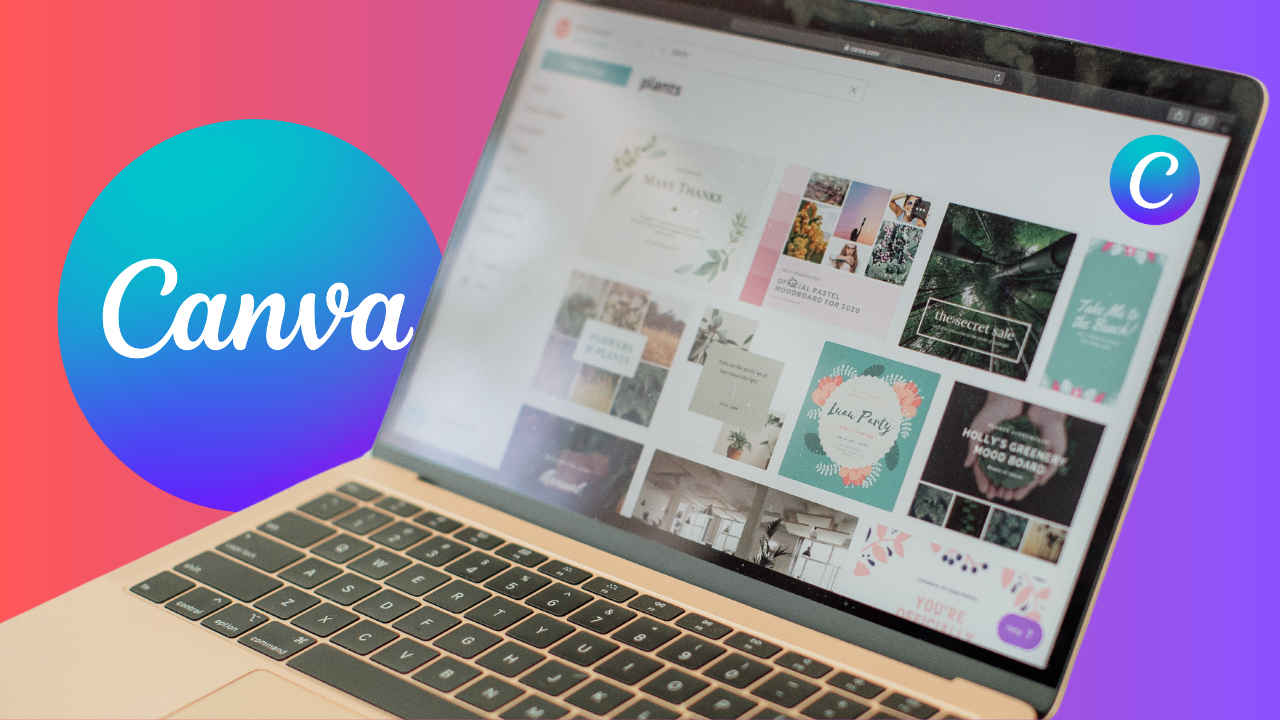
Then there’s Canva, which has become the go-to design tool for millions of non-designers. Canva’s user interface is extremely simple, and its AI-powered tools, like Magic Edit, Magic Eraser, Background Cleaner, and AI Frames, make it possible to create polished designs in minutes. While many of these features are part of Canva’s paid plan, the investment can be worthwhile for creators who frequently design for social media, blogs, or presentations.
Pixlr
If you’re looking for a tool that blends ease of use with creative control, Pixlr is another solid option. It’s available both as an app and a web platform, so you can use it anywhere. Pixlr features intelligent AI tools, including Generative Fill to complete missing parts of an image, Generative Expand to resize visuals without compromising quality, and even AI Face Swap for both fun and professional retouching. It’s great for users who want flexibility without complexity.
Imagen
For more serious editing work, especially for photographers, Imagen is a standout. Unlike the others, Imagen learns your personal editing style over time and applies it to your photos automatically. Its Talent AI Profiles allow you to apply editing presets based on the techniques of top photographers, which is super helpful if you’re still discovering your own aesthetic. Advanced features like Crop, Straighten, and Smooth Skin also make Imagen a strong choice for professional post-production work.
Also read: Apple iPhone 17 Pro and iPhone 17 Pro Max: Price in India, design, camera and all other leaks
Google Photos
And of course, we can’t forget Google Photos, a tool that’s probably already on your phone. While it’s known for its cloud storage, Google Photos also features powerful AI editing tools, including Magic Eraser, Magic Editor, Portrait Light, and Unblur. These tools are incredibly easy to use and surprisingly effective, especially when you need to quickly clean up a photo before posting. It’s ideal for everyday users who want polished images without having to open a separate editing app.


