Android 16 brings a bunch of useful upgrades.
Android 16 is currently limited to Google Pixel devices.
Android 16 brings real-time updates, better hearing aid support and more.
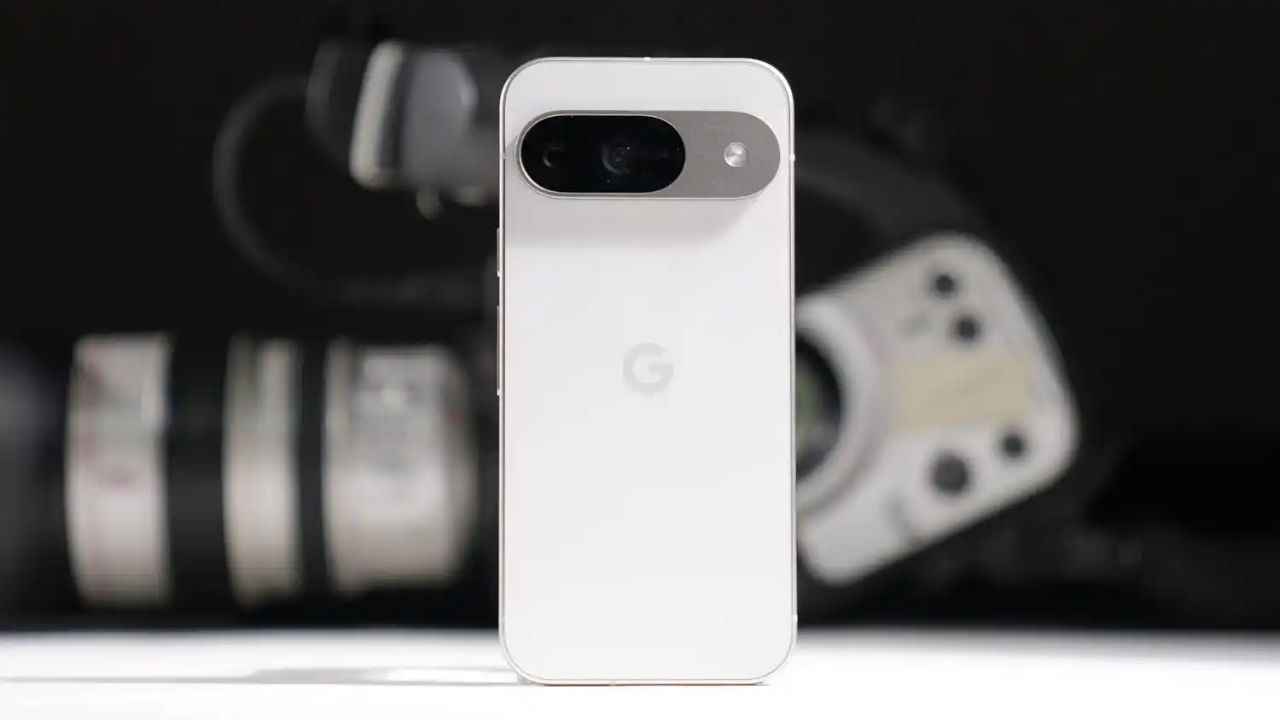
Just a day after Apple grabbed headlines with the launch of iOS 26, Google responded with its own major software update – Android 16. Android 16 brings a bunch of useful upgrades. While the update isn’t available for all Android users just yet, it marks one of the earliest rollouts we’ve seen from Google in recent years.
 Survey
It’s important to note that Android 16 is currently limited to Google Pixel devices. If you own a phone from other brands, you’ll have to wait a little longer as these companies adapt the update to fit their own custom interfaces. Until then, Pixel users get the first taste of what Android 16 has to offer.


Android 16 supported devices
Google is rolling out Android 16 to the following Pixel phones and tablets:
- Pixel 6, Pixel 6 Pro, Pixel 6a
- Pixel 7, Pixel 7 Pro, Pixel 7a
- Pixel 8, Pixel 8 Pro, Pixel 8a
- Pixel 9, Pixel 9 Pro, Pixel 9 Pro XL, Pixel 9 Pro Fold, Pixel 9a
- Pixel Fold
- Pixel Tablet
If your device is on this list, you should receive the update via an over-the-air (OTA) download.
How to install Android 16 on your Pixel phone
Installing Android 16 is easy. Follow these steps:
- Open the Settings app.
- Scroll down to System.
- Tap Software Update.
- Select Check for Updates.
- If Android 16 is available, tap Download and Install.
- Restart your device once the update is installed.
Also read: Google Pixel 9 price drops by Rs 12,000 on Flipkart: Check deal details here
Android 16 features
Here are the key features Android 16 brings:
- Real-time updates and cleaner notifications: Android 16 brings live status updates directly to your lock screen and notification panel. Whether your food is en route or your cab is nearby, you’ll see updates in real-time. To cut down on clutter, Android 16 also introduces automatic notification grouping, which neatly stacks multiple alerts from the same app.
- Clearer calls for hearing aid users: Android 16 delivers much-needed improvements for those using hearing aids. Instead of relying solely on the hearing aid’s microphone, users can now switch to their phone’s mic during calls for clearer audio, especially in noisy environments. Plus, the new native controls make it easier to tweak volume and other settings right from the phone.
- Advanced Protection: Security gets a significant upgrade with Android 16’s Advanced Protection. With a single tap, users can activate tools that defend against scam calls, malicious apps, unsafe websites and more. Google says this is their strongest mobile protection yet.
- Better multitasking on big screens: If you use a large-screen device, Android 16 is a game-changer. It introduces desktop-style windowing, enabling multiple apps to be opened, moved and resized—just like on a computer. Other enhancements include support for custom keyboard shortcuts and a taskbar overflow feature that makes it easier to find apps when your taskbar is full.
- Other features worth noting: Android 16 also supports HDR screenshots, adaptive refresh rates and identity checks.
 Follow Us
Ayushi Jain
Tech news writer by day, BGMI player by night. Combining my passion for tech and gaming to bring you the latest in both worlds. View Full Profile


