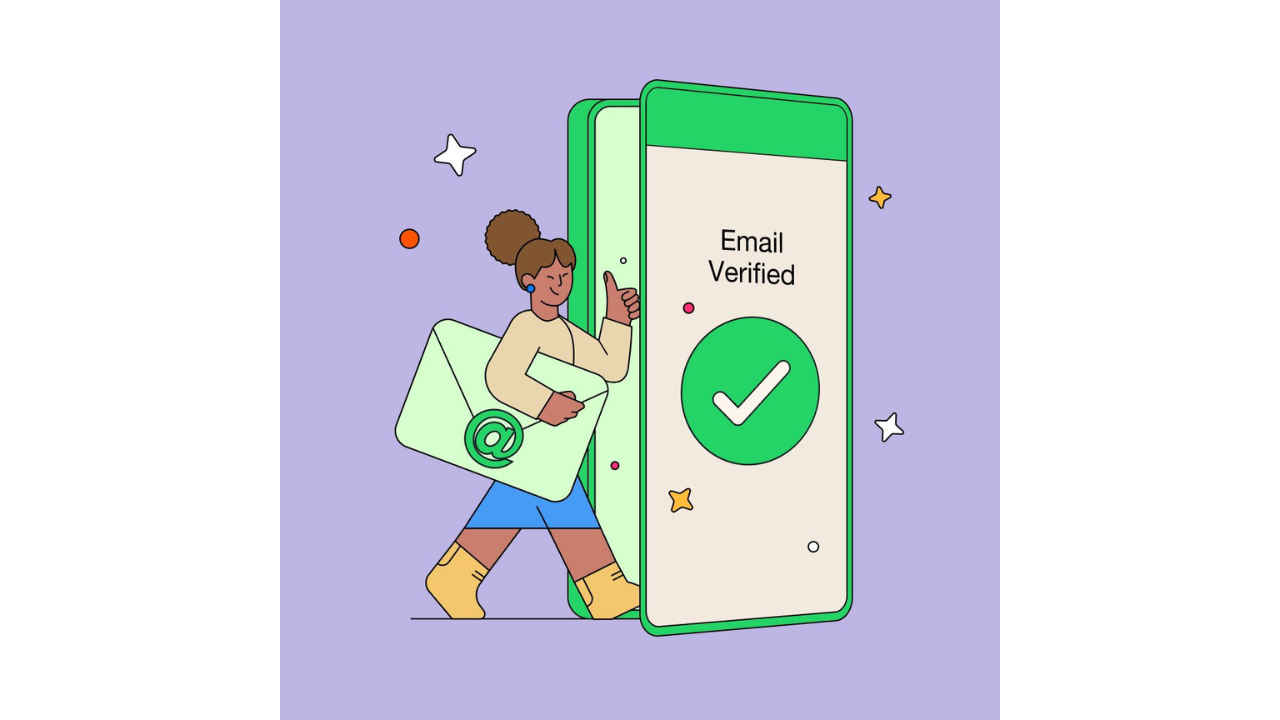
Linking your email address to your WhatsApp account adds an extra layer of security and ensures you can easily recover your account.
This provides an alternative method for account recovery beyond SMS
If you ever need to re-register your phone number, you can use your verified email to get back into your account.
In a significant move towards accessibility and convenience, WhatsApp has introduced a feature that allows users to regain access to their accounts via email, eliminating the need for SMS verification. This feature empowers users to seamlessly connect to WhatsApp from any device, regardless of network connectivity.
 Survey
By leveraging email verification, WhatsApp is not only enhancing user experience but also ensuring that staying connected is simpler and more reliable than ever before.


In this article, I will tell you how you can link your email address to your WhatsApp account.
Also read: Meta Verified for WhatsApp Businesses launched in India: What is it & how to subscribe
How you link email address to your WhatsApp account
Step 1: Open WhatsApp on your mobile device.
Step 2: Go to your WhatsApp Settings.
Step 3: Select Account.
Step 4: Tap the Email Address option.
Step 5: Select Add email.
Step 6: Enter your email address.
Step 7: Tap Next.
Step 8: You’ll get a verification code sent to your email so that we can verify it’s you. Enter that code.
According to the messaging platform, linking your email address to your WhatsApp account adds an extra layer of security and ensures you can recover your account, even without a connection for SMS or phone call. If you ever need to re-register your phone number, you’ll be able to use your verified email to get back into your account.
Also read: WhatsApp Status now lets you share videos & audio clips of up to 60 secs: Here’s how

In my opinion, linking your email address to your WhatsApp account offers significant benefits. Firstly, it enhances security by providing an alternative method for account recovery beyond SMS, ensuring access even in situations with poor network connectivity. Moreover, it highlights WhatsApp’s commitment to user accessibility, offering a reliable and user-friendly experience across different devices and network conditions.
 Follow Us
Ayushi Jain
Tech news writer by day, BGMI player by night. Combining my passion for tech and gaming to bring you the latest in both worlds. View Full Profile


