
How to use Google’s new AI agents: Step-by-step guide
 Follow Us
Google is introducing automated, background-running information agents within Search.
The feature launches this summer for Google AI Pro and Ultra subscribers.
Instead of links, agents deliver summarized updates directly to your phone.
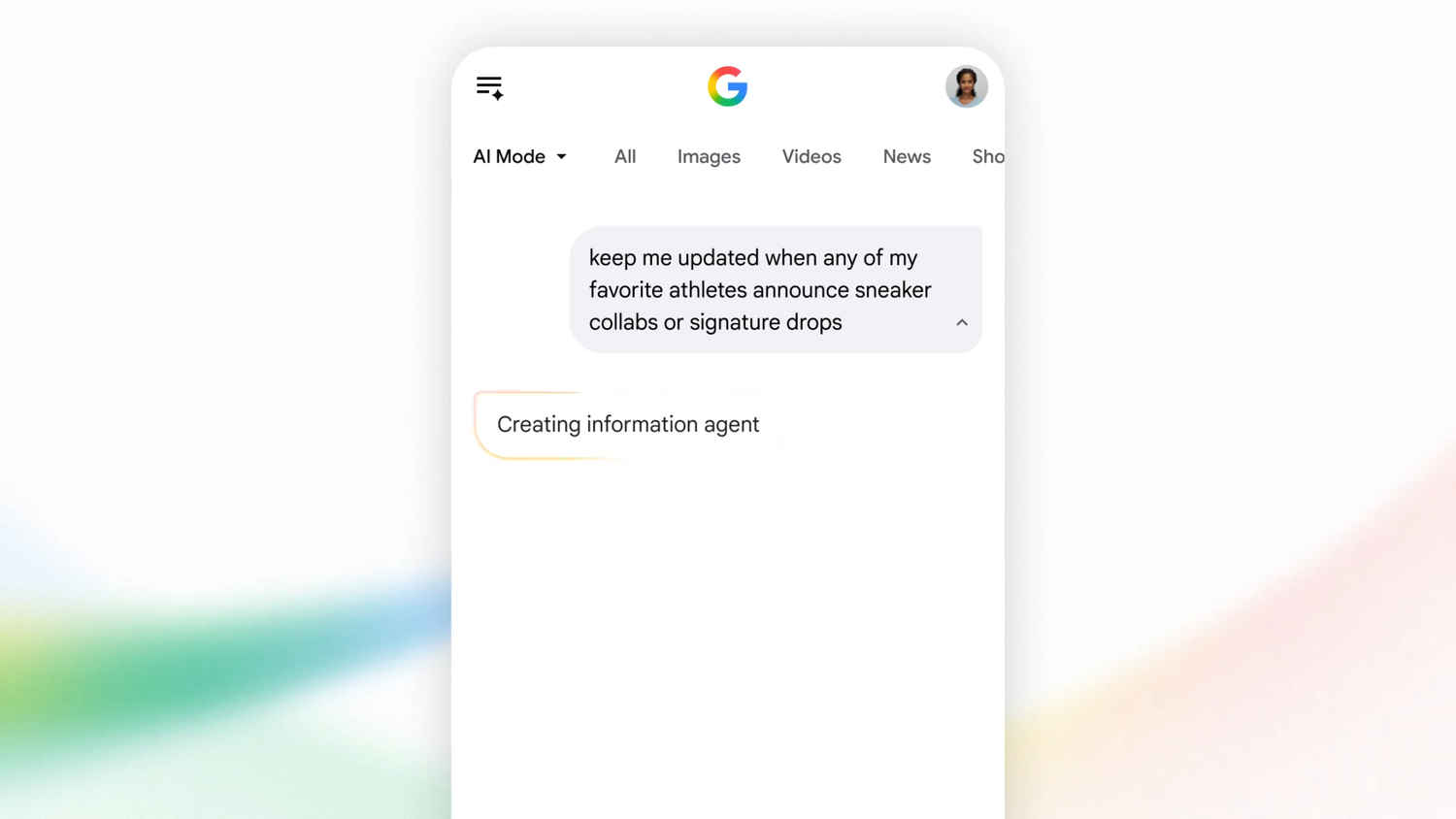

Google has been showcasing some really cool things at their latest I/O ’26. Along with all the other improvements made to Android 17 and Gemini, the company is also changing the way the search works, as they’ve made it a lot more hands-off than before. The company has announced that they’re now integrating AI-powered information agents inside of Google Search that can monitor topics of your choice in the background and alert you when something worth knowing happens. It works very similarly to how Google Alerts does, but it is significantly smarter. Let’s take a look at how you can use the feature in our step-by-step guide.
 Survey
Also Read: How to check if the image shared is generated or edited by OpenAI
How do Google’s information agents work?
In case you’re wondering how these agents actually work, well, unlike a regular search that only works when you ask it to, these agents run continuously in the background.
It works better than the normal search, as you can track all the topics you want to know about. Instead of returning a list of links, these agents can summarise information from multiple sources and push a notification directly to your phone when something relevant comes up. So far, it looks like the feature is going to be great for a lot of people. For example, stock market watchers. Aside from that, it could also be great for other things like tracking flight prices, sports scores, housing trends, or even breaking news.
As of now, Google has said that its information agents will be available starting this summer. The feature will be rolling out first to Google AI Pro and Ultra subscribers in the US. They’ve confirmed that more markets are to follow soon.
Step-by-step guide on using Google’s information agents
While the feature hasn’t been made live yet, once the feature does go live, follow all the steps mentioned below to see how to set up:
- First up, on your mobile phone, open the Google app
- Once inside, switch over to the AI Mode in Search.
- Now type in a prompt describing what you want to track.
- Once you do that, the agent will be created and begin monitoring in the background.
- Now whenever something relevant to the search comes up, you’ll receive a push notification from the app.
If you want to view all your active agents, head over to AI mode history. Inside there, you’ll find the tools to manage, refine, or turn off any alert at any time.
For more how-to guides on the latest in tech, keep on reading Digit.in
Also Read: How to find the best government scheme available for you online


