
How to reorder Instagram carousel images and videos after publishing
 Follow Us
You can now change the order of photos and videos after posting on Instagram.
Likes and comments won’t change, but you can’t add new items.
The feature is still rolling out, and users want more editing options.
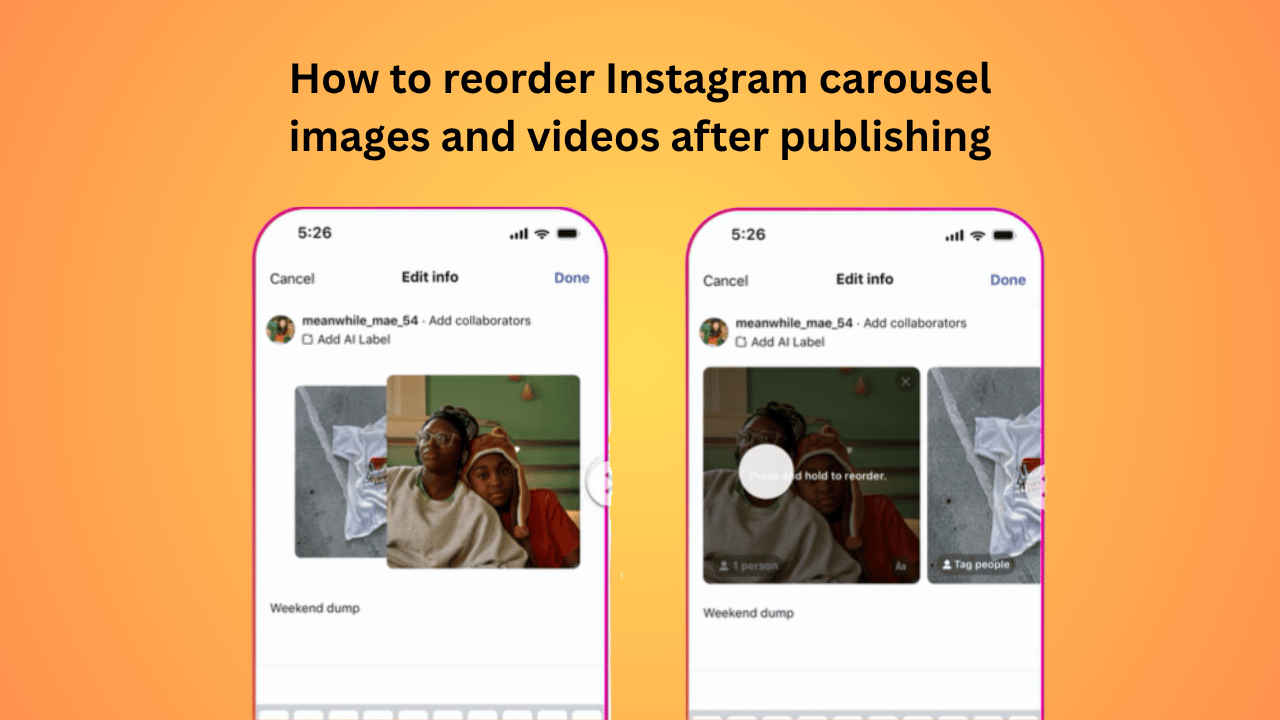

Ever posted an Instagram carousel and wished you could reorder it, as the best photo ended up last in the order or a good video got buried in the middle? Until now, if you wanted to reorder a carousel, then the only solution you had was to delete your post and start all over again. But that’s not the case anymore, as Instagram has recently rolled out a new feature that allows you to change the order of a live Instagram carousel. Instagram recently shared the news for the rollout from its official creator page. In this guide I’ll walk you through the easy steps on how to reorder Instagram carousel images and videos after publishing.
 Survey
Things to know
Here are a few important points you should keep in mind before using the reordering feature on Instagram carousel images and videos:
- Reordering a carousel post will not affect its engagement.
- Likes, comments, and other interactions will remain unchanged before and after reordering.
- You cannot add new media to an existing Instagram carousel post.
- This feature is rolling out gradually, so it may not be available to you immediately.
How to reorder Instagram carousel images or videos
Reordering a carousel image or a video after publishing on Instagram is quick and easy. All you need to do is follow the easy steps below:
1. Launch the Instagram app on your Android or iOS device.
2. At the bottom left corner of the screen, tap the Profile icon.
3. Look for the carousel you want to make changes to and select it.
4. In the top right corner, press the three dots icon and select Edit.
5. Now, press and hold the image or video you want to move, then drag it left to place it earlier in the carousel or right to move it toward the end.
Also read: Attention iPhone users! Your data may be at risk after DarkSword leak, do this now
Users’ reactions
Instagram users have widely praised the feature on social media. However, many of them also showed their frustration, stating that it’s a long-overdue update. They also brought up the times when they had to scrap the whole post just to change the order of the images or videos in the post.
On top of that, some users are still not satisfied as they look for more control over their posts. They feel that Instagram should also let them edit things like music or make bigger changes to posts like allowing them to add new media to the post even after they’ve been published.


