
 E-Magazine
5 hidden OriginOS 7 features you should try out
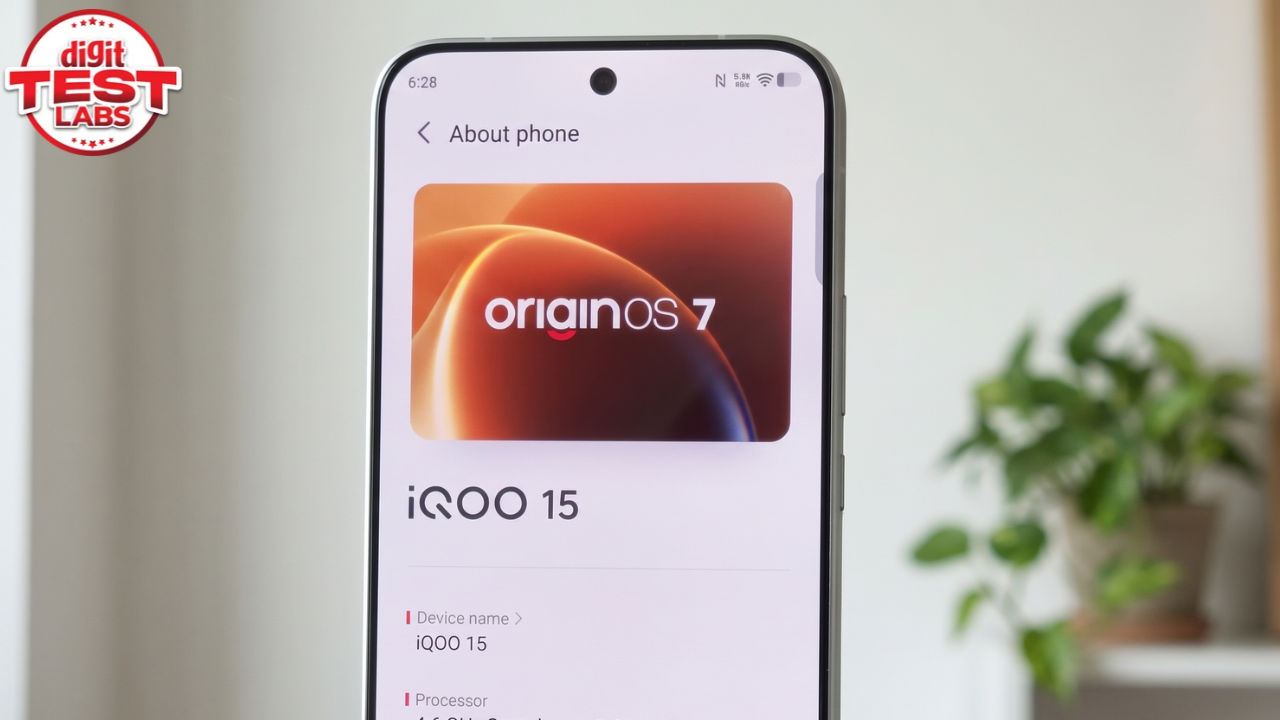
If you look at OriginOS 6, it changed how Vivo and iQOO phones look. OriginOS 7 changes what they do, and most of it is not on the box. The update is built on Android 17 and is reaching phones in phases, with the Vivo X500 series and the iQOO 16 first in line. Headline grabbers like the new animations get the attention. Underneath, the software includes a five-app workspace called Origin Workbench, a recorder that distinguishes speakers, and a notes app that reads handwriting. Some features are limited to higher-end phones, and Workbench needs 12GB of RAM or more. I’ve been using Origin OS 7 on my review unit of the Vivo X500, and here are five features to try first, what each one does and what it needs from your phone.
1. Origin Workbench
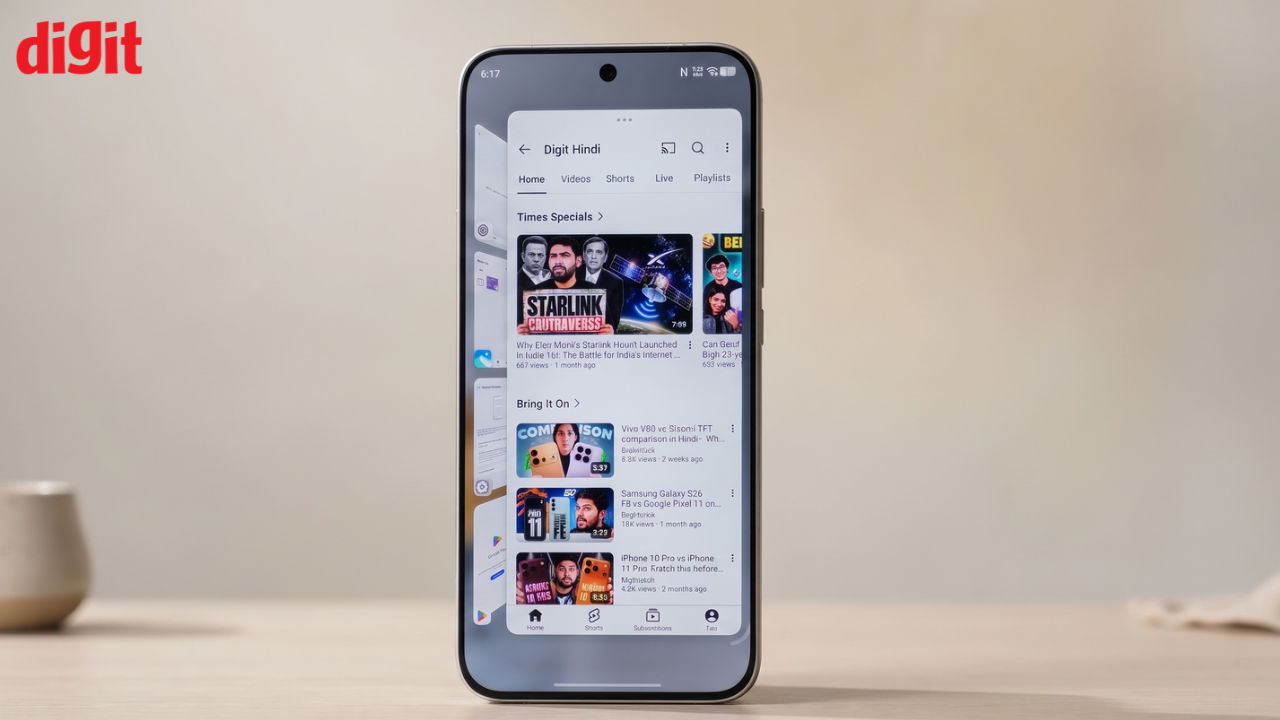
Origin Workbench is interesting because it is a single workspace that holds up to five apps or browser tabs at once, which makes it more than a split screen. You can resize the main window and switch between horizontal and vertical layouts to decide how the apps share the display. Apps inside the workspace stay active, so a half-typed note or an open chat should not reload when you move to another window. Cross-app drag and drop works here too, which lets you move text or a photo from one app into another without copying and pasting, though Vivo says support depends on the app. The catch is hardware. Origin Workbench is limited to models with 12GB of RAM or more.
2. Snap & Go in Origin Island
Snap & Go makes screenshots more useful by recognising important information in them. When you take a screenshot containing dates or event details, it can automatically pick up that information and give you the option to add it to your calendar or set a reminder. This means you don't have to manually go through your gallery to check important details or remember to add events later. Snap & Go is also integrated into Origin Island, Vivo's status area, which provides quick access to useful information and controls such as battery status, Bluetooth connections, spatial audio and music playback. This makes Origin Island more than just a place for notifications, as you can also use it to access everyday controls quickly.
3. AI Reader Mode
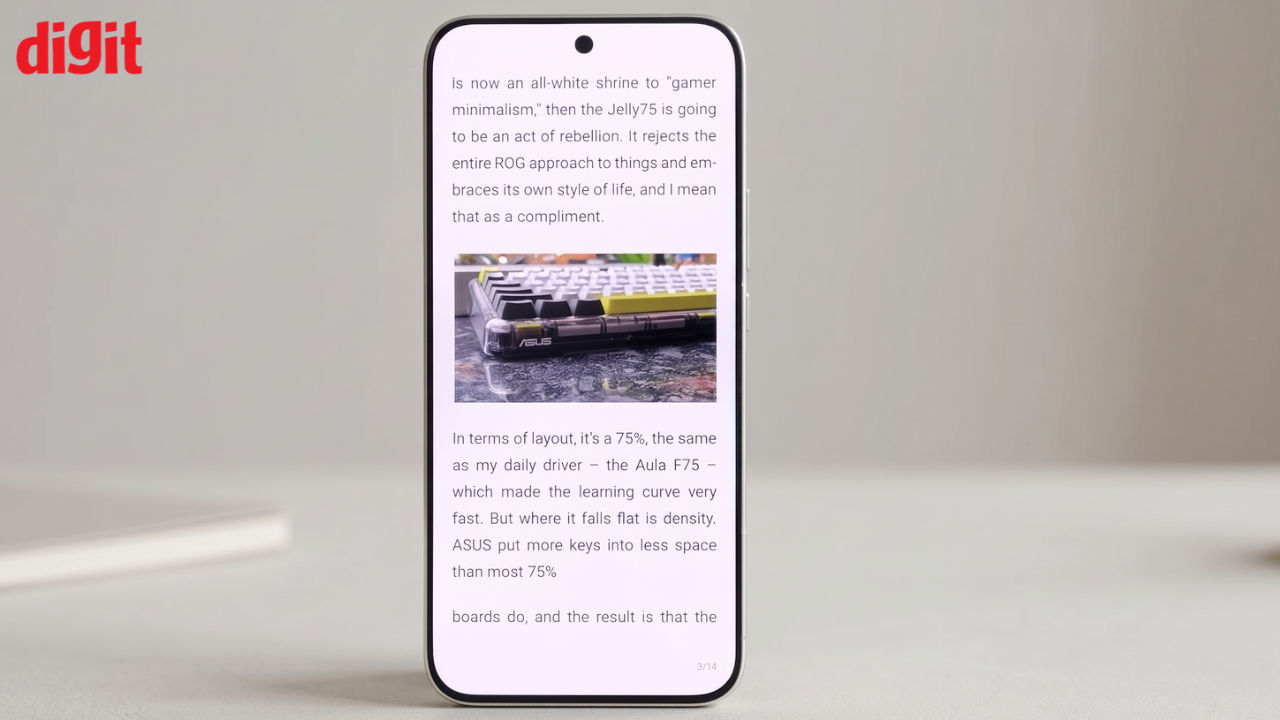
Reading long PDF files on a smartphone can be frustrating, as you often have to zoom in, zoom out and move around the page to read the content. AI Reader Mode in the PDF viewer makes this easier by adjusting the text to fit your phone's screen and removing unnecessary layout elements. This means you can simply scroll up and down to read without constantly adjusting the zoom. The feature can be particularly useful when reading lengthy reports and documents, saving you time and making the overall reading experience more convenient.
4. AI Recorder
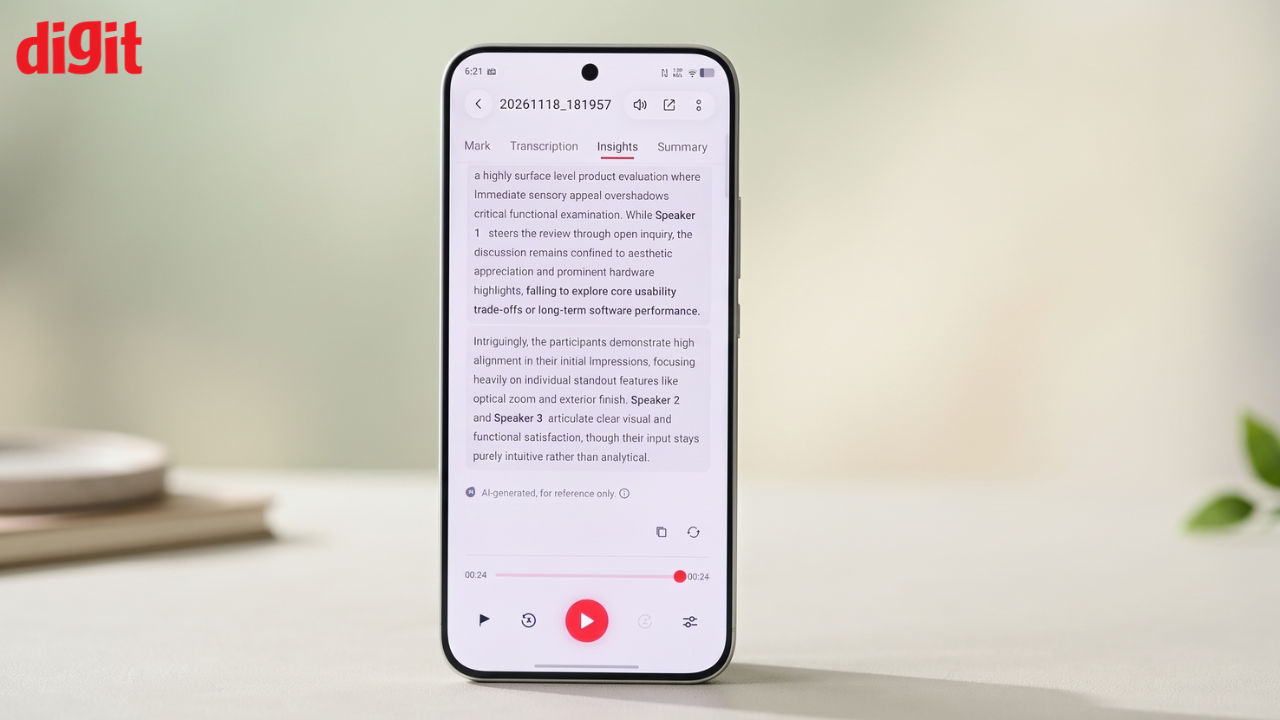
The AI Recorder transcribes in real time and separates speakers, removing the most tedious part of cleaning up an interview or meeting. The transcript comes with headings and paragraph breaks already in place, instead of one block of text. Vivo also provides summary templates for meetings, lectures and interviews, and highlights can link back to the relevant point in the transcript. The summary lists key takeaways and decisions. It works as a refresher after a long session and not as a replacement for the audio when a detail matters.
5. Snap Note
Snap Note converts physical content into editable digital text, covering handwritten notes, whiteboards, slides and mind maps. It uses multimodal AI OCR and keeps the original layout, so a printed table stays a table, and it can arrange several captured pages in sequence. Once the content is in the Notes app, AI can sort notes by topic, build an outline and write a summary. Dragging a photo or other content into Notes also brings up an intent wheel, which offers shortcuts such as translating the text, saving a contact or pulling out the key lines.

Siddharth Malhotra is a former software engineer who turned his lifelong fascination with gadgets into a full-time gig as a tech and gadgets anchor & writer. With over 200K followers across his social media platforms, all tuning in for their daily dose of tech, he’s your sneaker-wearing guide through the ever-evolving world of innovation. Expect sharp insights, a dash of humor, and an unshakable love for all things futuristic.
View full profile