
 E-Magazine
Adobe MAX 2026 Sneaks: The 5 best AI tools I saw from Adobe's research labs
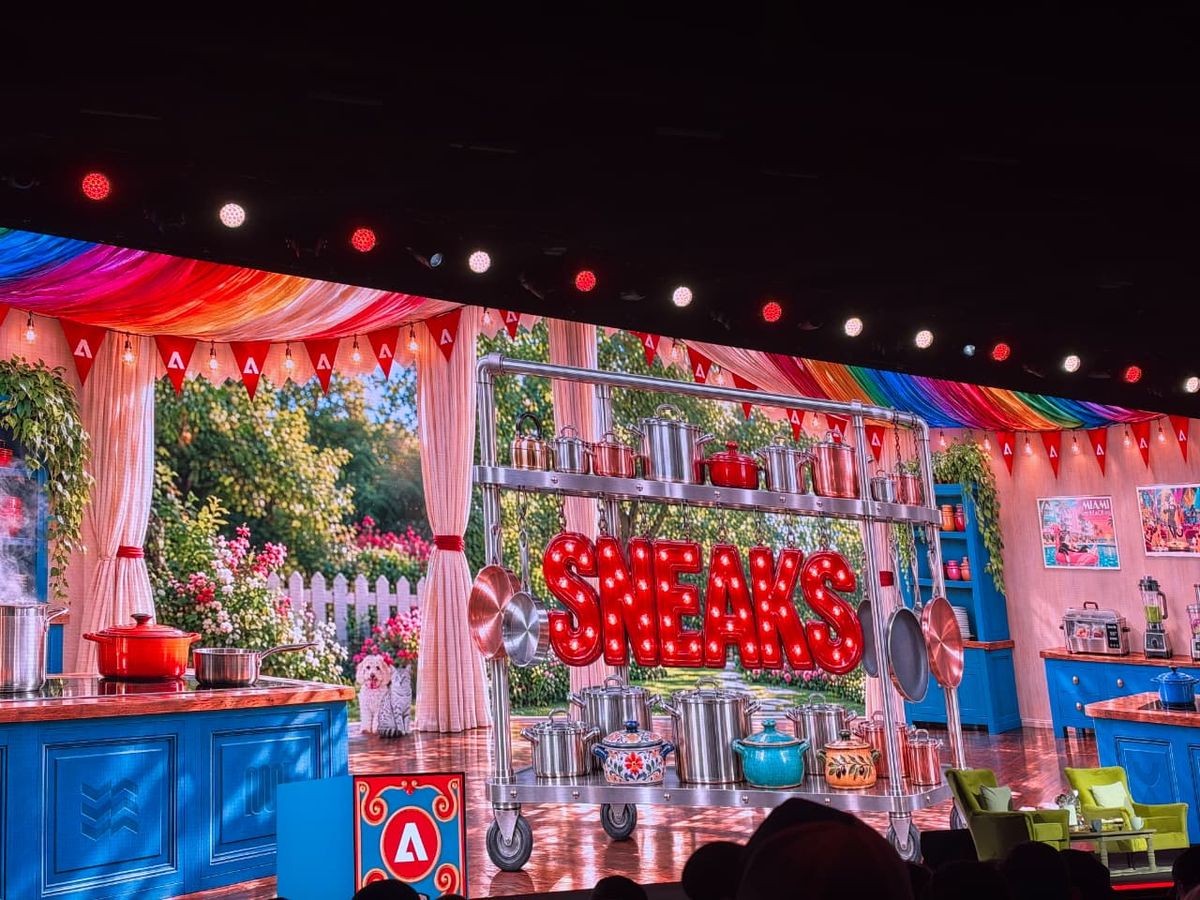
Terry Crews hosted this year's Sneaks, which is a sentence I never expected to write. Ten research projects took the stage, and most of them tried to answer one question. Why am I still doing this by hand? Not every Sneak becomes a shipping feature, and Adobe is clear that these are research previews. But the ones that do ship tend to define what Photoshop and Premiere feel like two years later. Afterall, the photoshop relight tool came from last year’s sneaks. So here are the five I'd bet on, and why.
Project Deep Brush
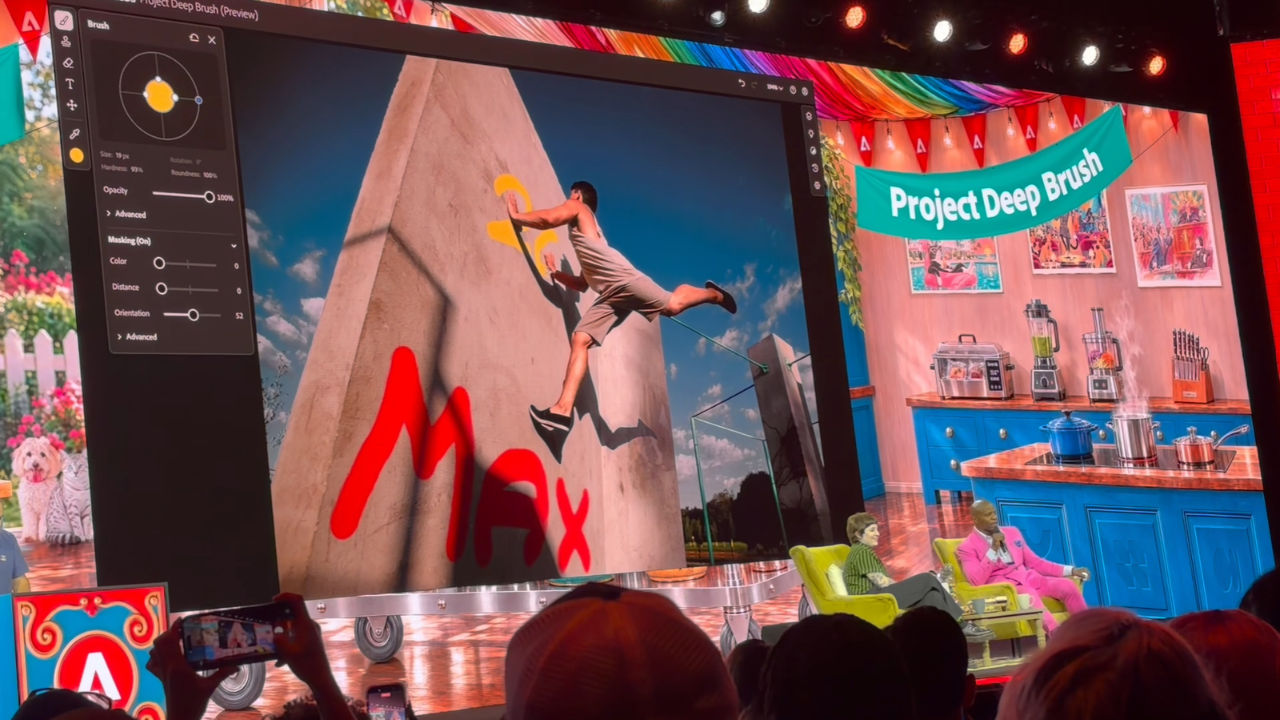
This is because your brush has never been smart before; it would place the pixels on the canvas according to your instructions without knowing what was there beneath them. But this has changed now, as the Deep Brush is aware of this information too. Through artificial intelligence, it knows about the contours, colours, and lights in an image and thus brushes behave in accordance with all that information.
The Deep Brush is one of the two Sneaks you can use at the new Adobe Lab Playground.
Project Rinse Repeat
Change one thing in your picture, love it, then replicate that change across the entire image. We have all been here before, and no one likes it. Rinse Repeat will remember the changes you have made to one area and apply them to another, tailoring them to the new location. The important thing about it is that the changes will be replicated using native Photoshop features.
Project Sight Span
A photograph is a captured moment. Sight Span gives it form and makes it into a space. It converts one image to an environment in which to walk around in. You explore from different viewpoints and create images that fall out of the initial frame of the picture. What does that do for the photographer who has the moment but not the composition?
Project Link Up

Drag the car over to an image of a parking space and it will change the angle and size of the car to fit the parking space. That’s the demonstration. Link Up understands that gesture as the intent. The car changes its point of view, scale, and styling to match the context, and you end up with editable vector art. The gesture eliminates a whole set of manual operations that include rotating, scaling, and restyling, but the output is still editable.
Project Scene Sweep
Never found yourself getting the perfect shot only to be forced to do the same thing all over again in a different outfit? With Scene Sweep, that’s never going to happen again. You make a decision on one shot and suddenly you have to do the same for every other cut and angle of that scene.
Consistency equals saved editing time. A tool that knows who is in a sequence and what is going on, rather than having to treat every single clip like a stranger, will go a long way towards eliminating a major time waster.

Vyom Ramani
Vyom Ramani A journalist with a soft spot for tech, games, and things that go beep. While waiting for a delayed metro or rebooting his brain, you’ll find him solving Rubik’s Cubes, bingeing F1, or hunting for the next great snack.
View full profile