
You can easily get all your documents on WhatsApp without any hassle.
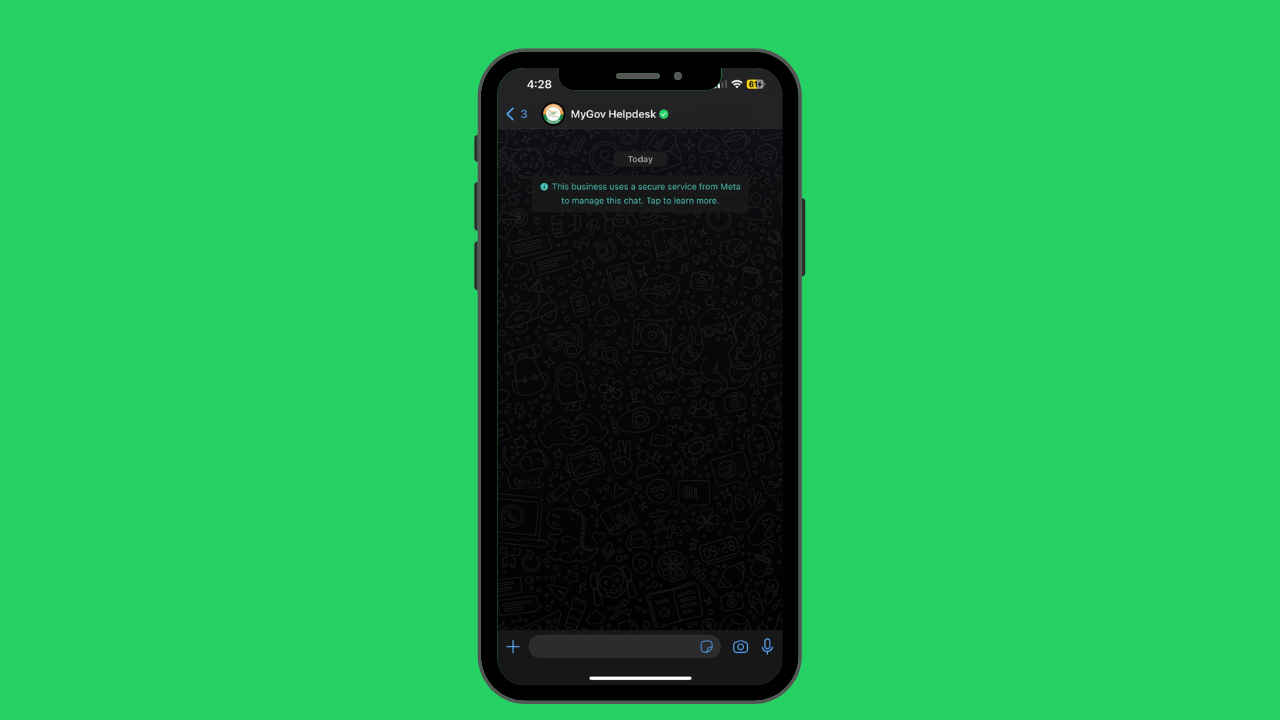
This happens with the help of the government’s MyGov Helpdesk on WhatsApp.
You have to text MyGov WhatsApp helpline number, which is '9013151515.'
Remember how annoying it gets when you urgently need your documents and do not have our laptops or the time to find them all out? What do we do in such a situation? I have a solution to your woes. Did you know you can access all your documents on WhatsApp with a single click? Let me take you through how you can get this done.
 Survey
How do you access documents on WhatsApp?
I will tell you how you can easily get all your documents on WhatsApp without any hassle. This happens with the help of the government’s MyGov Helpdesk on WhatsApp, which helps access our Digilocker documents on the messaging app. Follow these steps:


Also read: How to access all your documents on the smartphone
Step 1: Firstly, save the MyGov WhatsApp helpline number on your mobile. The number is: 9013151515.
Step 2: Go to WhatsApp find the MyGov number and click on it to start a chat.
Step 3: Next, send a “Hi,” “Namaste,” or “DigiLocker” to this chat.
Step 4: You will also see a “Namaste” from their end and two clickable text boxes. One will be for Cowin Services and the other one for Digilocker.
Step 5: Select “DigiLocker Services”.
Step 6: It will then ask you if you have a DigiLocker account, click on “Yes.”
Step 7: In case you do not have a DigiLocker account then click on “No”. It will then ask you to create and verify one with the help of your Aadhar number and the OTP sent to your mobile number.
Step 8: If you have clicked on “Yes”, then also you will have to enter your OTP to access your account.
Step 9: Once all this is done, you can access all the documents that are saved in your DigiLocker. You can even download them.

Also read: DigiLocker Uses: What Is It, How To Sign Up For It, And What Are Its Features?
Currently, you can access these documents on WhatsApp: PAN card, Driving License, CBSE Class X Passing Certificate, Class X mark sheet, Class XII mark sheet, Vehicle Registration Certificate, Insurance Policy for two-wheelers, and Insurance policy document (for life and non-life).
Isn’t this a helpful hack? Use this and thank me later!
 Follow Us
Mustafa Khan
Mustafa is a young tech journalist who tells it like it is, cutting through buzzwords to deliver straightforward smartphone reviews. He’s the office go-to for insider tips and quick demos, and his video content doesn’t waste anyone’s time. When he’s off the clock, he geeks out over cars, photography, and hunting down the best spot for Indian food. View Full Profile


