Works with a simple Alt + Space shortcut for instant access.
Supports Google Lens and AI Mode for smarter searches.
Currently available in the US on Windows 10 and above via Search Labs.
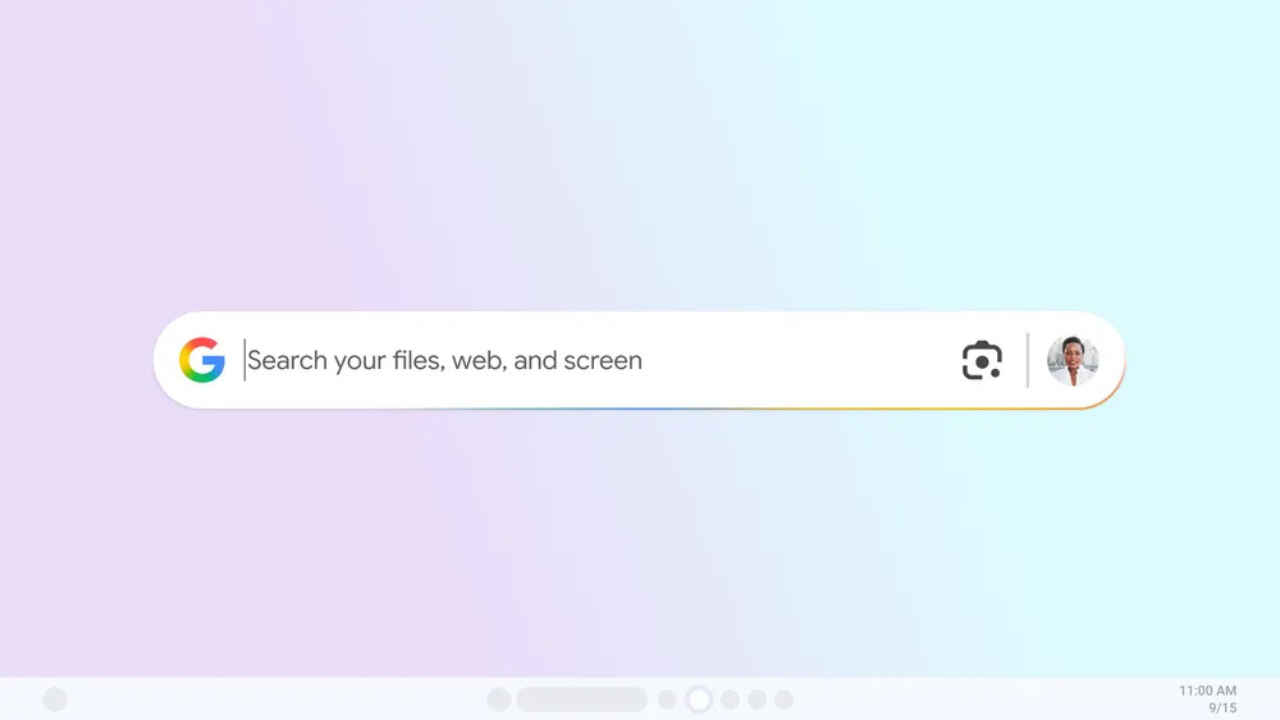
Google is developing a dedicated search app for Windows, providing users with a new way to find information across their devices and the internet. The new app, available through Google’s Search Labs for personal accounts, combines local file search, Google Drive, and web results into a single interface.
 Survey
Users can press Alt + Space shortcut and it will allow the users to open the search bar from anywhere on their PC. The floating search bar can be resized, moved around the desktop, and minimised, making it similar to Apple’s Spotlight tool on macOS.


“Now you can search without switching windows or interrupting your flow. Whether you’re writing in a doc or in the middle of a game, just press Alt + Space to instantly search for information from your computer files, installed apps, Google Drive files — and of course, the web,” the company stated.
Also read: Meta accidentally reveals new smart glasses with display ahead of Connect event
This app will also support Google Lens, which will allow for visual searches directly from the screen. Users can translate text, identify objects, and even solve math problems using AI Mode. Users can also switch between various result types, such as images, videos, shopping, and AI responses, with light and dark modes available.
The installation process is similar to Chrome and requires a Google login. Once configured, users can customise shortcuts, enable or disable AI Mode, and change configurations through their profile settings.
It should be noted that the app is only available for Windows 10 and newer PCs and works in English. It is currently being rolled out to a small number of users in the United States, with plans to expand to other countries in the coming months.
 Follow Us
Ashish Singh
Ashish Singh is the Chief Copy Editor at Digit. He's been wrangling tech jargon since 2020 (Times Internet, Jagran English '22). When not policing commas, he's likely fueling his gadget habit with coffee, strategising his next virtual race, or plotting a road trip to test the latest in-car tech. He speaks fluent Geek. View Full Profile


