UIDAI has discontinued online Aadhaar mobile number updates; only offline at Aadhaar Seva Kendra.
Booking appointments can be done online via the UIDAI portal.
Update requires biometric verification and a Rs 50 fee, with a URN to track status.
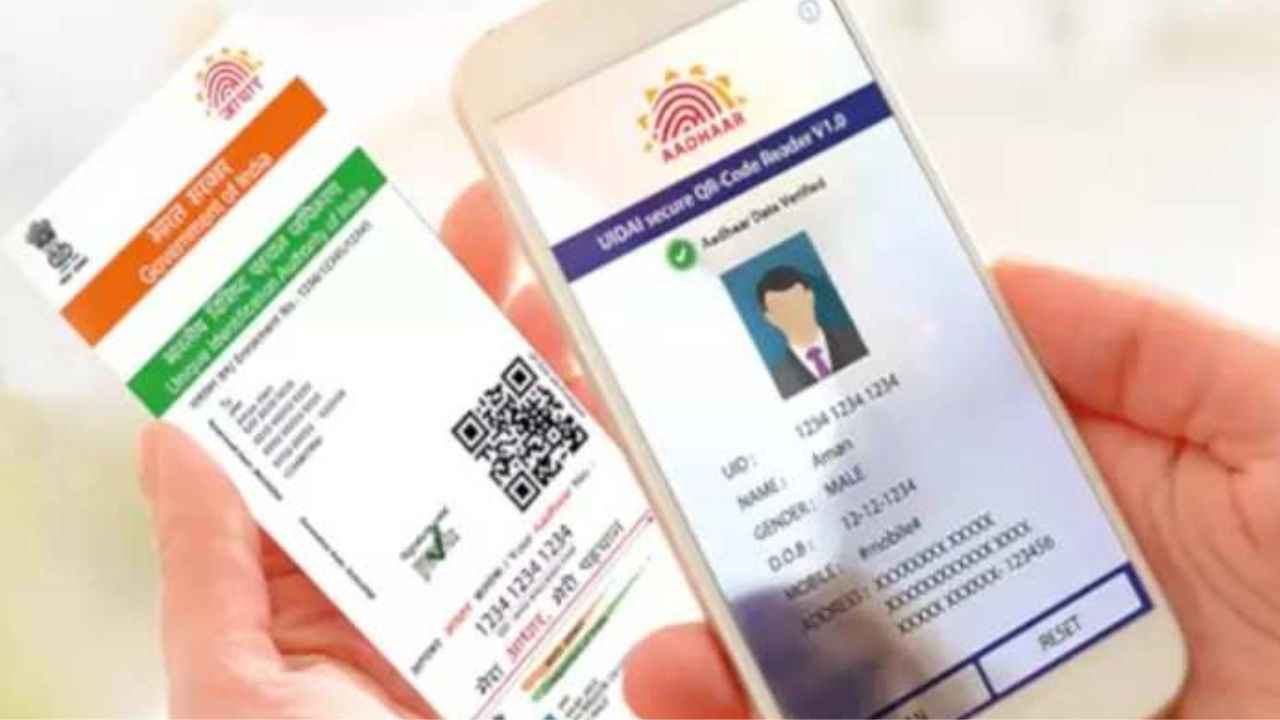
Keeping your Aadhaar-linked mobile number updated is no longer optional; it’s essential for access to government services, financial transactions, and online verifications. Issued by the Unique Identification Authority of India (UIDAI), the 12-digit number is the most crucial identity document in India. In addition to subsidies and benefits, it also serves as valid proof of identity and address across various services, including banking, school and college admissions, passport applications, driving licenses, and more.
 Survey
To access any Aadhaar-linked services, it is essential to keep all the details updated, including your mobile number, as One-Time Passwords (OTPs) are sent to the registered number for authentication. If the number is outdated or inactive, you won’t be able to complete verification for online services, payments, or government portals.


Unlike other Aadhaar details that can be updated online, UIDAI has discontinued the online mobile number update facility. This means that if you want to add a new number or change an existing one, you cannot do it through the website or the mAadhaar app. The process is now strictly offline and must be carried out at an Aadhaar Seva Kendra (ASK). However, you can book an appointment for Aadhaar updation online through the UIDAI official website. Here’s how you can do it.
How to book an appointment online
- Go to the UIDAI website and select your preferred language.
- Navigate to My Aadhaar > Get Aadhaar > Book an Appointment.
- Choose your city/location from the dropdown list and click on Proceed to Book Appointment.
- Enter your current registered mobile number, fill the captcha, and generate OTP.
- Verify the OTP to proceed.
- Provide key details such as Aadhaar number, name, date of birth, state, city, and your preferred Aadhaar Seva Kendra.
- From the update options, select New Mobile Number.
- Choose your preferred date and time slot for the appointment.
- Next, review and confirm your booking.
- Once the appointment is scheduled, you’ll need to physically visit the chosen Aadhaar Seva Kendra at the selected time.
Also read: Samsung Galaxy A06 festival deal: Get 25W adapter bundled for just Rs 299
At the centre, you will be required to fill out the update form, submit biometric authentication, and pay a fee of Rs 50 for the update service. After completion, UIDAI will provide you with an acknowledgement slip containing a URN (Update Request Number) that you can use to track the status of your mobile number update.
 Follow Us
Himani Jha
Himani Jha is a tech news writer at Digit. Passionate about smartphones and consumer technology, she has contributed to leading publications such as Times Network, Gadgets 360, and Hindustan Times Tech for the past five years. When not immersed in gadgets, she enjoys exploring the vibrant culinary scene, discovering new cafes and restaurants, and indulging in her love for fine literature and timeless music. View Full Profile


