
Upgrade to an NVIDIA RTX 50 series laptop this Diwali: It plays hard and works harder
 Follow Us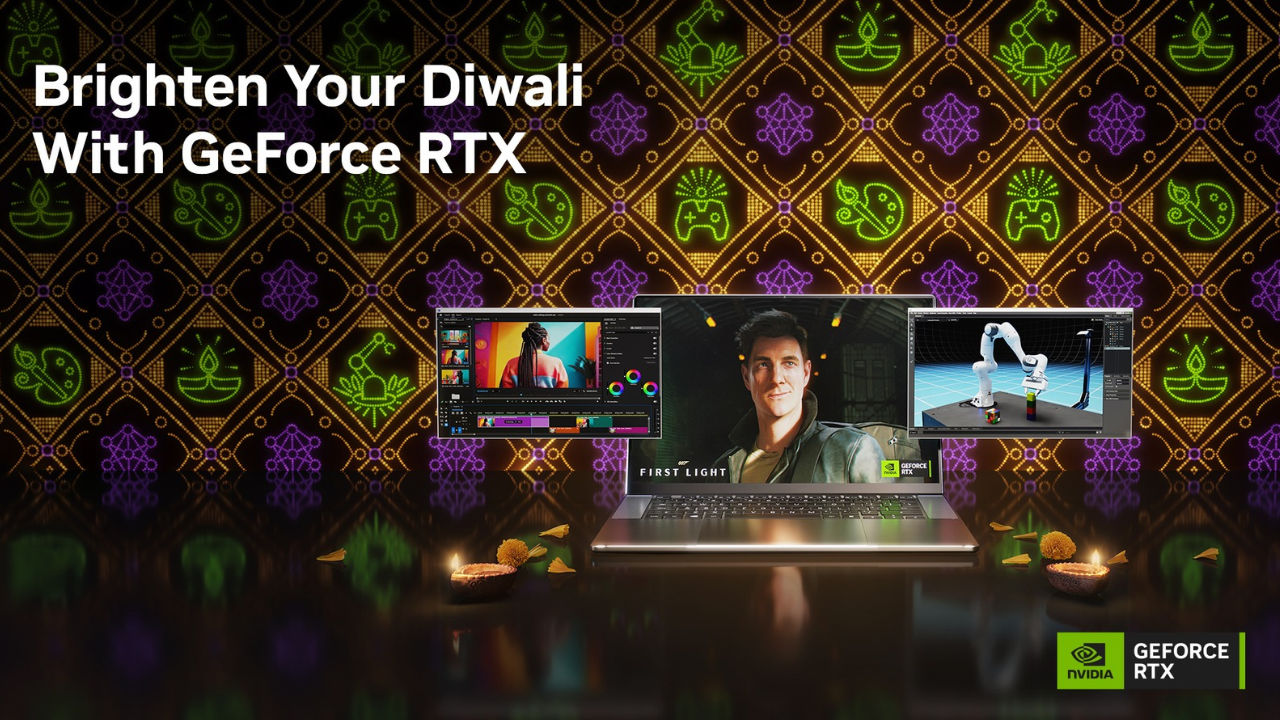

Traditionally, a gaming laptop was almost always bought for one reason; to play the latest games or to get online and become a part of the online-multiplayer community.
 Survey
However, the humble gaming laptop has evolved over the last two decades. It’s no longer a mere ‘gaming device’. The student who bought it for Cyberpunk 2077 discovers it will render a building walkthrough with complete ease. The gamer who wanted higher frame rates in his online multiplayer games, finds that he can cut and edit the game footage into incredible highlight reels, render a 3D scene in Blender and run an AI model locally without complaint. As a professional, many realised that the GeForce RTX powered laptop they bought for gaming was now a productivity powerhouse, but what some may have missed is that it continues to be the best way to experience modern day games.
Path Tracing: Bringing reality to a virtual world
For most of gaming history, lighting was static. Shadows were painted in, reflections were approximations, and the resulting image could never be confused for a ‘real-world photograph’. Ray tracing changed that in 2018 by calculating light in real time, so shadows moved as characters moved and reflections showed what was actually there. Path tracing takes that to the next level, where if done right, an in-game screenshot could become indistinguishable from real-life. It follows light through every bounce and reflection in a scene, the same technique animated films use, except a film can spend hours on a single frame. In Control Resonant with path tracing running, every frame looks beautifully cinematic, bringing the game’s moody visuals to life.
The difficulty has always been the cost of computing all those light bounces. RTX 50 series GPUs come equipped with all the right technologies to help bring the most immersive gaming experiences to a screen near you.
DLSS 4.5 and Multi Frame Generation: Maximizing performance
If path tracing is what makes a modern game extraordinary, DLSS 4.5 is what makes sure you get the best possible frame-rates while gaming. But that’s not all that DLSS 4.5 has to offer.
First off, DLSS uses AI to render a game at a lower resolution and reconstruct it at a higher one, and its transformer model now produces images that can match or exceed native rendering. Multi Frame Generation pushes further, generating additional frames between those the GPU renders conventionally, for performance traditional rendering cannot approach. The second generation of Ray Reconstruction part of DLSS 4.5 cleans up ray-traced lighting along the way.
The result is that path tracing stops being a screenshot feature. Settings that you would have lowered two years ago can now just be turned back on, and the frame rate holds even in the most complex of scenes.
NVIDIA Reflex: The milliseconds that decide a match
Frame rate is only half of what competitive play depends on. The other half is the delay between a mouse click and the action appearing on screen, and in games like Counter-Strike 2, that delay decides matches.
NVIDIA Reflex optimises the entire pipeline from click to pixel, coordinating CPU and GPU so neither waits on the other, and reduces system latency by up to 75% in supported titles. Players describe the effect as feeling like a local connection rather than an online one.
From gamer to career professional
Somewhere between the first all-nighter and the first paid project, the gaming laptop evolved. The same RT Cores that traced light through a game environment are now put to work to finish an architecture student’s design render in Lumion, a task that would have taken all night on a non-GPU powered laptop, but on the RTX 50 series powered machines, it’s done before dinner. Blender’s Cycles renderer accelerated through NVIDIA OptiX is the clearest example, with Autodesk Maya, Unreal Engine and Adobe Substance 3D all drawing on the same acceleration. Render time is a tax on every creative decision, and when it drops, the number of versions you are willing to try goes up. That is the GPU advantage that puts you ahead of the crowd.
The same holds across engineering and AI, where the workloads are heavier and the deadlines no kinder. CAD and simulation work in AutoCAD, SolidWorks and MATLAB leans on the GPU in much the way games do, and the Tensor Cores running DLSS are the same ones running AI models locally. With up to 24GB of video memory in laptop form factors, large language models and image generation through ComfyUI or Stable Diffusion run on the machine itself, with no subscription costs. More importantly, with over 4,000 GPU-accelerated applications built around CUDA, the student learning on an RTX 50 Series laptop is learning on the same platform their future employer is already running.
Don’t miss the opportunity to upgrade this Diwali
Many gaming laptops in Indian homes were bought during the pandemic years, and consumer laptops generally show their age between three and five years in. There’s no better time than now to upgrade. GeForce RTX 50 Series laptops are available now from Amazon, Flipkart, Reliance Digital and Croma at incredible prices. This year, brighten your Diwali with GeForce RTX.


