Apple recently announced the availability of its latest macOS update - the Tahoe 26
The update was initially unveiled in June
Here is a look at some major macOS updates over the years
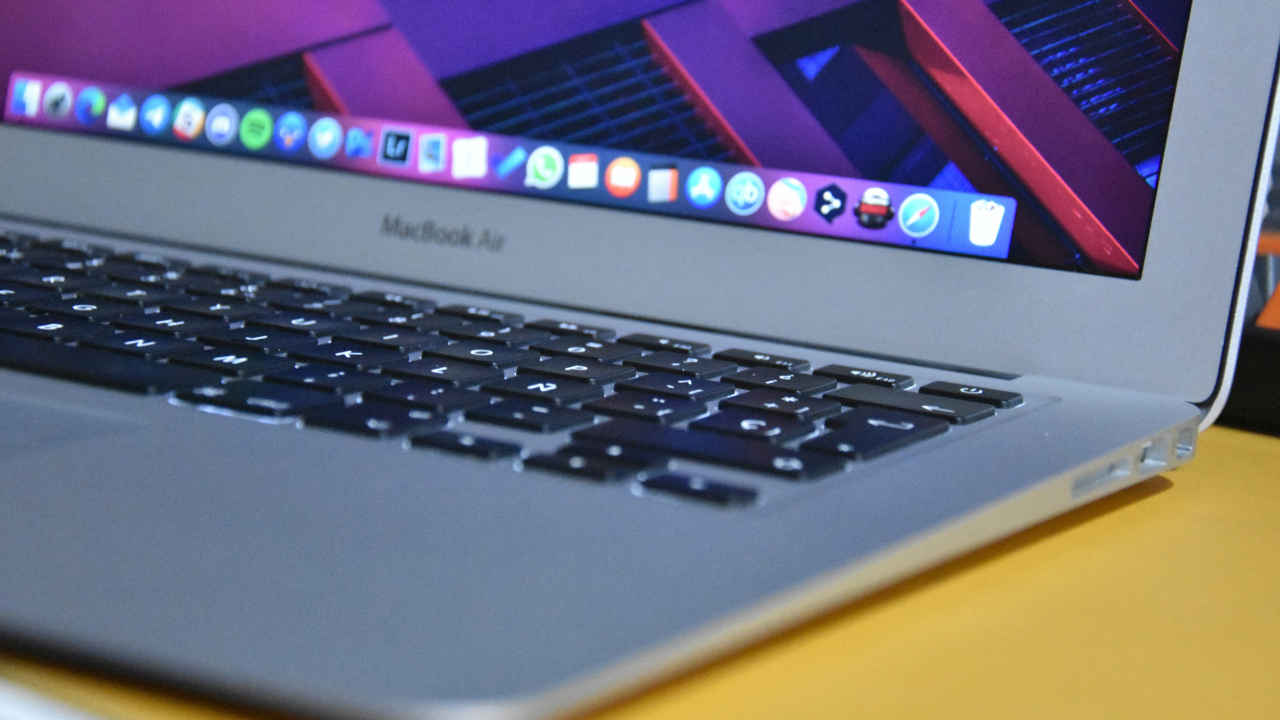
Apple recently announced the availability of its latest macOS update – the Tahoe 26. This update was announced in June this year during the WWDC event and it brings a number of new features including a new design with Liquid Glass aesthetics, an iPhone-style Phone app, richer Spotlight, AI-powered Shortcuts and more. The update has been making a lot of headlines due to the new features added. However, this isn’t the first time that a macOS update has caught the attention of netizens.
 Survey
Over the years, there have been several macOS updates that changed the way we use our devices. And as the world talks about macOS Tahoe 26, let’s take a look back at some of the earlier macOS updates that ushered in a new era of personal computing.


Also read: Apple launches macOS Tahoe 26: What’s new, how to update, and all you need to know
1. Mac OS X Leopard (10.5) – 2007
The Mac OS X Leopard, announced in October 2007, was a huge upgrade: Apple had said at the time that it was “packed with more than 300 new features,” including a brand-new desktop with Stacks, a redesigned Finder, Quick Look, Spaces, and Time Machine backups.
Time Machine alone became a beloved Mac feature, automatically backing up everything so lost files and even entire systems could be restored with a click. According to a press release shared by Apple at the time, Stacks was being called a “ new way to easily access files from the Dock,” and Quick Look was “a new way to instantly see files without opening an application”.
Apple’s then CEO Steve Jobs had termed Leopard “the best upgrade they had ever released” at the time , and indeed it looked and worked much better than its predecessor. Leopard also brought Cover Flow in Finder, Back to My Mac (for remote file access), and dozens of under-the-hood improvements, cementing it as a milestone in the Mac’s history.
2. OS X Yosemite (10.10) – 2014
Seven years after the Mac OS Leopard, Apple unveiled Yosemite. And this is when Mac got the power to make and receive iPhone calls and handle messages. The update introduced powerful Continuity features to tie Macs and iPhones together (something that Apple keeps refining till date).
The update also marked macOS’ biggest visual overhaul in a decade. The new design was termed “fresh and modern” at that time and featured translucent toolbars, flat icons, and clearer controls. Apple, in its press release, said that Yosemite was “redesigned and refined with a fresh, modern look”.
Apple’s senior vice president of Software Engineering Craig Federighi had then said, “Yosemite is the future of OS X with its incredible new design and amazing new apps”.
Other Key additions included a Today view in Notification Center, iCloud Drive in Finder, and an updated Safari. In short, Yosemite brought iOS-style polish and inter-device magic to the Mac.
3. macOS Catalina (10.15) – 2019
Catalina, unveiled in 2019, was all about new apps and workflows. Apple previewed it as bringing “fresh new apps to the Mac” and powerful new technologies . As part of Catalina, iTunes was finally split into three standalone apps ,Music, Podcasts, and TV. This made it easier to find and enjoy media. The update also introduced Sidecar, a feature that lets your iPad act as a second display or drawing tablet for Mac apps .
The press release noted Sidecar as “a new way to extend the Mac desktop by using [the] iPad” for creative tasks. Security was also beefed up, and a new Voice Control feature let users control macOS entirely by voice. Craig Federighi had said at the time: “With macOS Catalina, we’re bringing fresh new apps to the Mac… Users will appreciate how they can expand their workspace with Sidecar” . By breaking free of iTunes and deepening iPad integration, Catalina changed long-standing Mac behaviors.
4. macOS Big Sur (11.0) – 2020
Apple’s WWDC featured an entirely online format due to Covid 19. However, the pandemic didn’t stop the technology giant from unveiling an exciting update to the macOS. Big Sur marked a huge design shift and ushered in Apple’s new silicon era.
Apple had then said that Big Sur “introduces a beautiful redesign” that’s “entirely new yet instantly familiar”. Every icon and interface element was refreshed as part of the update. For instance, windows got rounder corners, the menu bar became translucent, and a new Control Center was added to the Mac. Safari, Apple’s web browser, also got its “biggest update ever” with a customisable start page and built-in translation.
The Messages, Maps, and other core apps were enhanced too. Craig Federighi had described Big Sur as “a major update” delivering “their biggest update to design in more than a decade” . It is important to note that Big Sur was the first version designed for Apple’s own M1 chip, giving existing Macs a preview of the speed and efficiency gains to come. Hence, Big Sur’s fresh look and under-the-hood optimizations made it a turning point for macOS.
5. macOS Sonoma (14) – 2023
Apple introduced Sonoma at WWDC 2023 and rolled it out later that year as the next leap for the Mac. It brought interactive desktop widgets, stunning new screen savers, major Safari upgrades, and a stronger focus on gaming. For the first time, widgets could live right on the desktop and even pull in iPhone widgets through Continuity.
Sonoma also enhanced video conferencing with effects like Presenter Overlay (keeping you visible while presenting) and Reactions (fun animations triggered by gestures). Safari gained Profiles to separate work and personal browsing, plus improved web app support that let websites sit in the Dock like native apps. Apple even brought new keyboard accessibility features such as better autocorrect and inline text predictions.
“With Sonoma, we’re making [macOS] even more delightful and productive,” said Apple’s Craig Federighi at launch, highlighting new ways to personalise with widgets and achieve “new levels of gaming performance.” A new Game Mode prioritised CPU and GPU resources for smoother play, while a Game Porting Toolkit made it easier for developers to bring Windows titles to the Mac.
Looking back now, Sonoma was a well-rounded update that combined polish, performance, and play and showed that Apple wasn’t done reinventing the Mac experience even after decades of updates.
From Tiger’s first spotlight search to Sonoma’s AI- and continuity‑driven features, Apple has a history of transformative macOS updates packed with surprises that reset user expectations. As macOS Tahoe arrives with its Liquid Glass visuals and intelligence features, it’s carrying forward that legacy.
Also read: Apple’s 2026 MacBook Pro OLED tipped to come with Samsung display, all details
 Follow Us
Divyanshi Sharma
Divyanshi Sharma is a media and communications professional with over 8 years of experience in the industry. With a strong background in tech journalism, she has covered everything from the latest gadgets to gaming trends and brings a sharp editorial lens to every story. She holds a master’s diploma in mass communication and a bachelor’s degree in English literature. Her love for writing and gaming began early—often skipping classes to try out the latest titles—which naturally evolved into a career at the intersection of technology and storytelling. When she’s not working, you’ll likely find her exploring virtual worlds on her console or PC, or testing out a new laptop she managed to get her hands on. View Full Profile


