
 E-Magazine
Does GTA 6 have a first-person mode? Here's how the camera feature works
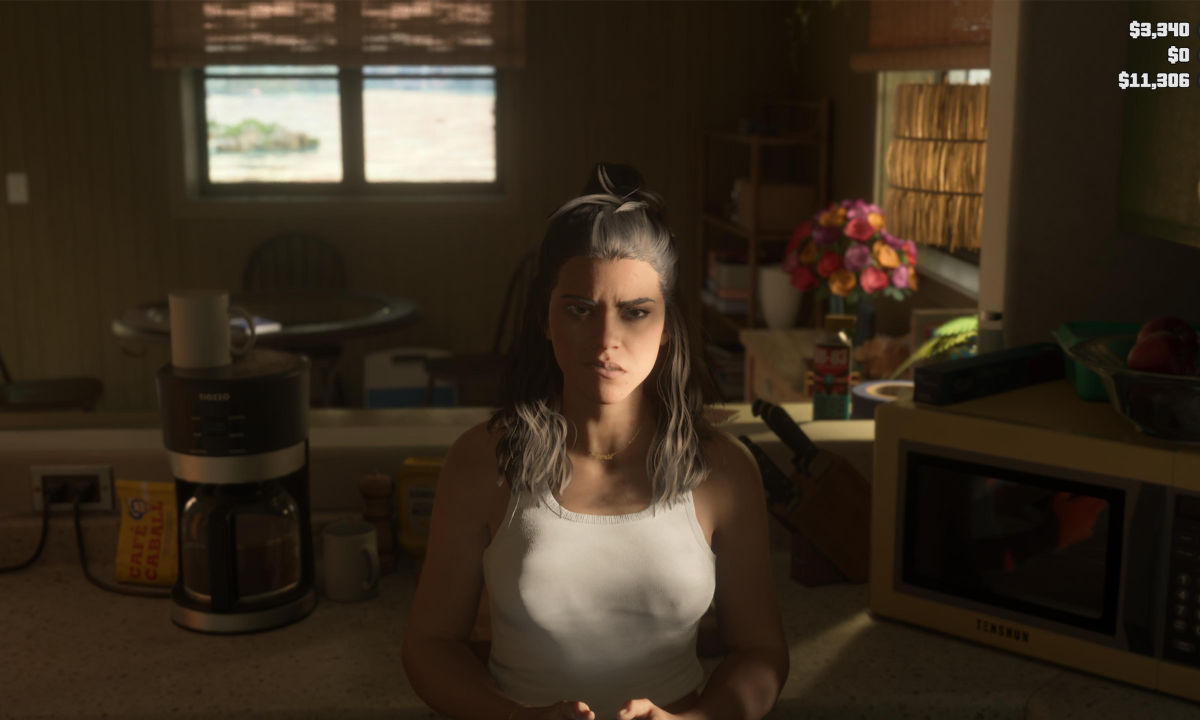
Grand Theft Auto 6 offers an incredibly detailed version of Leonida, giving players plenty of reasons to explore its world beyond the main missions. However, players who prefer experiencing Rockstar's open-world games from a first-person perspective might notice something missing: the traditional first-person mode featured in GTA 5. Unlike its predecessor, GTA 6 doesn't let players switch between first-person and third-person perspectives whenever they want. There are, however, a few situations where the game lets you see the world through a first-person camera.
Here's everything you need to know about first-person mode in GTA 6, including how to activate the available camera feature on PS5 and Xbox.
Can you play GTA 6 in first-person mode?
No, GTA 6 doesn't feature a traditional first-person mode similar to GTA 5. Players cannot switch the entire game into a first-person perspective and complete missions, explore the map, or engage in combat entirely through that camera view.
This is a noticeable difference from GTA 5, where Rockstar introduced a dedicated first-person option with the PS4 and Xbox One versions in 2014. That feature allowed players to experience practically the entire game from the protagonist's perspective.
GTA 6 takes a more limited approach. While certain vehicles offer first-person camera views and some weapons allow players to aim down their sights, these features don't replace a dedicated first-person gameplay mode.
How to use the first-person camera in GTA VI
Although you cannot explore Leonida freely in first-person, GTA 6 does include a camera feature that lets you examine the surroundings from a first-person perspective.
To activate it, follow these steps:
- Stand still in the game.
- Hold L2 on PS5 or LT on Xbox to focus on a character or zoom in slightly.
- While holding the focus input, press L3 and R3 together.
- The camera will switch to a first-person perspective, allowing you to look around.
This feature is particularly useful when you want to inspect the environment and appreciate the smaller visual details Rockstar has included throughout the game.

There is one important limitation, though. The first-person camera only works while standing still. Moving your character will take you out of this perspective and return you to the regular camera view.
What happens when you press L3 and R3 without focusing?
Players should be careful about pressing both analog sticks without first activating the focus function. Doing so activates Focus Mode rather than the first-person camera. This ability consumes your focus meter and highlights certain elements in the surrounding environment.
So, if your intention is to examine the world through the first-person camera, make sure you hold L2 or LT before pressing both analog sticks.
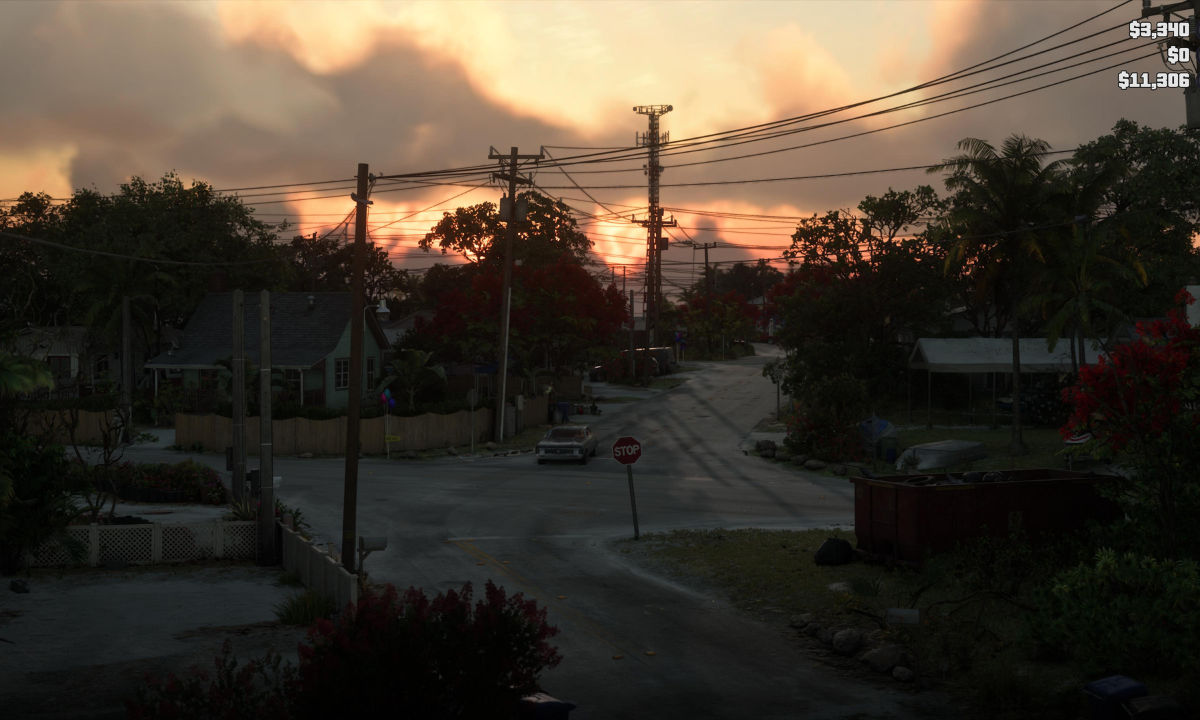
GTA 6 first-person mode vs GTA 5: What's different?
The biggest difference between the two games is how much control players have over the camera perspective.
GTA 5 offers a dedicated first-person gameplay option, allowing players to experience its missions, driving, exploration and combat from the protagonist's viewpoint. GTA 6, on the other hand, restricts first-person viewing to specific situations and a stationary camera feature.
For players who enjoyed completing GTA 5 entirely in first-person, this may feel like a step backwards. However, GTA 6 still provides limited opportunities to experience its world from a different perspective.
For now, players looking for a complete first-person playthrough will have to stick with the traditional third-person camera in GTA 6.

Vikhyat Rishi is the Chief Copy Editor at Digit, where he covers home appliances. His work spans reviews, buying guides, comparisons, features, and explainers across the category. Before joining Digit, he worked with Beebom, Smartprix, and iGeeks, covering smartphones, computers, software, gaming, and consumer technology. His work combines editorial experience with a focus on practical insights and real-world product usage.
View full profile