Google Meet and Microsoft Teams are leading video calling apps.
Let’s compare Google Meet and Microsoft Teams to know which one should you use for video chatting with others.
Here we will be primarily taking a look at the free version of both video conferencing apps.
Google Meet and Microsoft Teams are two popular video conferencing apps out there. Google Meet comes bundled as part of Gmail while Microsoft Teams comes preinstalled on Windows 11 PCs and laptops. Let’s find the differences between Google Meet and Microsoft Teams in different aspects like the maximum number of participants allowed, length of the meeting, available cloud storage size, and other features and facilities.
 Survey
Here are the differences between Google Meet and Microsoft Teams



1. Maximum participants
In the free version, Google Meet and Microsoft Teams allow up to 100 participants.
2. Meeting length
You can have the meeting for up to 60 minutes on Google Meet (free version). On the other hand, Microsoft Teams let you have one on one meetings for 30 hours long and unlimited group meetings for up to 60 minutes long.
3. Cloud storage size
Google offers 15GB of free storage while Microsoft offers 5GB of OneDrive cloud storage.
4. UX
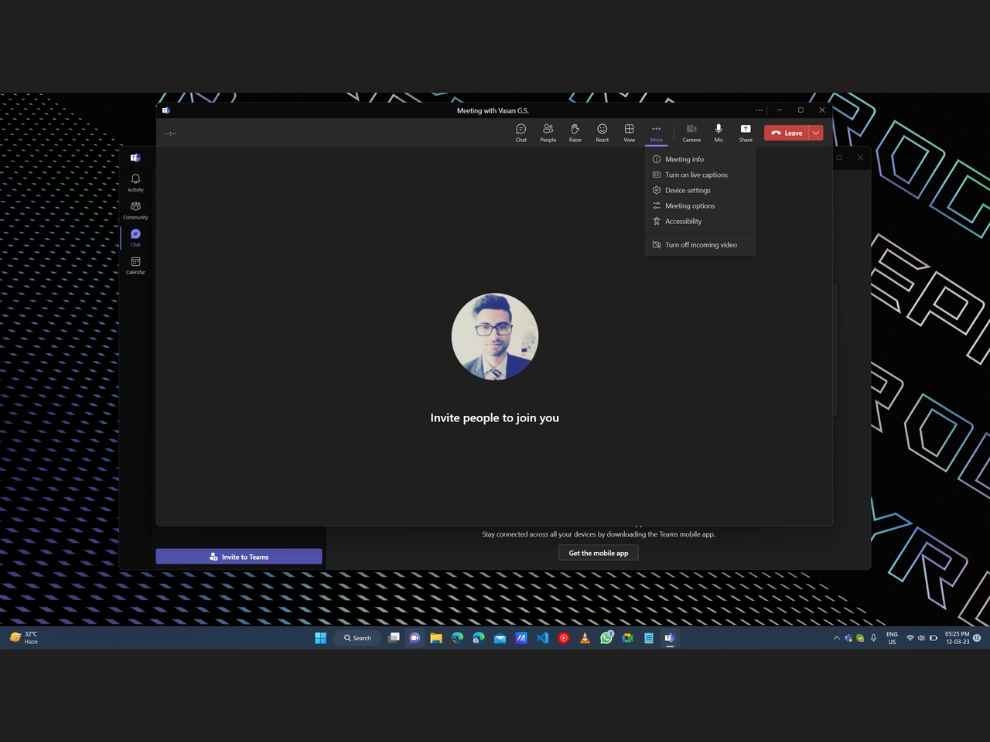
Google Meet is simply a video conferencing platform while Microsoft Teams has been designed to be a one-stop collaboration tool. The latter allows integration with Microsoft suite of apps like MS Word, Excel, and Powerpoint.
Furthermore, you get features like Live Caption, end-to-end encryption (only 1:1 meetings on Microsoft Teams, while Google Meet supports both one on one and group sessions), whiteboard, raise hand, chat, file sharing, etc on both.
5. Pricing
Now, if you want more out of both platforms, you can have that paying up. You can check out the Google Meet plans and pricing here which, by the way, starts at ₹125 per user per month. Meanwhile, the Microsoft Teams premium plans and pricing details are here. You can subscribe at a starting price of ₹110/user/month.
 Follow Us
G. S. Vasan
G.S. Vasan is the chief copy editor at Digit, where he leads coverage of TVs and audio. His work spans reviews, news, features, and maintaining key content pages. Before joining Digit, he worked with publications like Smartprix and 91mobiles, bringing over six years of experience in tech journalism. His articles reflect both his expertise and passion for technology. View Full Profile


