Build the best gaming PC under ₹26,000 with Ryzen 5 5600GT and dual-channel RAM.
Affordable 1080p gaming PC build featuring Ryzen APU, 16GB RAM, SSD, and future upgrade support.
Entry-level gaming PC setup for esports and everyday use, optimized for smooth performance and upgrades.
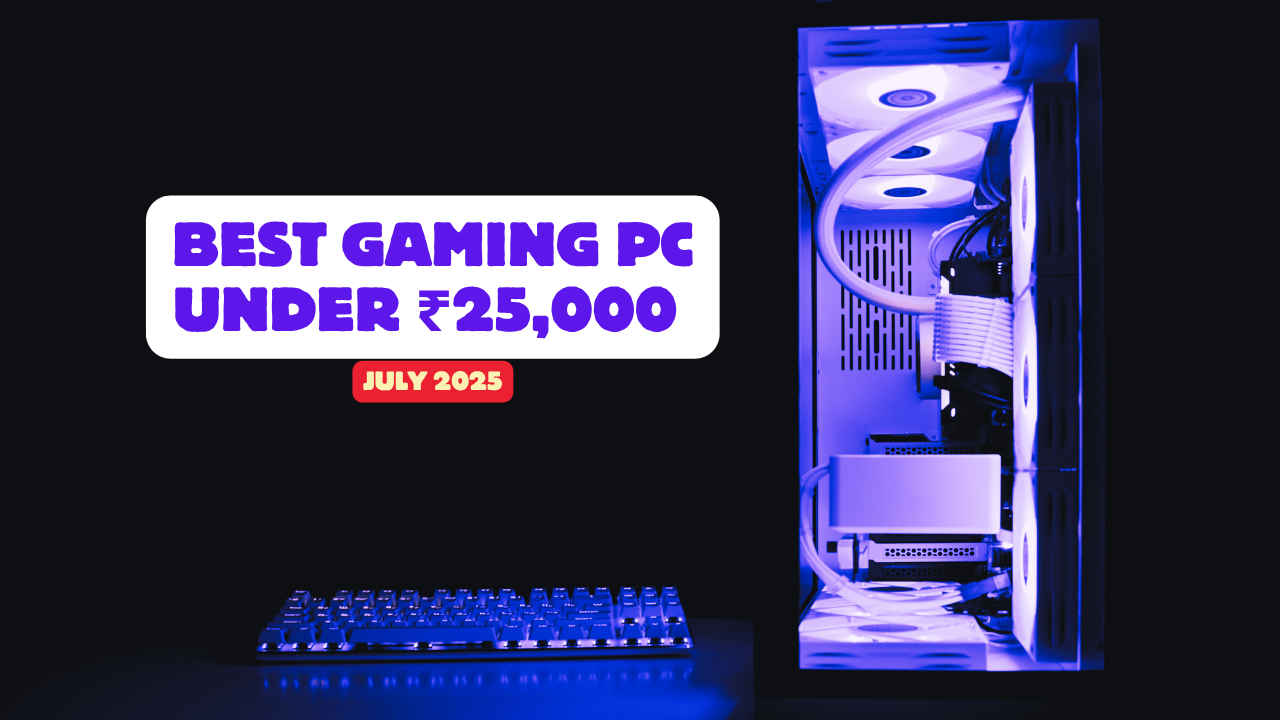
If you’re looking to get into PC gaming on a budget, this build gives you a capable starting point. While it doesn’t include a dedicated GPU, it makes up for that with a strong CPU that has solid integrated graphics, and enough RAM and storage to handle casual gaming and work. This build offers great value if you’re looking to get started with gaming and productivity without spending too much.
 Survey
AMD Ryzen 5 5600GT (₹11,000)
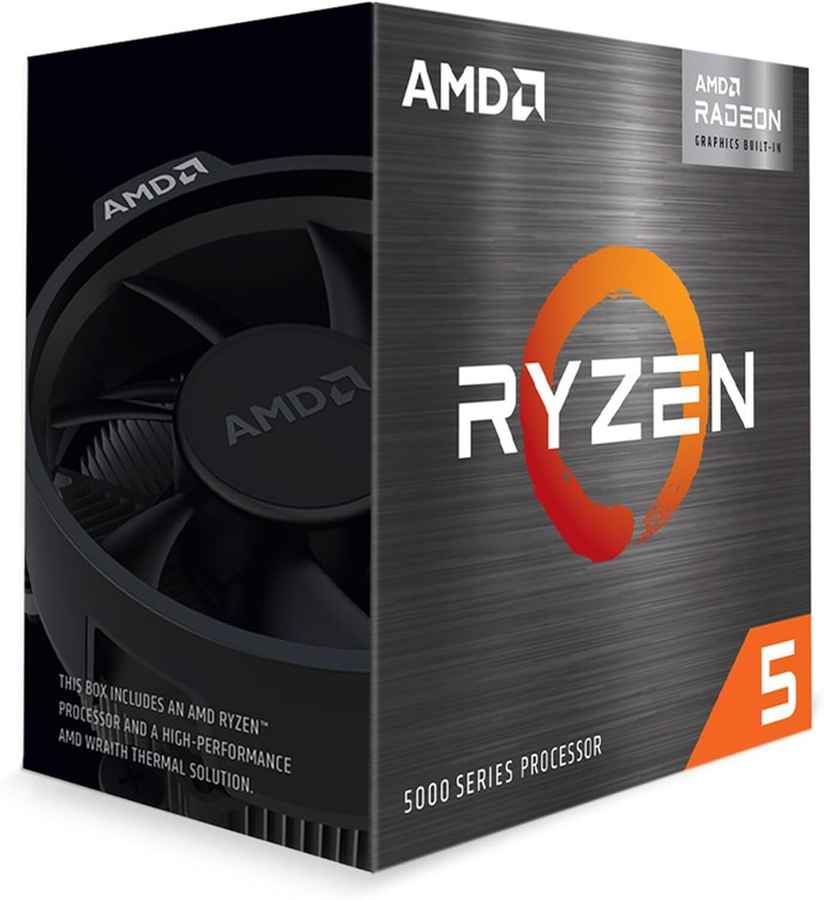
A 6-core, 12-thread processor based on AMD’s Zen 3 architecture. It comes with Vega 7 integrated graphics, which means you can play games like Valorant, CS2, Fortnite, and GTA V without a GPU. This is a slightly updated variant of the 5600G, offering similar performance with slightly better efficiency. It’s easily the best APU you can buy at this price point.


Also read: Top 5 Best gaming mice under ₹2000
ASUS Prime A520M-K (₹4,000)
A basic but reliable micro-ATX motherboard with support for AMD’s Ryzen 5000 series. It includes all the essentials: M.2 slot for SSDs, HDMI/D-Sub video outputs, and decent VRMs for running APUs like the 5600GT. No overclocking support, but for a locked CPU with integrated graphics, it does the job well.
Adata Premier 16GB (8GBx2) DDR4 3200MHz (₹2,700)
Dual-channel RAM is essential when you’re relying on integrated graphics. Two sticks of 8GB ensure that the Vega 7 iGPU has enough bandwidth to perform well. This is a noticeable improvement over single-channel setups and can give you up to 30 – 40% better FPS in some games.
EVM 512GB M.2 SATA SSD (₹2,500)
Not the fastest brand, but it’s still a solid M.2 SSD that boots fast and loads games quickly. 512GB gives you enough room for your OS and a handful of games. No fancy Gen 4 speeds, but a lot better than traditional hard drives.
Cooler Master MWE 450 Bronze V2 (₹3,000)
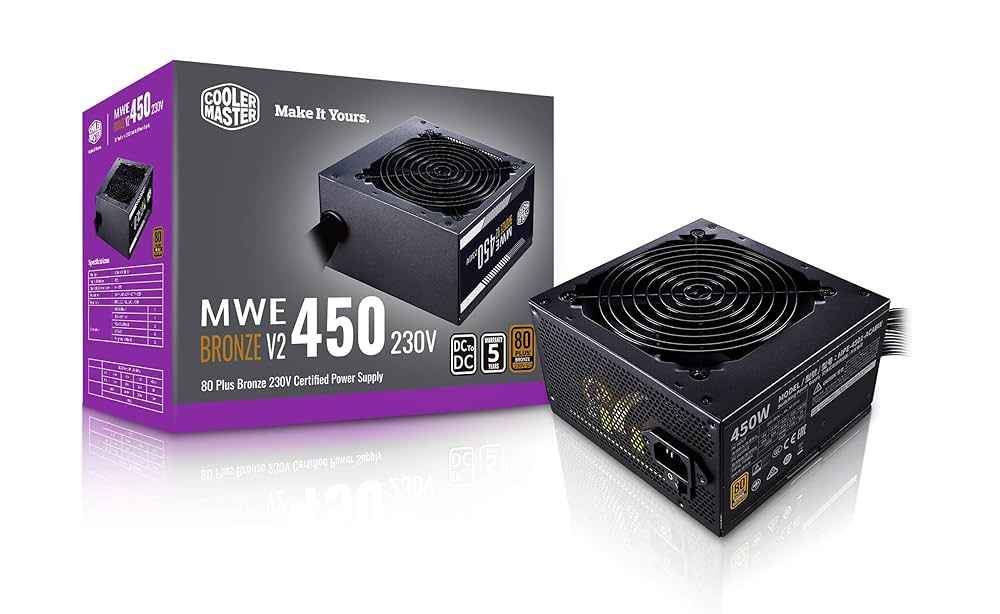
A solid 450W power supply with 80+ Bronze certification from a trusted brand. It provides clean and reliable power and leaves headroom for a future GPU upgrade. Don’t cheap out on PSUs and this one hits the sweet spot for price and reliability.
Aerocool Menace Saturn FRGB Mid Tower (₹2,600)
A budget mid-tower cabinet with front RGB fans and decent airflow. Nothing fancy, but it looks good and fits all your components easily. Has enough space for future upgrades like a dedicated GPU and more storage.
Full Build Summary
| Component | Model/Specification | Price (₹) |
| CPU | AMD Ryzen 5 5600GT | 11,000 |
| Motherboard | Asus Prime A520M-K | 4,000 |
| RAM | Adata Premier 16GB (8GBx2) DDR4 3200MHz | 2,700 |
| Storage | EVM 512GB M.2 SATA SSD | 2,500 |
| PSU | Cooler Master MWE 450 Bronze V2 | 3,000 |
| Case | Aerocool Menace Saturn FRGB Mid Tower | 2,600 |
| Total | 25,800 |
Performance Expectations
- Gaming: Playable frame rates in popular esports titles and older AAA games at 720p to 1080p, using low to medium settings. The Ryzen 5 5600GT’s Vega 7 integrated graphics, paired with dual-channel 16GB RAM, ensures smooth performance in games like Valorant/CS2 at over 60 FPS and GTA V at 40-60 FPS. It’s not built for max settings, but it’s great for casual gaming and competitive titles right out of the box.
- Everyday Use: This PC also works well as a general-purpose desktop. Fast boot times and app launches, thanks to the SSD, Smooth multitasking and handles school work, office tasks, media consumption, and even light editing without issues
- Upgrade Path: Add a dedicated GPU (e.g., RX 6400 or GTX 1650) for a major jump in FPS and settings, upgrade to 1TB+ storage if you plan to install many games or store large files and swap in a better PSU or case if you want to go beyond entry-level graphics cards
Also read: Best Gaming PC Under ₹35,000 in June 2025 – CPU, Motherboard, RAM, Storage, PSU and Cabinet
 Follow Us
Agent 001
I have a keyboard and I'm not afraid to use it, because I have a license to quill. View Full Profile


