
4K60 is viable on RTX 4070 Ti Super and RX 7900 XTX, with the RTX 4090 averaging 107 fps at native 4K
Visual presets scale modestly, so drop a couple of heavy toggles or use DLSS or FSR for meaningful gains.
God of War Ragnarök shows no shader-stutter, fast loads and generous accessibility options.
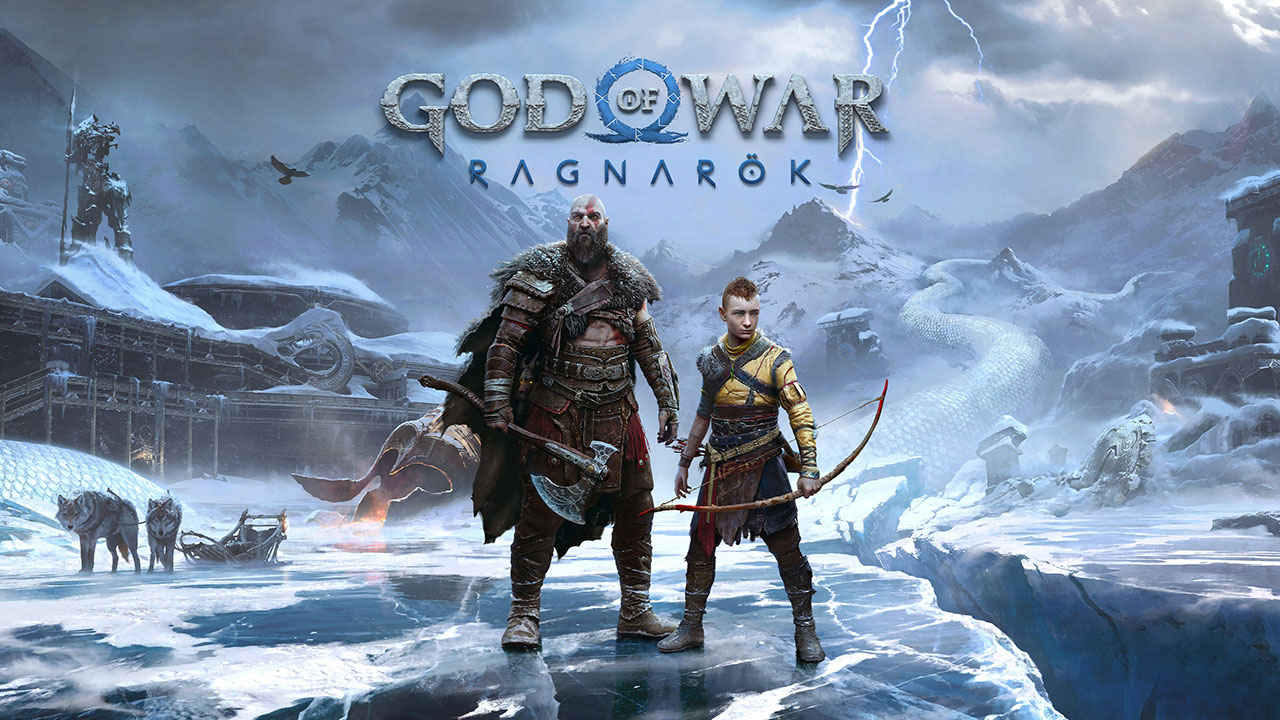
God of War Ragnarök arrives on PC after making its mark on PlayStation, and it remains a superb action adventure that pairs muscular combat with deft storytelling. For a full critique of the game’s world, writing and pacing, see our colleague’s review from when the game first launched. Here, the focus is squarely on the PC version, its technical delivery, and how it scales across modern graphics cards and resolutions.
 Survey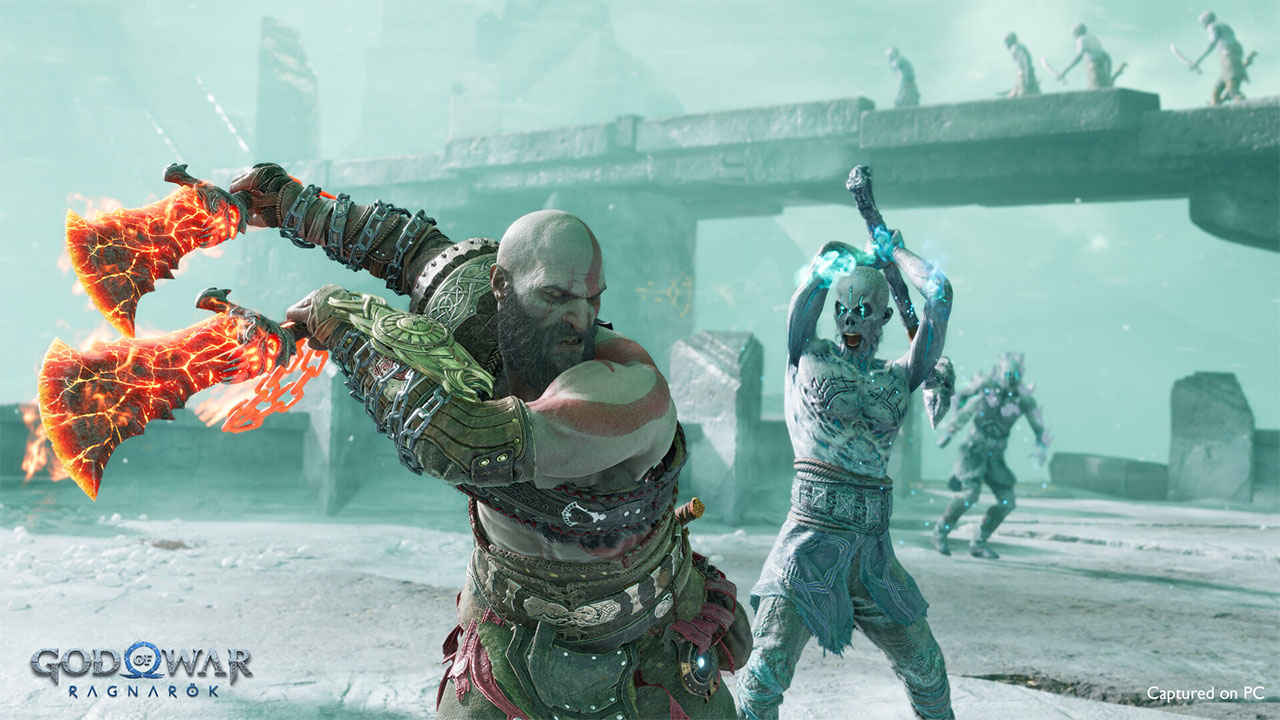
The headline is reassuring: God of War Ragnarök runs well. Visuals are attractive, performance is strong at native resolutions, and the port avoids the avoidable pitfalls that have marred several recent PC releases. There are quirks to note, particularly around how the settings scale and how feature support has evolved with patches, but none of these undermine what is otherwise a confident conversion.


We tested at 1080p, 1440p and 4K using native rendering for apples-to-apples comparisons, then verified behaviour with the built-in upscalers. All numbers below are from our repeatable town-hub test scene that stresses geometry density, effects and NPC counts while reflecting the blend of exploration and combat you encounter in real play.
God of War Ragnarök Gameplay
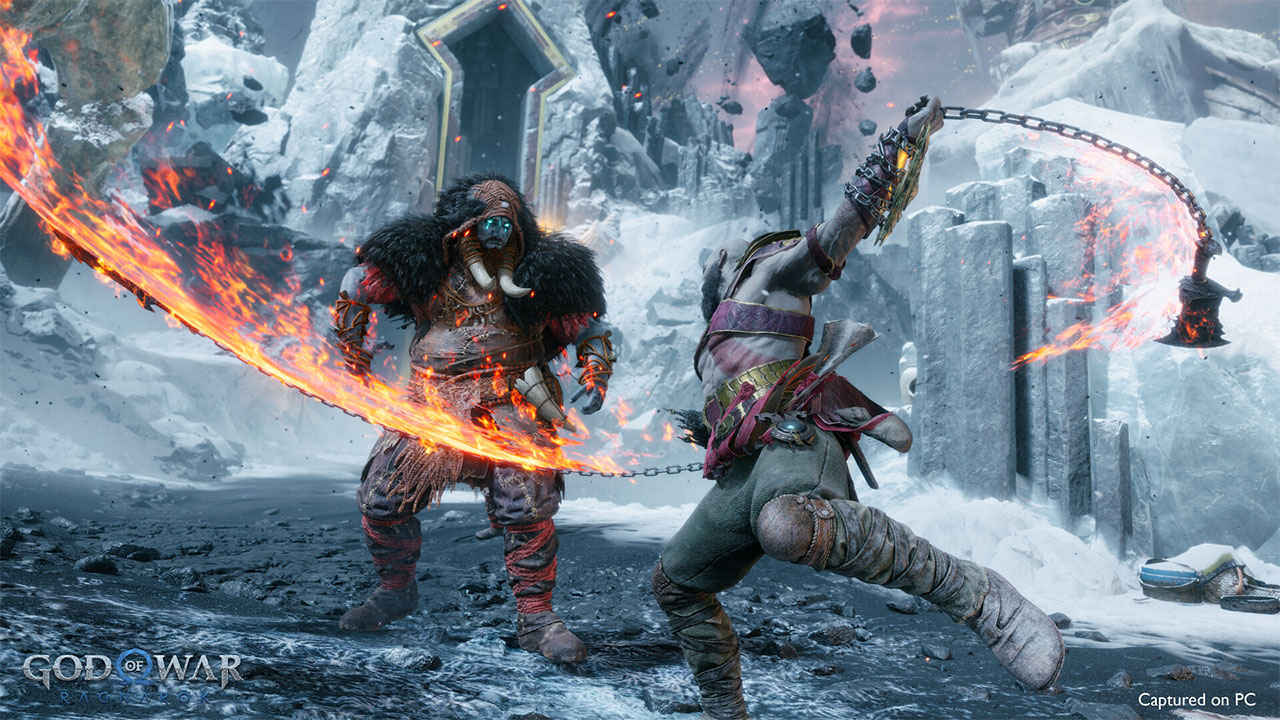
God of War Ragnarök builds on the 2018 reboot, pushing Kratos and Atreus into a broader journey across the nine realms. Combat is weighty yet flexible, enemy variety is stronger, and the upgrade trees support multiple play styles. The campaign interleaves traversal, puzzles and cinematic cut-scenes at a steady cadence, with a healthy layer of optional content tucked into off-shoots and side areas. This matters for PC performance because the game constantly mixes close-quarters brawls with dense environments and scripted moments, so the renderer has to maintain even frame pacing as the camera swoops and particle-heavy abilities fly. The PC version holds up well, keeping input feel consistent even during big set-pieces.
Graphics engine and settings
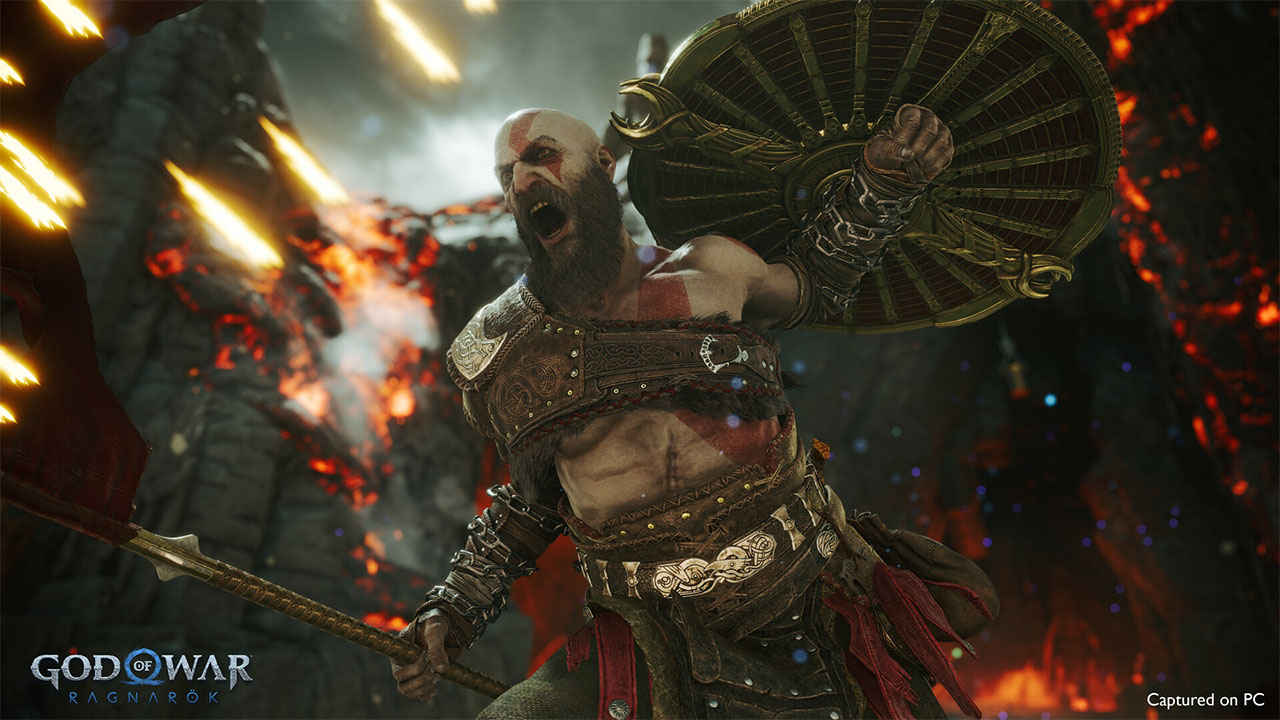
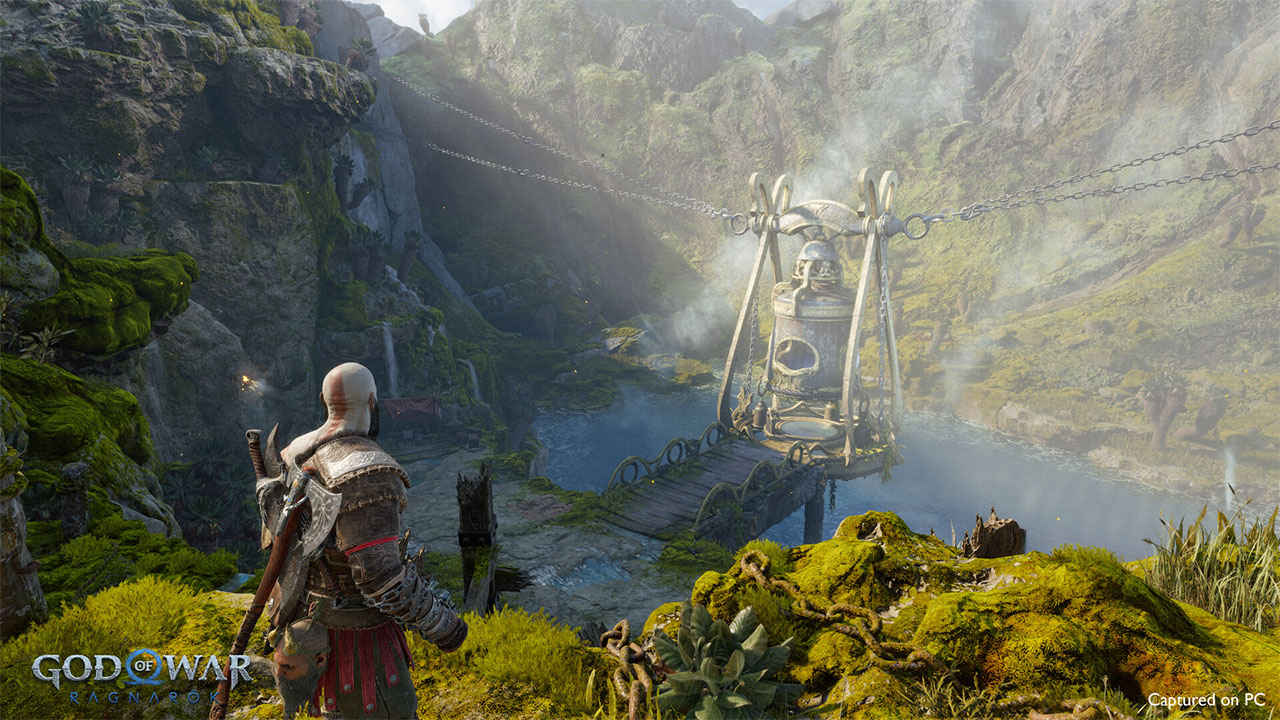
This is a bespoke engine tailored for the series. It does not include ray tracing, which will surprise some PC players in 2024, but the team gets a long way with a careful cocktail of screen-space reflections, cube-map probes, volumetric fog, strong texture work and tasteful post-processing. Animation blend quality and material response remain stand-out strengths, particularly on character armour, skin and fur. Environments are richly layered, with lots of incidental props and smart colour grading to differentiate the realms.
Texture quality is excellent across the board, and the streaming system is robust. At native 4K, assets remain crisp, and even at 1080p the image holds together better than many recent ports. The lighting model is relatively conservative compared with the newest RT-heavy engines, which occasionally shows in mirror-like surfaces and complex interreflections, yet art direction pulls most of the weight and rarely lets the illusion slip.
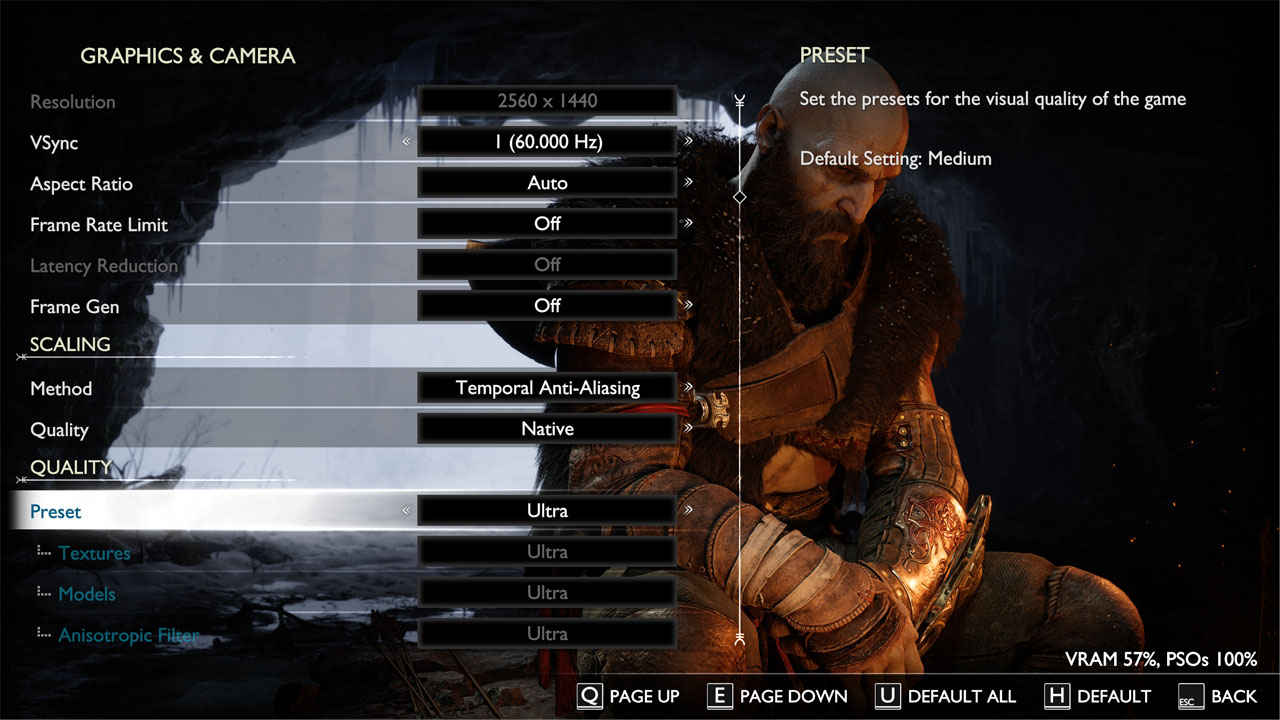
On the settings side, God of War Ragnarök is unusual. Moving from Ultra to Low typically nets only about a 25 percent uplift, with a handful of edge cases creeping closer to 60 percent. The more striking point is visual: Low still looks surprisingly close to Ultra, so the trade-off is modest. If your target is a locked refresh on a 144 Hz display, this shallow scaling means you will usually want to keep high-quality settings and rely on the upscalers, rather than gutting the preset.
Recommended toggles if you are chasing free frames without sacrificing the look: step shadows down one notch, reduce volumetric quality by a tier, and keep textures and filtering at their highest settings. Motion blur can be disabled entirely. Sharpening is well-behaved, so you can nudge it up a touch if you are using upscaling. Field of view is comfortable, although a larger FOV slider would have been welcome on ultrawide monitors.
Upscalers and frame generation
Support is broad: NVIDIA DLSS, AMD FSR and Intel XeSS are all present. Both NVIDIA and AMD frame generation are implemented, and as of Patch 2 they function as expected. Frame gen still benefits from a high native or upscaled base, so pair DLSS Quality or FSR Quality with frame gen on a 120–144 Hz panel for the smoothest feel. XeSS is a solid option for Intel users, though our preference at parity tends to sit with DLSS Quality at 4K and FSR Quality at 1440p, where their reconstruction resolves foliage and fine geometry cleanly.
God of War Ragnarök Performance and stability
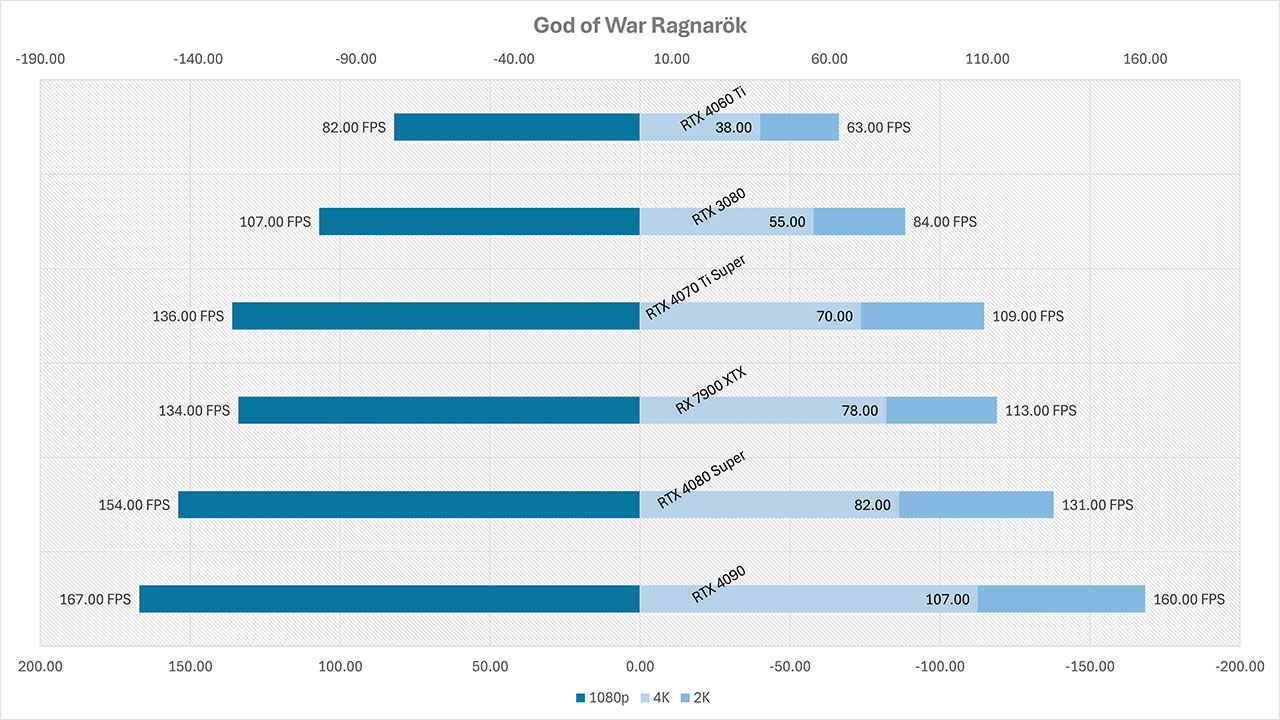
Let us start with the raw numbers. The averages below are from native rendering, Ultra-equivalent settings, using the same scene and driver class across all boards.
A few patterns emerge immediately.
First, the RTX 4090 barely drops between 1080p and 1440p, 167 fps down to 160 fps, which points to a light CPU or engine cap at lower resolutions. Once you push to 4K, the 4090 settles at 107 fps, which shows the renderer scaling sensibly with pixel load. The RTX 4080 Super sits 18 to 23 percent behind the 4090 depending on resolution. AMD’s RX 7900 XTX lands a step below the 4080 Super at 1440p and 4K, posting 113 fps and 78 fps respectively in our scene, which is a good showing given the lack of RT in this title. The RTX 4070 Ti Super averages 70 fps at 4K, so it clears the 60 fps bar without help. The RTX 3080 remains playable at 4K with 55 fps on native, and the RTX 4060 Ti reaches 38 fps at 4K native, which is a sensible starting point for Quality-mode upscaling.
At 1080p, everything from the RTX 3080 upward will smash a 60 Hz target and dip meaningfully into high-refresh territory. The RTX 4060 Ti at 82 fps is well within range for a locked 60 with headroom for spikes. At 1440p, the sweet spot opens up. The RX 7900 XTX, RTX 4080 Super and RTX 4090 all glide well north of 100 fps, while the RTX 4070 Ti Super’s 109 fps leaves room for demanding boss arenas. The RTX 3080’s 84 fps is serviceable, and here a light touch of DLSS or FSR Quality pushes you beyond 100 fps without visible compromise.
At 4K, the picture is clear. If you want native 60, the RTX 4070 Ti Super and RX 7900 XTX both make it. The RTX 4080 Super sits comfortably at 82 fps, and the RTX 4090 holds triple-digit averages. The RX 7900 XTX’s 78 fps indicates a broadly balanced implementation that does not penalise one vendor unfairly. For older high-end boards like the RTX 3080, Quality-mode upscaling plus a small settings trim will bring you to a steady 60 on most scenes.
Frame time stability is the other half of the story. Ragnarök compiles shaders in the background shortly after first launch. You can begin playing immediately, the compilation proceeds for roughly five minutes in parallel, then the cache persists across runs unless you change your GPU or update drivers. This avoids the shader-stutter plague we have seen in several Unreal Engine releases. In practice, we observed clean frame pacing once the cache was built, no traversal hitching in our scene, and no camera-cut jitters in cinematic transitions.
Memory behaviour is friendly. Even at 4K, VRAM usage sat just under 10 GB with Ultra-class textures and effects. At the other end, the Low hovered near 6 GB. That means most 10 GB and 12 GB boards are in the clear, and 8 GB cards can cope at 1080p and 1440p with careful settings and upscaling.
Planning a God of War Ragnarök PC Build?
If you are planning a build around God of War Ragnarök, here is a practical mapping based on our results and broader testing – 1080p at 60 fps on native Ultra is easily met by a GeForce RTX 4060, Radeon RX 7700 XT or RX 6700 XT. For 144 Hz owners, consider a 4070-class board or equivalent and add Quality-mode upscaling. At 1440p, a GeForce RTX 4060 Ti, RTX 3070 Ti, Radeon RX 7700 XT or RX 6800 XT will clear 60 fps native, while upper-tier cards break 100 fps and benefit from high-refresh panels. For 4K60 without upscaling, you are in RTX 4070 Super territory and above on the NVIDIA side, or RX 7900 XT and RX 7900 XTX on AMD, with the RTX 4070 Ti Super and RX 7900 XTX in our data both exceeding the target. As always, pair these with a recent CPU to minimise the light CPU-side limiter we see at 1080p on top-end GPUs.
Stability and patch state
The PC port launched in a better state than most, but there were two headline issues to track. First, some players encountered a black screen on startup through the Steam build, tied to the PlayStation Network sign-in requirement. Second, frame generation support was present but initially not functional. Patch 2 addresses both problems. On our GPU test system, the current build launches reliably, PSN sign-in no longer blocks entry to the menu, and both NVIDIA and AMD frame generation operate as intended. Loading times are brisk on modern NVMe storage, and we did not reproduce any hard crashes during our benchmarking loop.
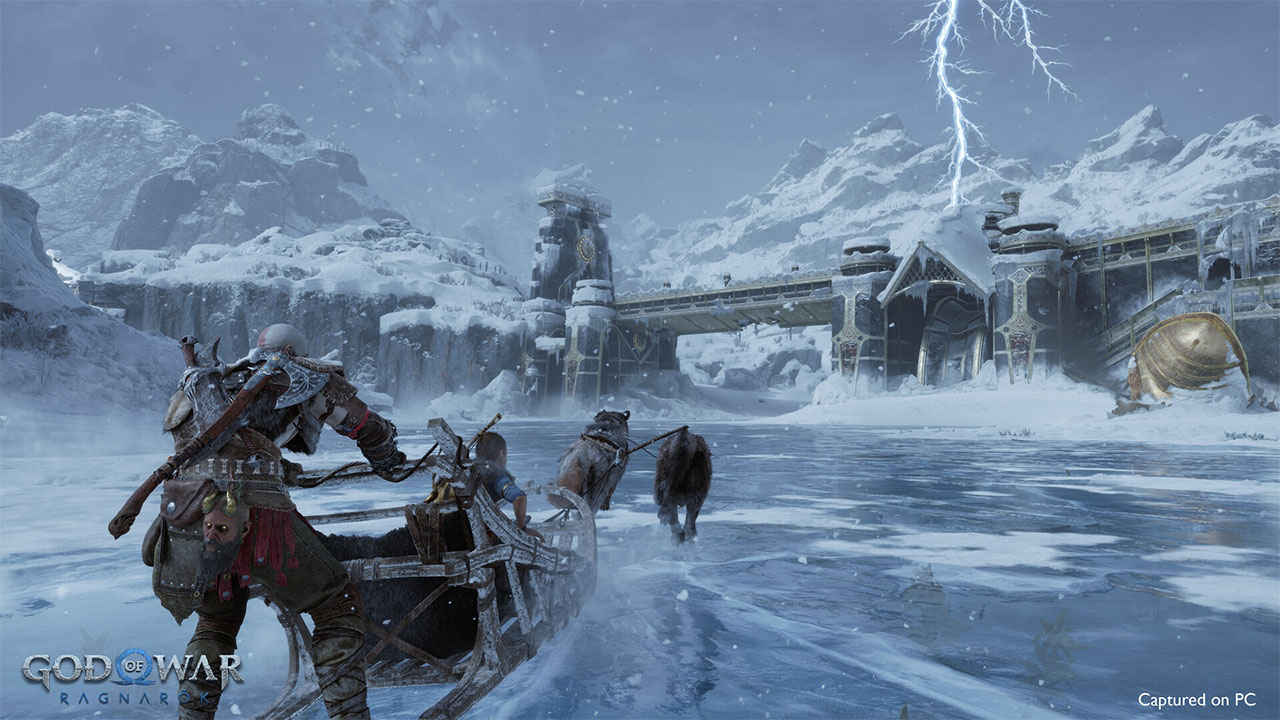
Accessibility is another strength. Difficulty can be tuned, mini-games and puzzle hints can be adjusted, and interface tuning is broad enough to open the experience to a wide range of players. The control options on mouse and keyboard are acceptable, though a controller still feels like the intended input method. Ultrawide support is good in gameplay, with cut-scene treatment handled sensibly.
God of War Ragnarök is a must-play
God of War Ragnarök lands on PC with conviction. The absence of ray tracing is not a deal-breaker when the art and materials are this strong, and the renderer’s balance of crisp textures, volumetrics and reflection tricks produces a striking image at all resolutions. Performance is robust across a wide spread of hardware, from the mainstream RTX 4060 Ti up to the RTX 4090, and both AMD and NVIDIA see healthy numbers at 1440p and 4K. The shallow scaling of visual presets is the one real oddity. It means you cannot claw back huge gains by slashing settings, but it also means the game looks consistently high-end even on modest configurations. In practice, a smart combination of DLSS, FSR or XeSS at Quality and a couple of targeted reductions unlocks high-refresh play without visible sacrifice.
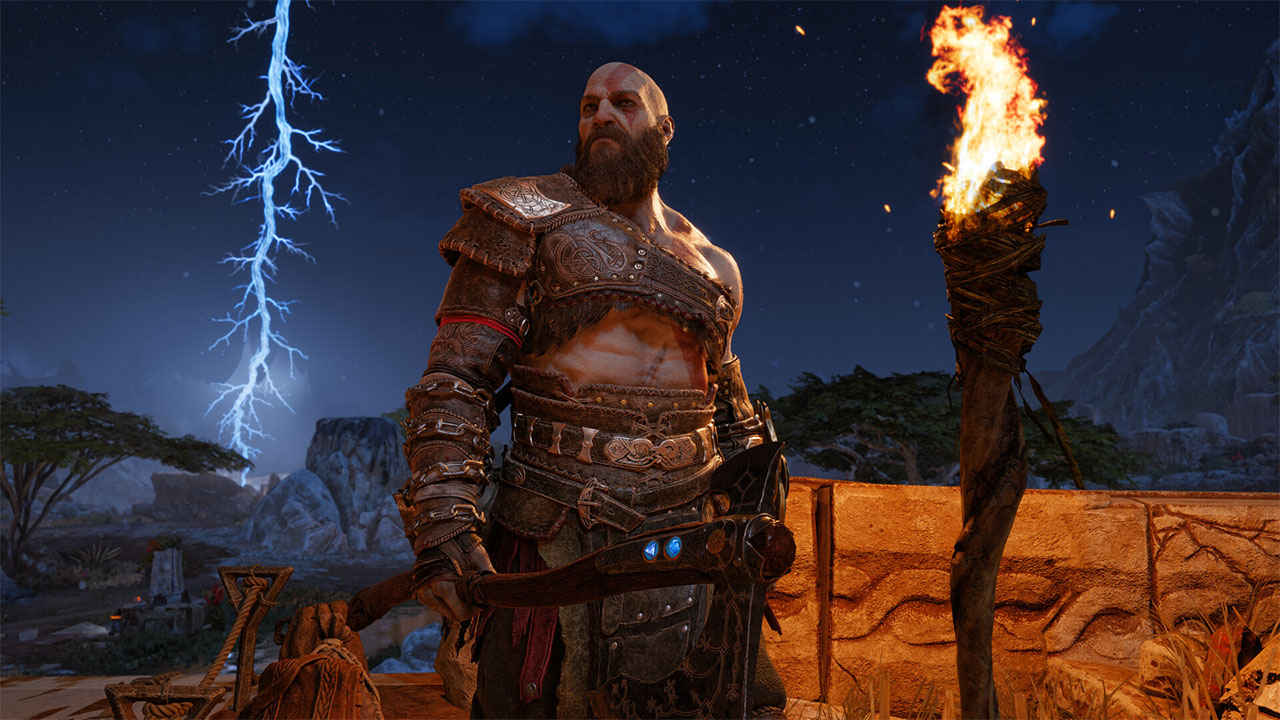
The technical groundwork is tidy. Shaders compile quietly in the background, frame pacing is steady, and VRAM use is measured. The patch trajectory has been positive, with launch gremlins resolved and frame generation now working as billed. Couple that with broad accessibility options and a rock-solid narrative campaign, and the PC version becomes an easy recommendation.
If you have yet to play God of War Ragnarök, you are in for a confident, generous adventure. If you are returning for a second run, the PC build lets you push image quality and frame rate far beyond the console experience. For those on the fence about a hardware upgrade, the data above gives you an honest picture: 1440p is the sweet spot for value today, 4K is within reach for upper-mid and high-end GPUs, and the upscalers make sensible fine-tuning painless. However you slice it, the axe feels superb, the realms look gorgeous, and the port does right by the game.
God of War Ragnarök PS5 | PS4 | PC
 Follow Us
Mithun Mohandas
Mithun Mohandas is an Indian technology journalist with 14 years of experience covering consumer technology. He is currently employed at Digit in the capacity of a Managing Editor. Mithun has a background in Computer Engineering and was an active member of the IEEE during his college days. He has a penchant for digging deep into unravelling what makes a device tick. If there's a transistor in it, Mithun's probably going to rip it apart till he finds it. At Digit, he covers processors, graphics cards, storage media, displays and networking devices aside from anything developer related. As an avid PC gamer, he prefers RTS and FPS titles, and can be quite competitive in a race to the finish line. He only gets consoles for the exclusives. He can be seen playing Valorant, World of Tanks, HITMAN and the occasional Age of Empires or being the voice behind hundreds of Digit videos. View Full Profile


