Wondershare Filmora’s latest update unlocks a range of AI-powered features that work best when paired with an AI PC, specifically, laptops running on Intel Core Ultra, AMD Ryzen AI, or similar processors with a dedicated NPU. If you’ve recently bought a machine labelled “AI-ready,” here’s what it actually enables you to do inside Filmora, and why it matters.
Most AI features in Filmora currently run via cloud-based servers, making them accessible to any modern Windows or macOS machine. However, using an AI PC with a dedicated NPU can future-proof your setup for potential local AI processing in future updates. In some cases, you may also experience faster rendering and reduced battery drain.
However, you will still need a paid Filmora subscription to get the AI credits to run the various AI tools. And as for my AI laptop, I tested these features on an ASUS Zenbook S 14 OLED with an Intel Core Ultra 7 258V processor, 32GB RAM, and integrated Intel NPU. Here’s how it performed.
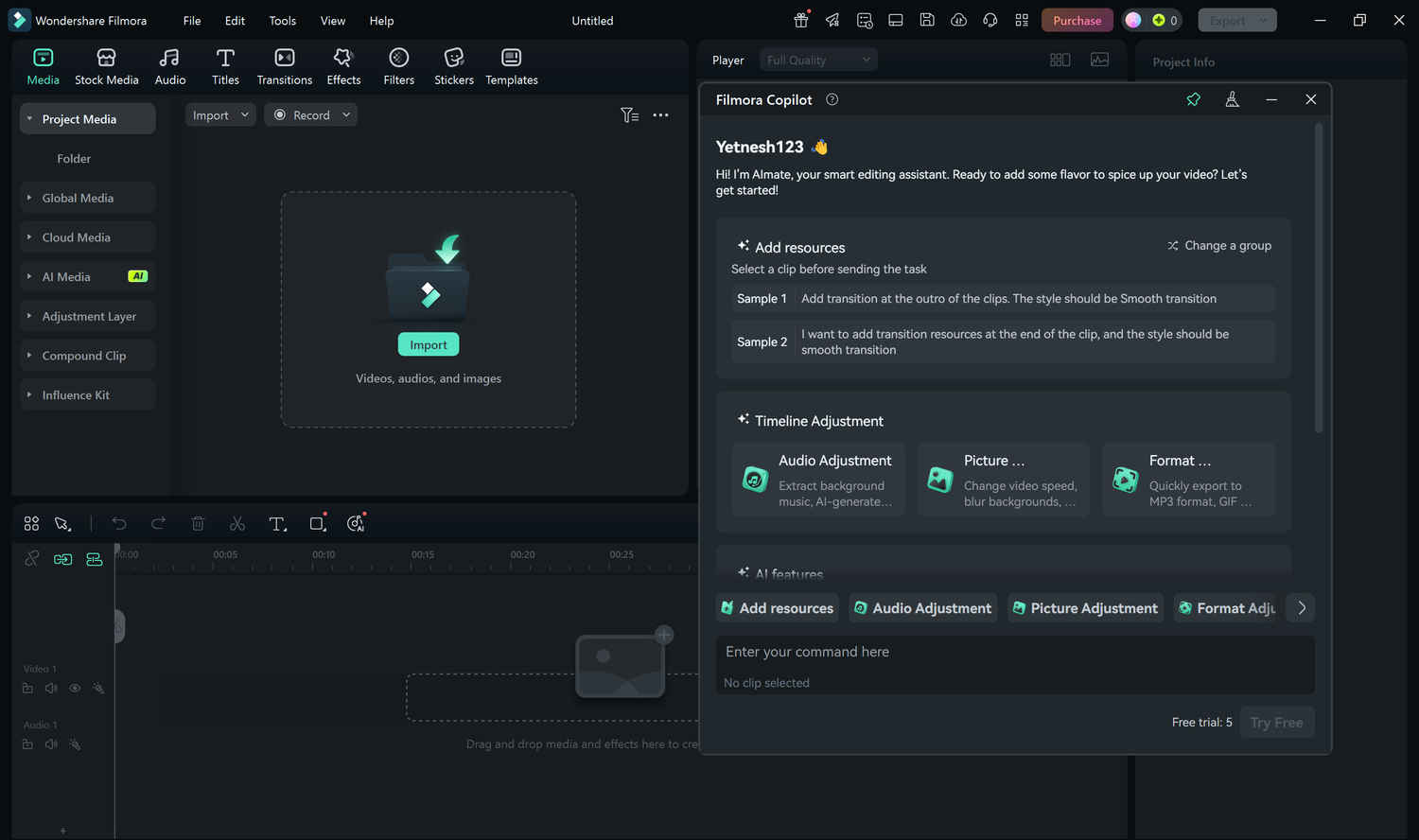
Filmora’s AI Copilot is like having an assistant inside your editing software. The tool lets you describe what you want (e.g., a vlog with cinematic transitions or a fast-cut reel), and it helps you structure the project accordingly. You can interact using voice or text, and Filmora uses local AI acceleration to generate timelines, apply effects, and even make music suggestions. To try it:
Also read: How to Use Intel AI Playground Effectively and Run LLMs Locally (Even Offline)
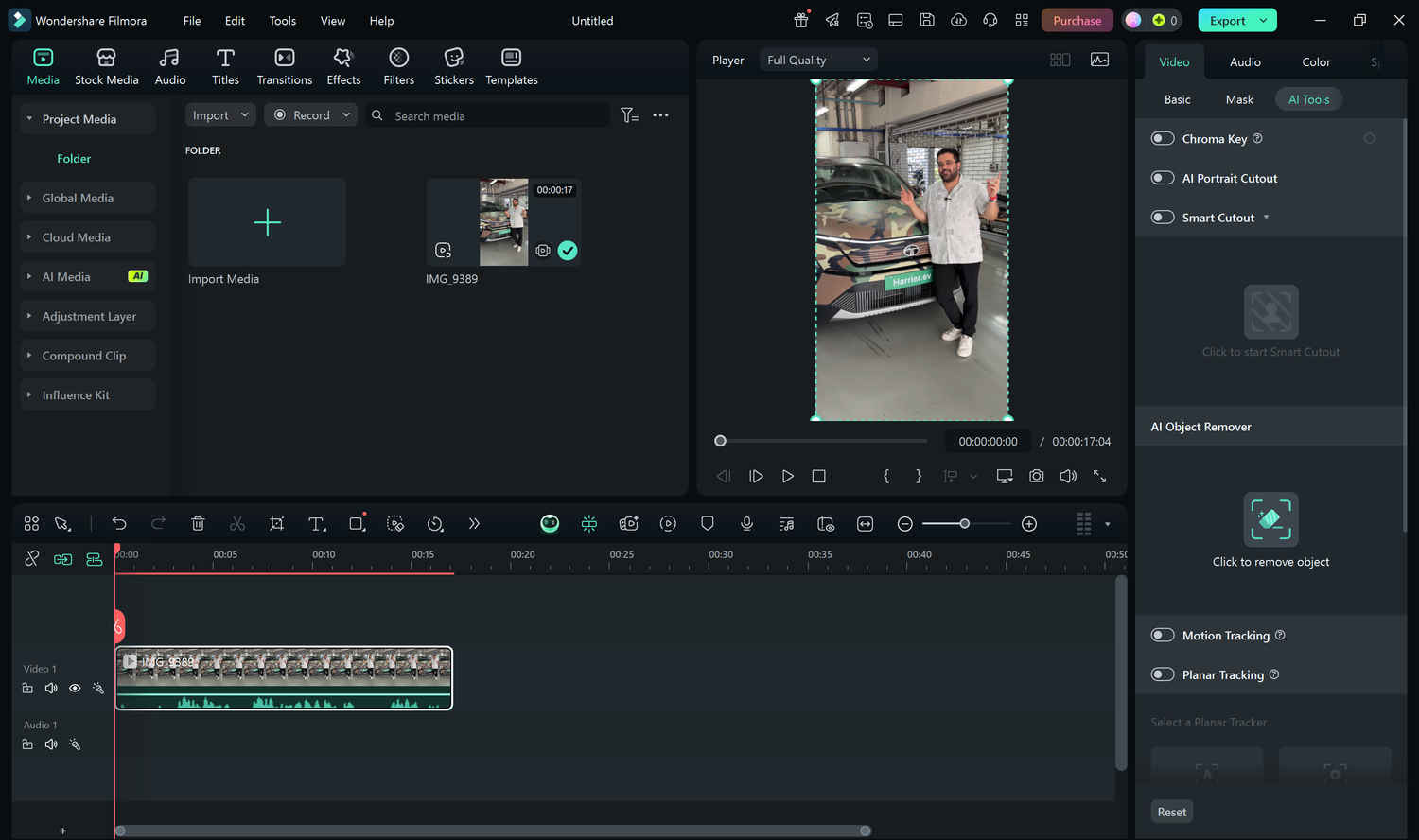
The AI Smart Cutout tool is one of the most practical updates for creators. It allows you to separate subjects from their background, even without a green screen. Running this locally on an AI PC significantly reduces processing time. Here’s how:
You can then replace the background, add overlays, or apply creative transitions.
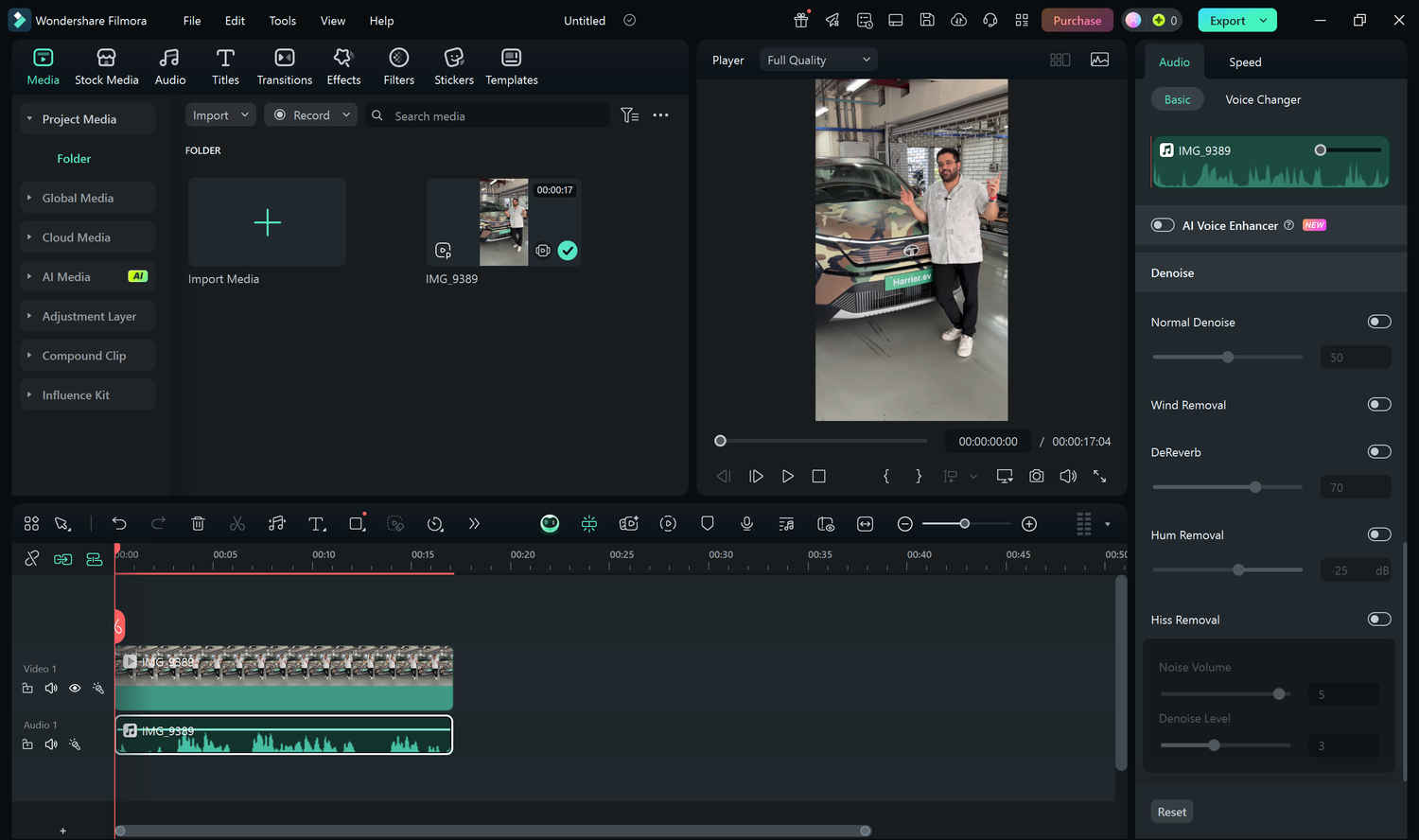
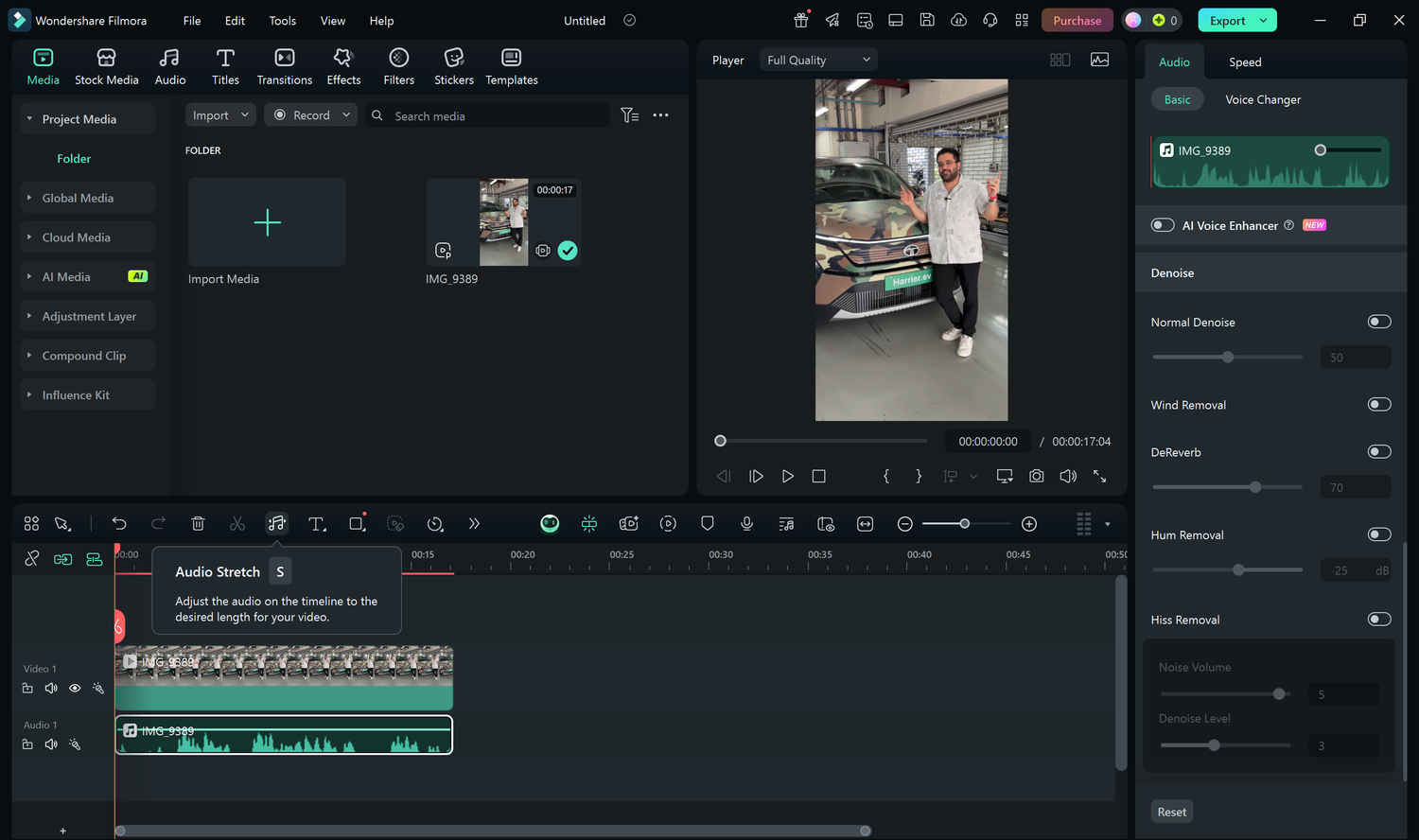
Bad audio ruins good video. Filmora now includes AI-based Noise Reduction and Audio Stretch tools that work in real-time, powered by your NPU.
Noise Reduction Automatically detects and removes unwanted ambient noise like fans, traffic, or hums.
Audio Stretch Extends or shortens music tracks to perfectly match video length, without changing pitch.
Also read: ASUS ExpertBook P1 First Impressions: A No-Nonsense Business Workhorse with Surprising Power
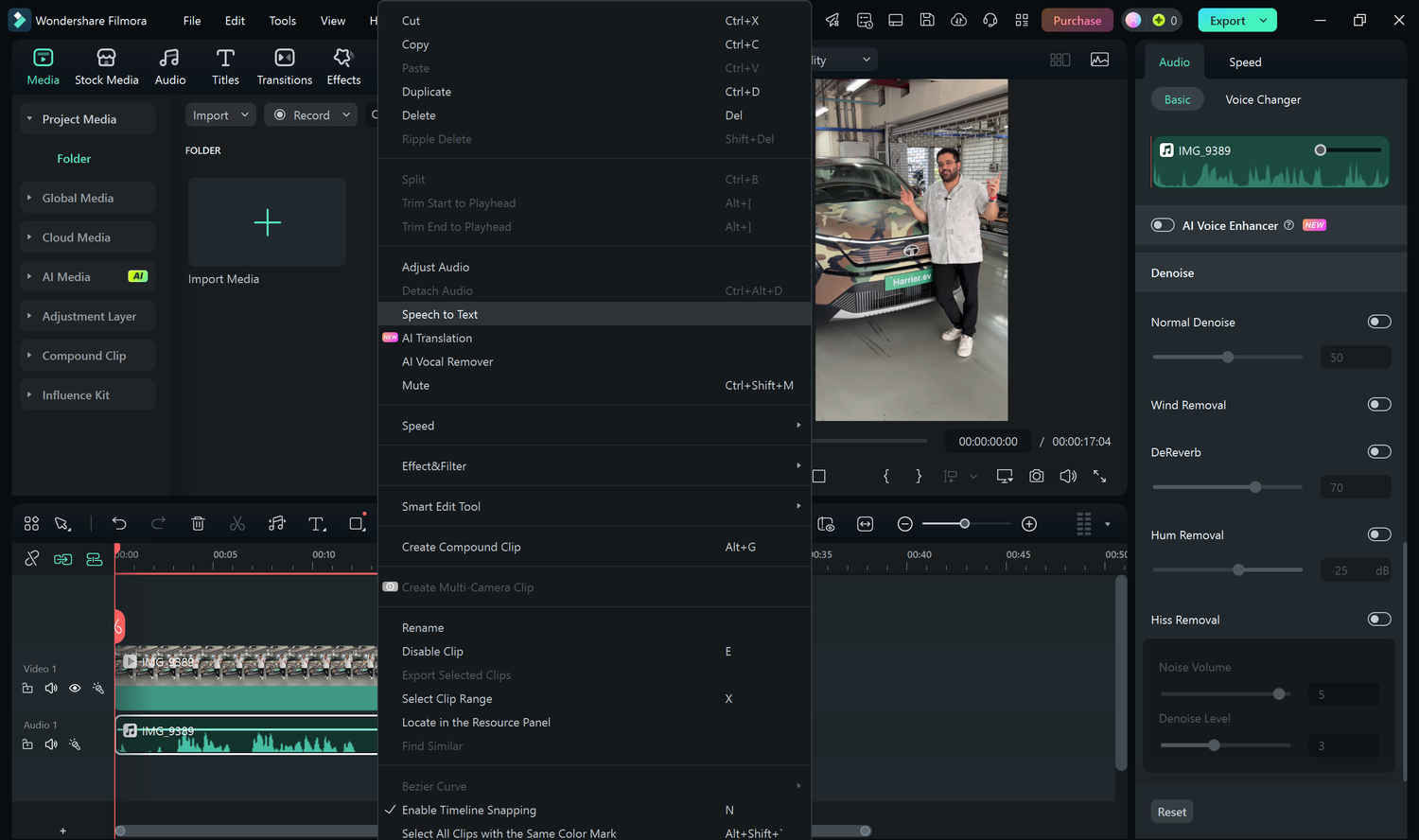
Creators can now generate subtitles directly using Filmora’s AI Speech-to-Text engine. No need for cloud upload—it works offline on AI PCs using local hardware. To try it:
This is especially helpful for interviews, social media captions, and accessibility compliance.
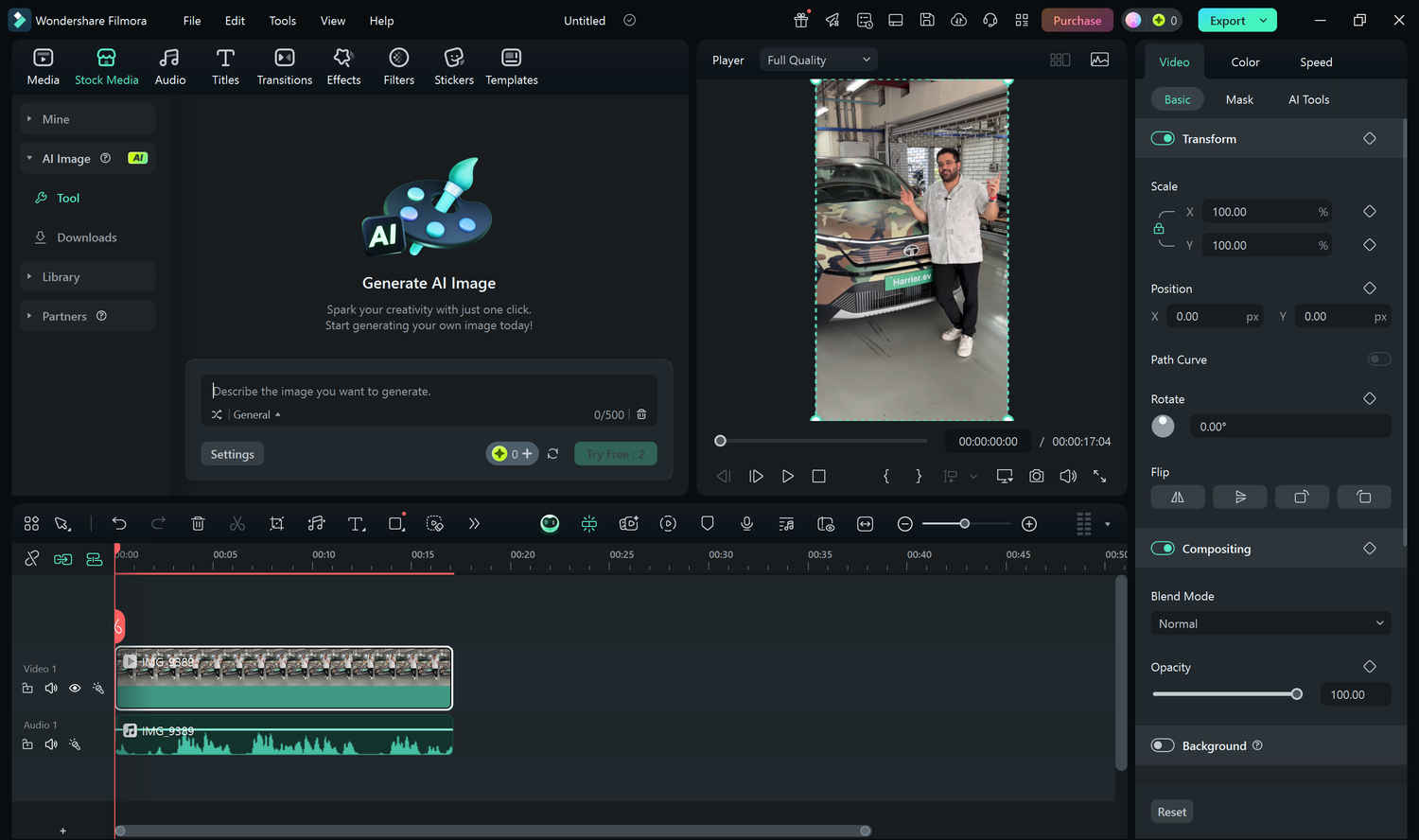
Filmora also includes generative AI tools for visuals—like AI Image Creator and AI Sticker Generator. While these don’t need an AI PC per se, having one speeds up rendering and ensures smoother interaction. Try it:
While Filmora’s AI features are available on most modern systems, using them on an AI PC makes a noticeable difference. Tasks like background removal, transcription, and audio cleanup run faster and more efficiently, often without overloading the CPU. For creators working on time-sensitive projects or longer timelines, the hardware advantage of an AI PC isn’t just nice to have, it’s practical. And as more tools shift toward local processing, this edge is only going to grow.