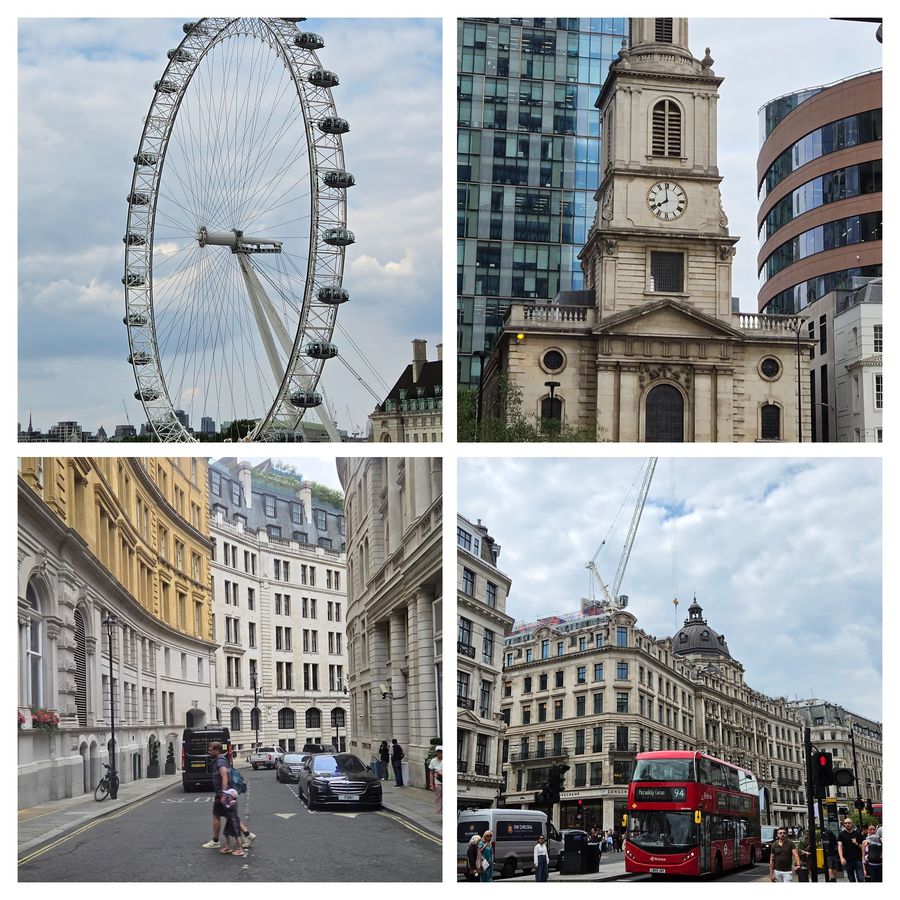
Samsung S26 Ultra Image
The first 48 hours with any flagship phone are almost always charming. There is the unboxing, the novelty of a fresh screen without a single smudge and the satisfaction of holding something new. The real test starts a few weeks later, when all of that wears off and the phone simply has to get through your day without getting in the way. I’ve been using the Samsung Galaxy S26 Ultra as my daily driver for six months now, and during that time I’ve been looking for reasons to put it down.
At Rs 1,39,999 for the 12GB + 256GB variant, the Galaxy S26 Ultra is firmly in flagship territory. The 12GB + 512GB and 16GB + 1TB versions cost Rs 1,59,999 and Rs 1,89,999 respectively. At this price, good specifications are only part of the equation. What matters more after six months is whether those features continue to make a difference once the novelty has worn off. I’ve used my S26 Ultra for work calls, late-night gaming sessions, travel, concerts and pretty much every lighting condition I could throw at its cameras.
Six months of daily use has also meant plenty of opportunities for the little things to become annoying. I haven’t used a case on it either, so the phone has spent that time going through my routine without much protection. The Cobalt Violet finish has grown on me, while the rounded edges of the 6.9-inch frame make it comfortable enough to hold for long stretches. There is one small annoyance: the camera island is pronounced enough to make the phone wobble when it is lying flat on a desk. In the hand, though, the weight distribution feels well judged. It is a minor irritation rather than something that affects daily use.
The headline feature of the Galaxy S26 Ultra this year is the Privacy Display. After six months of using it, this is one feature I would genuinely miss if I went back to a regular phone.
This isn’t a software filter or a screen-dimming workaround. The hardware controls light dispersion at the pixel level, making the display difficult to view from the sides while remaining clear to the person looking at it head-on. I’ve set it to activate automatically when I open WhatsApp, Instagram and my photo gallery, so I don’t have to remember to switch it on myself.
That has made a noticeable difference in situations where people are sitting or standing close to me. In crowded offices, on public transport and during flights, I can use the phone without constantly thinking about who might be looking over my shoulder. I fly fairly often for work, and I used to notice when a co-passenger tried to glance at my screen. These days, I’ve found myself reading review notes and replying to messages from a middle seat without giving it much thought. It’s a small change in behaviour, but one I didn’t expect from a display feature.
For situations where I want more privacy, there is a Maximum privacy protection setting that makes the display considerably harder to see from an angle. The obvious trade-off is narrower viewing angles when the feature is active. Viewed straight on, however, the 10-bit Dynamic AMOLED panel remains excellent. It is bright, sharp and well calibrated, and the privacy feature hasn’t made the screen feel compromised during normal use.
The Snapdragon 8 Elite Gen 5, paired with the VC cooling system inside the S26 Ultra, has more than enough performance for anything I’ve thrown at it. After six months, the more important observation is how little of that performance feels like it is being pushed to its limits during normal use.
I’ve spent a lot of time gaming on the S26 Ultra over the past six months, including COD Mobile and BGMI at 120 fps and Wuthering Waves at 60 fps. During one four-hour session, I moved between games without seeing the kind of slowdown that can creep in during longer sessions. The phone did get warm, as you’d expect, but it never became uncomfortable to hold. Battery usage for that session was around 35%.
My benchmark results were:
Outside gaming, I haven’t had the S26 Ultra slow down on me either. I’ve jumped from a video editor to Chrome and then straight into the camera without apps needing a moment to catch up. The same goes for the AI tools I’ve used on the phone. Even during the hotter months in NCR, normal day-to-day use never made the phone uncomfortably warm.
The Galaxy S26 Ultra has a 200MP main sensor with an f/1.4 aperture, a 50MP ultra-wide, a 50MP 5x telephoto and a 10MP 3x telephoto. In practical use, that gives you plenty of flexibility between the 3x, 5x and 10x ranges, while Samsung’s Space Zoom takes things all the way to 100x digitally.
The 100x mode is not something I’d use for every shot. It needs a steady hand, a clear subject and a little patience, particularly when there isn’t much light. But there are situations where it is surprisingly useful. I’ve used it to read distant signs, frame performers from the back of a venue and get a closer look at subjects such as birds sitting high up in trees. The more useful range for everyday shooting, though, is around 10x to 30x, where the amount of detail retained makes the zoom genuinely practical rather than just something to demonstrate to people.
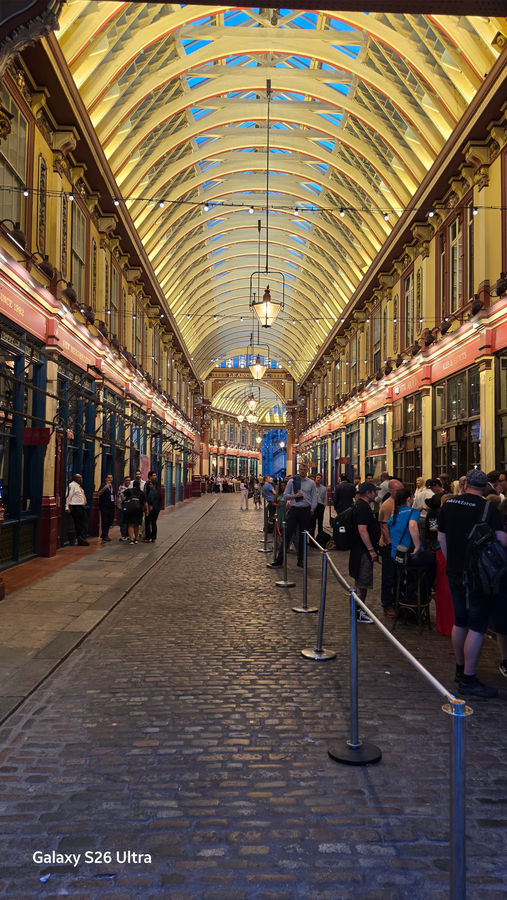
Nightography has also held up well over six months. The f/1.4 aperture on the main camera gives the sensor more light to work with, while Samsung’s processing handles noise and exposure. Photos from restaurants, streets after dark and indoor concerts generally retain good shadow detail without pushing noise too aggressively. The fact that Samsung’s low-light processing extends across the zoom range also makes longer-range night shots more usable than you might expect from a phone.
After six months, the 200MP main camera is still the one I reach for most often. Photos in daylight have plenty of detail, and I like how much information it keeps in areas that are very bright or sitting in shadow. Portraits are another strong point for me. Faces don’t get that overly smooth look, and skin tones stay fairly natural. Samsung does still have a preference for punchier colours and a slightly cooler white balance, but I haven’t found myself needing to tone the images down before sharing them.
AI features have also become less about trying something once and forgetting about it. Photo Assist, Samsung’s upgraded version of Generative Edit, is faster and more capable than the tools we’ve seen on previous generations. Creative Studio can turn S Pen sketches into visual assets, while AI Select makes it easier to capture and extract something from the screen without repeatedly switching between apps.
For my own use, the Voice Recorder has probably been the most practical of the lot. I’ve used it for interviews and meetings throughout these six months, and I haven’t needed a separate transcription service for those recordings. It can transcribe conversations, separate speakers and export the text, turning something that would normally mean another step in the workflow into a fairly straightforward part of the phone itself.
Horizon Lock is probably the video feature I’ve shown to the most people since getting the phone. It keeps the frame level while you’re moving, whether you’re walking, travelling in a moving vehicle or trying to record at a crowded event where keeping a phone perfectly steady isn’t realistic.
The difference becomes particularly obvious when you’re moving while recording. Instead of simply reducing the amount of shake, the footage stays composed even when the phone itself is moving around. I’ve used it in situations where setting up a tripod or carrying a gimbal simply wasn’t practical, and the resulting footage needed considerably less work afterwards.
For anyone who shoots handheld travel footage, live events or quick clips for social media, this is one of the more practical camera features on the S26 Ultra. You don’t have to think about stabilisation while you’re recording, which is arguably the point.
Samsung has retained a 5,000 mAh lithium-ion battery in the Galaxy S26 Ultra, but six months of use has given me a better sense of what that capacity actually means. On a moderate day, I usually reach bedtime with around 40% remaining. Even on heavier days involving gaming and streaming, I rarely find myself below 20% when I reach for the charger.
Overnight drain has also been minimal in my experience. It sounds like a basic expectation for a flagship phone, but it is something I notice because the S26 Ultra consistently retains enough charge overnight that I don’t have to account for it when planning the next day.
The move to 60 W charging is the more noticeable upgrade here. Using a 65 W PD charger, a near-empty battery can be topped up in under 40 minutes. I rarely need a full charge during the day, either. A 15-minute charge in the morning is generally enough to give me the headroom I need for the rest of the day.
One UI 8.5 feels like a mature version of Samsung’s software rather than a release trying to reinvent the interface. The customisable control centre, built-in time zone converter in the Clock app and smoother animations are the sort of changes you don’t necessarily notice during a launch event but appreciate after months of use.
The S Pen has also found its way into my daily workflow. I use it for AI Select, signing PDFs and handwritten notes when reaching for the keyboard feels unnecessarily slow. The combination of the S Pen and AI Select is particularly useful because capturing something from the screen, editing it and extracting the relevant content can happen without relying on a third-party app. After six months, it feels less like a feature I occasionally demonstrate and more like another input method I happen to have available.
Six months in, my list of complaints is surprisingly short. The camera bump still makes the phone wobble on a desk, and that’s about the only thing I find myself noticing regularly. Everything else has mostly faded into the background with time.
Privacy Display has become something I use without thinking about it, particularly when I’m working or travelling around other people. The performance hasn’t given me a reason to hold back during long gaming sessions, and I still use the camera for everything from quick daylight shots to distant subjects and low-light photos. Horizon Lock has been useful in a different way. When I want stable video but don’t want to carry a gimbal, I know I can just pull out the S26 Ultra and start recording.
The S Pen, AI Select and native transcription have arguably made the bigger difference to my day-to-day use than some of the headline specifications. They are features I’ve actually incorporated into my routine rather than things I tried once during the first week. At Rs 1,39,999, the Galaxy S26 Ultra is an expensive phone, and six months later I still think that price demands scrutiny. What has surprised me is how little the list of things that genuinely annoy me has grown since I first started using it.