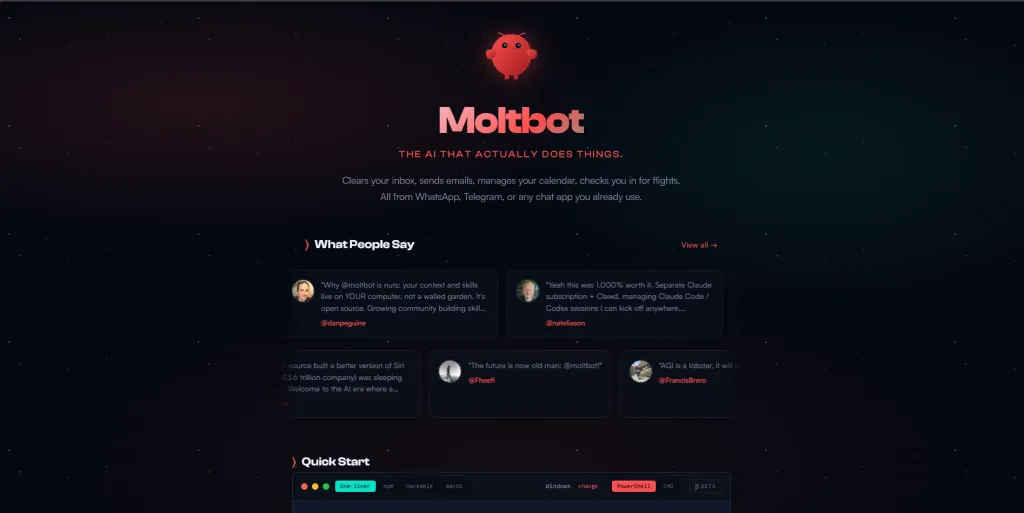
The internet’s latest AI obsession isn’t another chatbot – it’s a digital employee. Originally launched as Clawdbot, the project recently rebranded to Moltbot following a trademark request from Anthropic. Created by developer Peter Steinberger, Moltbot has gone viral because it bridges the gap between talking and doing. While standard AI can tell you how to book a flight, Moltbot can actually open a browser, find the ticket, and fill out the form.
Also read: Smartphones to electronics: Why India-EU FTA is great for Made in India tech
Moltbot is frequently described as “Claude with hands.” Unlike standard AI tools that live in a browser tab and lose context once the session ends, Moltbot is designed for persistence and proactive behavior. It does not wait for a user to type a prompt; instead, it can be scheduled to monitor your emails, provide morning briefings, or alert you to price drops without manual intervention. Because it runs as a local background process on your Mac, Windows, or Linux machine, it maintains a long-term memory of your preferences and past projects that far exceeds the context window of a typical chat interface.
What sets Moltbot apart from its competitors is its ability to operate across multiple communication channels. Users can interact with their personal bot via WhatsApp, Telegram, iMessage, Discord, or Slack, making it feel like a contact in their phone rather than a software application. On the backend, it possesses full system access, allowing it to run terminal commands, manage local files, and execute complex scripts. This is powered by a library of over a hundred community-built skills that allow it to interface directly with platforms like Notion, GitHub, and Gmail.
Also read: From Pegasus to CVE-2025: 3 times WhatsApp faced critical security issues
Moltbot is model-agnostic, meaning the user chooses the “brain” that powers the agent. While it was originally optimized for Claude 3.5 Sonnet due to that model’s high reasoning capabilities, users can easily connect it to GPT-4o or even local models for maximum privacy. This flexibility allows users to balance cost and performance based on their specific needs. By running the agent locally, sensitive data remains on the user’s hardware rather than being processed on a centralized corporate server, which has made it a favorite among privacy-conscious power users.
Because Moltbot is a self-hosted agent, getting started requires more technical engagement than a standard app download. A computer that stays powered on, such as a Mac Mini or a Linux VPS, is ideal for hosting the bot. The installation begins by ensuring Node.js 22 or higher is present on the system, followed by running a dedicated installation script in the terminal. Once the software is installed, an onboarding wizard guides the user through linking their chosen AI API key and connecting their preferred messaging app. For instance, linking WhatsApp involves scanning a QR code similar to the process for WhatsApp Web.
The immense power of Moltbot comes with significant responsibility since the agent has system-level permissions. A malicious prompt injection could theoretically instruct the bot to delete files or leak sensitive information if it is not properly sandboxed. Experts recommend running Moltbot on a dedicated machine or a cloud “droplet” rather than a primary work computer until the user is comfortable managing permissions. Once configured safely, the bot becomes a powerful delegator, capable of scraping websites for data, summarizing unread emails, and managing complex digital workflows through simple text commands.
Also read: India’s 6 GHz opening makes Wi-Fi 6E worthwhile, and Wi-Fi 7 less theoretical