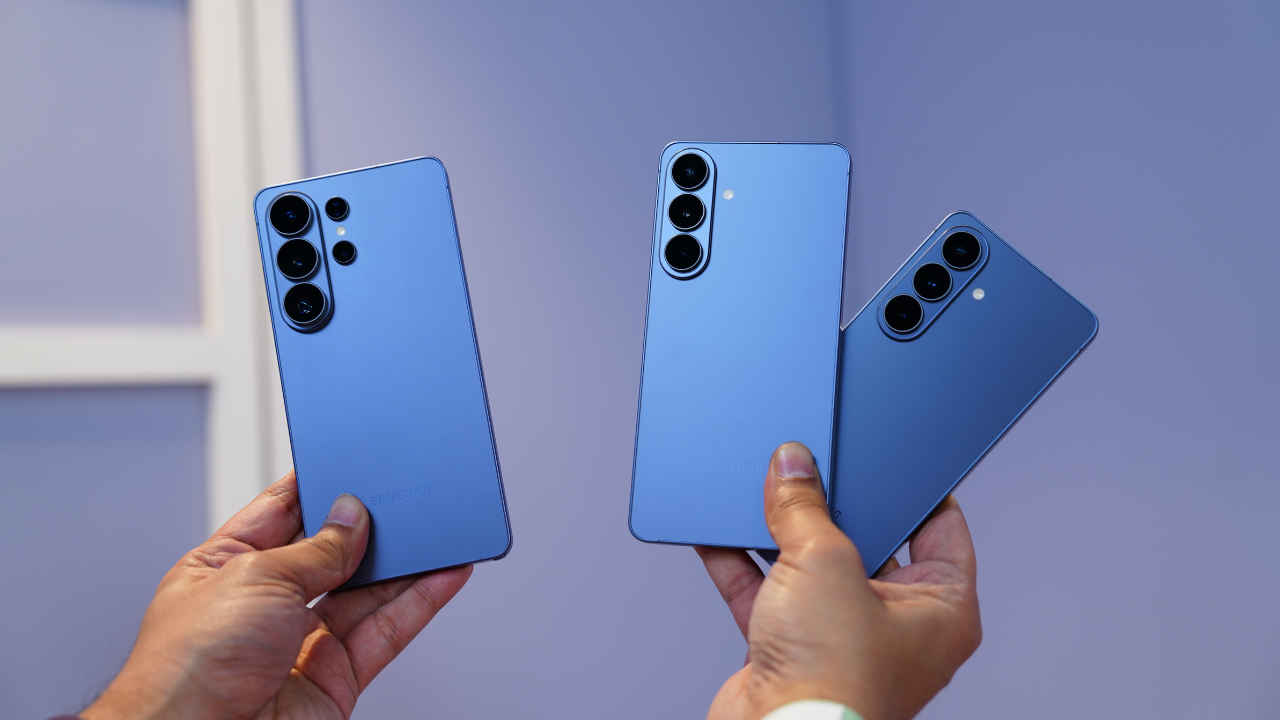
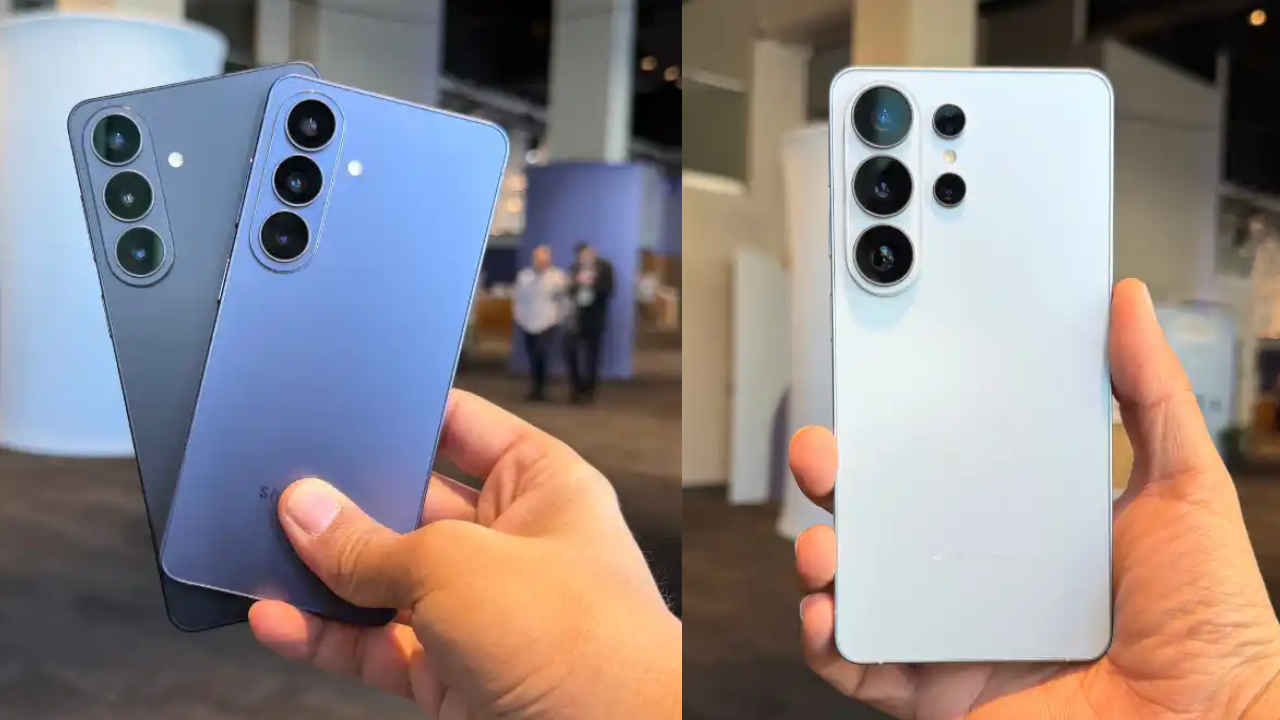
Several Galaxy users have raised concerns about their phone batteries draining much faster after installing the One UI 7 update.
Galaxy S24 and Galaxy Z Fold 6 users, in particular, are seeing a noticeable drop in battery backup after installing the update.
One Galaxy Z Fold 6 user noted that their phone now ends the day with just 20 percent to 25 percent battery left.
Samsung Galaxy S24
Many Samsung Galaxy users are unhappy with the latest One UI 7 update, as it appears to be causing their phone batteries to drain much faster than before. Galaxy S24 and Galaxy Z Fold 6 users, in particular, are seeing a noticeable drop in battery backup after installing the Android 15-based update.
According to a report by Android Police, several users on Samsung’s support forums and Reddit have raised concerns about their phone batteries draining much faster after installing the One UI 7 update. For instance, one Galaxy Z Fold 6 user noted that their phone now ends the day with just 20 percent to 25 percent battery left, compared to 45 percent to 50 percent before the update. Other Galaxy Z Fold 6 and S24 users are also sharing similar experiences.
Also read: Samsung Galaxy Z Flip 7 launch timeline, price, camera and all other leaks
One UI 7 adds features like live notifications, a new Now Bar on the lock screen, and better system animations. However, despite an extended testing period before the official release, some bugs may have slipped through. These bugs could be responsible for the unexpected battery drain.
Some users believe the battery issues might improve over time. Android phones usually use more power right after a major software upgrade because they are busy optimising apps and settings in the background. This process can take a few days to complete. As a result, it’s suggested to wait at least a week to see if the battery life gets better.
Also read: Apple iPhone 17 series coming this September, but 2026 may change how iPhones launch
There are also a few tips going around that might help. For example, clearing the app cache through recovery mode and waiting for the phone for two weeks to learn your usage patterns. If that doesn’t work, performing a factory reset might help. Hopefully, Samsung will fix this issue with future updates.